Smoke Background Portrait Generator
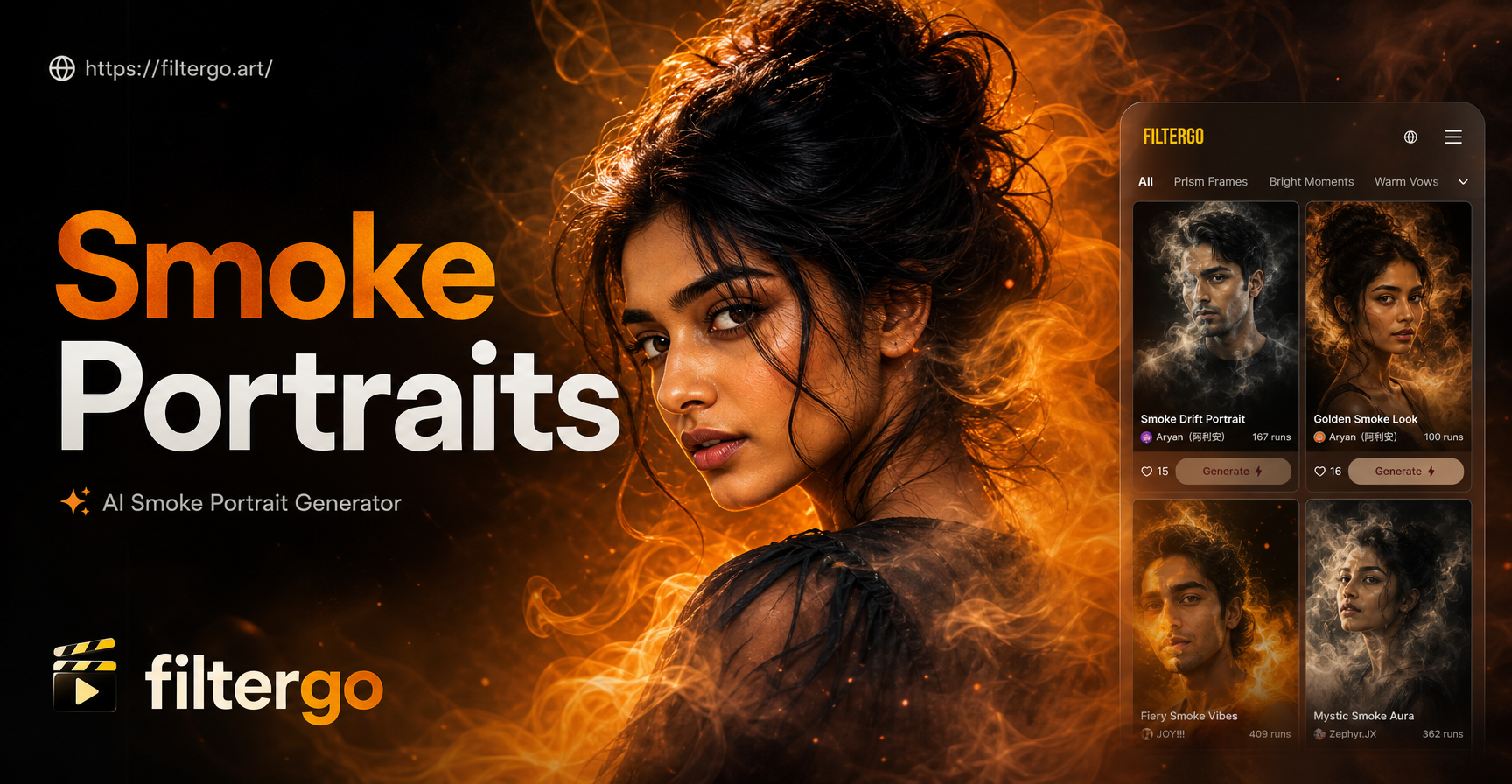
Explore Our Top Smoke & Atmosphere Effects
Discover the perfect filter to add drama, mystery, or a soft glow to your portraits. From billowing smoke to subtle mist, find the ideal style for your photo.
Why Our Smoke Portrait Generator Stands Out
Our AI tool is built to deliver photorealistic and artistic smoke backgrounds with unprecedented ease and control. Go beyond basic filters.
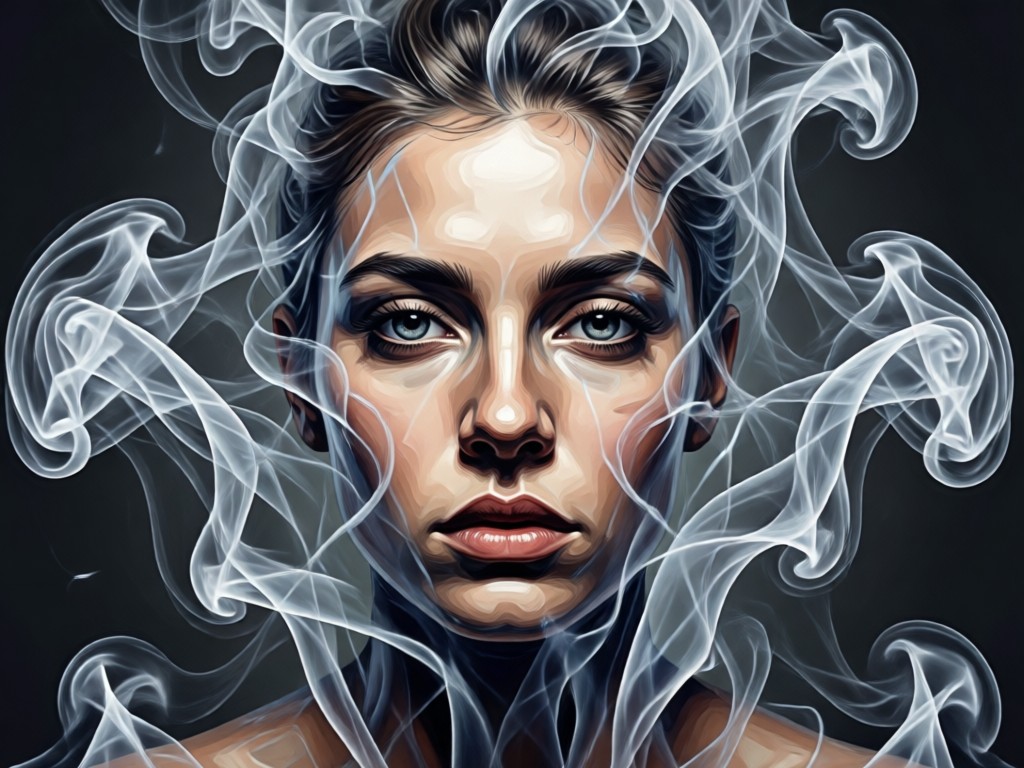
Realistic Smoke Physics
Our AI understands how smoke moves and interacts with light. It generates wisps, billows, and tendrils that wrap naturally around your subject, creating a believable smoky portrait effect.
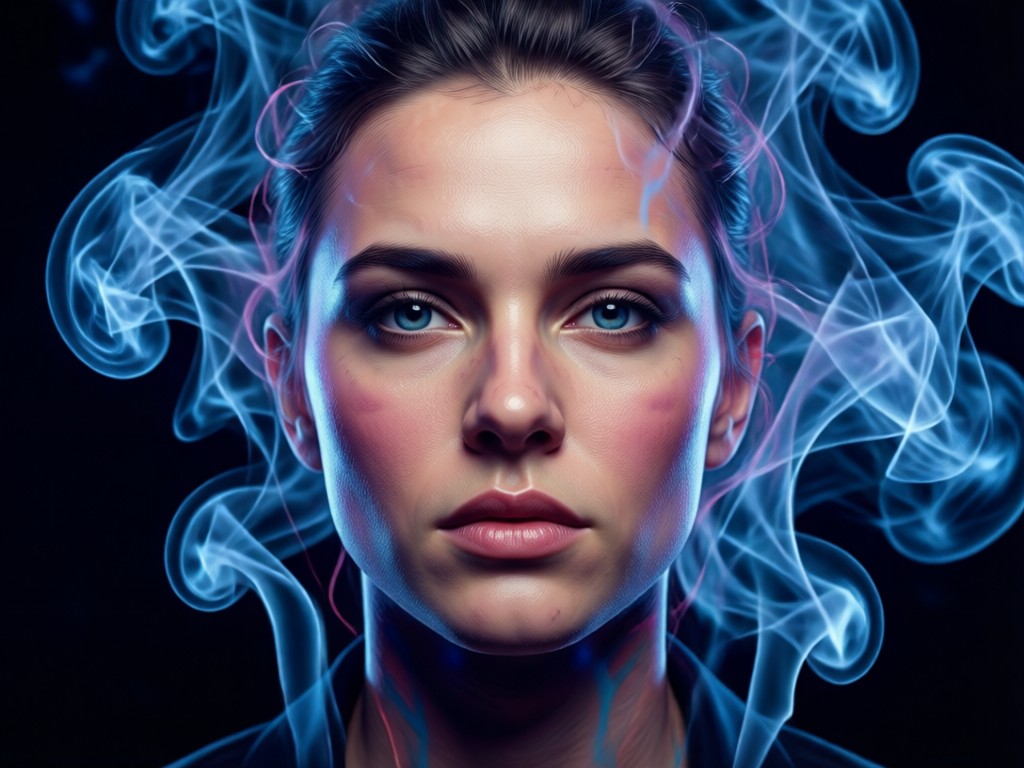
Full Customization Control
Adjust the density, color, and direction of your smoke background. Choose from cool grays, warm oranges, or even colored smoke to match the mood of your original photo perfectly.
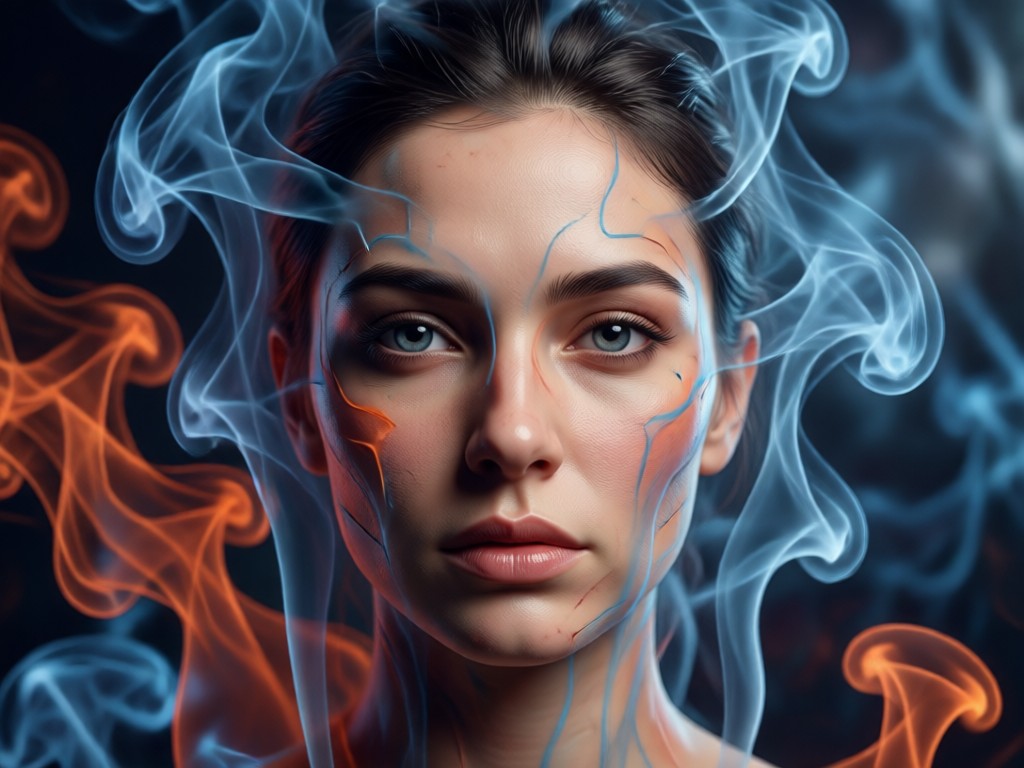
Subject-Aware Blending
The AI intelligently places smoke behind and around your subject without obscuring important facial features. It creates a seamless composite, making the smoke background photo look like it was shot professionally.
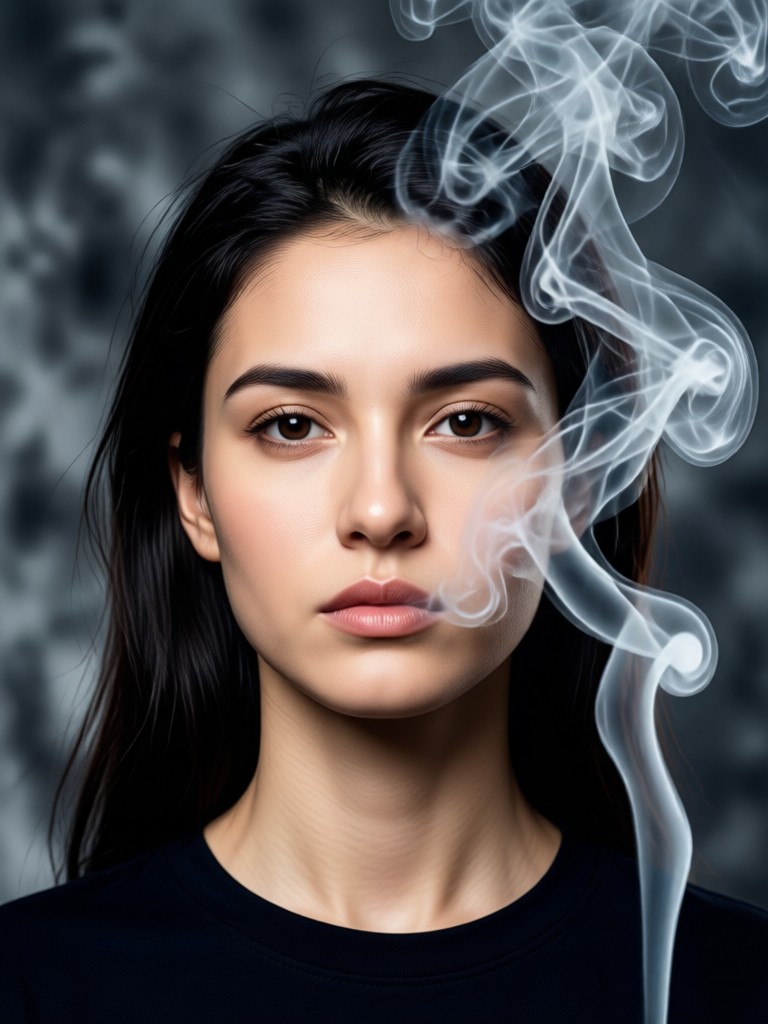
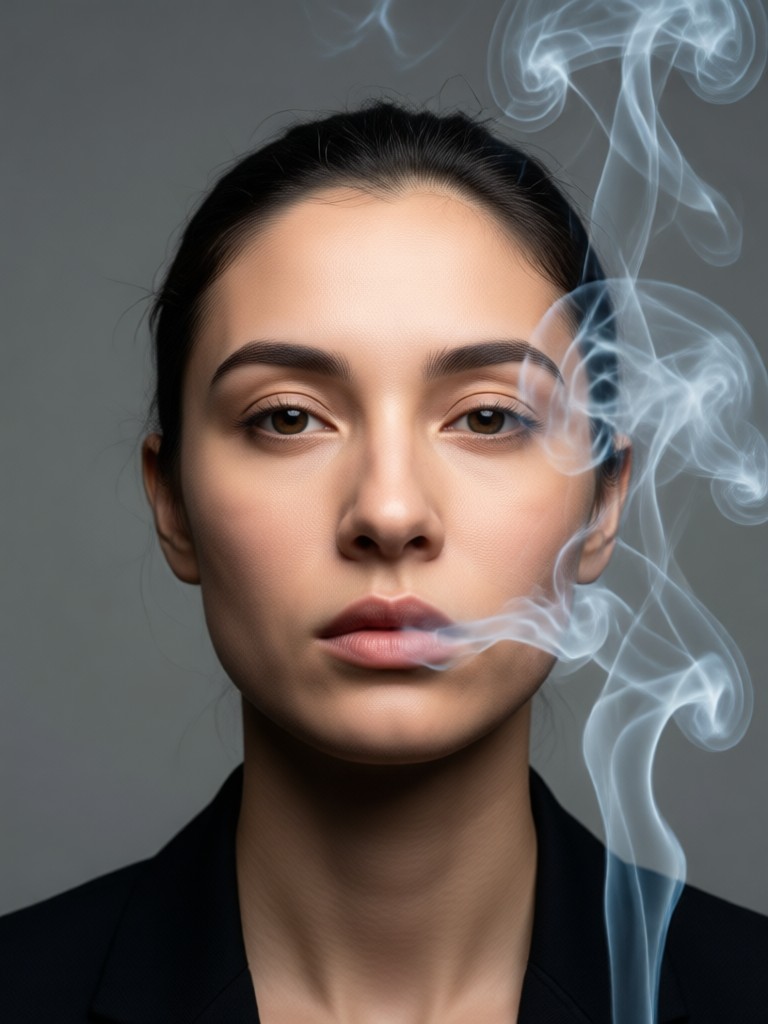
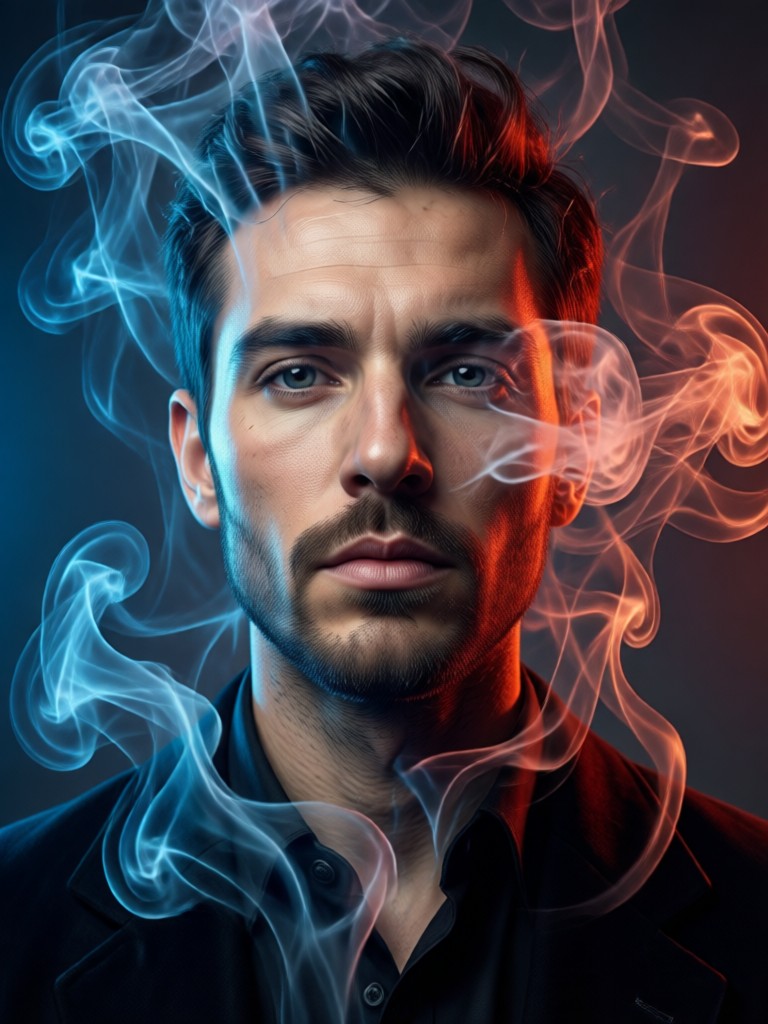
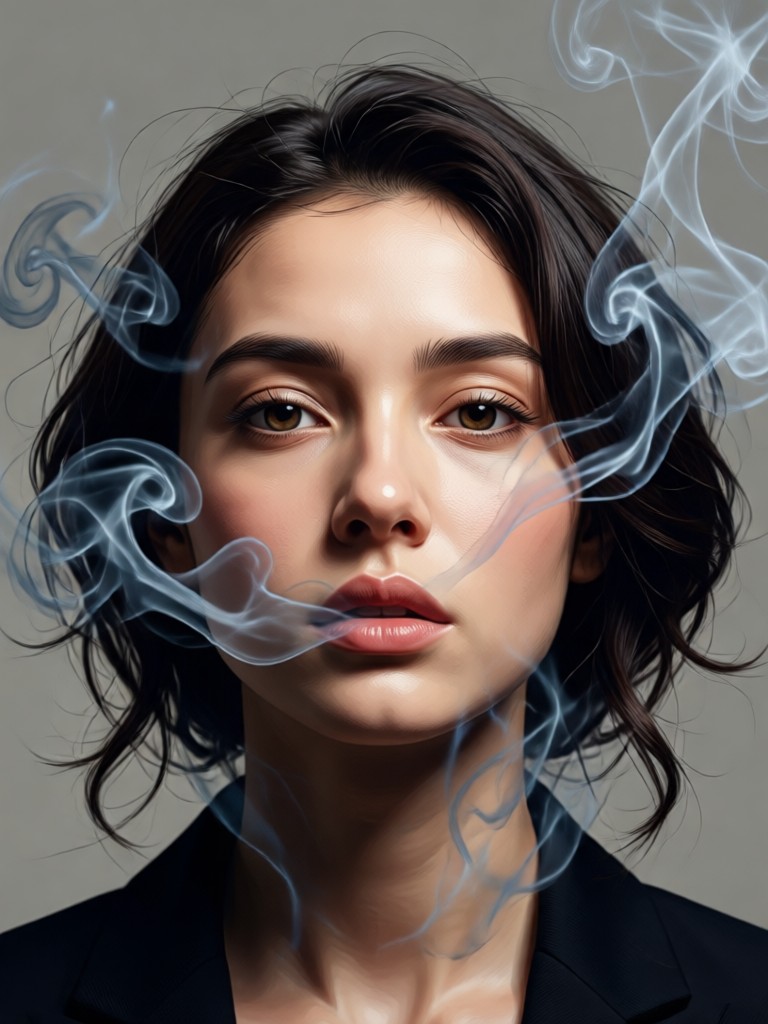
Smoke Portrait Inspiration Gallery
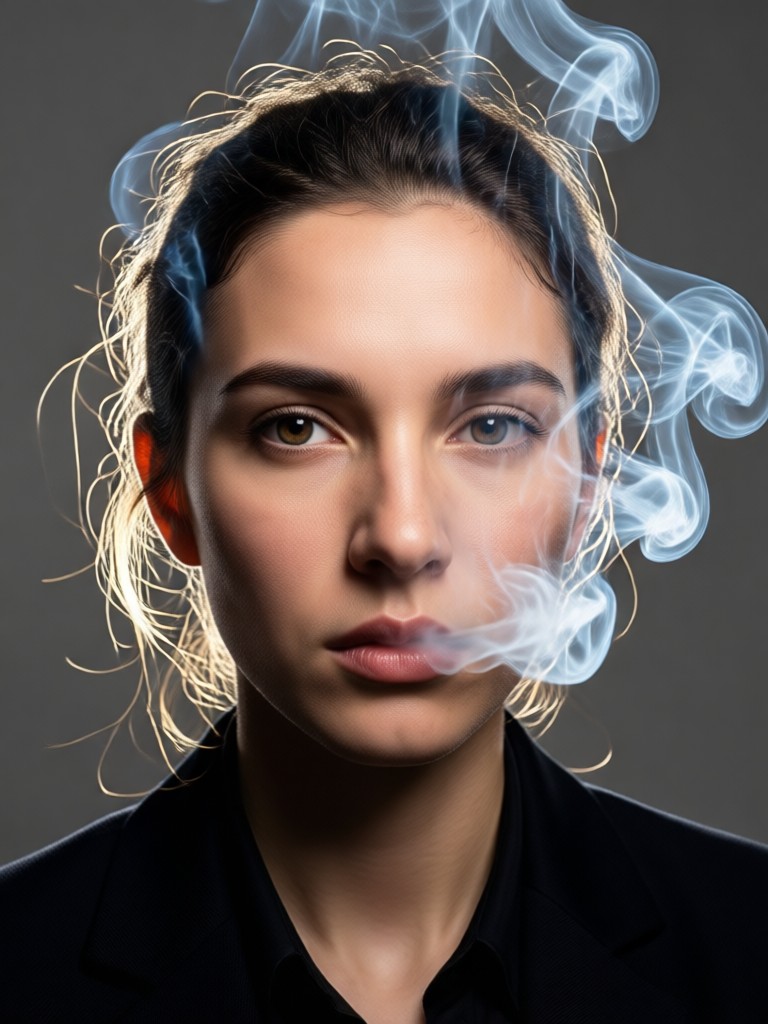
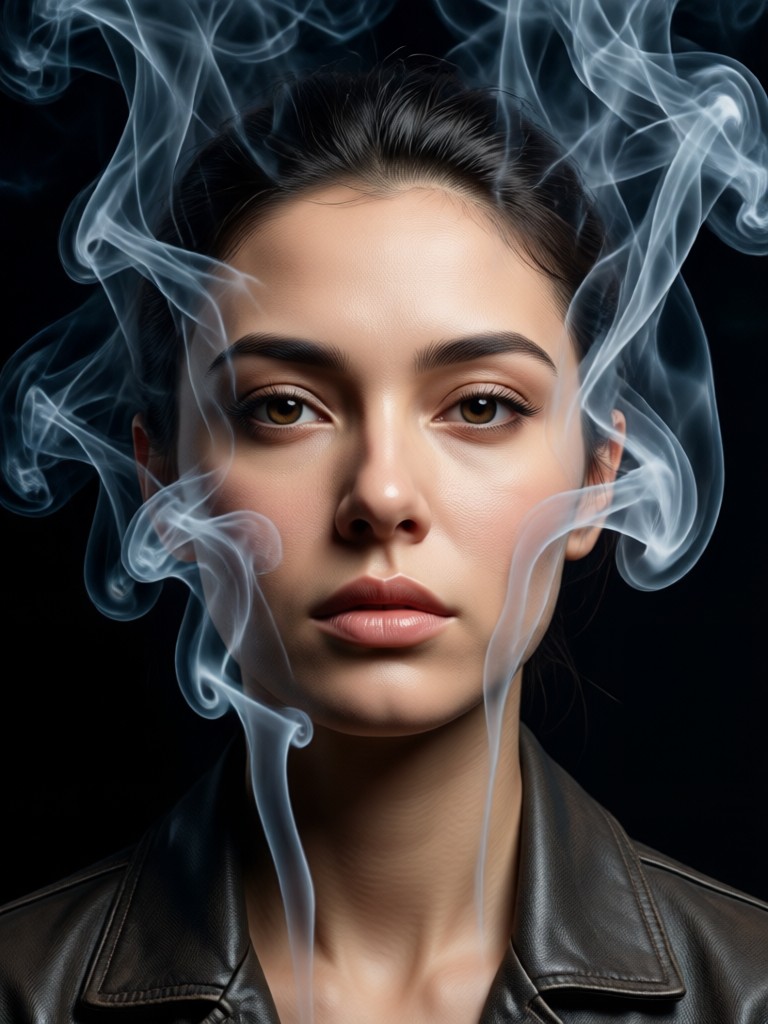
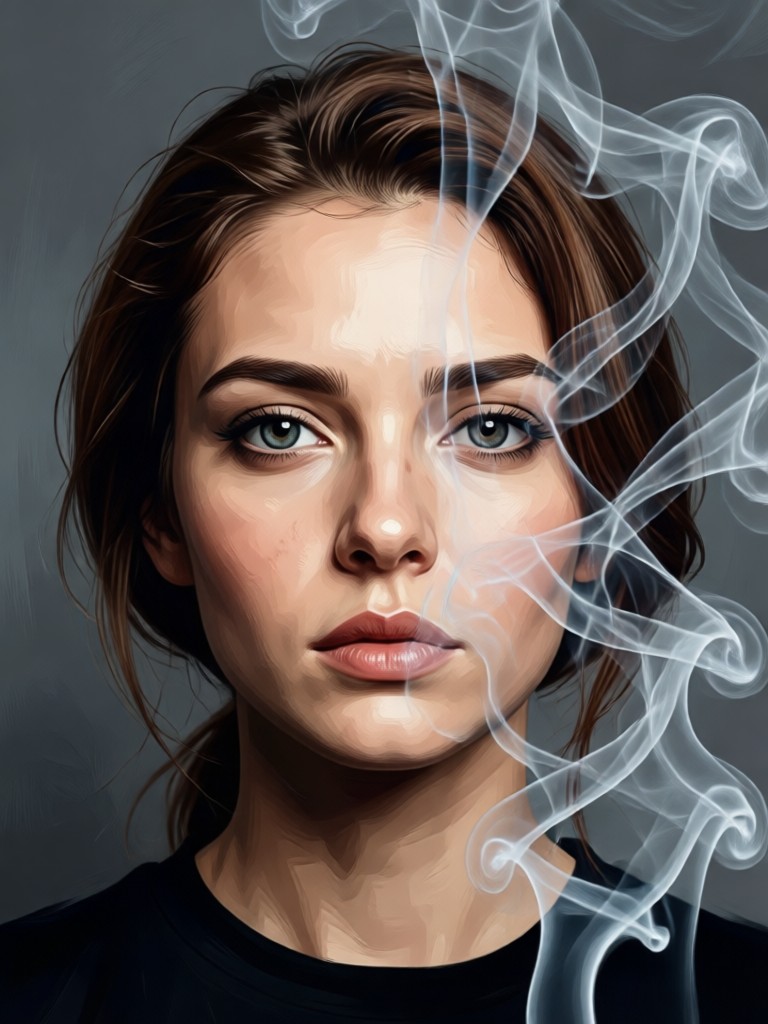
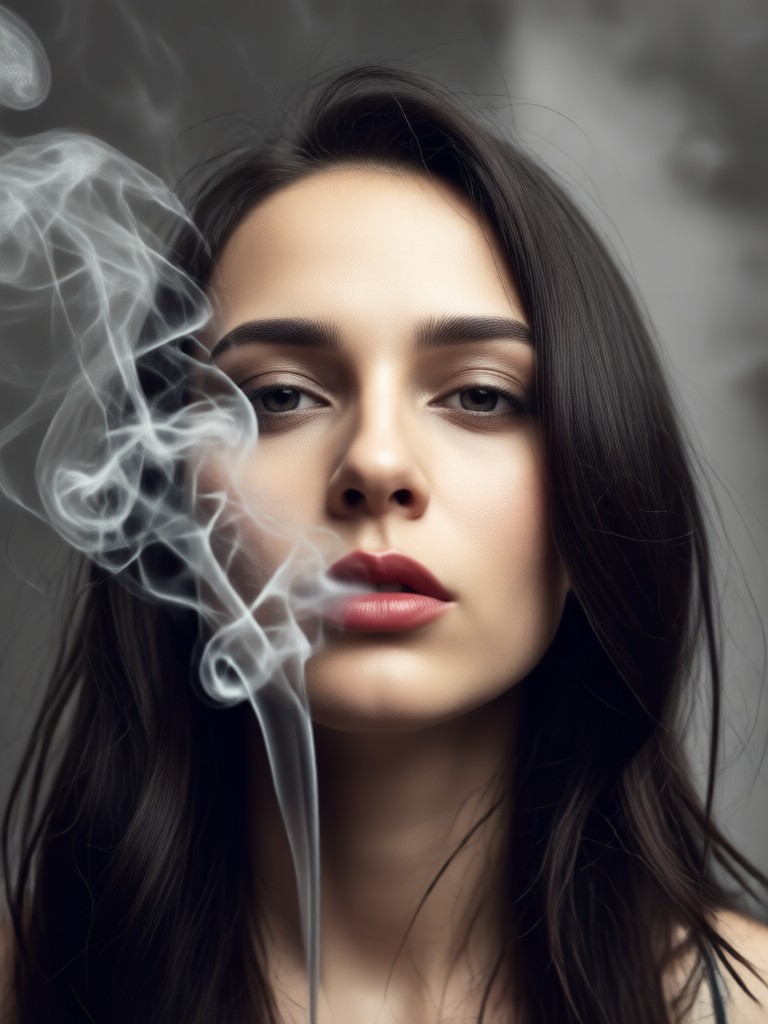
See the transformative power of AI smoke effects. Browse these stunning before-and-after examples to visualize what you can create with your own photos.
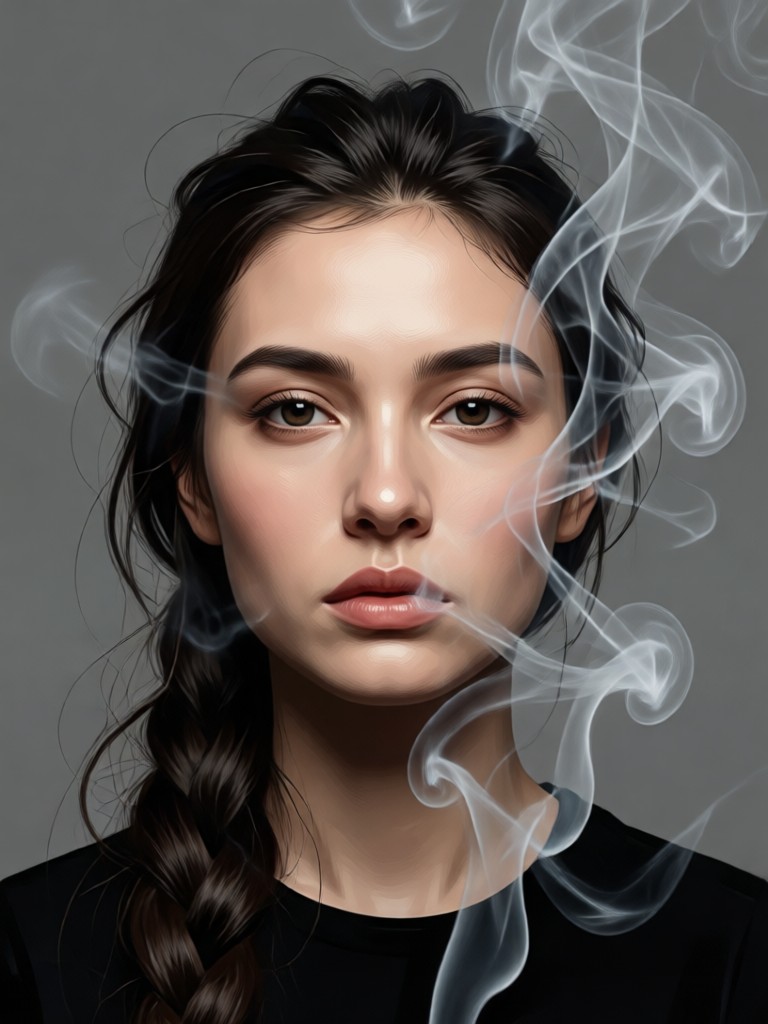
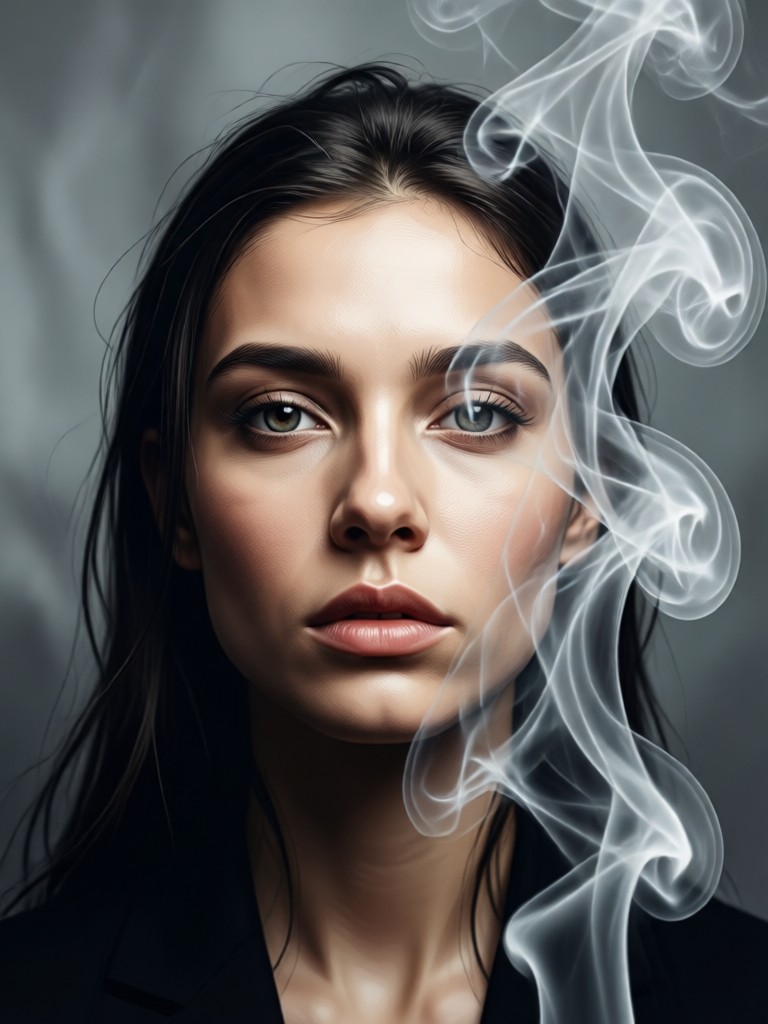
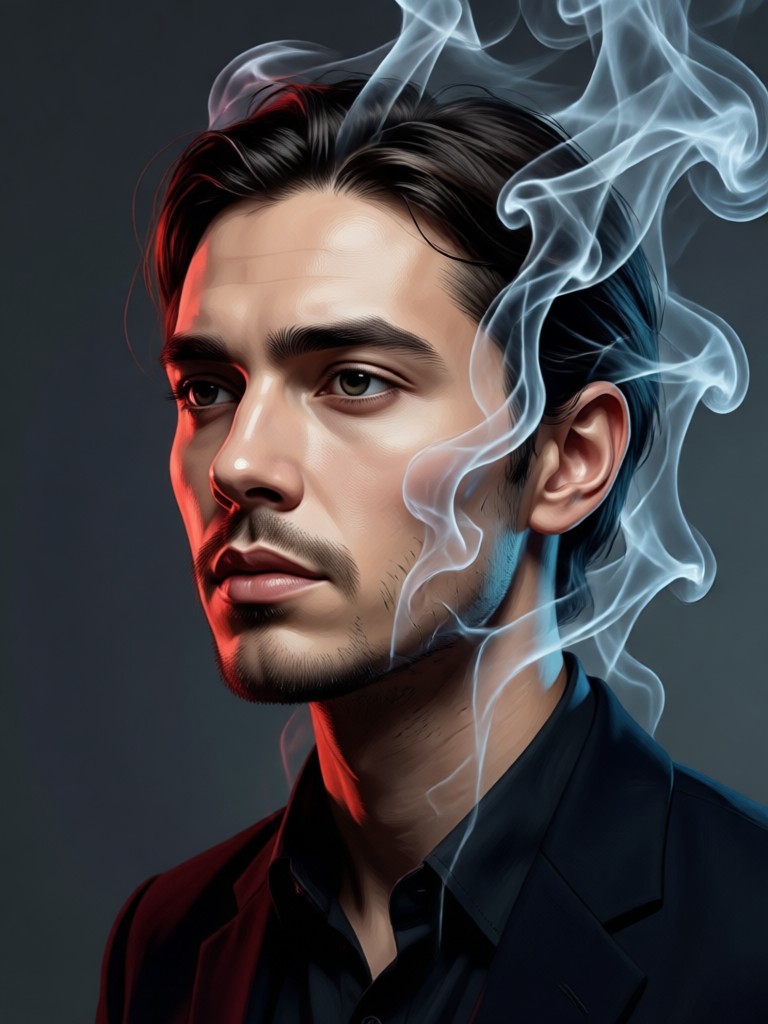
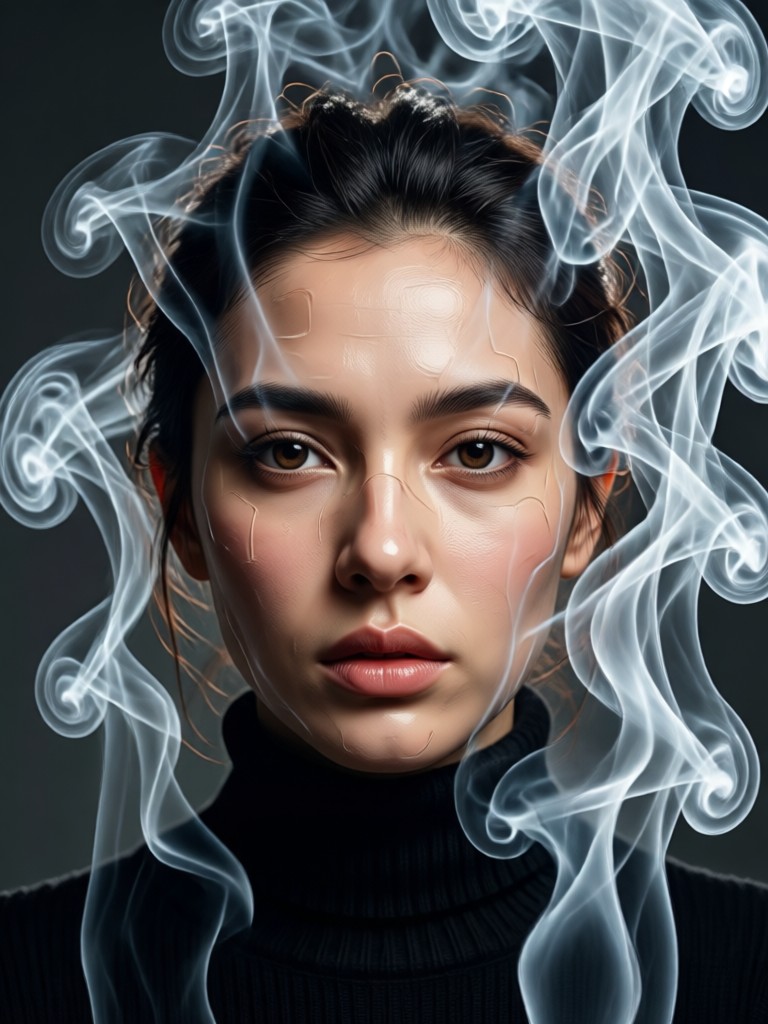
How to Create a Smoke Background Portrait in 3 Steps
Transform any photo into a smoky masterpiece in under a minute. Follow these simple steps using the filtergo mobile app.

Step 01.
Download the free filtergo app from Google Play. Open it and tap the upload button to select a clear portrait photo from your gallery.

Step 02.
Navigate to the 'Effects' or 'Portrait' section and browse our smoke filters. Select one, like 'Ethereal Smoke' or 'Dramatic Mist', and preview it on your photo.

Step 03.
Use the adjustment sliders to fine-tune the smoke intensity and color. When you're happy, tap 'Generate'. Your AI smoke portrait is ready to save and share instantly.
Creators Love Our Smoke Portrait Generator
Transformed my portrait photography portfolio
I needed a way to add drama to my studio shots without expensive smoke machines. This AI generator gives me perfect, controllable smoke every time. Clients are amazed by the results.
My secret weapon for Instagram aesthetics
My feed needed a cohesive, moody look. The smoke background photo effects are incredible for creating that atmospheric vibe. It's so easy to get a professional edit in seconds.
Brings my digital character art to life
Adding magical or environmental effects to character portraits used to take hours in Photoshop. Now I can generate a perfect smoky portrait effect in the app and focus on the art itself.
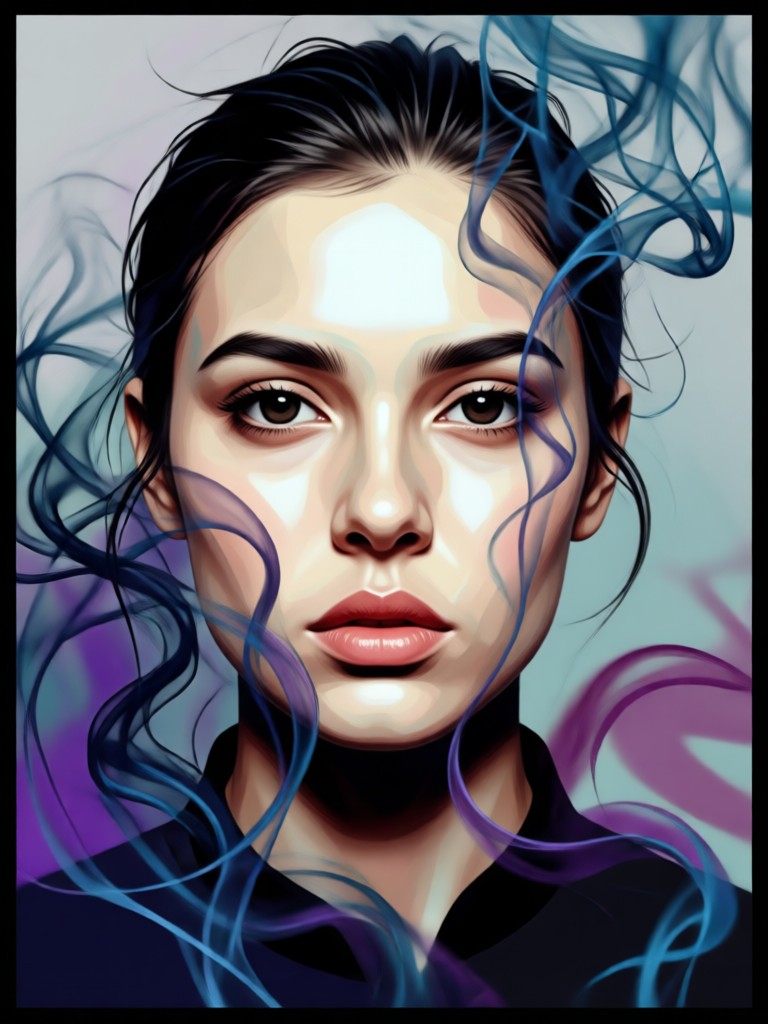
Create Anywhere, Anytime
Your powerful smoke portrait generator fits in your pocket. Download filtergo on Google Play and turn your photos into art on the go.

Smoke Portrait Generator FAQs
Get quick answers to the most common questions about creating stunning AI smoke backgrounds for your portraits.
More AI Photo Effects You May Like
Explore more topics you may like and discover fresh ideas tailored to your interests.
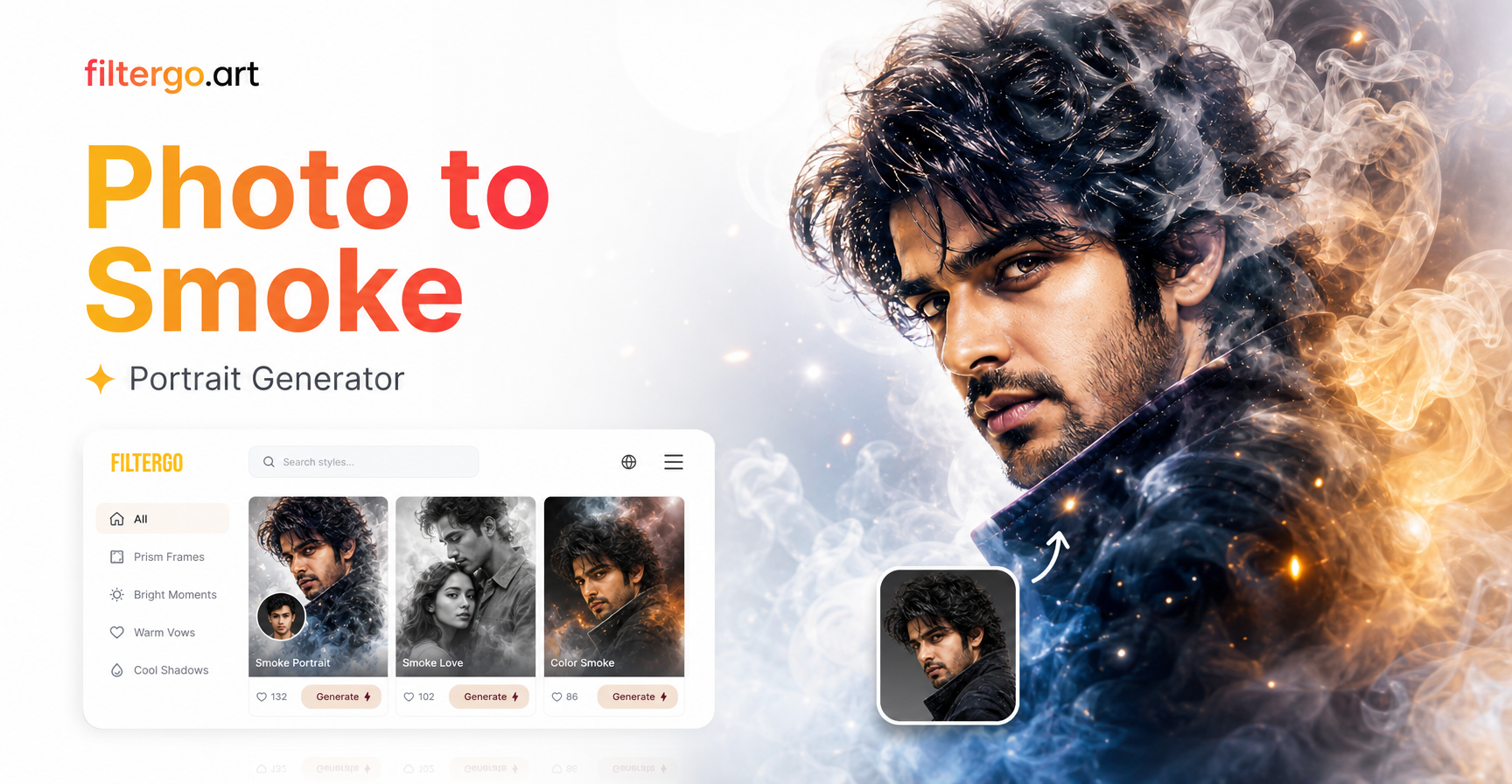
Smoke Portrait Effect: Transform Your Photos with AI
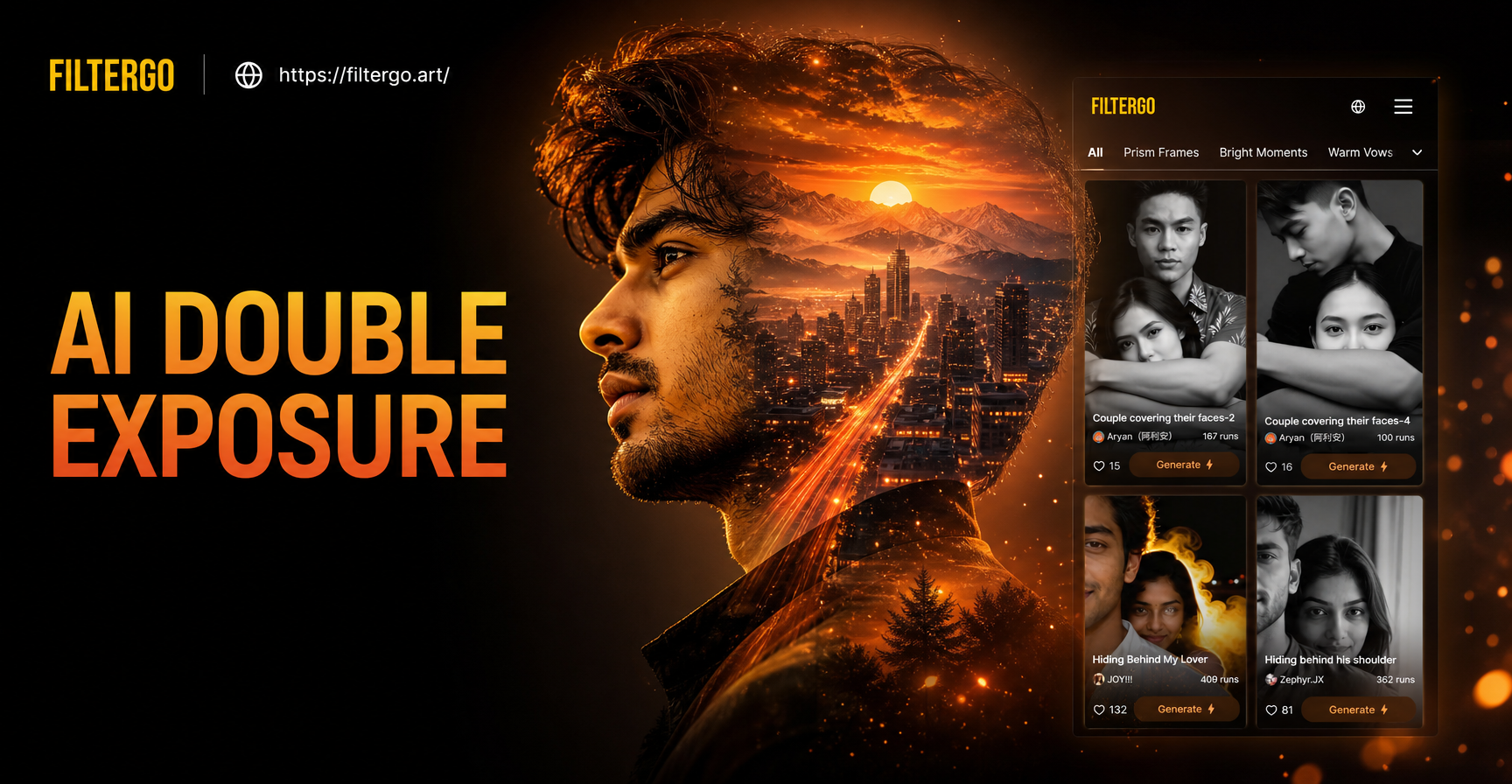
AI Double Exposure Portrait Maker | Create Artistic Photo Blends
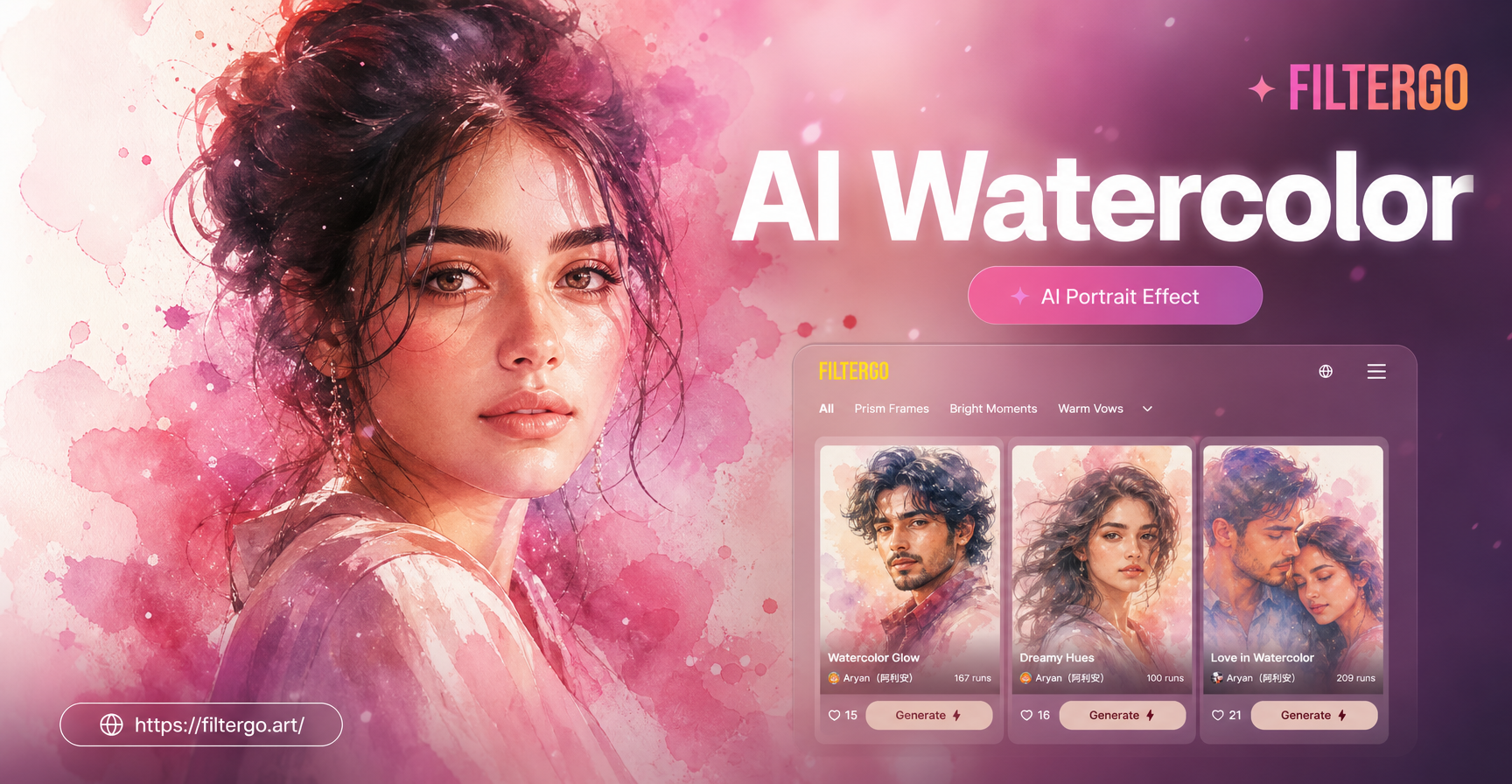
Transform Photos into Watercolor Art with AI
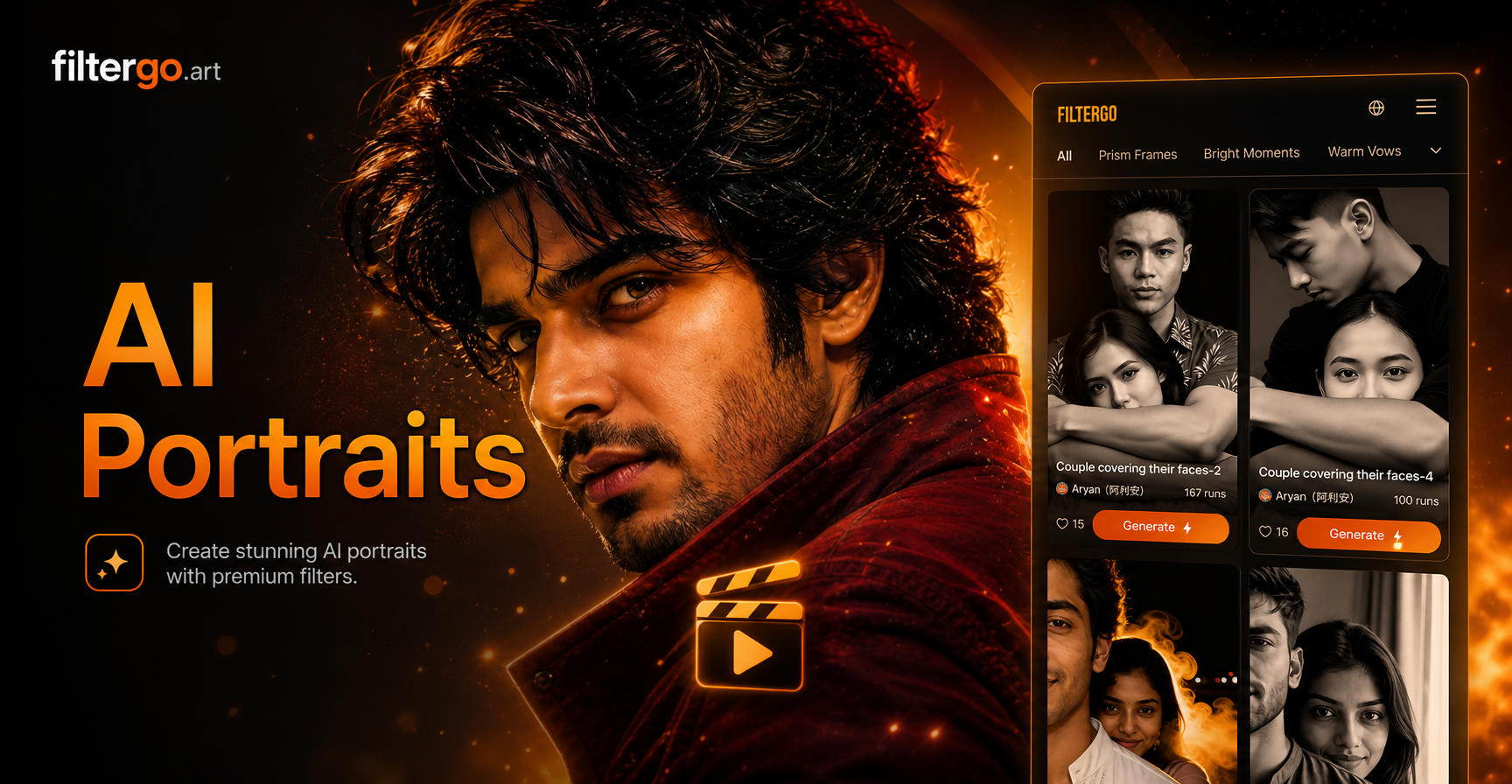
AI Red Black Portrait: Dramatic Monochrome Style
Smoke Portrait Effect: Transform Your Photos with AI
AI Double Exposure Portrait Maker | Create Artistic Photo Blends
Transform Photos into Watercolor Art with AI
AI Red Black Portrait: Dramatic Monochrome Style
Ready to Create Your Smoke Masterpiece?
Stop imagining and start creating. Download filtergo now and discover how easy it is to generate breathtaking smoky portrait effects that will captivate any audience.

Ready to Create Your Smoke Masterpiece?
Stop imagining and start creating. Download filtergo now and discover how easy it is to generate breathtaking smoky portrait effects that will captivate any audience.