AI Red Black Portrait
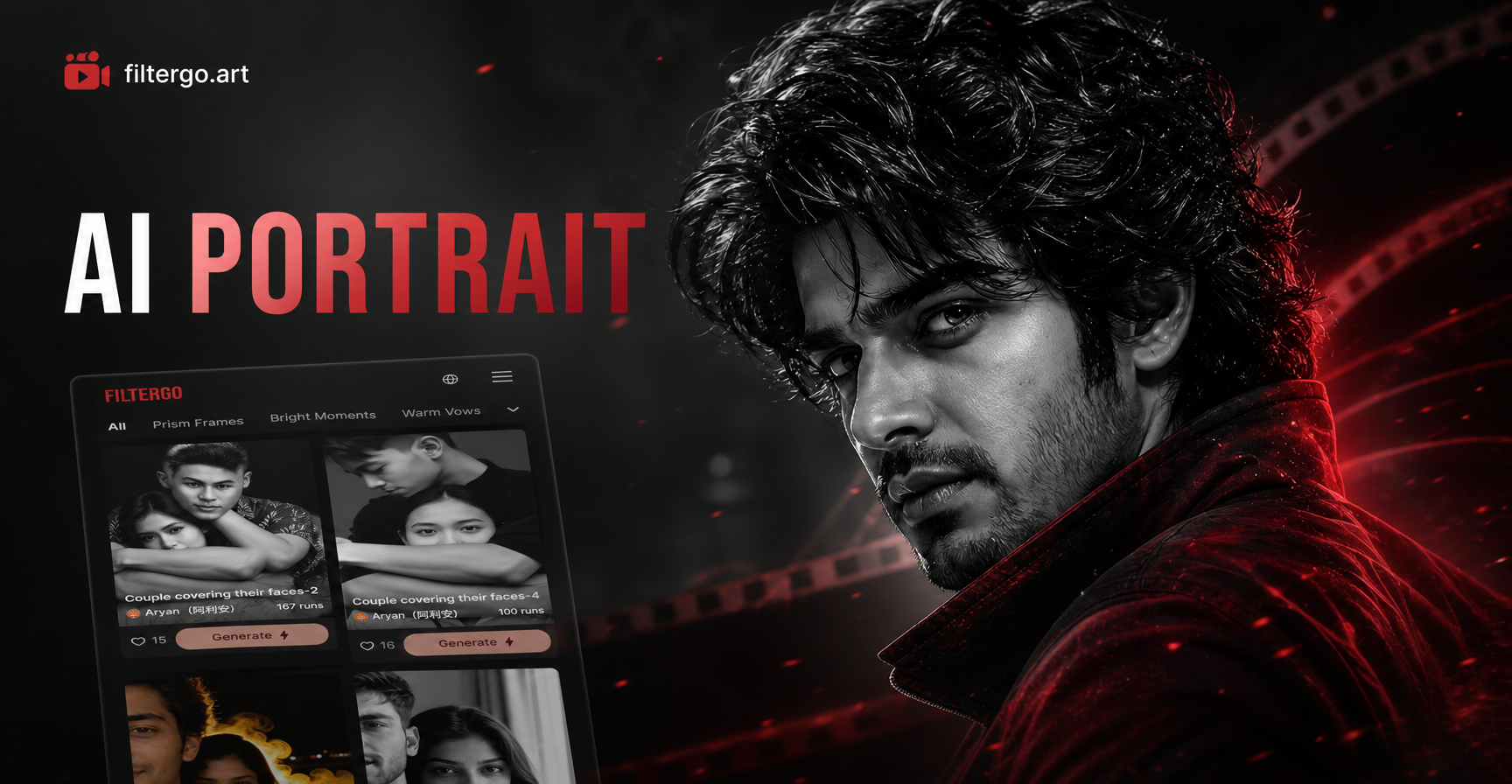
Explore Dramatic Monochrome Filters
Discover our collection of AI powered red and black portrait filters. Each style offers unique contrast levels, texture details, and artistic interpretations of the classic monochrome look.
Why Choose AI Red Black Portrait
Our AI red and black portrait technology goes beyond simple filters. It intelligently maps colors, enhances shadows, and applies artistic lighting to create truly captivating monochrome images.
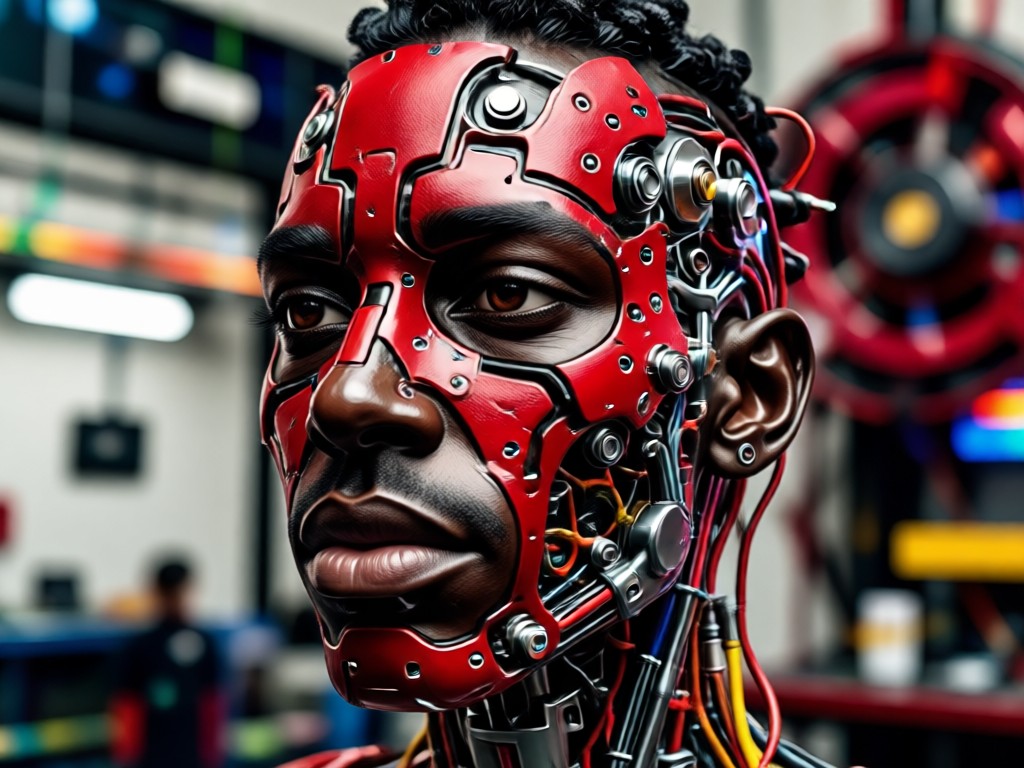
Intelligent Color Mapping
AI doesn't just desaturate. It intelligently converts your photo's color palette into rich red and black tones, preserving depth and emotion while creating a dramatic new look.
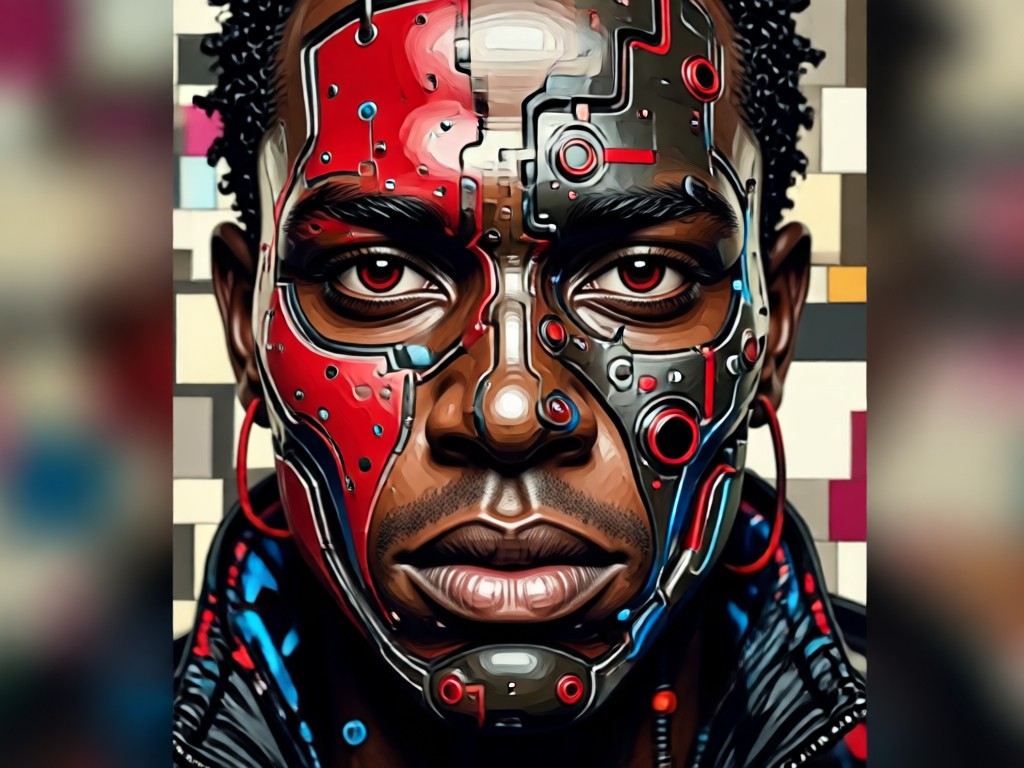
Dynamic Contrast Enhancement
Automatically analyzes and enhances contrast to make your red and black portrait pop. Highlights become vibrant reds, shadows become deep, intense blacks for maximum visual impact.
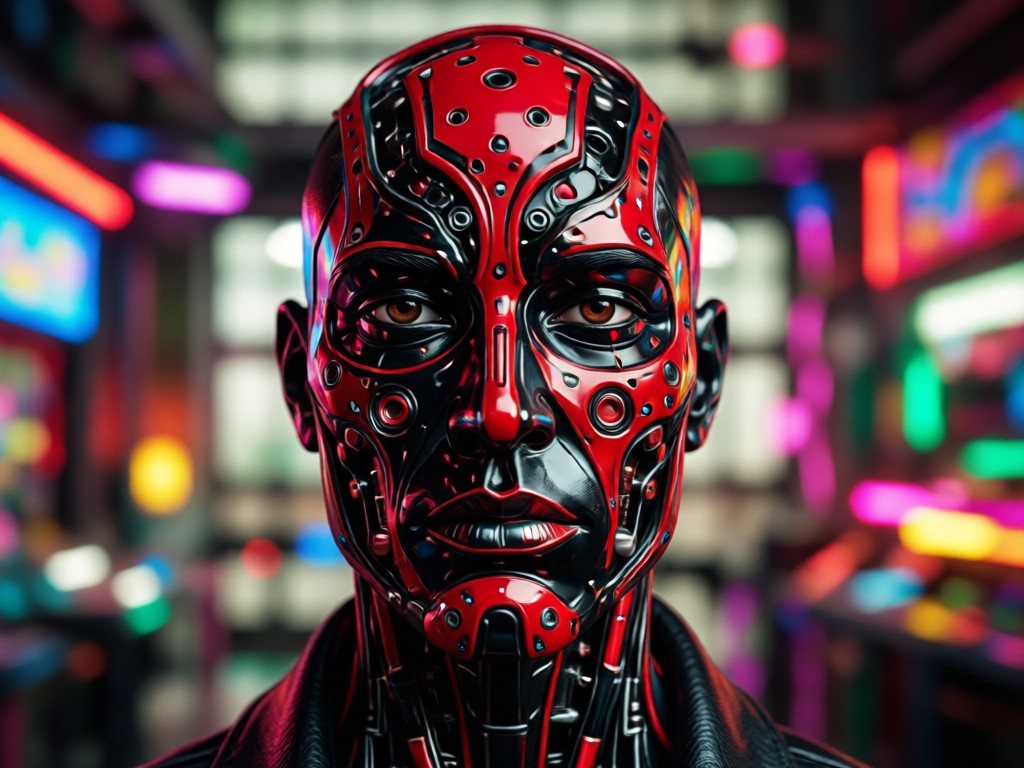
Artistic Texture Application
Apply subtle artistic textures that complement the red and black theme. Choose from film grain, painterly strokes, or sleek digital finishes to match your creative vision.
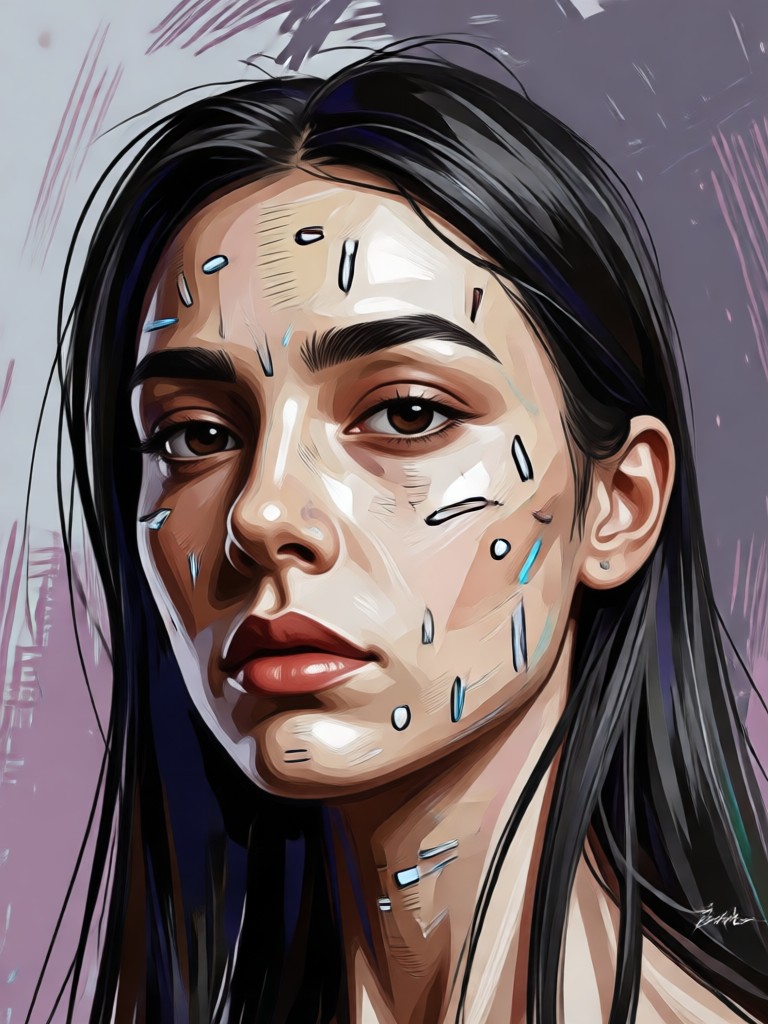
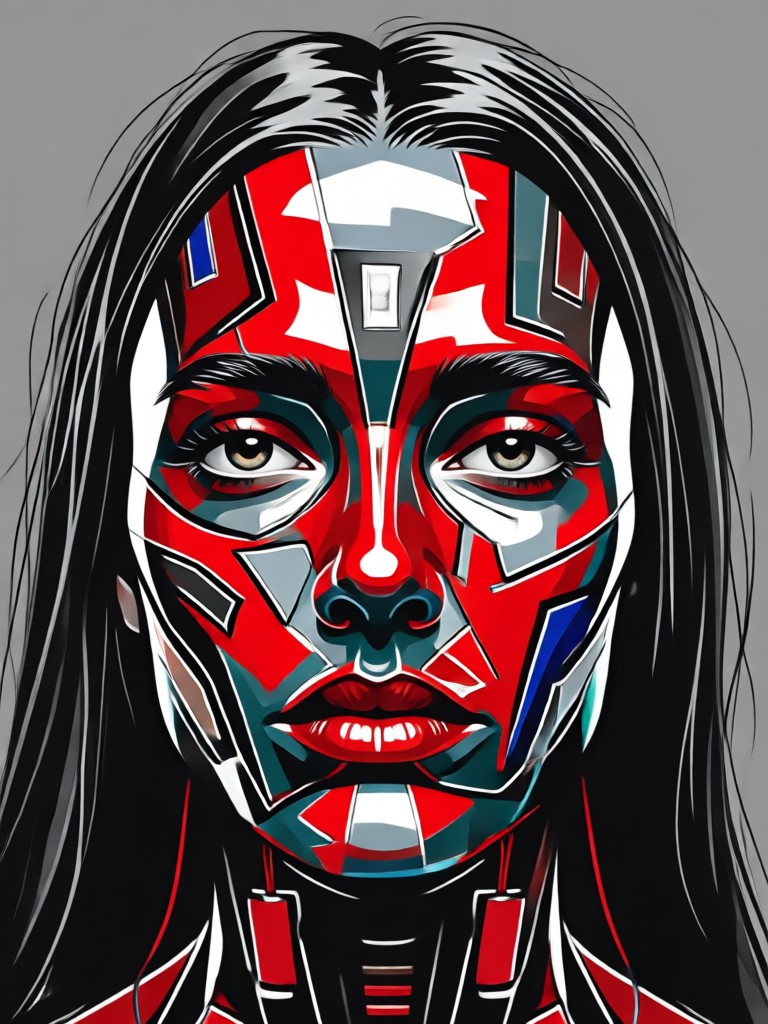
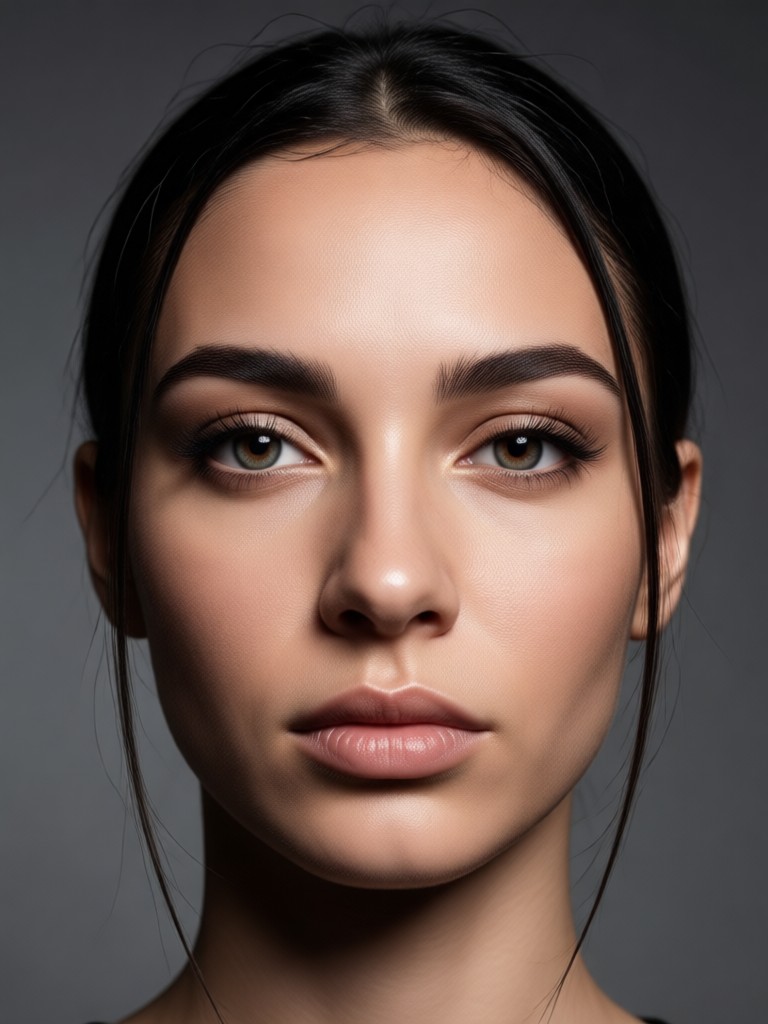
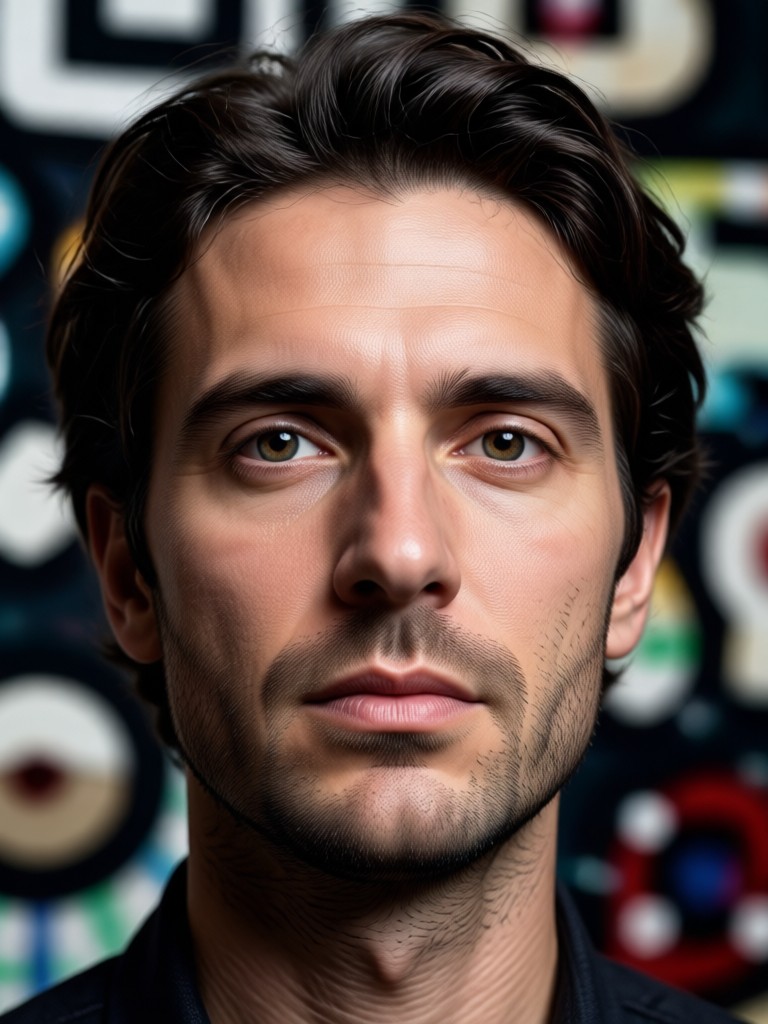
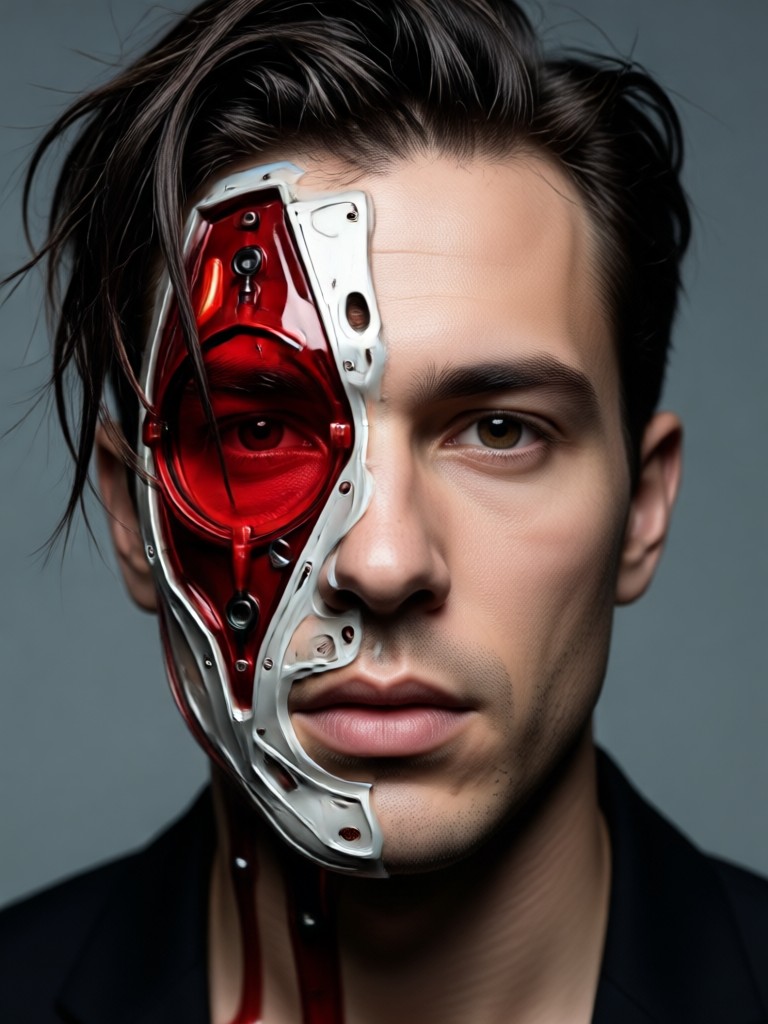
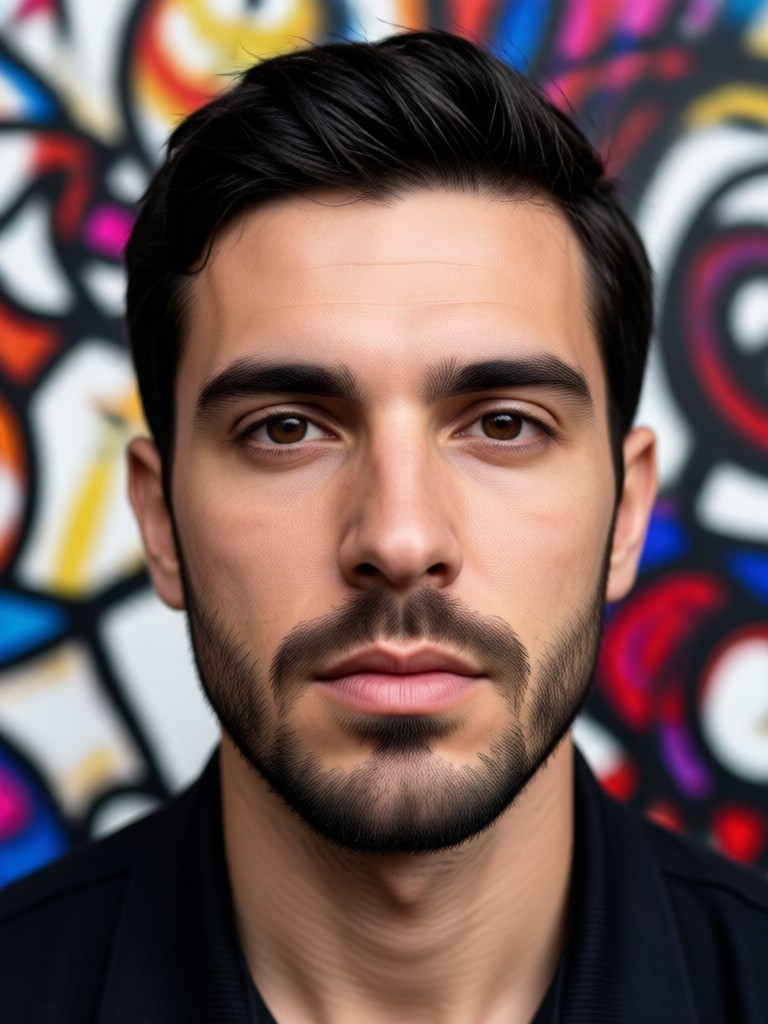
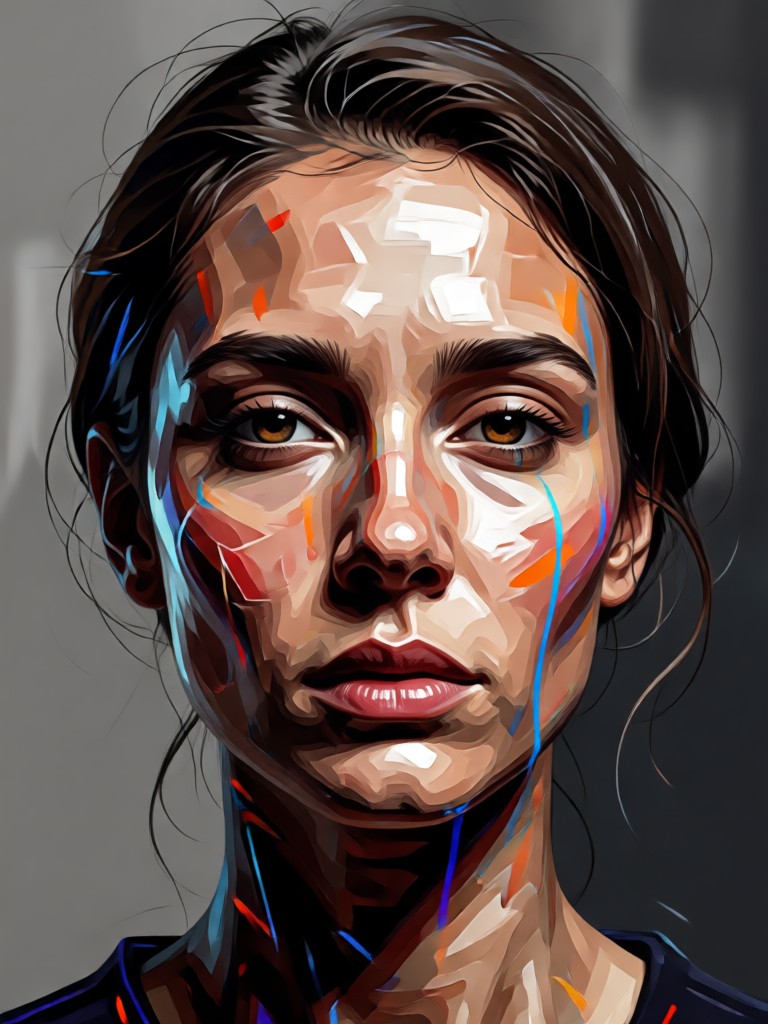
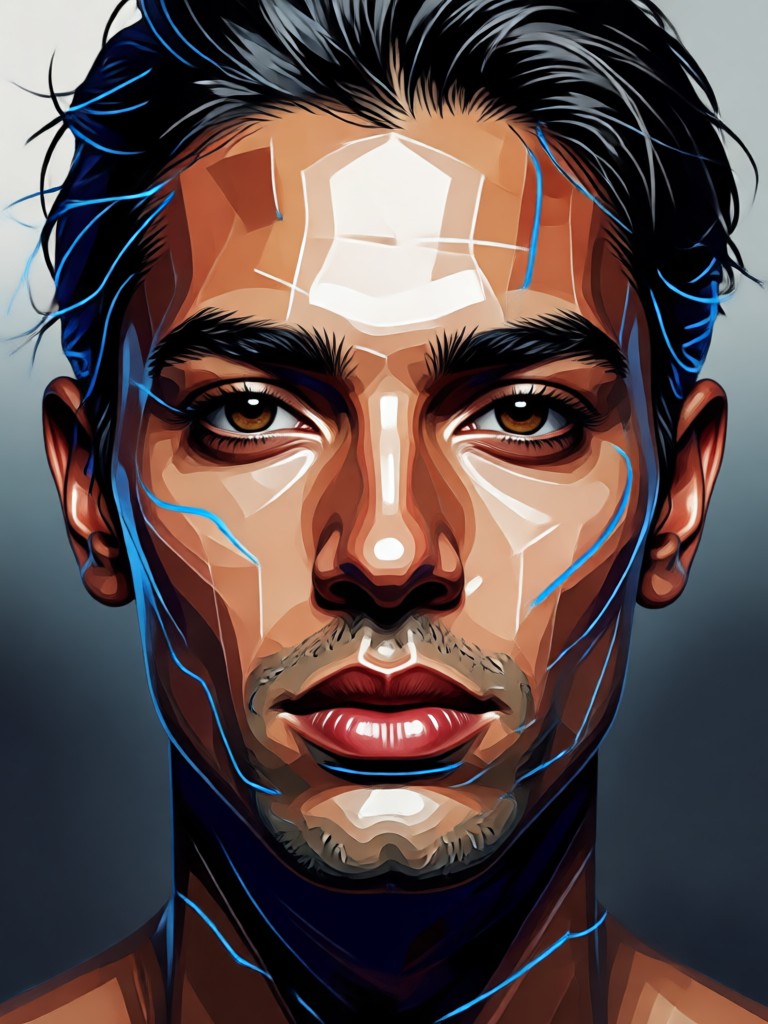
AI Red Black Portrait Gallery
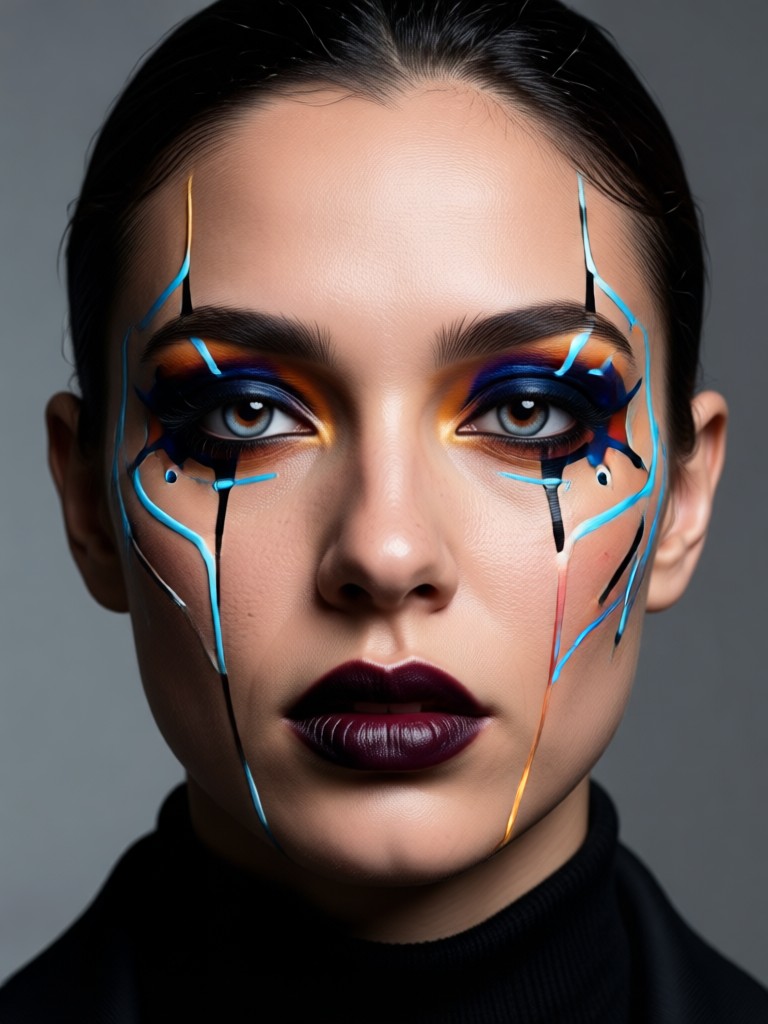
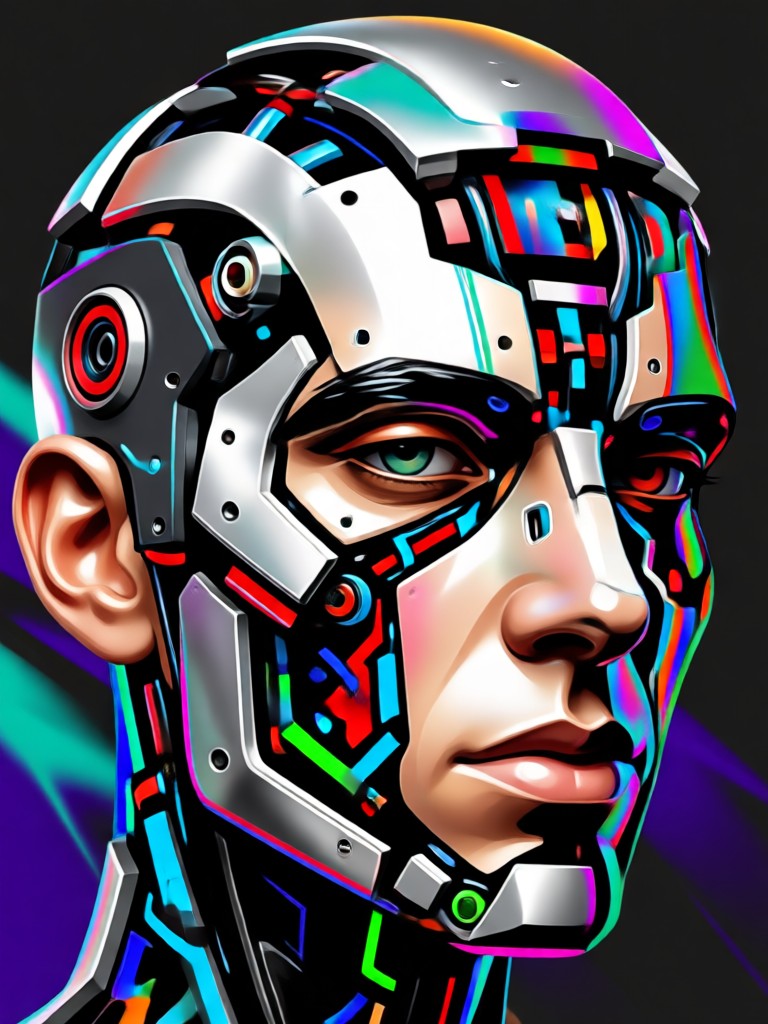
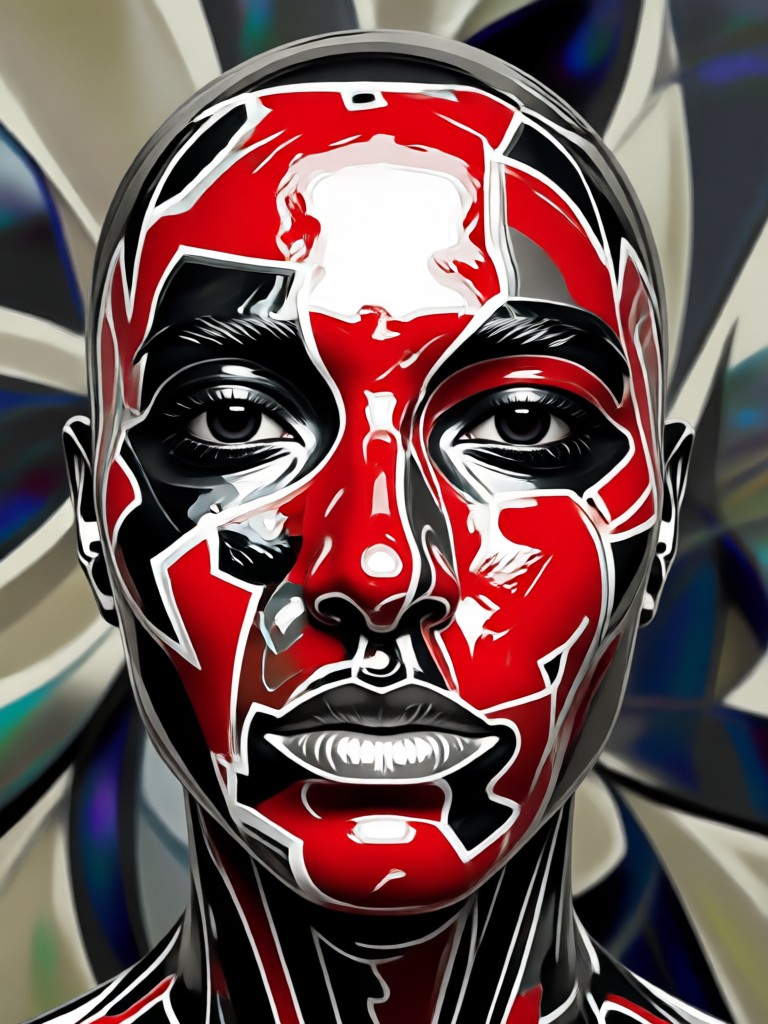
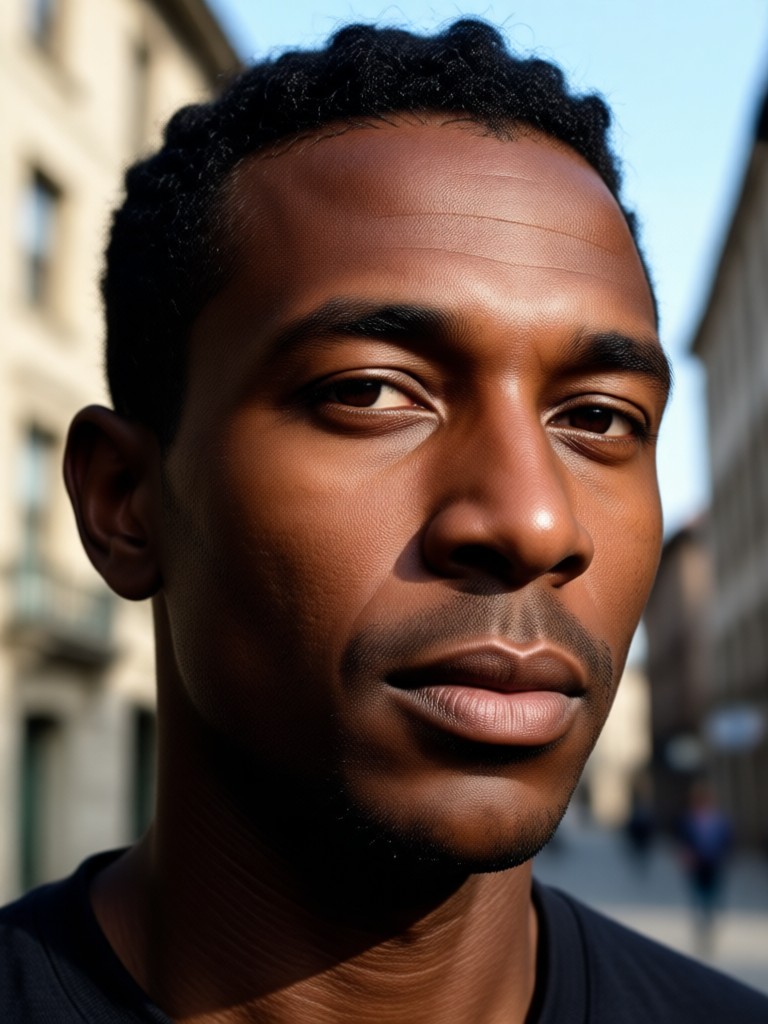
Browse stunning examples of AI generated red and black portraits. See how ordinary photos transform into dramatic monochrome art with varying styles, intensities, and artistic interpretations.
How to Create AI Red Black Portraits
Create stunning red and black AI portraits in just three simple steps with filtergo. No technical skills or photo editing experience required.

Step 01.
Download the filtergo app from Google Play Store. The app is completely free to download and offers instant access to all AI portrait filters.

Step 02.
Select the red and black portrait filter from our extensive collection. You can preview different intensity levels and style variations before applying.

Step 03.
Upload your photo and watch AI transform it instantly. Download your dramatic red and black portrait and share it directly to social media platforms.
What Users Say About AI Red Black Portraits
Perfect for my photography portfolio
As a portrait photographer, I needed dramatic images for my new website. The AI red and black filter created stunning monochrome versions of my work that clients absolutely love. The depth and contrast are professional quality.
Transformed my social media presence
My Instagram feed needed a cohesive aesthetic. I applied the red black portrait filter to all my profile pictures and post images. Now I have a distinctive, artistic look that gets compliments daily. The AI understands lighting perfectly.
Incredible tool for artists
I use these AI red black portraits as reference material for my paintings. The dramatic lighting and color reduction help me study form and shadow without color distraction. It's become an essential part of my creative process.
What Makes a Great Red Black Portrait
A successful red and black portrait balances intense contrast with preserved detail. Our AI analyzes facial features, lighting direction, and emotional expression to apply the monochrome effect where it enhances rather than overwhelms. The result maintains personality while achieving dramatic visual impact.
AI Red Black Portrait FAQ
Find answers to common questions about creating stunning red and black AI portraits. Learn how to achieve the best results and make the most of our monochrome filters.
More AI Portrait Styles You May Like
Explore more AI portrait filters and discover new artistic styles for your photos.
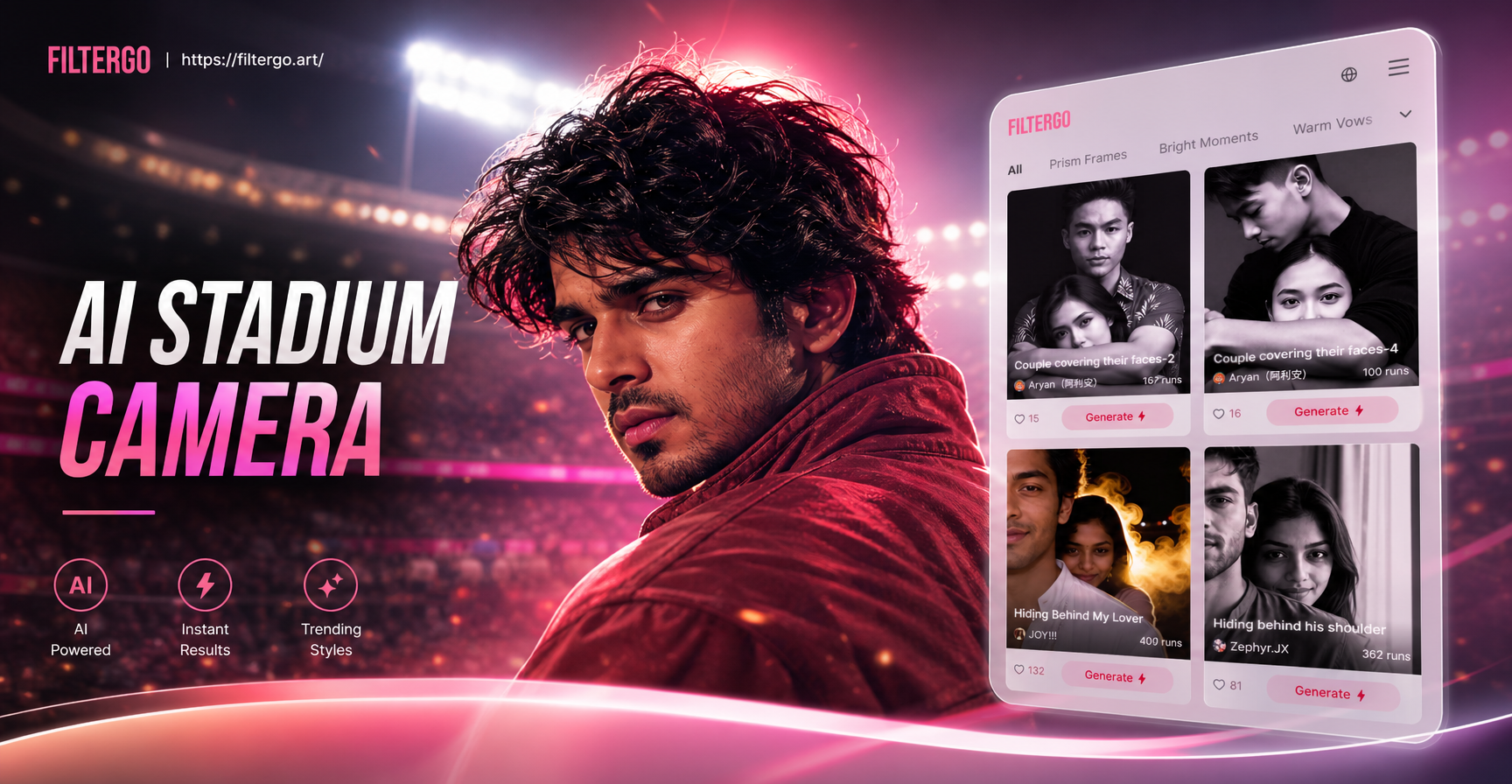
AI Stadium Camera Capture Effect
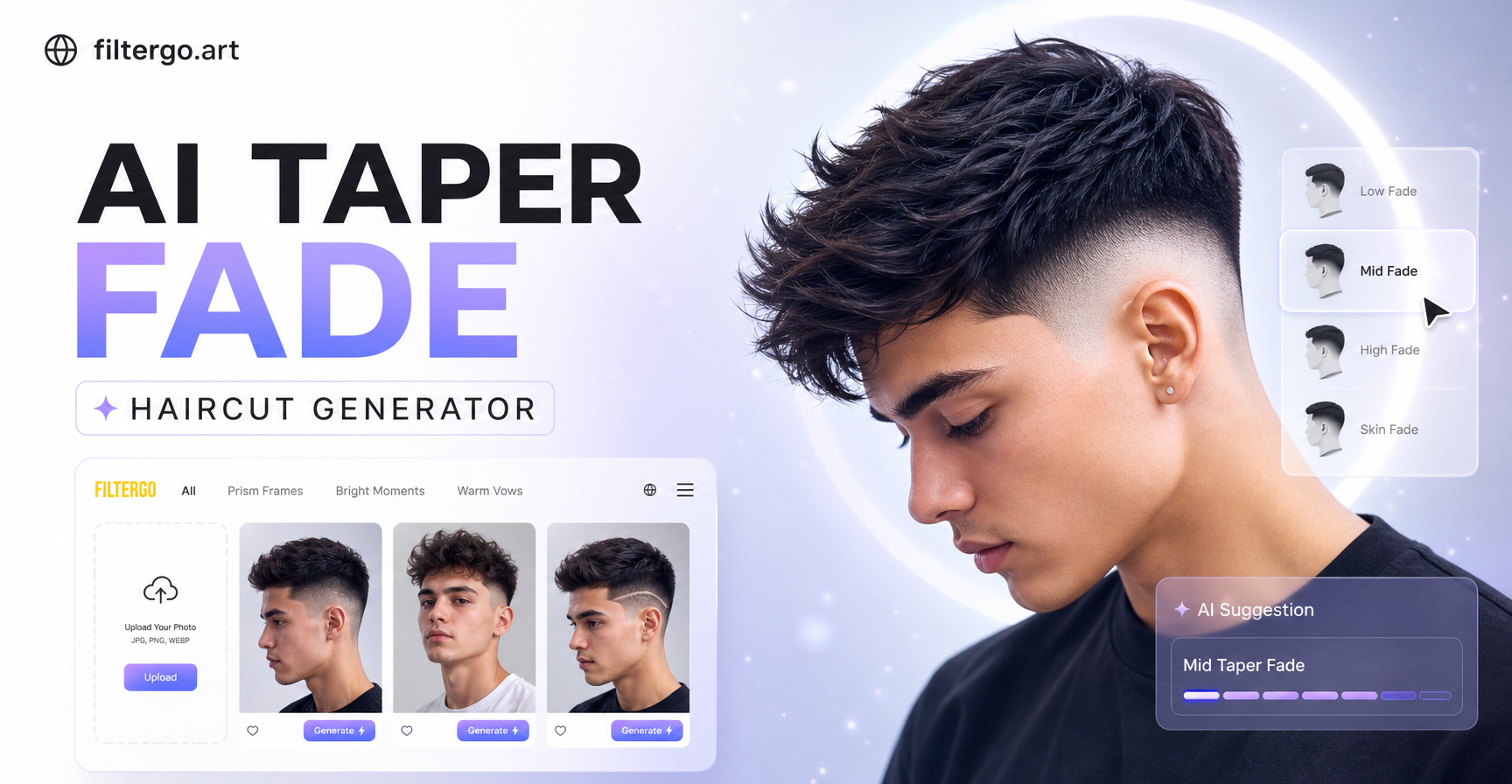
Try AI Taper Fade Haircut Generator - Virtual Hairstyle Preview
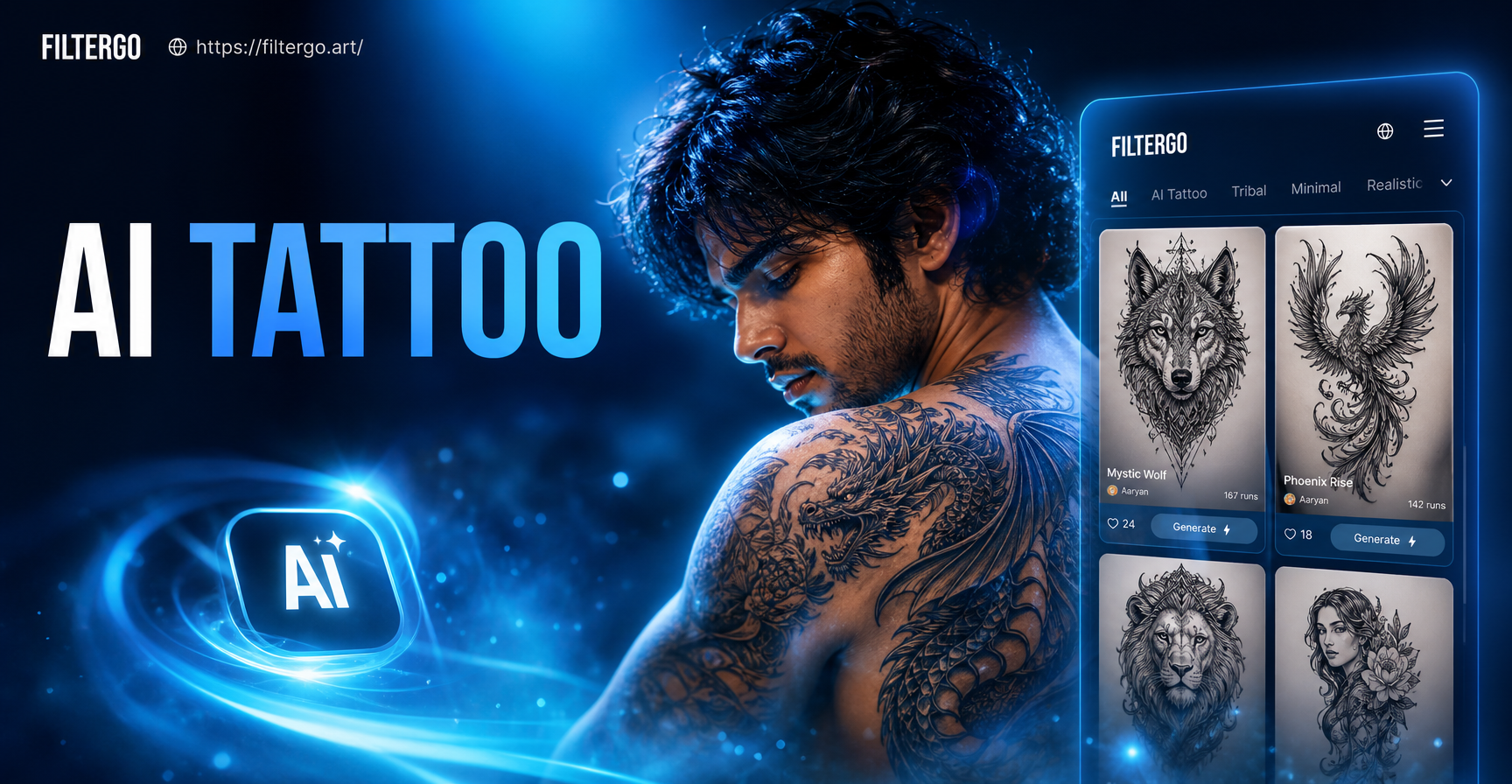
Create Custom Tattoo Designs with AI
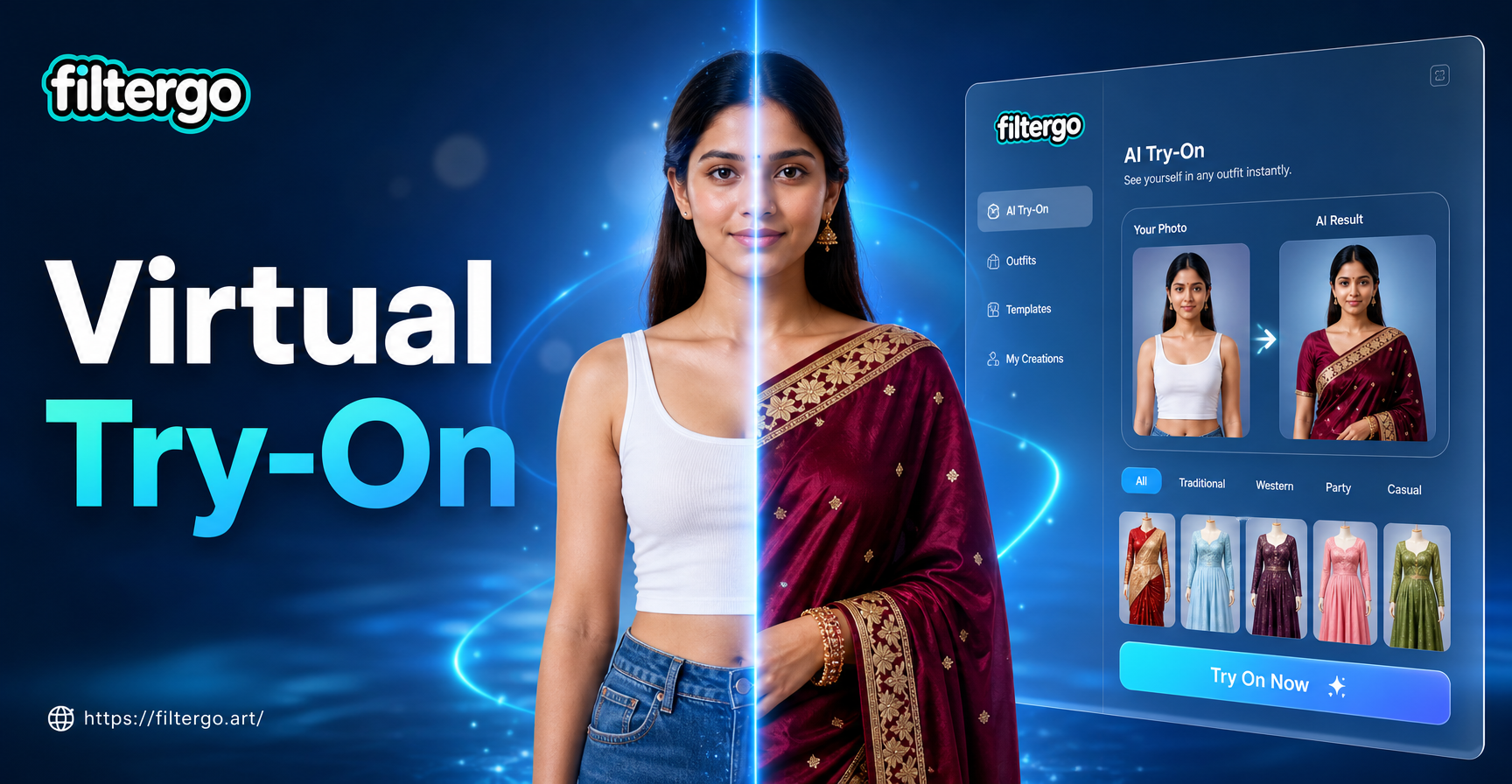
See It On You First: Virtual Outfit Try On
AI Stadium Camera Capture Effect
Try AI Taper Fade Haircut Generator - Virtual Hairstyle Preview
Create Custom Tattoo Designs with AI
See It On You First: Virtual Outfit Try On
Create Your Dramatic Red Black Portrait Today
Join thousands of users transforming their photos into stunning AI red and black portraits. Experience the power of professional monochrome editing with just one tap. No skills needed, just creativity.
Create Your Dramatic Red Black Portrait Today
Join thousands of users transforming their photos into stunning AI red and black portraits. Experience the power of professional monochrome editing with just one tap. No skills needed, just creativity.