Photo To Smoke Portrait Generator
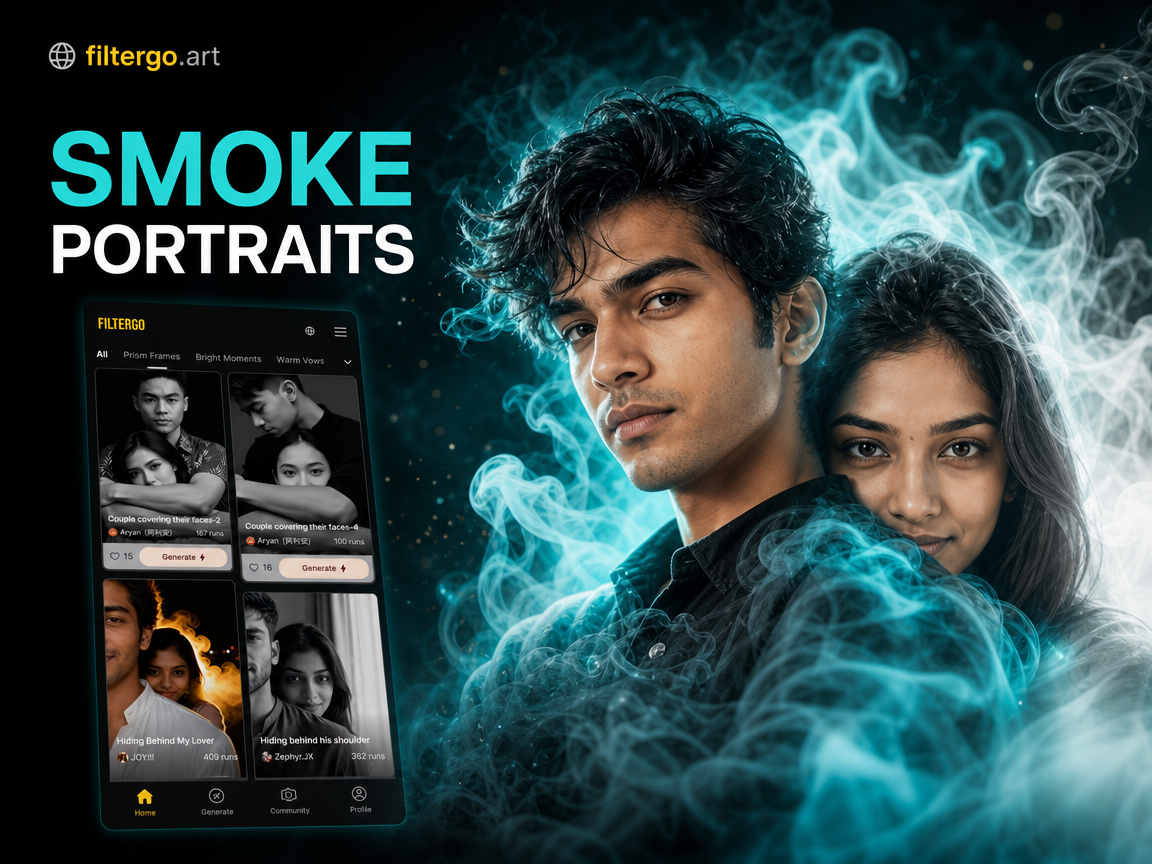
Popular Smoke & Mystical Effect Filters
Explore our top rated AI filters designed to add depth, mystery, and an artistic edge to any portrait. Find the perfect smoky vibe for your photo.
Why Create Smoke Portraits with AI?
Our smoke portrait generator goes beyond a simple filter. It uses advanced AI to understand your photo's composition and apply smoke effects that look organic and breathtakingly real.
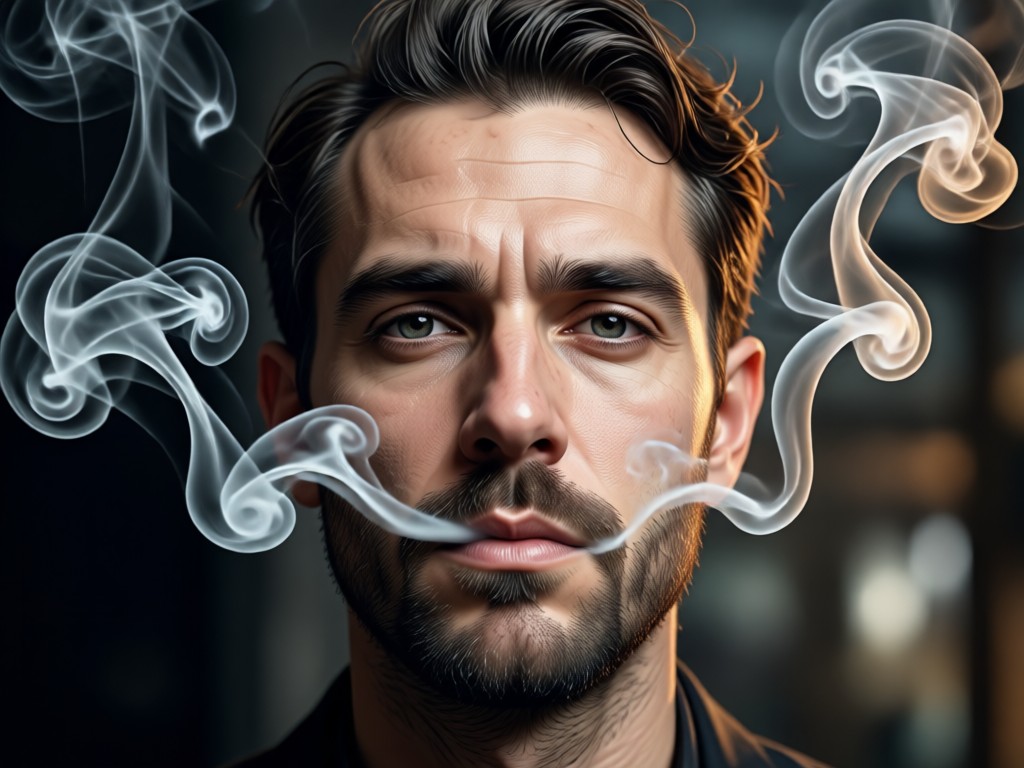
Realistic Smoke Overlays
Generate wisps, plumes, and veils of smoke that interact naturally with your portrait's light and shadows. The AI blends the effect seamlessly, as if the smoke was there when the photo was taken.
Realistic Smoke Overlays
Generate wisps, plumes, and veils of smoke that interact naturally with your portrait's light and shadows. The AI blends the effect seamlessly, as if the smoke was there when the photo was taken.
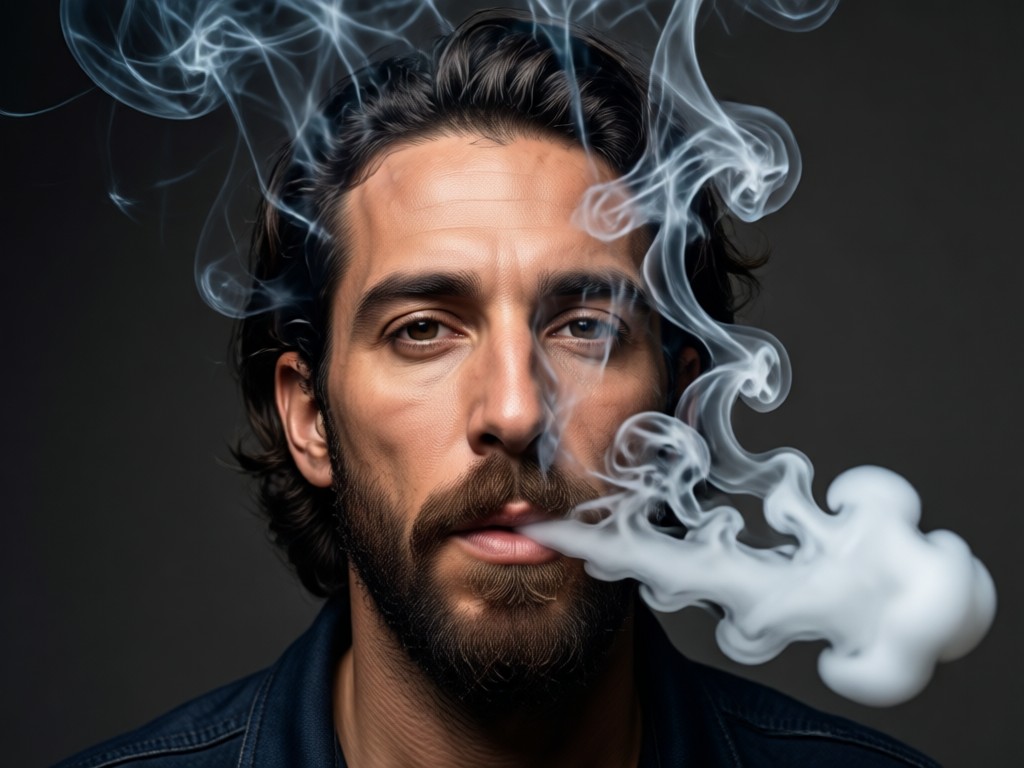
Dynamic Smoky Backgrounds
Replace dull or busy backgrounds with atmospheric, smoky environments. Choose from dark mist, ethereal fog, or colored smoke to completely change your photo's mood and focus.
Dynamic Smoky Backgrounds
Replace dull or busy backgrounds with atmospheric, smoky environments. Choose from dark mist, ethereal fog, or colored smoke to completely change your photo's mood and focus.
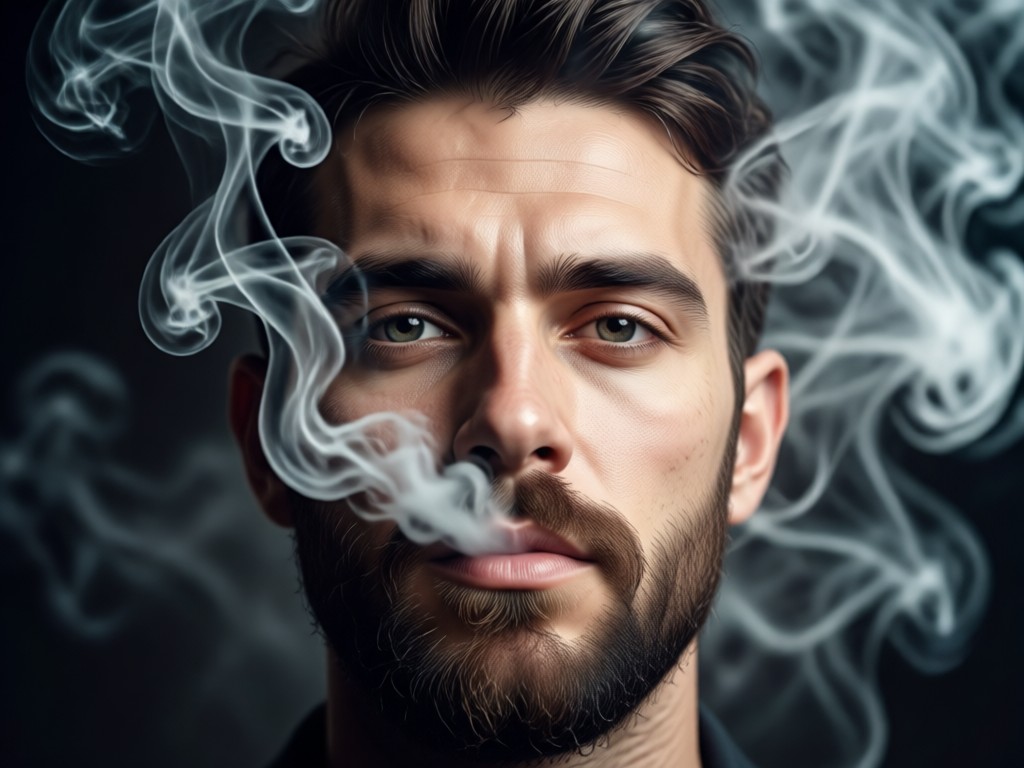
One-Click Artistic Styles
Apply curated artistic styles that combine smoke with other effects. Create gothic, fantasy, cyberpunk, or minimalist smoke portraits instantly without adjusting complex settings.
One-Click Artistic Styles
Apply curated artistic styles that combine smoke with other effects. Create gothic, fantasy, cyberpunk, or minimalist smoke portraits instantly without adjusting complex settings.
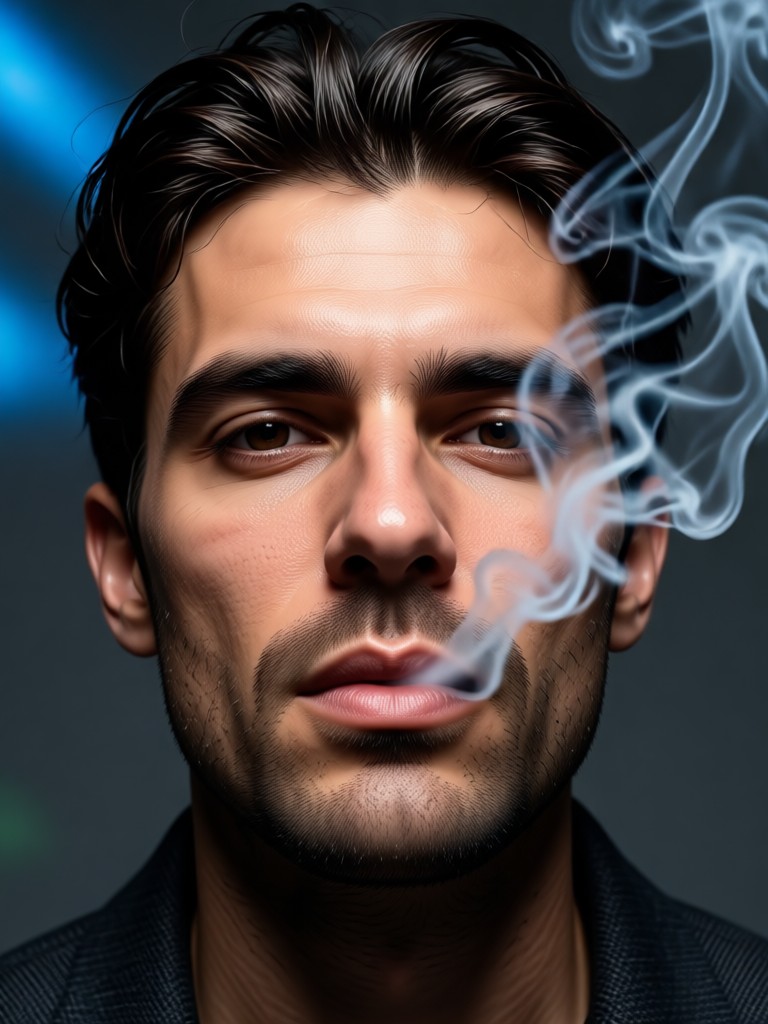
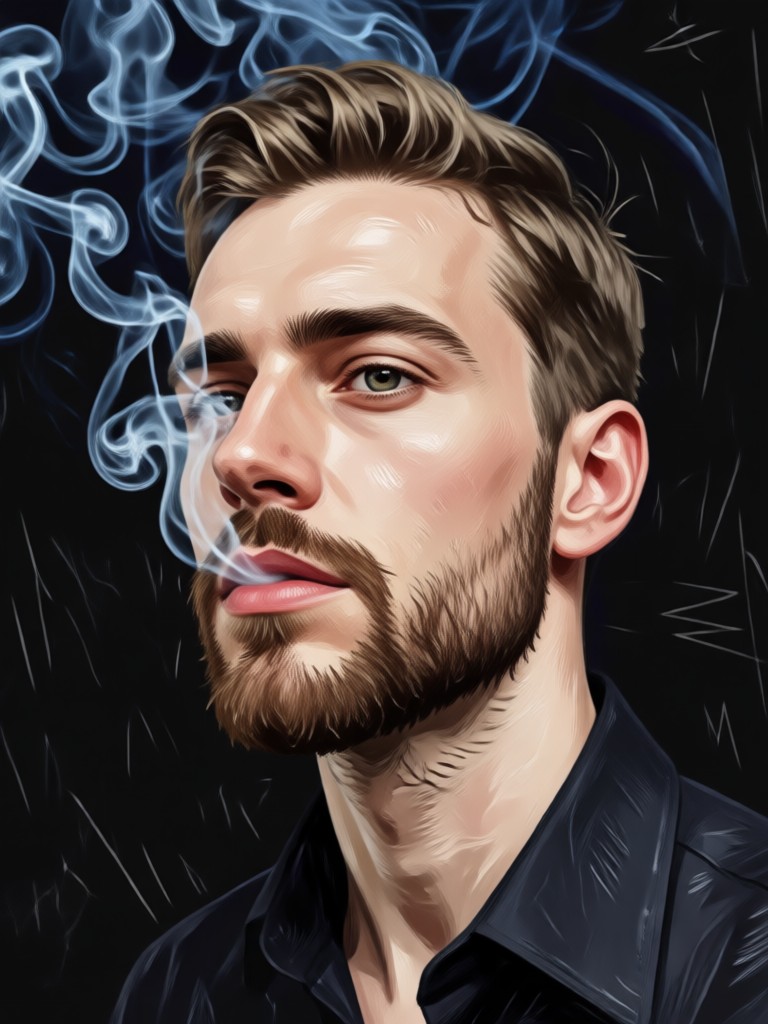
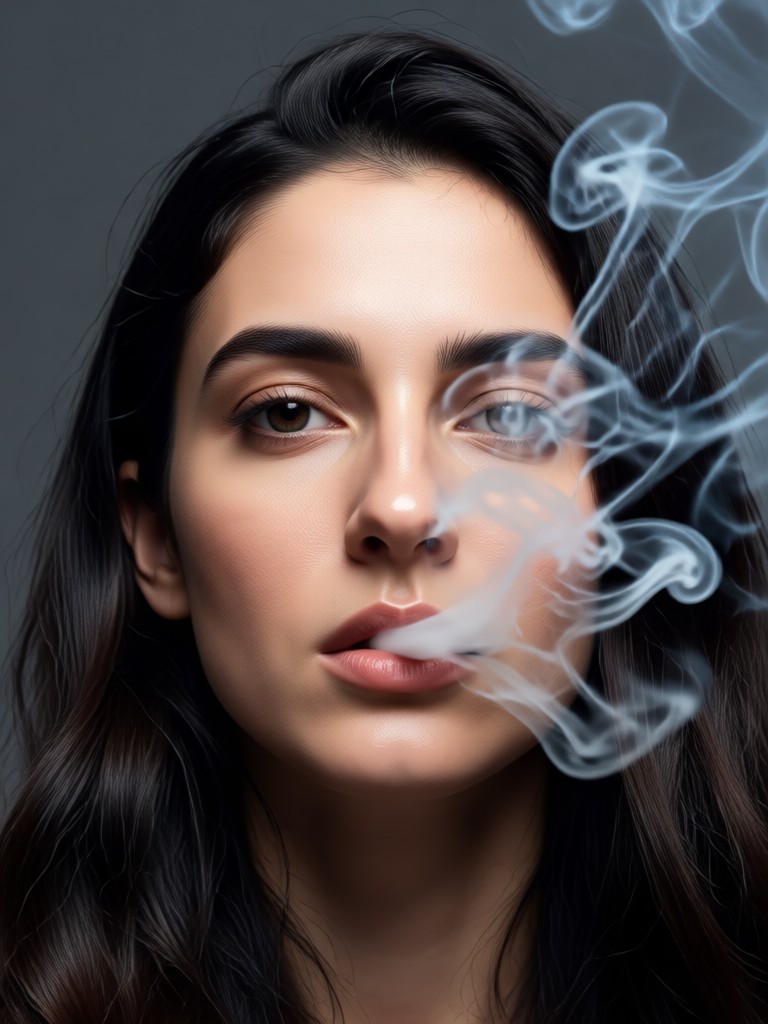
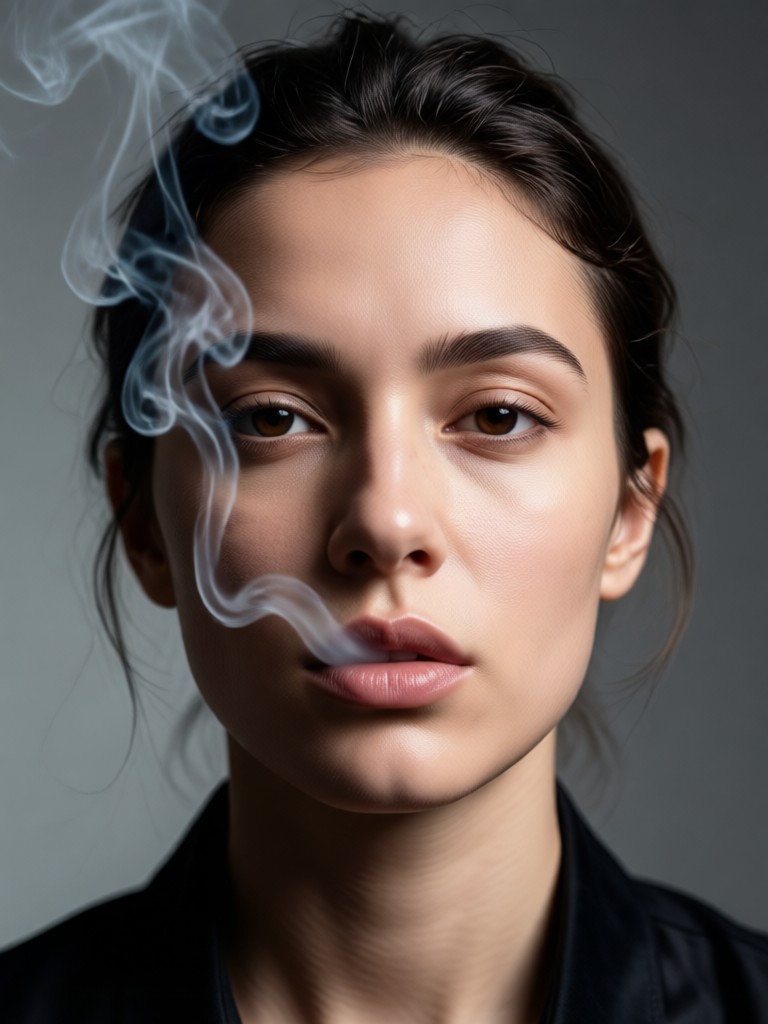
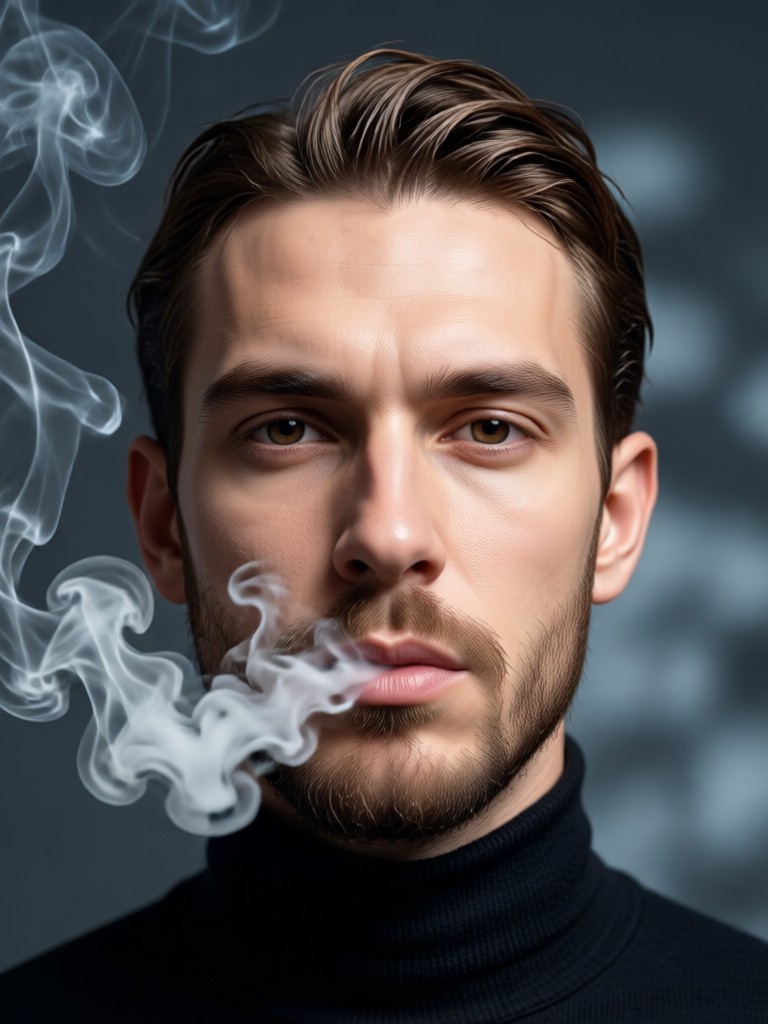
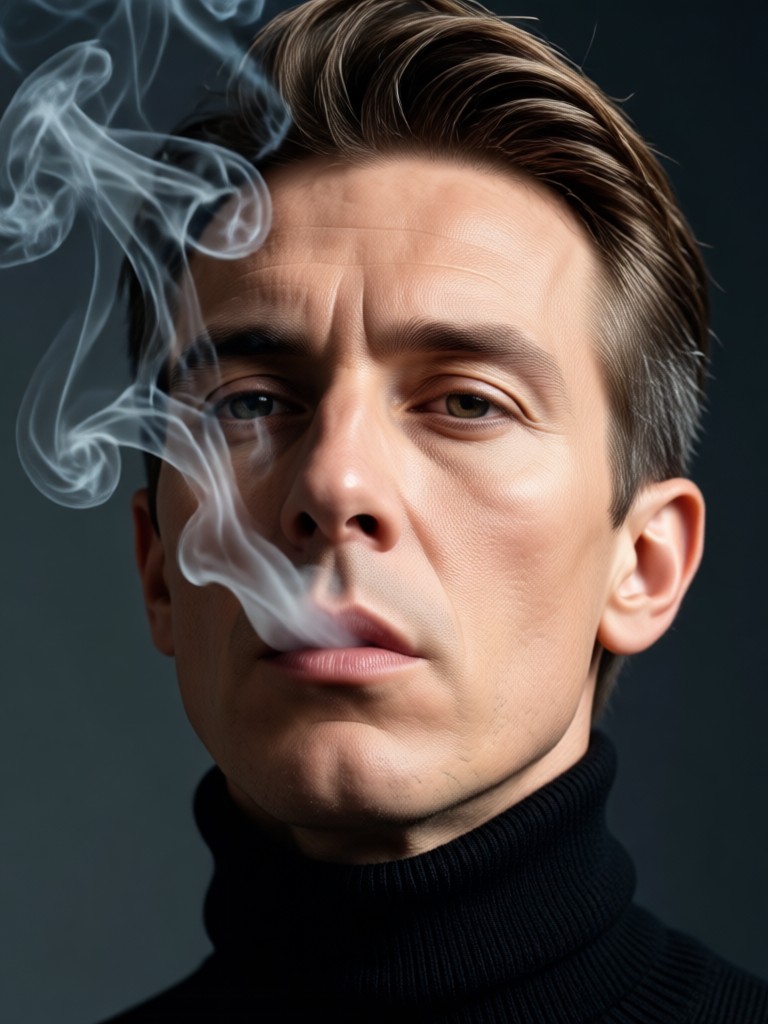
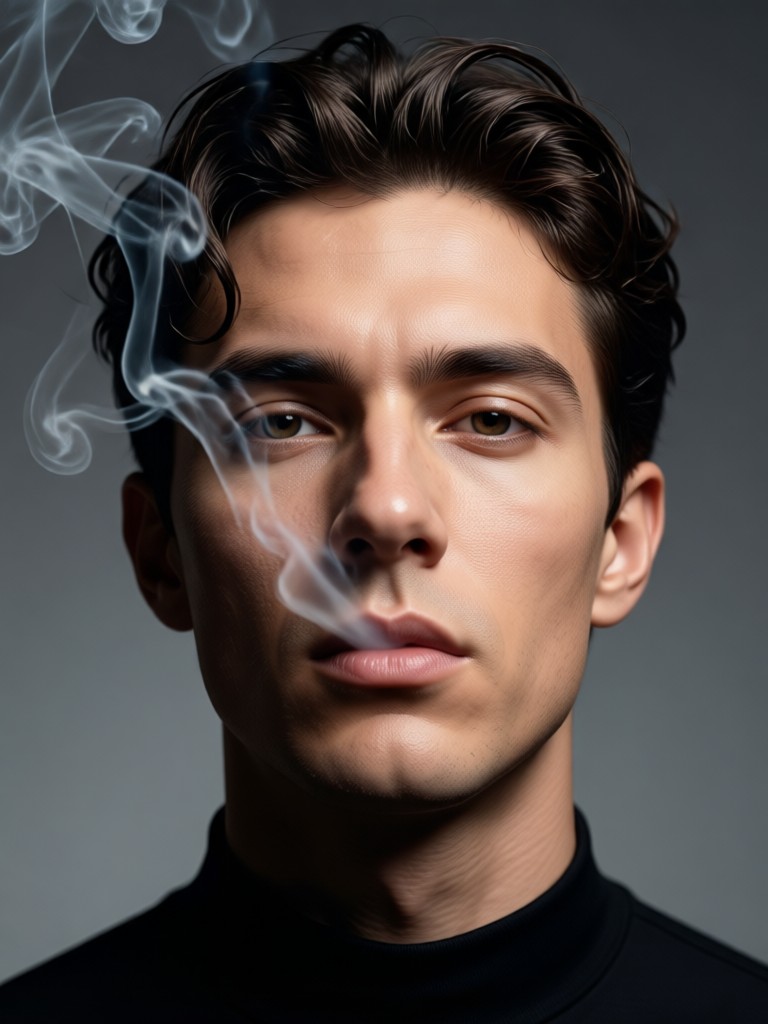
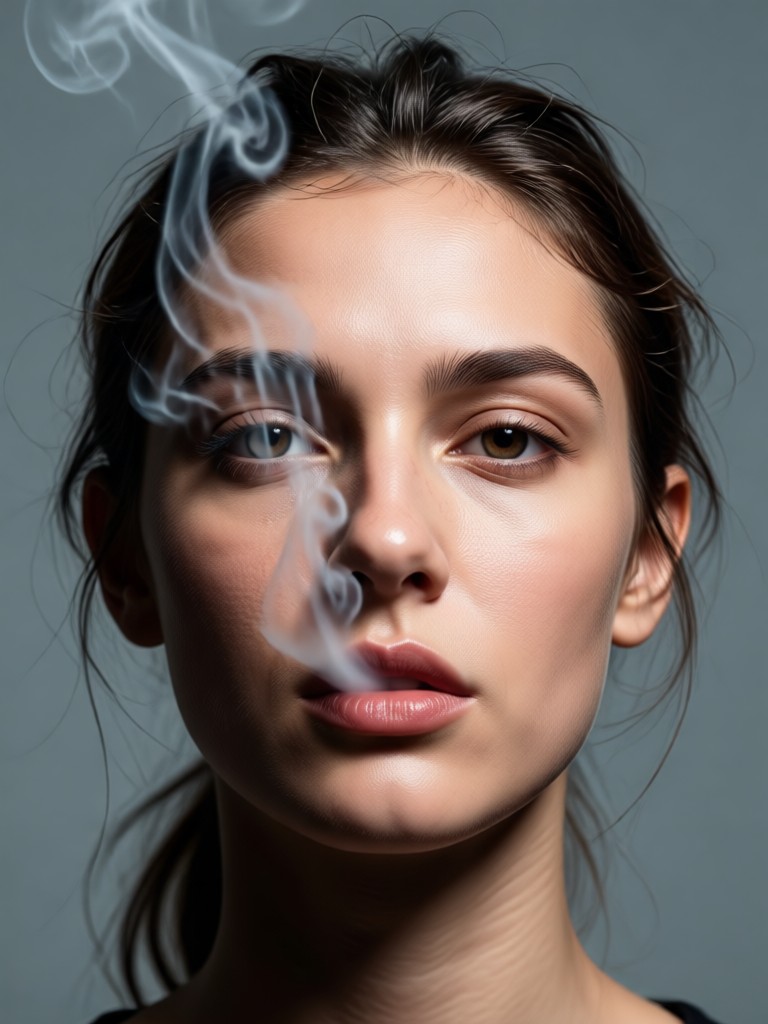
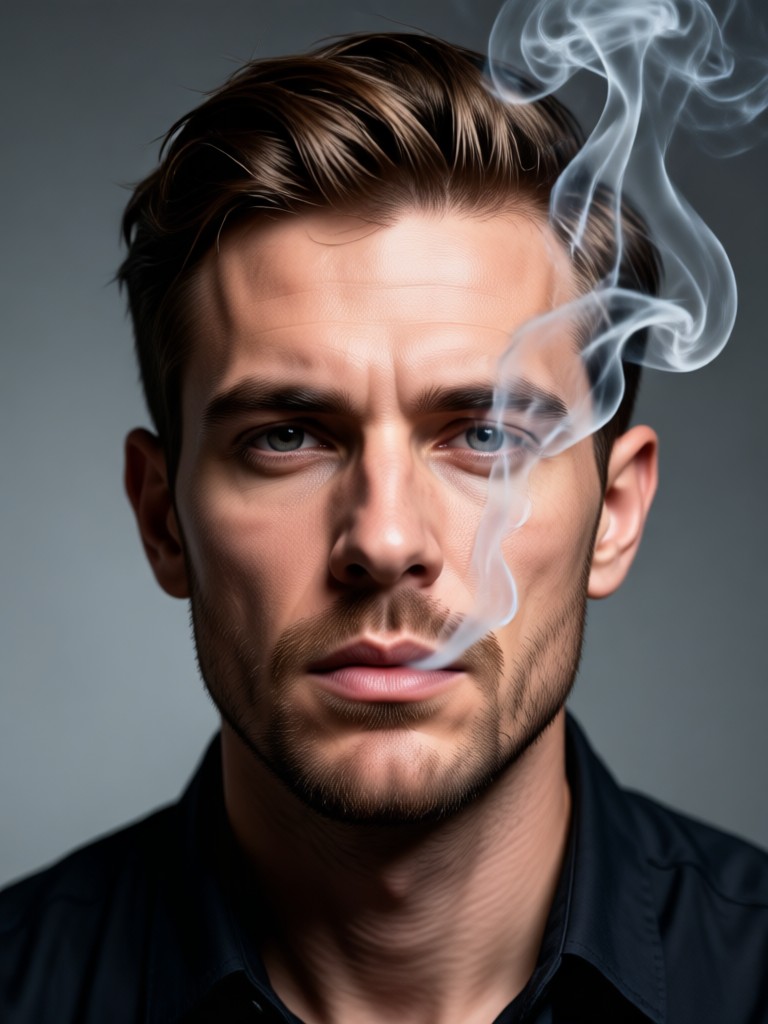
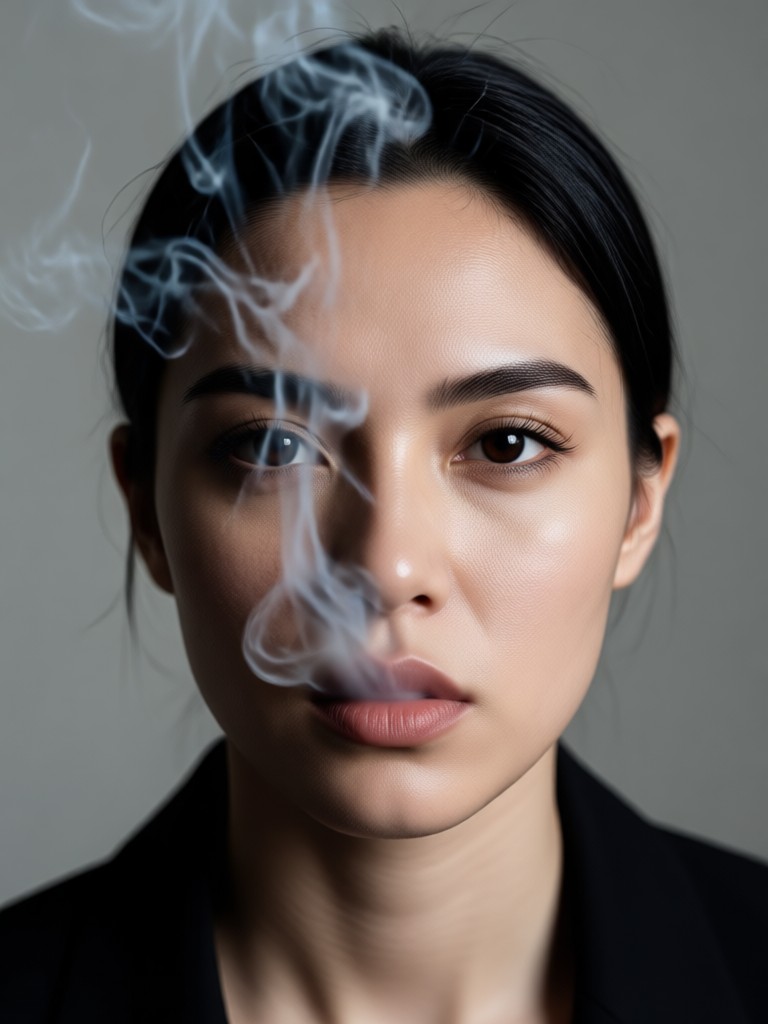
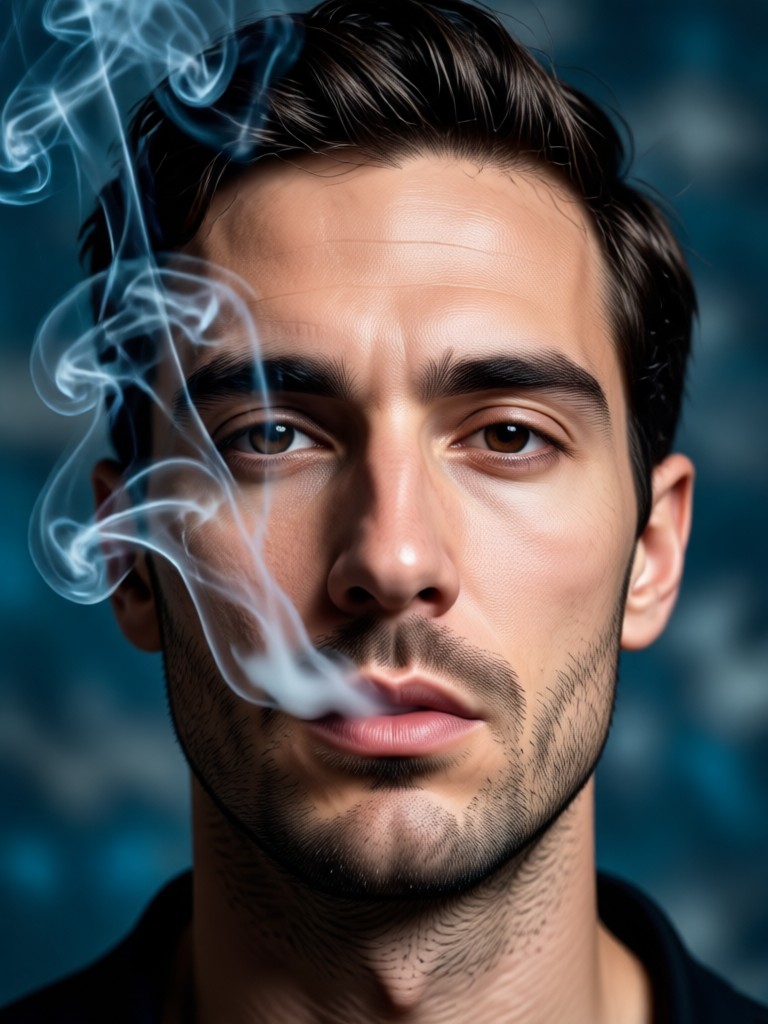
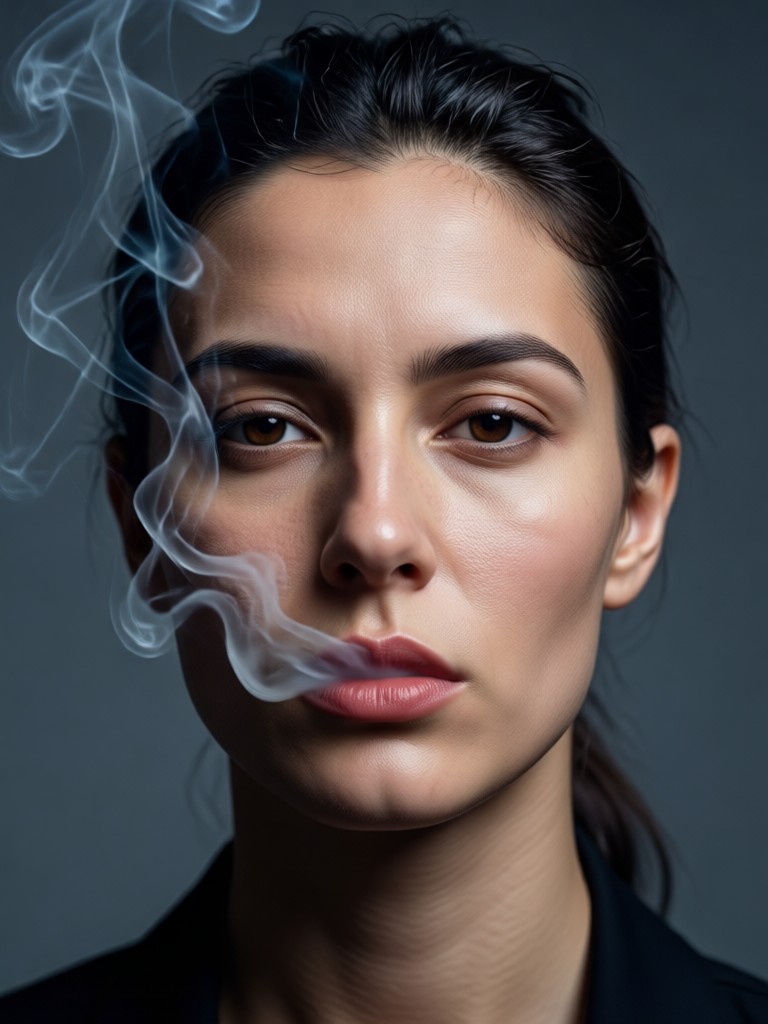
Smoke Portrait Inspiration Gallery
See the transformative power of AI smoke effects. These portraits were created in seconds using the filtergo app, showcasing a range of styles from subtle mist to dramatic plumes.
How to Make a Smoke Portrait in 3 Steps
Creating a stunning, smoky portrait takes less than a minute. Follow these simple steps directly in the filtergo mobile app.

Step 01.
Download the free filtergo app from Google Play. Open it and tap the 'Generate' button to start your project.

Step 02.
Upload your portrait photo. Then, browse the 'Effects' or 'Style' categories and select a smoke, mist, or mystical overlay filter.

Step 03.
Generate your image. Preview the result, make adjustments if needed, then download your high quality smoke portrait instantly to share.
What Creators Say About Our Smoke Effects
Transformed my photography portfolio
I needed a unique theme for my portrait series. The smoke effects added a consistent, professional mystery that clients love. It's now my signature edit, done in seconds.
Perfect for album covers and music art
As an independent musician, creating compelling visual art is key. This app lets me turn simple promo photos into smoky, atmospheric cover art that perfectly fits my vibe.
My go-to for social media content
My followers engage most with my 'smoky portrait' posts. The AI makes it so easy to create a feed with a mysterious, cohesive aesthetic. It's a huge time saver.
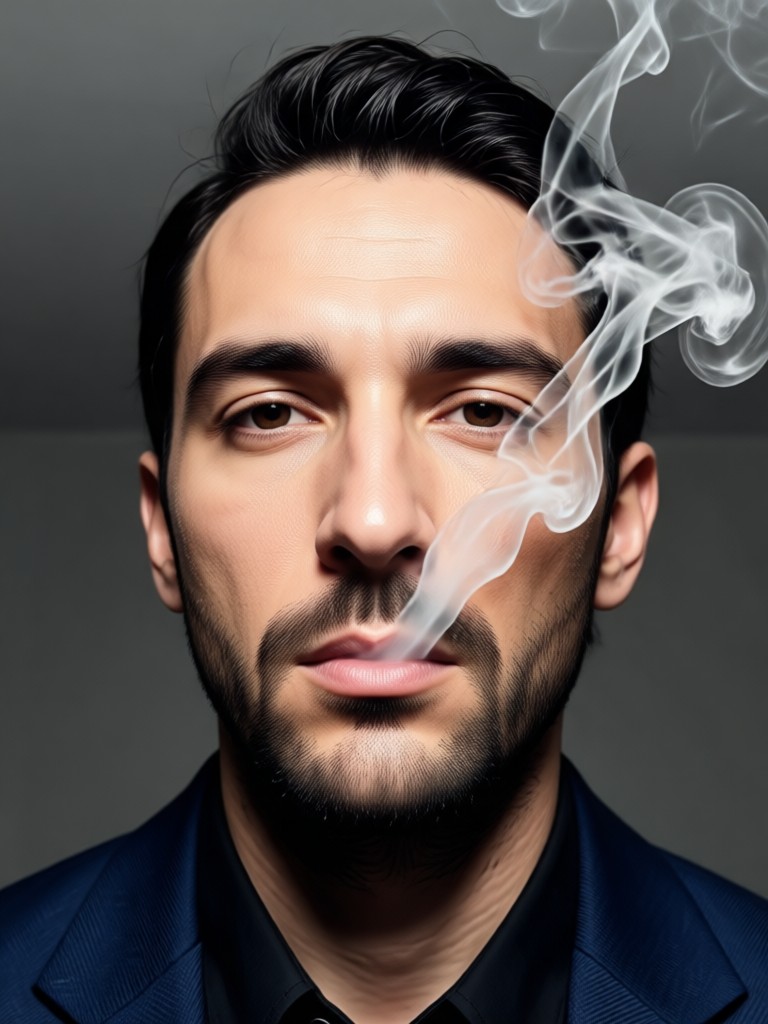
Create Smoke Portraits On The Go
Your phone is all you need. Download filtergo to access the full library of smoke effects, mystical overlays, and AI art tools right in your pocket.

Smoke Portrait Generator FAQs
Got questions about creating AI smoke portraits? Find quick answers to the most common queries below.
More Topics You May Like
Explore more topics you may like and discover fresh ideas tailored to your interests.
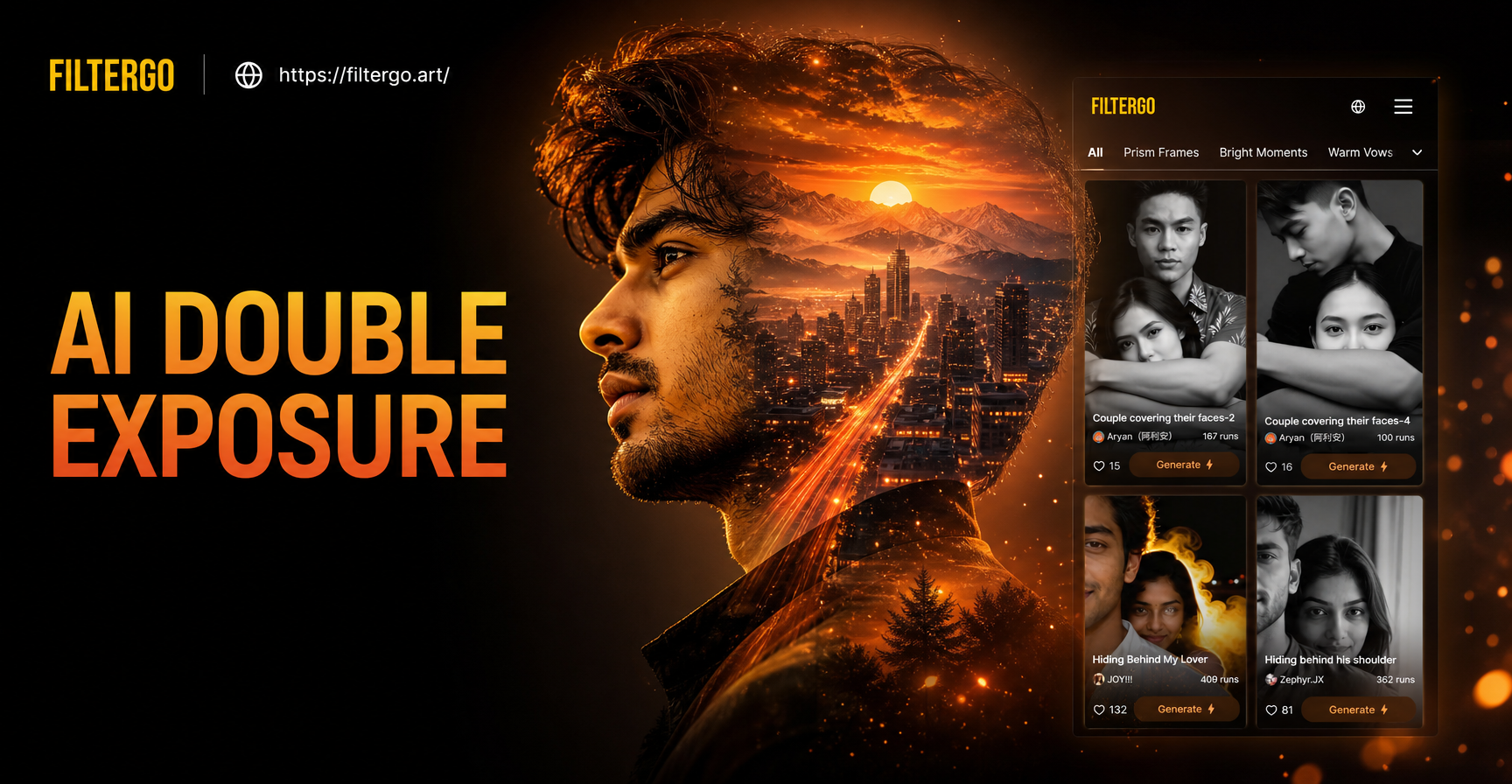
AI Double Exposure Portrait Maker | Create Artistic Photo Blends
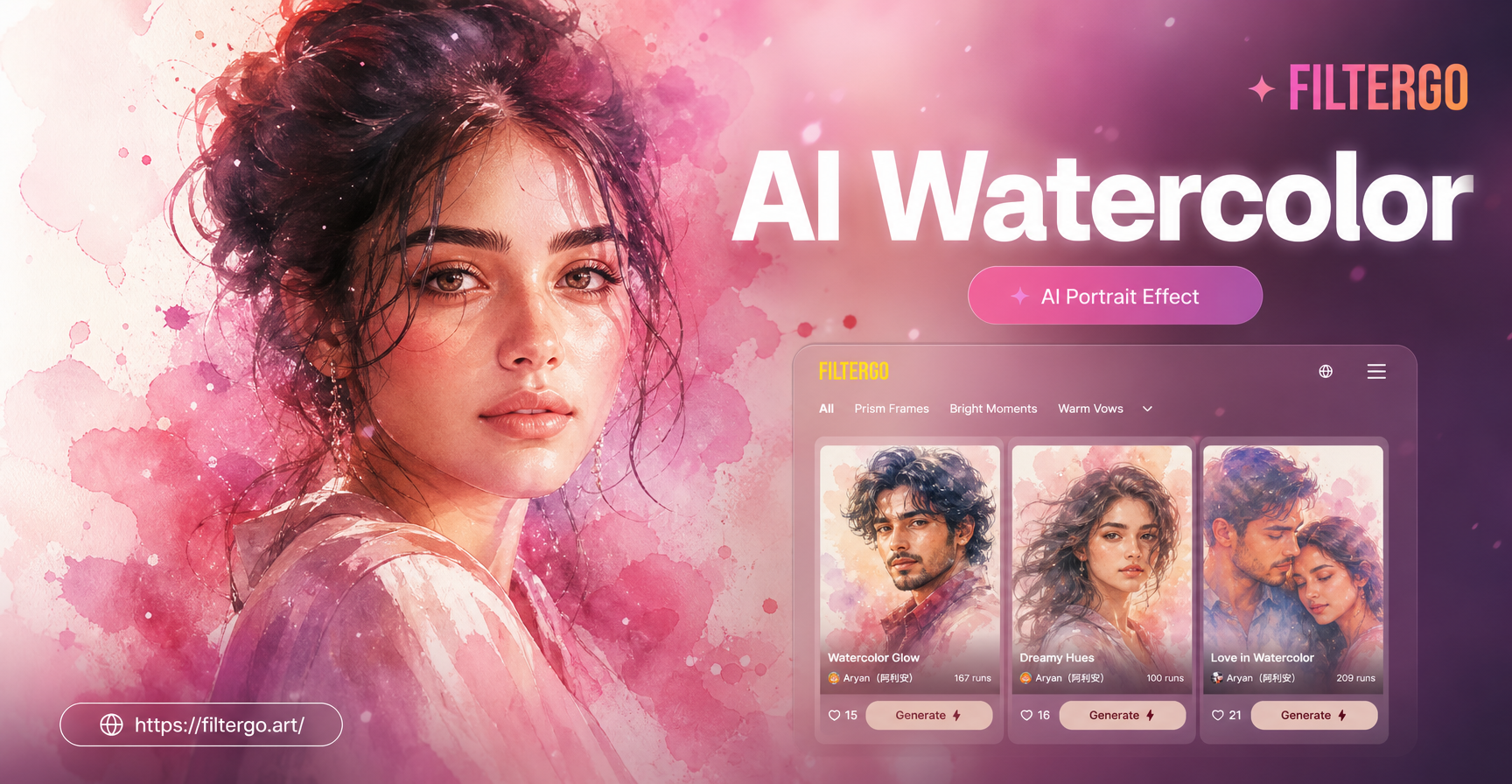
Transform Photos into Watercolor Art with AI
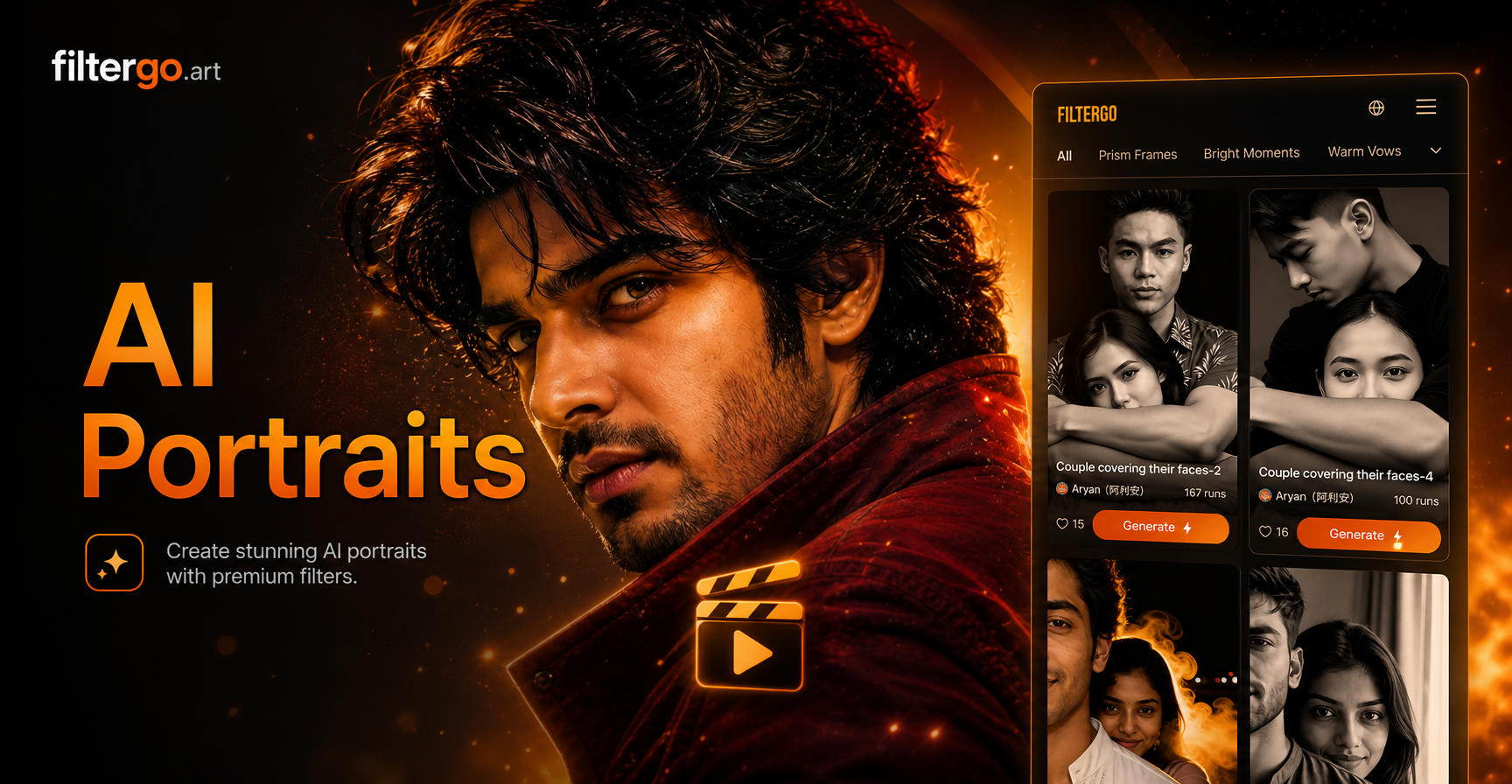
AI Red Black Portrait: Dramatic Monochrome Style
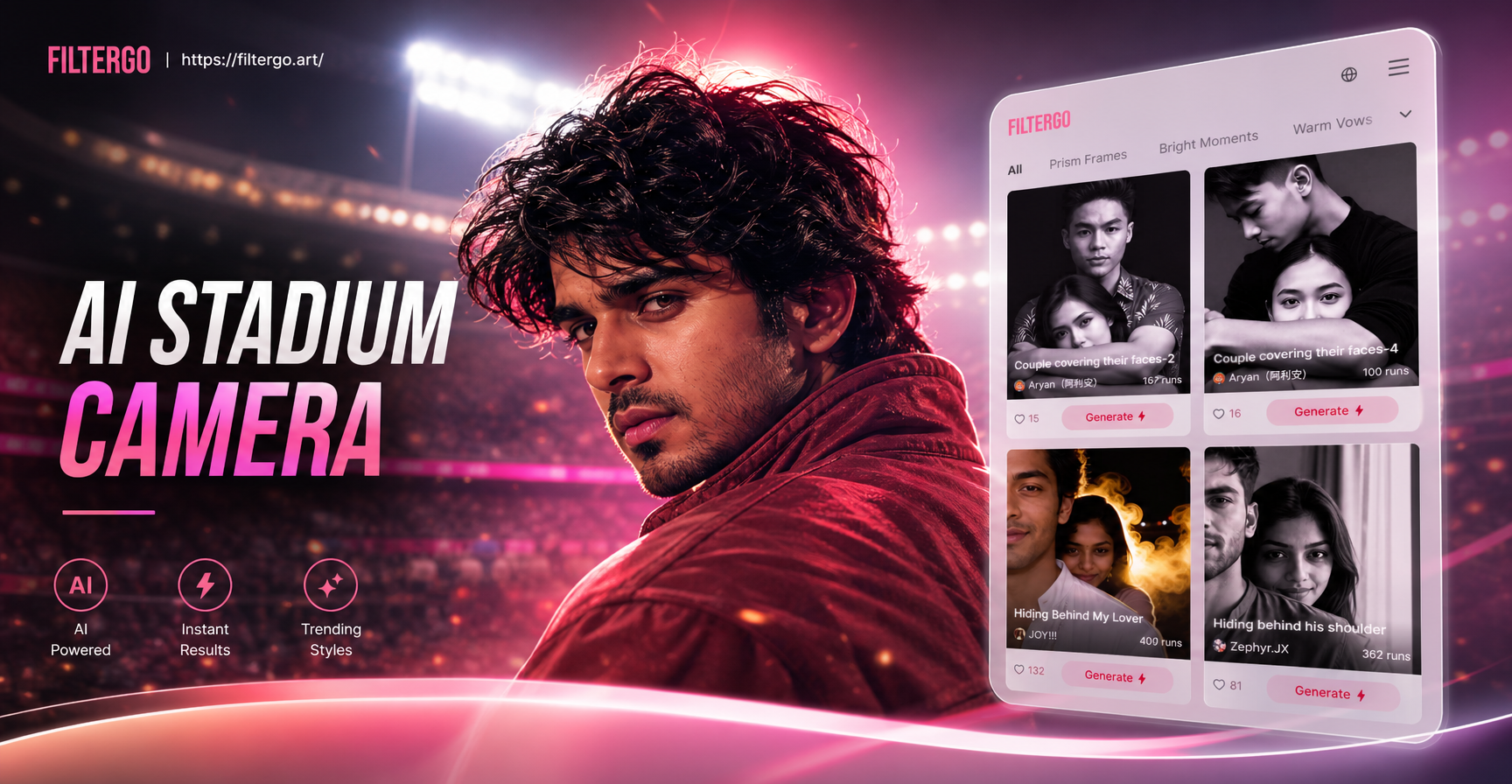
AI Stadium Camera Capture Effect
AI Double Exposure Portrait Maker | Create Artistic Photo Blends
Transform Photos into Watercolor Art with AI
AI Red Black Portrait: Dramatic Monochrome Style
AI Stadium Camera Capture Effect
Breathe Artistic Life Into Your Portraits
Stop scrolling through basic filters. Download filtergo now and unlock the power to generate unique, smoky portrait art that stands out. Your next masterpiece is a tap away.

Breathe Artistic Life Into Your Portraits
Stop scrolling through basic filters. Download filtergo now and unlock the power to generate unique, smoky portrait art that stands out. Your next masterpiece is a tap away.