Fire Double Exposure Portrait Generator
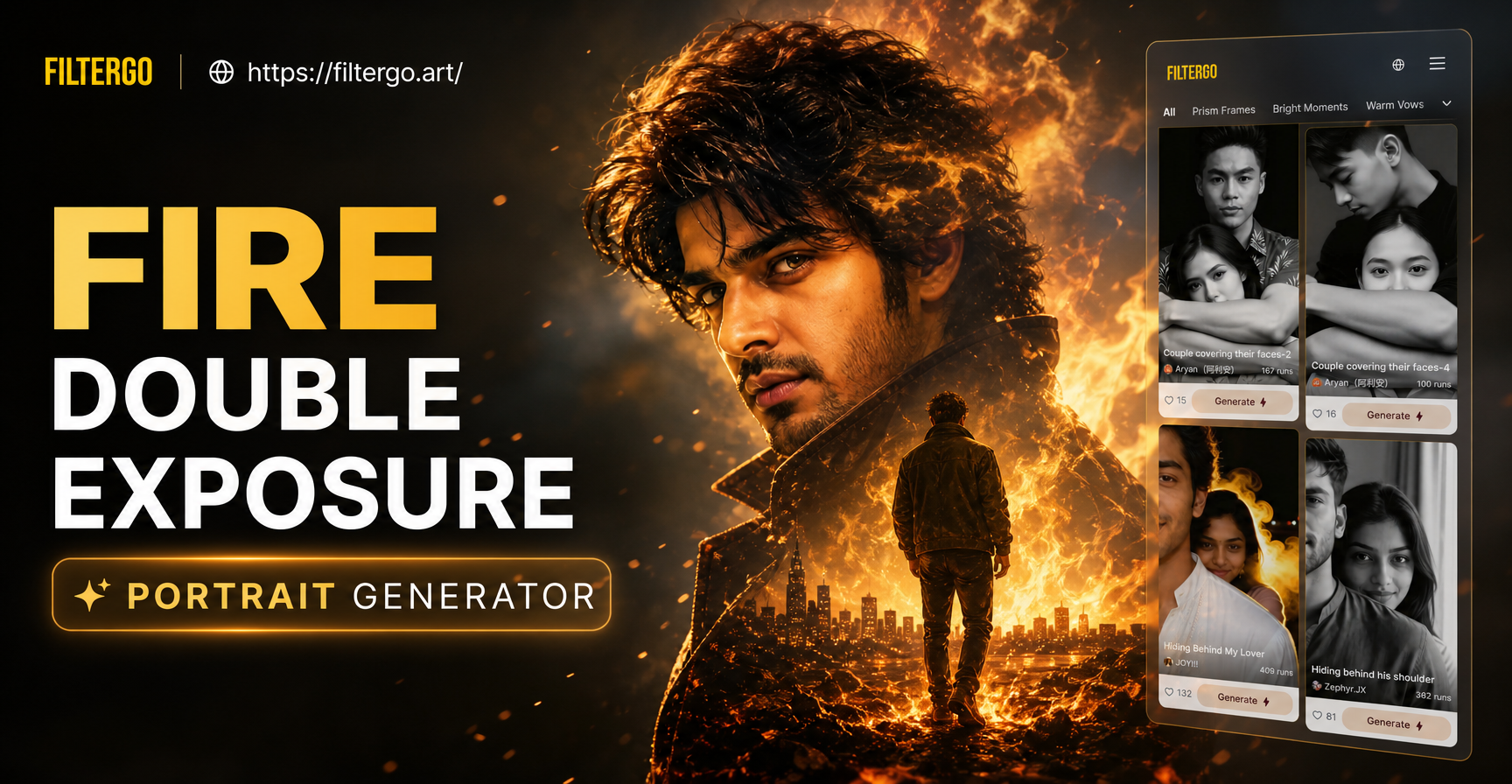
Explore Flame & Smoke Double Exposure Styles
Choose from various artistic filters that blend your portrait with different fire elements, from gentle embers to raging infernos.
Powerful Features for Stunning Fire Portraits
Our AI tool is designed specifically to create seamless and artistic fire double exposure effects with ease and precision.
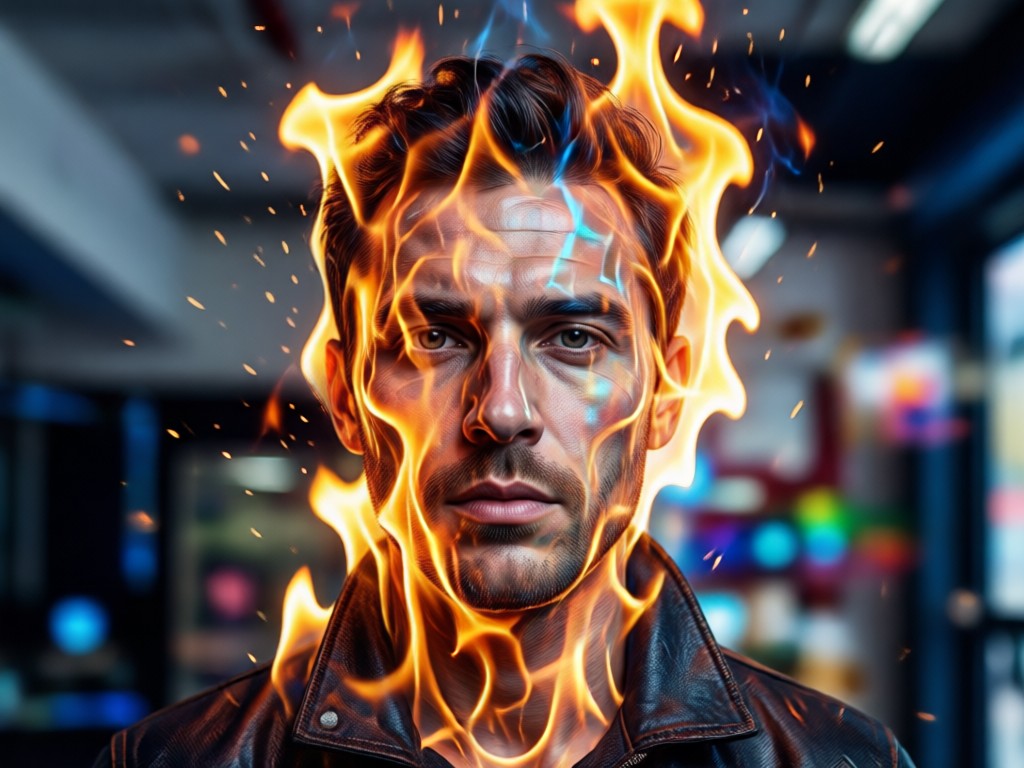
Intelligent Portrait & Fire Fusion
The AI doesn't just overlay. It intelligently maps flames and smoke to the contours of your face, hair, and silhouette, creating a natural blend where the human and elemental become one.
Intelligent Portrait & Fire Fusion
The AI doesn't just overlay. It intelligently maps flames and smoke to the contours of your face, hair, and silhouette, creating a natural blend where the human and elemental become one.
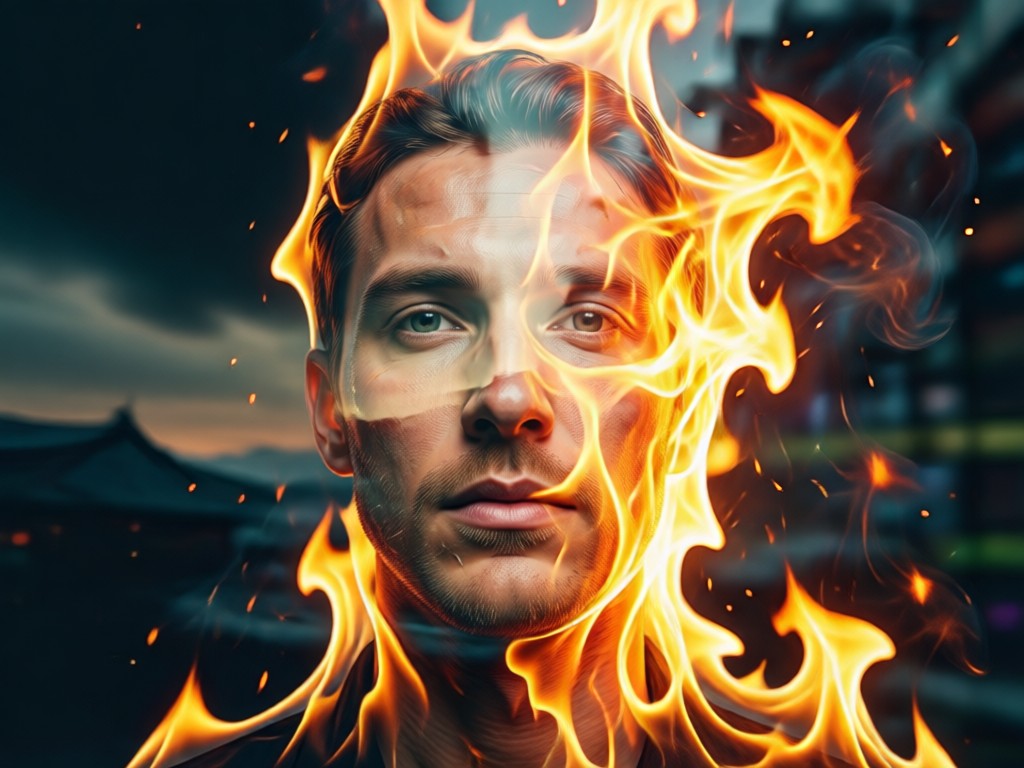
Dynamic Fire Element Library
Access a vast collection of fire assets. Choose from roaring bonfires, delicate candle flames, swirling smoke, floating embers, or volcanic lava to match the mood of your portrait perfectly.
Dynamic Fire Element Library
Access a vast collection of fire assets. Choose from roaring bonfires, delicate candle flames, swirling smoke, floating embers, or volcanic lava to match the mood of your portrait perfectly.
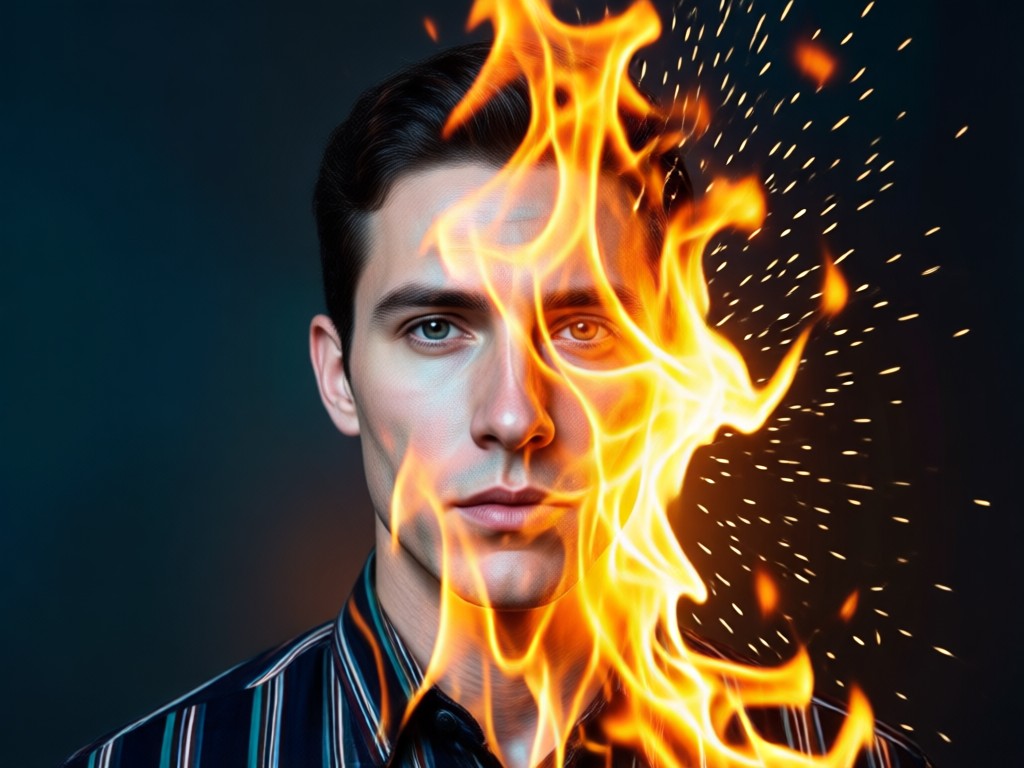
Professional-Grade Artistic Control
Fine-tune your creation. Adjust blend intensity, flame opacity, color temperature (from orange to blue fire), and smoke density to achieve anything from a subtle glow to a dramatic inferno.
Professional-Grade Artistic Control
Fine-tune your creation. Adjust blend intensity, flame opacity, color temperature (from orange to blue fire), and smoke density to achieve anything from a subtle glow to a dramatic inferno.
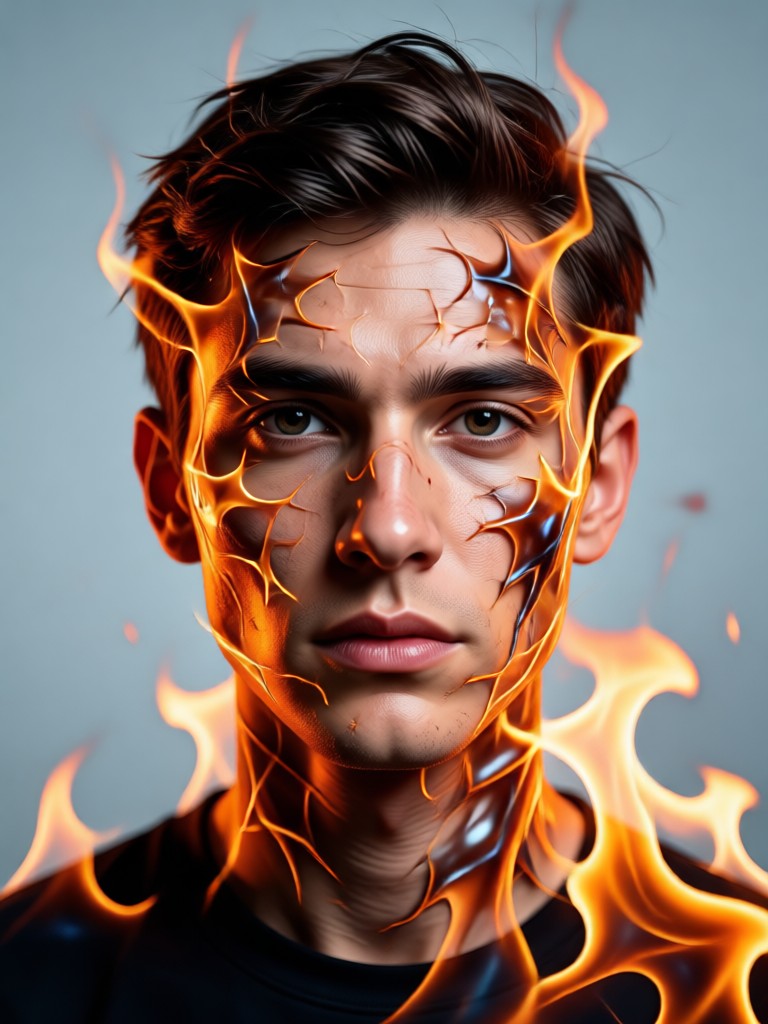
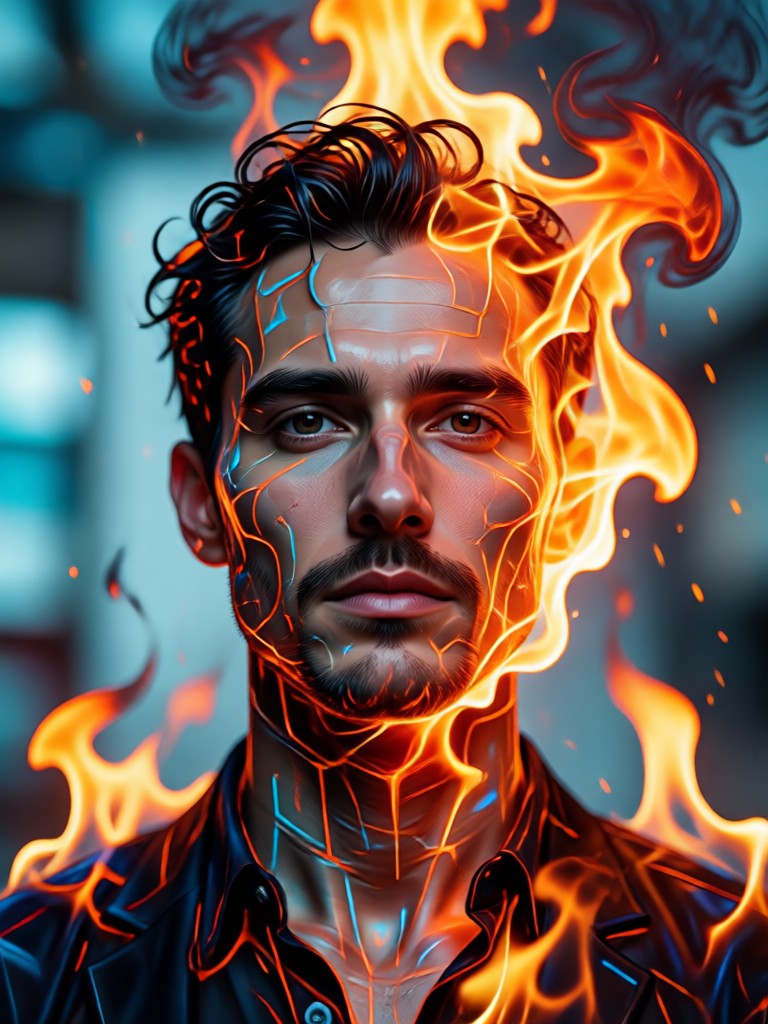
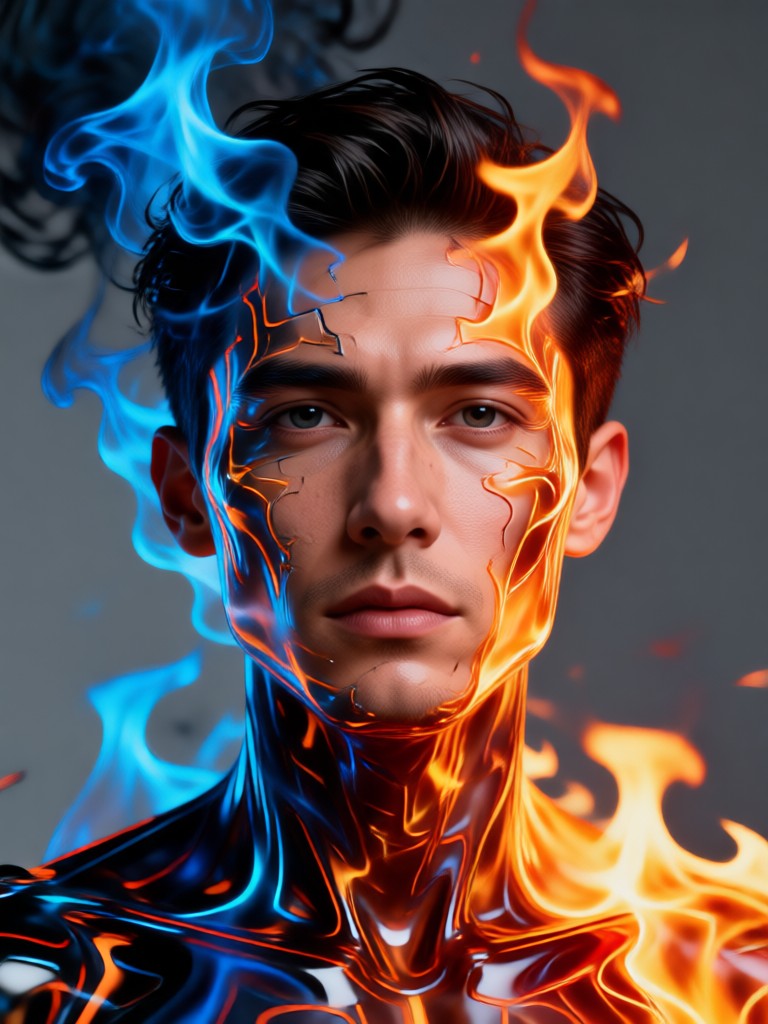
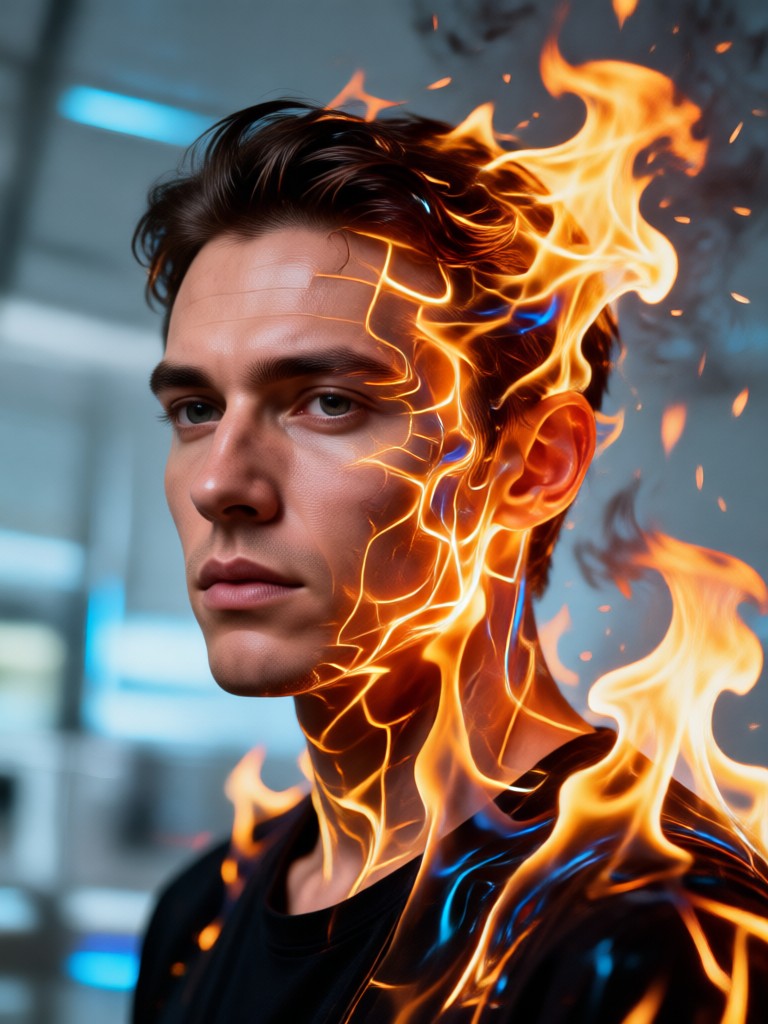
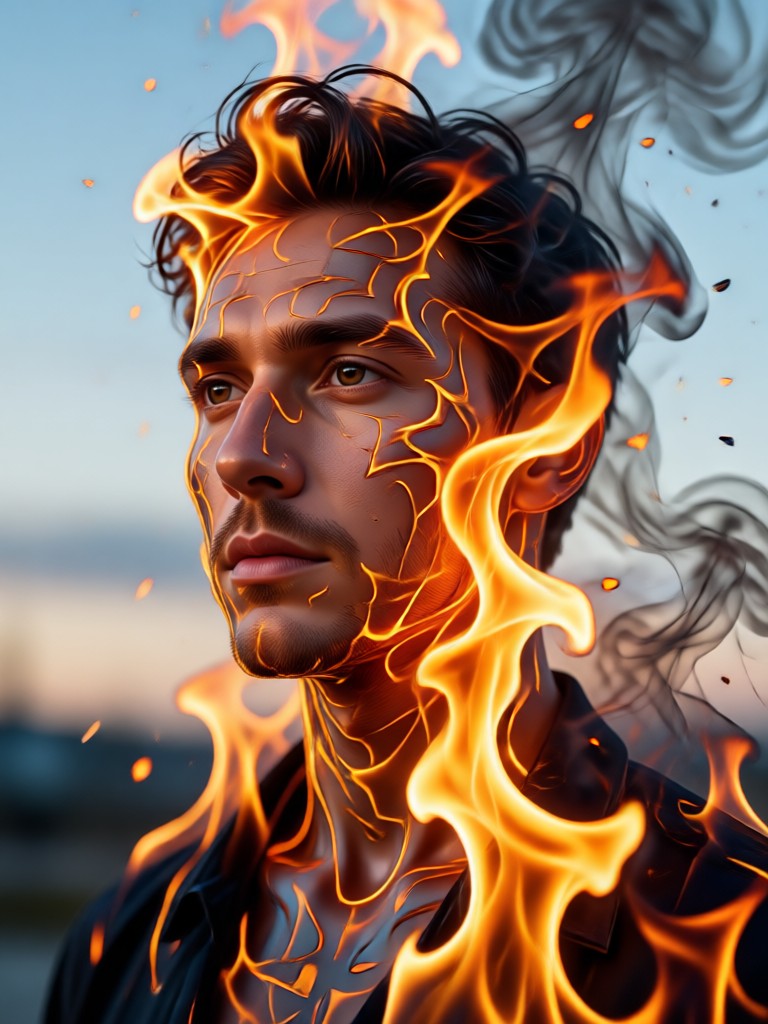
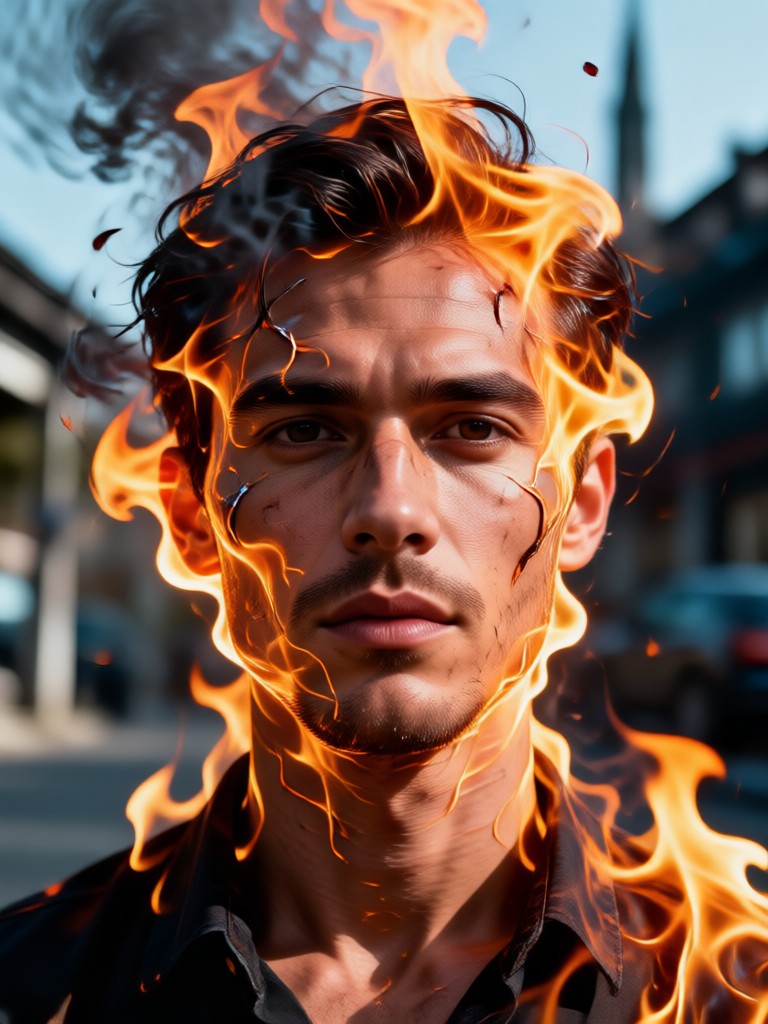
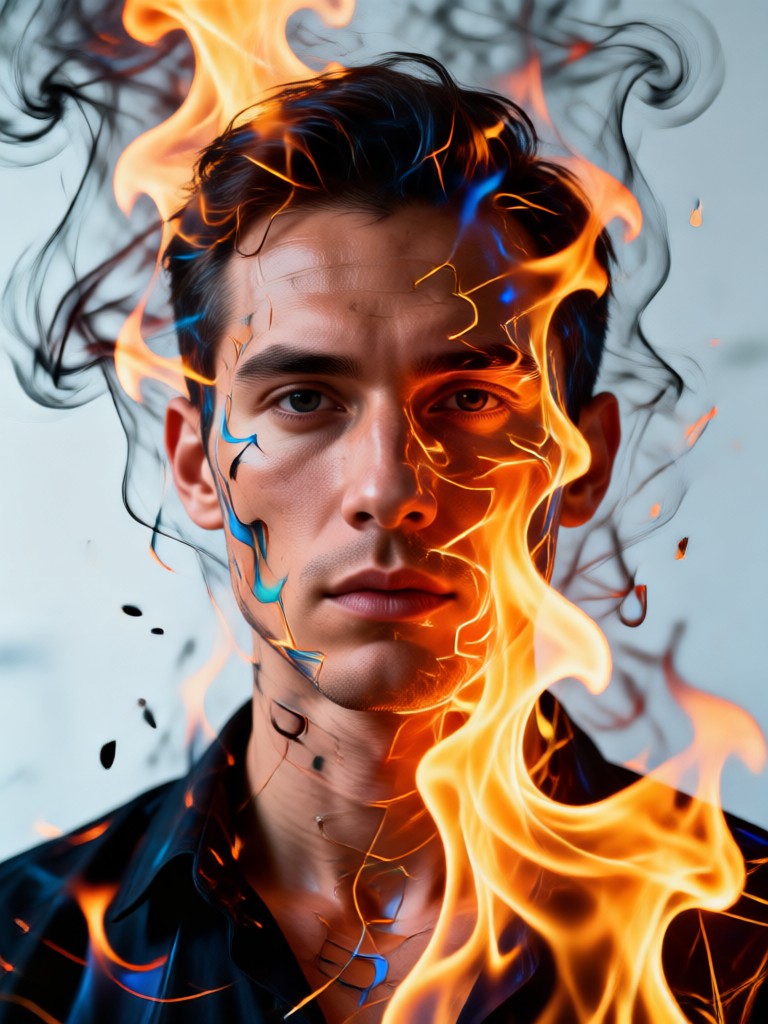
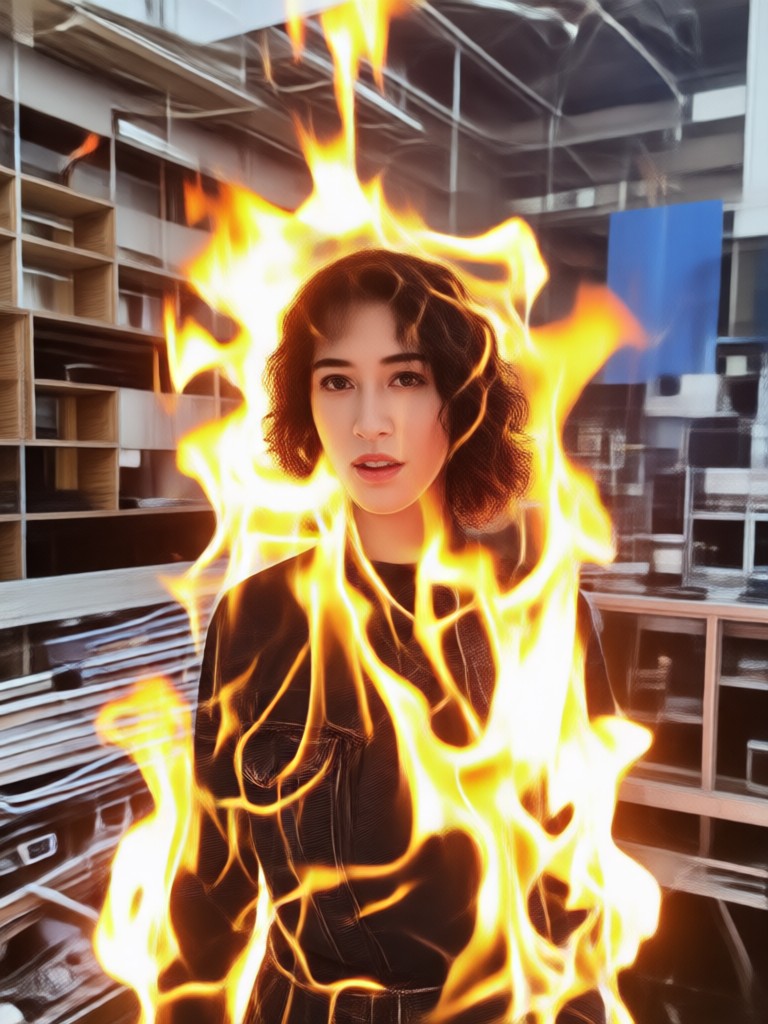
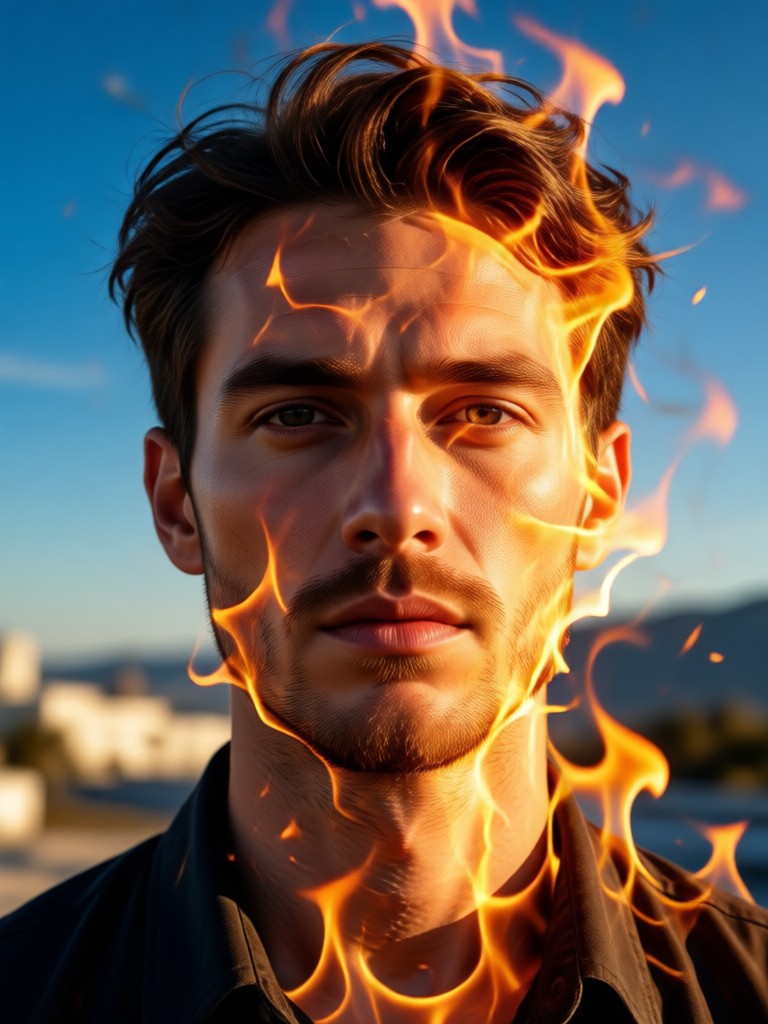
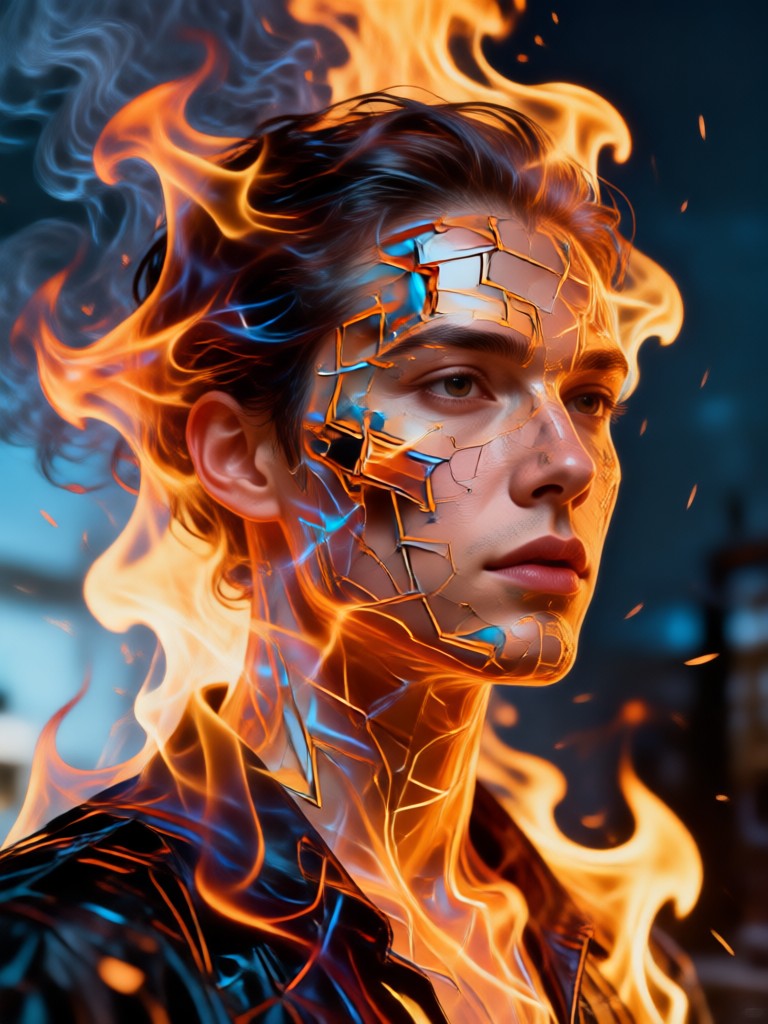
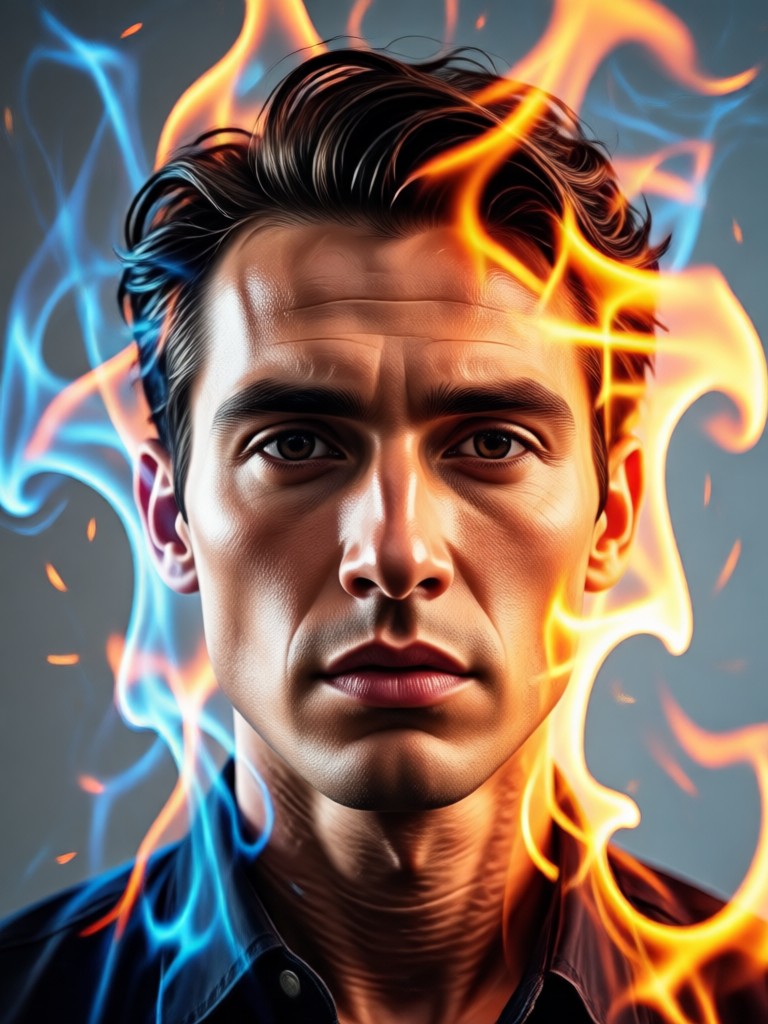
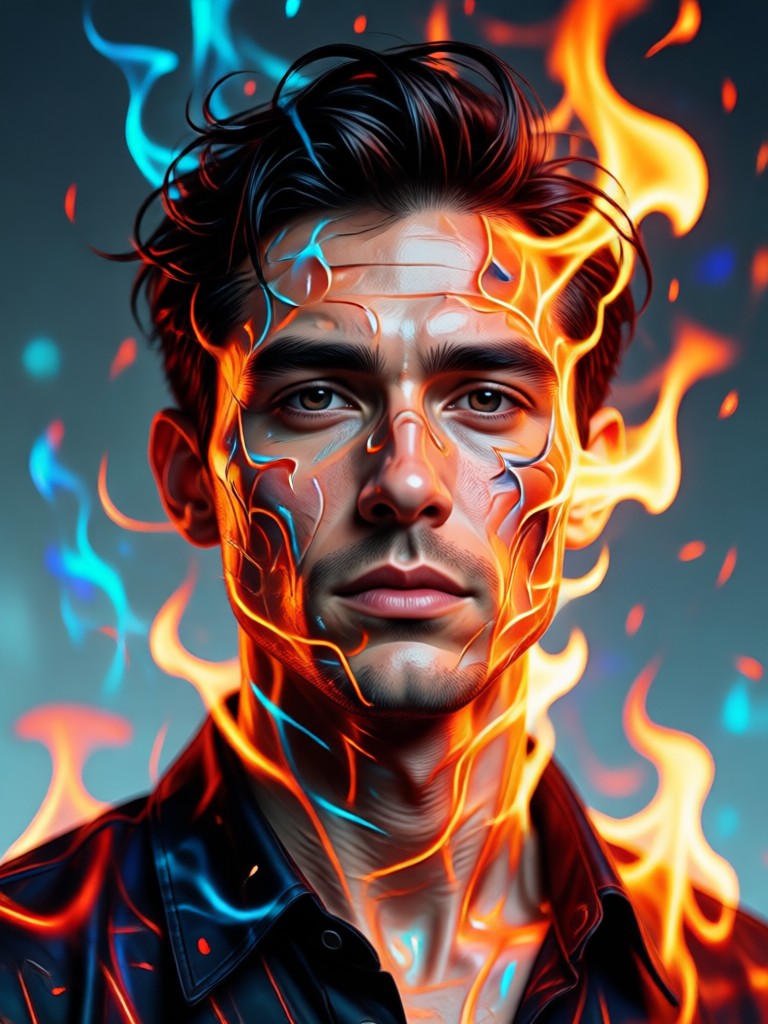
Gallery of Fire Double Exposure Art
See how others have transformed their portraits with the power of flame and smoke. Get inspired for your own fiery masterpiece.
How to Create a Fire Double Exposure Portrait?
Make your own fiery masterpiece in just three simple steps. No design experience is required.

Step 01.
Download the filtergo app to access the Fire Double Exposure Portrait Generator and thousands of other AI art styles on your mobile device.
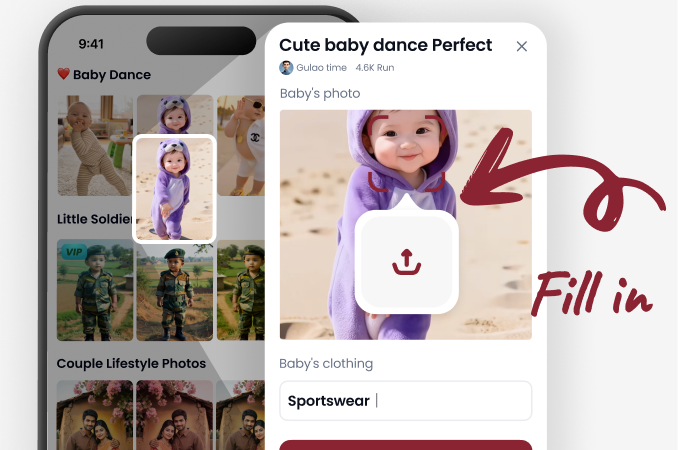
Step 02.
Upload a clear portrait photo and choose your preferred fire double exposure filter. Browse styles from subtle ember glows to full inferno blends.
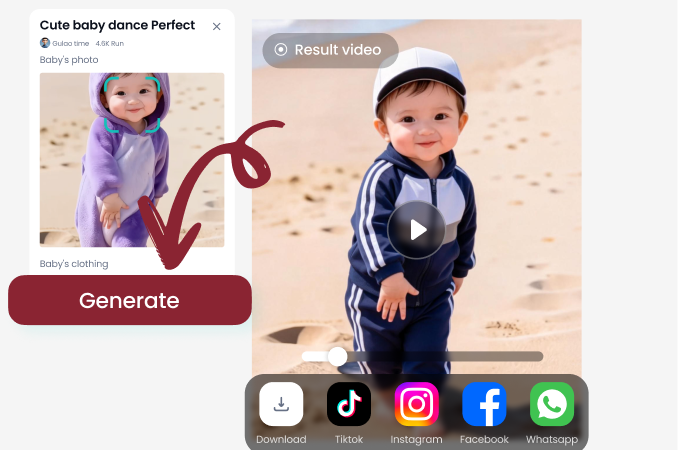
Step 03.
Generate and customize your art. Adjust the blend, then save and share your stunning fire portrait directly to social media or with friends.
Artists and Photographers Using Fire Double Exposure
Maya R.
This tool revolutionized my digital art portfolio. The way it blends flames with facial features is intuitive and produces gallery-worthy double exposure pieces I couldn't create manually in hours.
Leo T.
As a portrait photographer, I use this to create breathtaking promotional art for my clients. The 'ember glow' filter adds a magical, ethereal quality that clients absolutely love for album covers and posters.
Zara K.
My social media engagement skyrocketed after I started posting these fire portraits. The visual impact is immediate. It's my go-to tool for creating a powerful and memorable profile aesthetic.
Dax
Used this to generate the cover art for my latest single. The fusion of my image with blue flames perfectly captured the song's intense, burning passion. Unbelievably easy for such a professional result.
Maya R.
This tool revolutionized my digital art portfolio. The way it blends flames with facial features is intuitive and produces gallery-worthy double exposure pieces I couldn't create manually in hours.
Leo T.
As a portrait photographer, I use this to create breathtaking promotional art for my clients. The 'ember glow' filter adds a magical, ethereal quality that clients absolutely love for album covers and posters.
Zara K.
My social media engagement skyrocketed after I started posting these fire portraits. The visual impact is immediate. It's my go-to tool for creating a powerful and memorable profile aesthetic.
Dax
Used this to generate the cover art for my latest single. The fusion of my image with blue flames perfectly captured the song's intense, burning passion. Unbelievably easy for such a professional result.
Maya R.
This tool revolutionized my digital art portfolio. The way it blends flames with facial features is intuitive and produces gallery-worthy double exposure pieces I couldn't create manually in hours.
Leo T.
As a portrait photographer, I use this to create breathtaking promotional art for my clients. The 'ember glow' filter adds a magical, ethereal quality that clients absolutely love for album covers and posters.
Zara K.
My social media engagement skyrocketed after I started posting these fire portraits. The visual impact is immediate. It's my go-to tool for creating a powerful and memorable profile aesthetic.
Dax
Used this to generate the cover art for my latest single. The fusion of my image with blue flames perfectly captured the song's intense, burning passion. Unbelievably easy for such a professional result.
Fire Double Exposure Portrait FAQs
Get answers to common questions about creating and using our AI-powered fire double exposure portrait generator.
Ready to Ignite Your Creativity?
Stop imagining and start creating. Transform your standard portrait into a captivating work of art that burns with emotion and energy. The process is quick, easy, and delivers professional results instantly.
More AI Art Topics You May Like
Explore more topics you may like and discover fresh ideas tailored to your interests.

AI Video Generator: Create High-Quality Videos Instantly
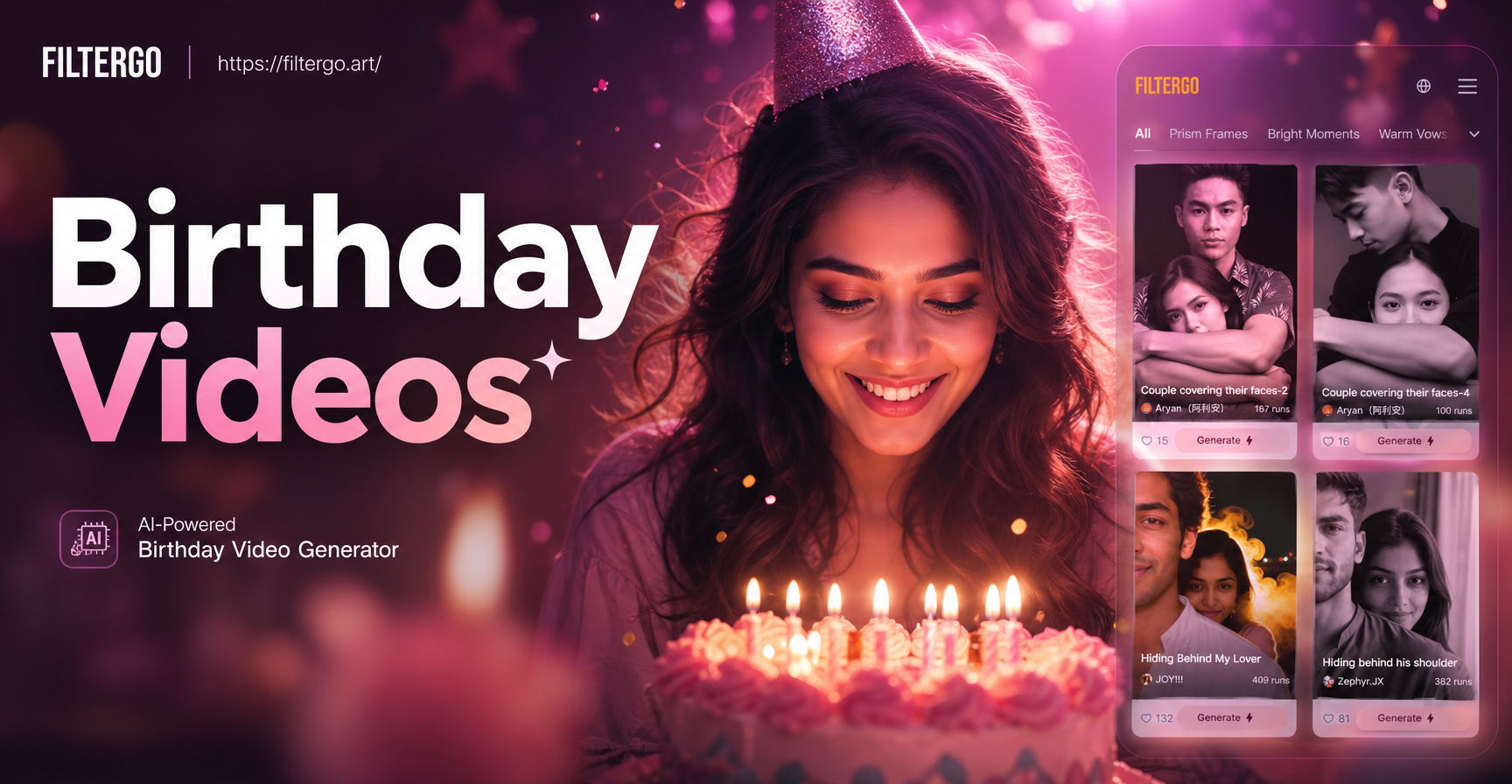
Create Heartfelt Birthday Video Greetings Instantly
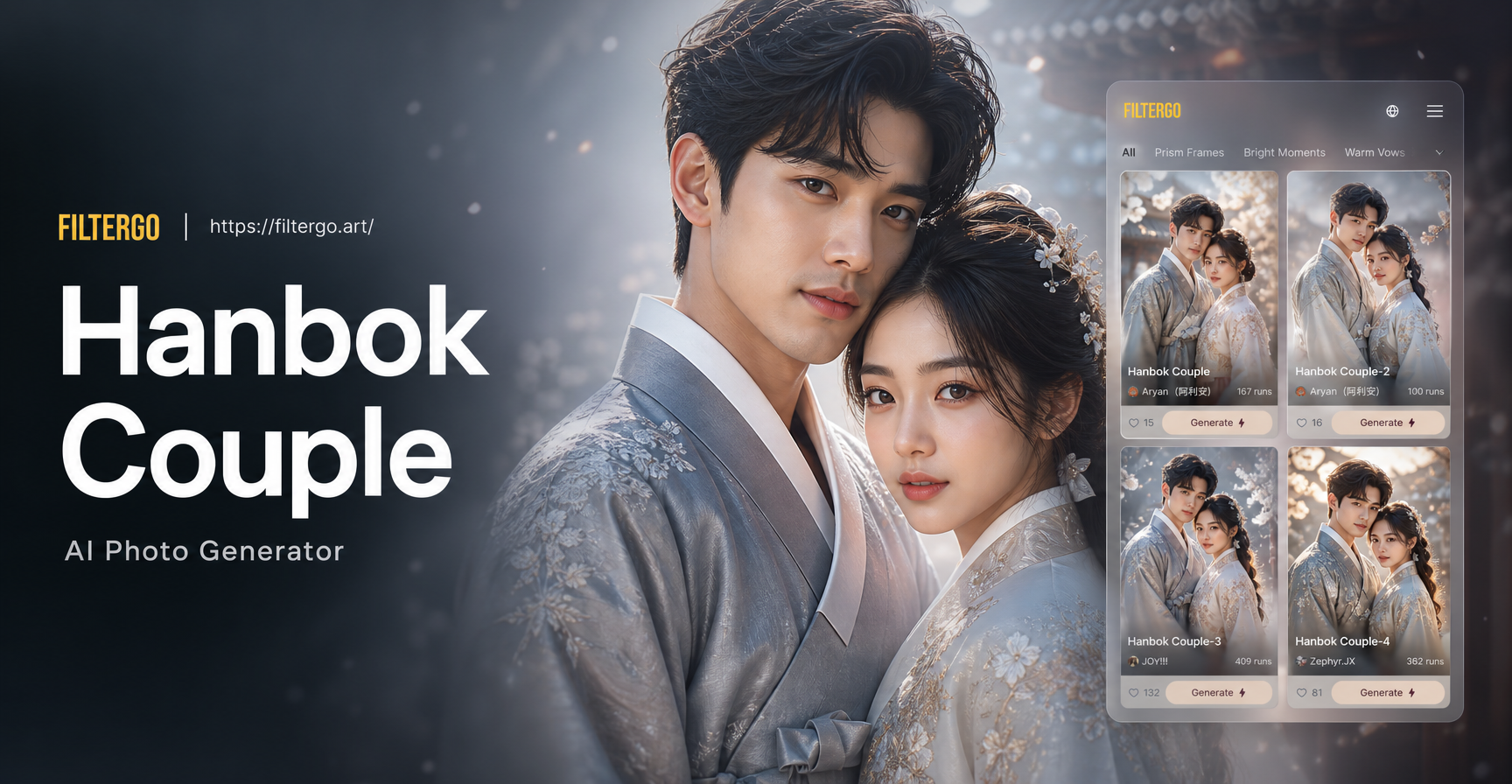
Create Stunning Hanbok Couple Photos in Seconds
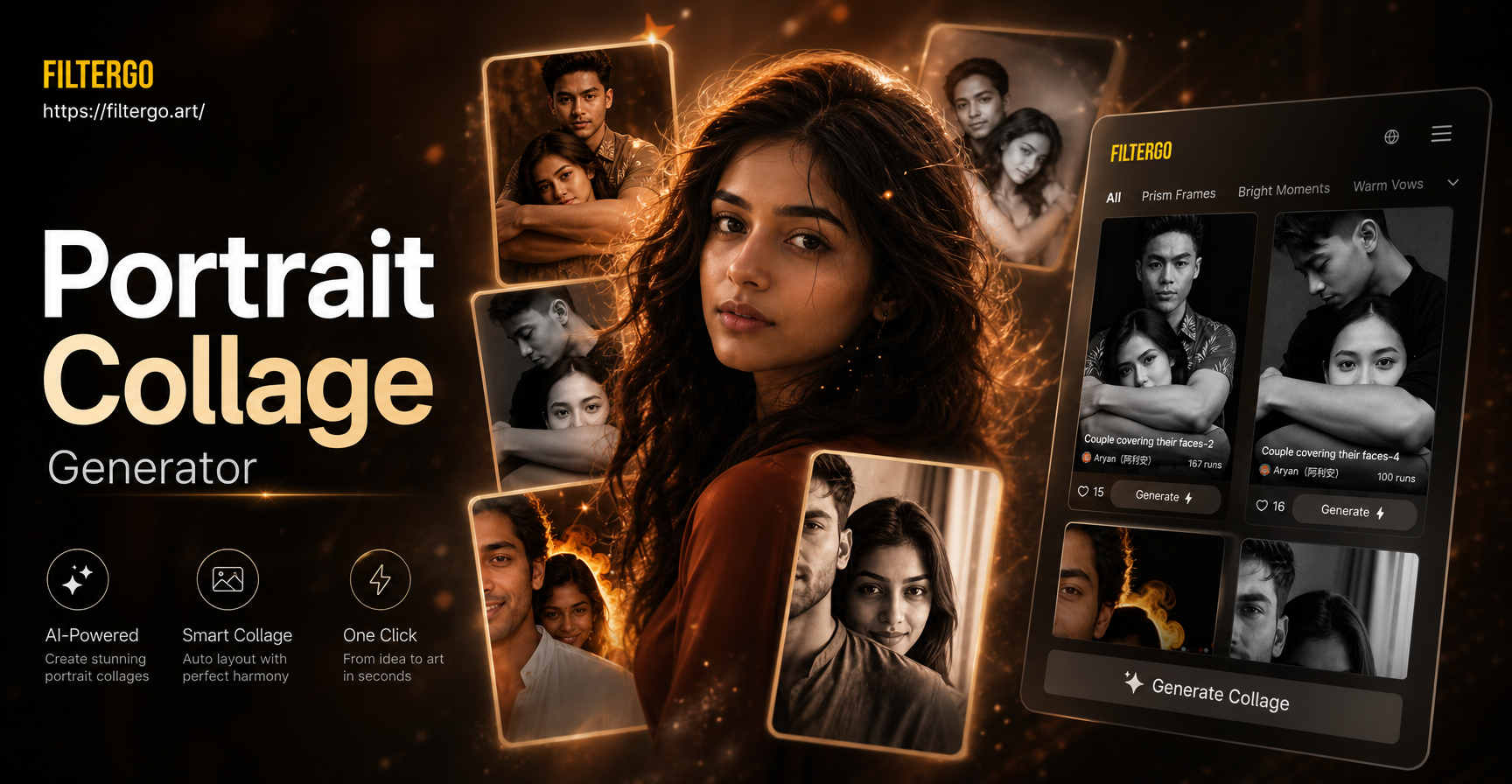
Portrait Collage Generator - AI Powered Creative Tool | filtergo
AI Video Generator: Create High-Quality Videos Instantly
Create Heartfelt Birthday Video Greetings Instantly
Create Stunning Hanbok Couple Photos in Seconds
Portrait Collage Generator - AI Powered Creative Tool | filtergo
Create Your Fiery Masterpiece Today
Download filtergo now and unlock the power to transform any portrait into a stunning double exposure fusion of humanity and flame. No skills, no hassle, just incredible art.
Create Your Fiery Masterpiece Today
Download filtergo now and unlock the power to transform any portrait into a stunning double exposure fusion of humanity and flame. No skills, no hassle, just incredible art.