Generate Video Using AI
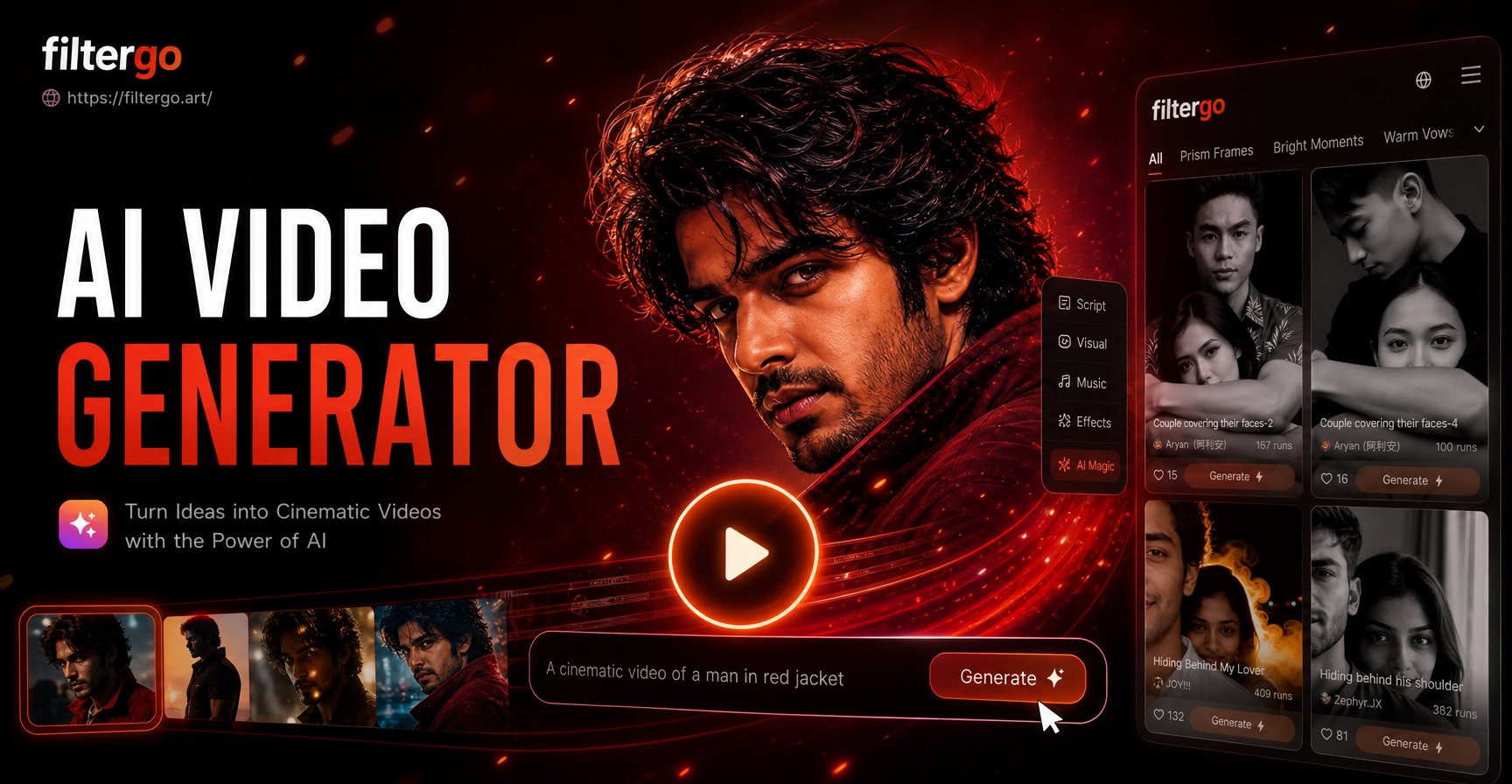
Top AI Video Creation Filters
Explore our most popular AI video styles and effects to kickstart your project. From cinematic masterpieces to animated shorts, find the perfect creative direction.
Key Features of Our AI Video Generator
Our platform combines advanced AI models with an intuitive mobile interface, giving you professional-grade video creation power in the palm of your hand.
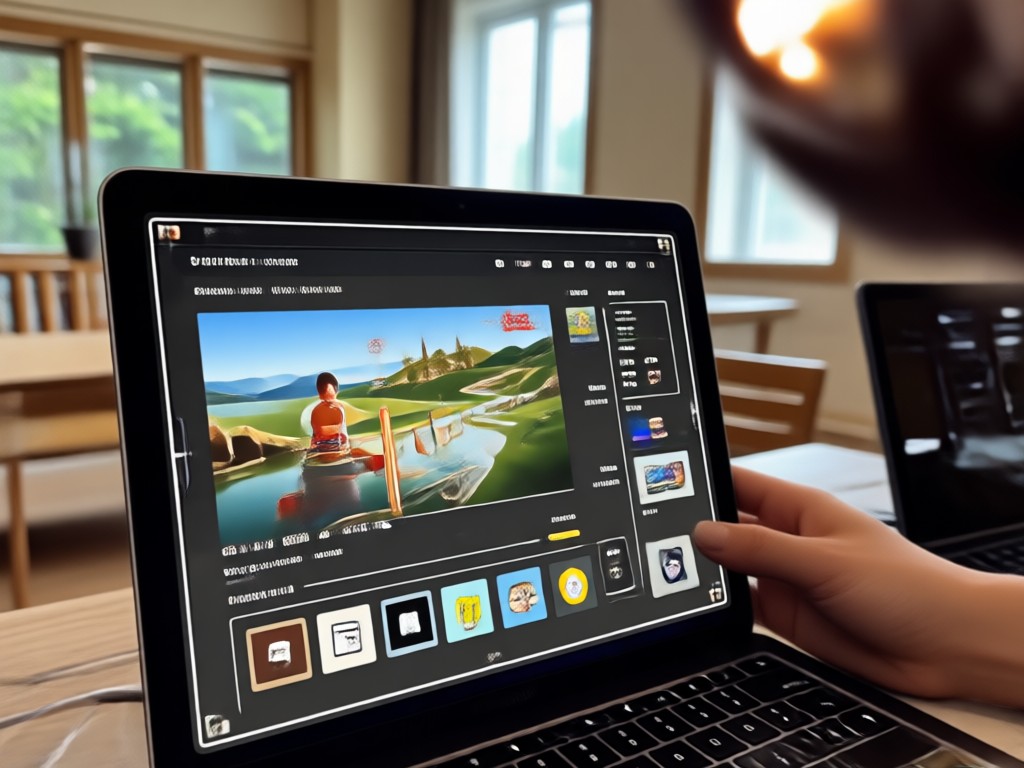
Text-to-Video Creation
Describe any scene, character, or action in plain English. Our AI interprets your prompt to generate coherent, high-definition videos with consistent motion and style, saving you hours of filming and editing.
Text-to-Video Creation
Describe any scene, character, or action in plain English. Our AI interprets your prompt to generate coherent, high-definition videos with consistent motion and style, saving you hours of filming and editing.
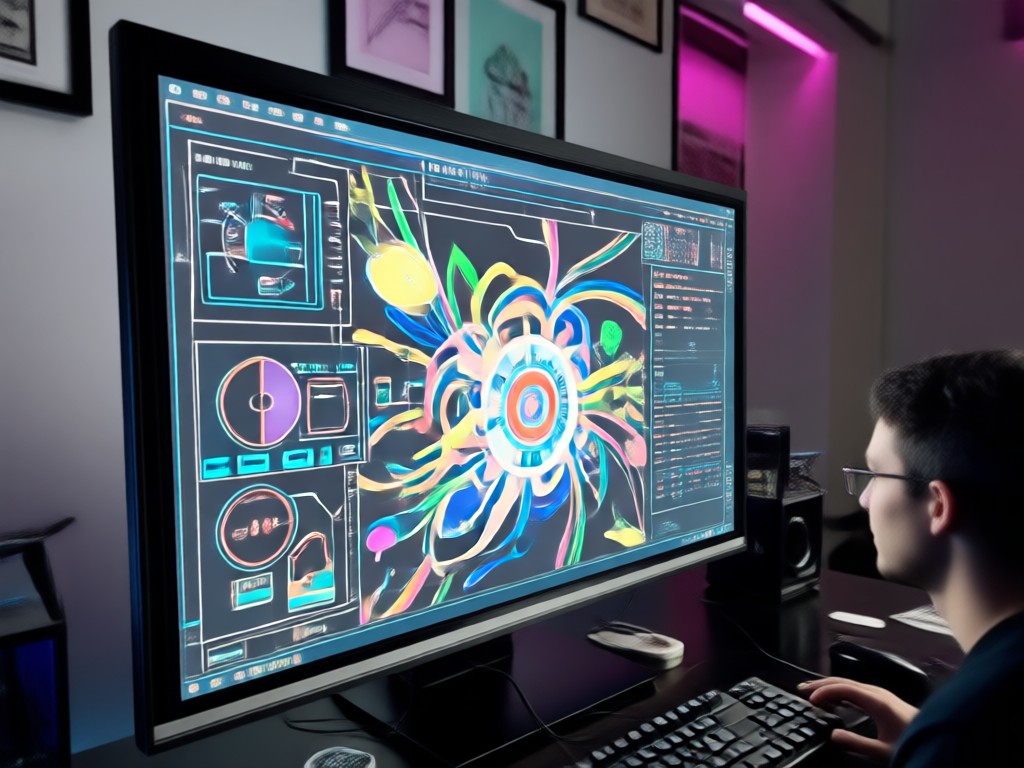
Image-to-Video Animation
Breathe life into your static photos. Upload any image, and our AI will animate it with realistic motion, creating short narrative videos, talking portraits, or dynamic scene transitions.
Image-to-Video Animation
Breathe life into your static photos. Upload any image, and our AI will animate it with realistic motion, creating short narrative videos, talking portraits, or dynamic scene transitions.
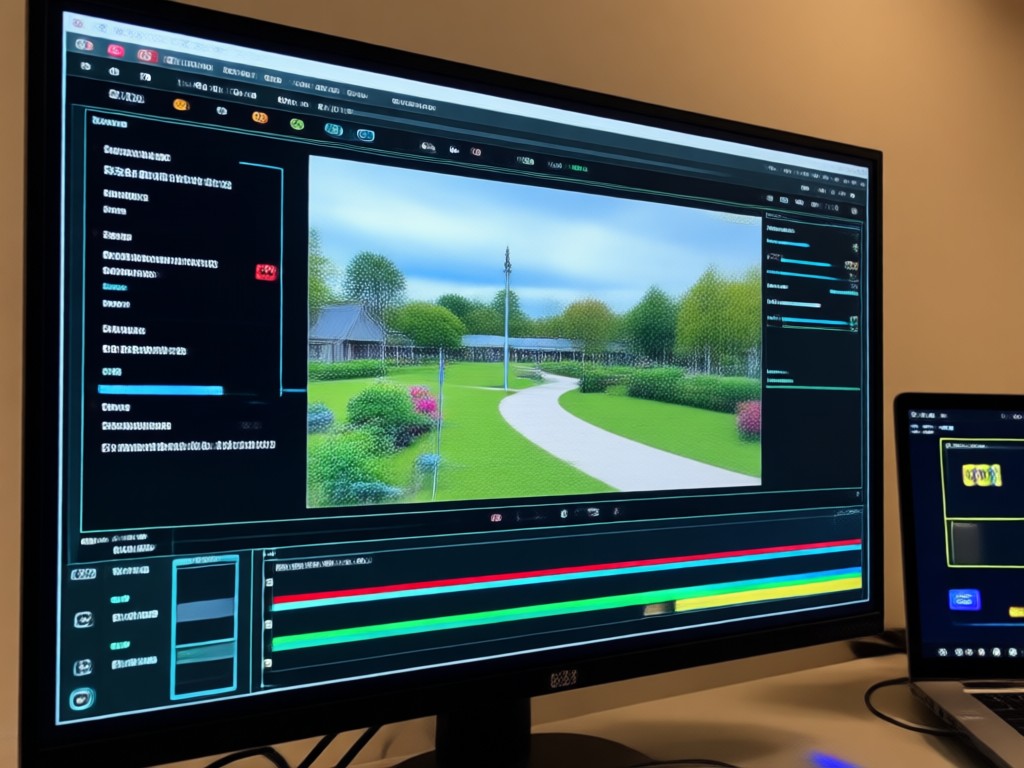
Massive Style Library
Access over a million video style templates. Apply cinematic filters, anime aesthetics, cyberpunk visuals, claymation, watercolor animation, and trending viral effects to customize your content instantly.
Massive Style Library
Access over a million video style templates. Apply cinematic filters, anime aesthetics, cyberpunk visuals, claymation, watercolor animation, and trending viral effects to customize your content instantly.
AI Video Creation Samples & Inspiration
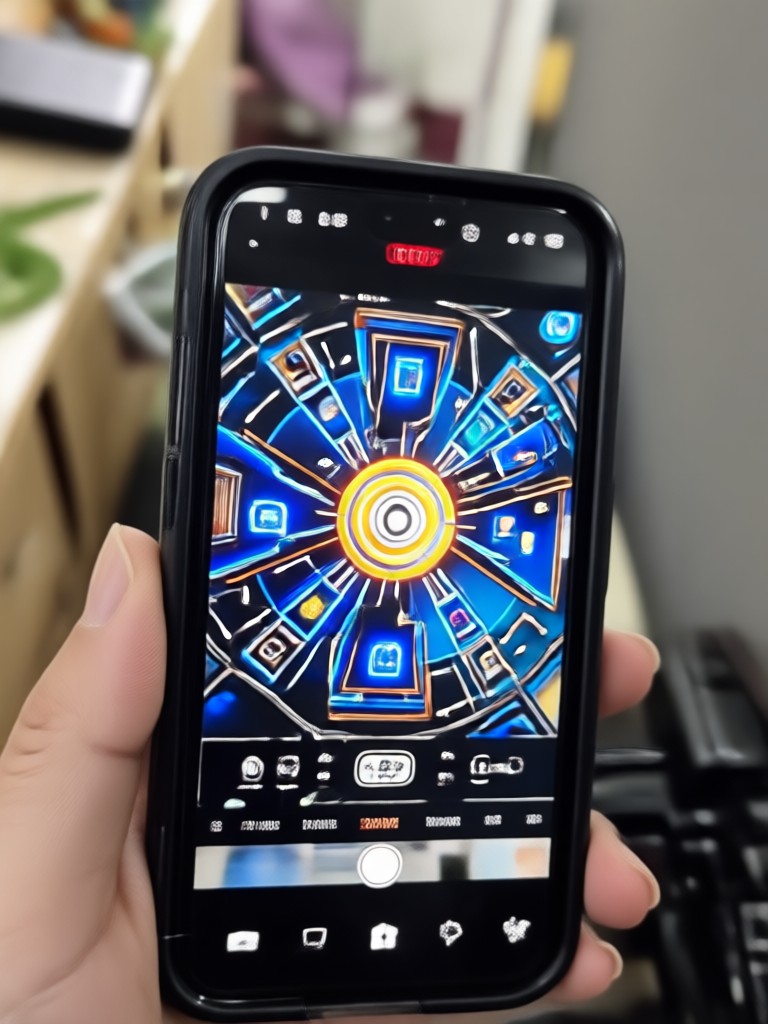
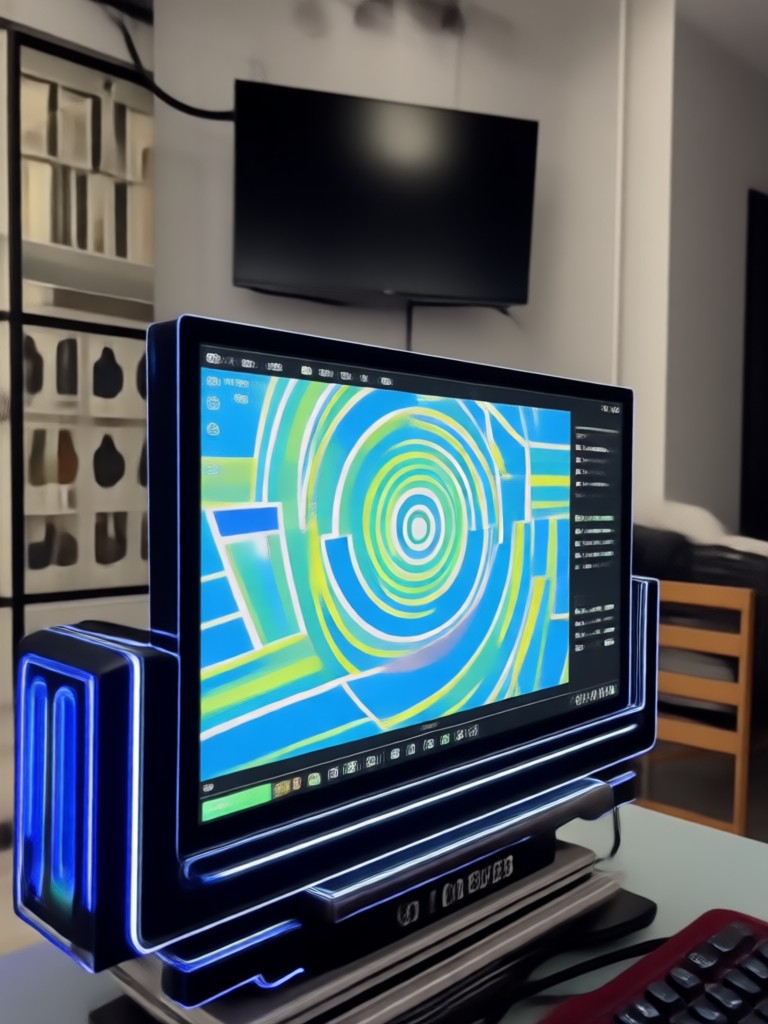
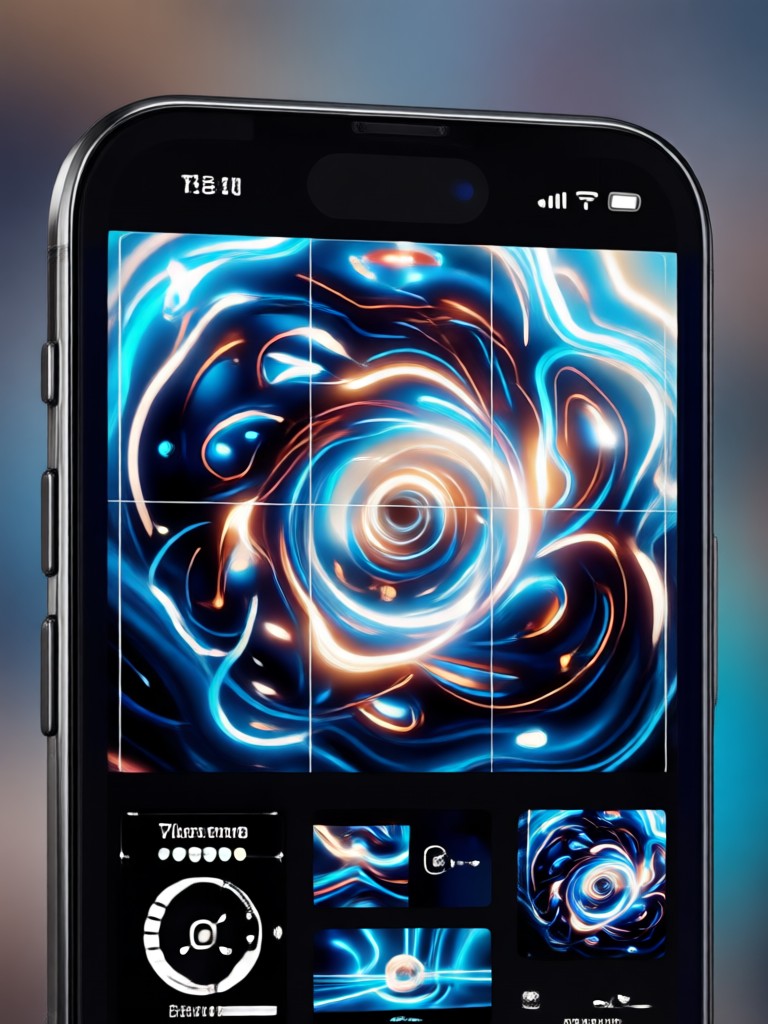
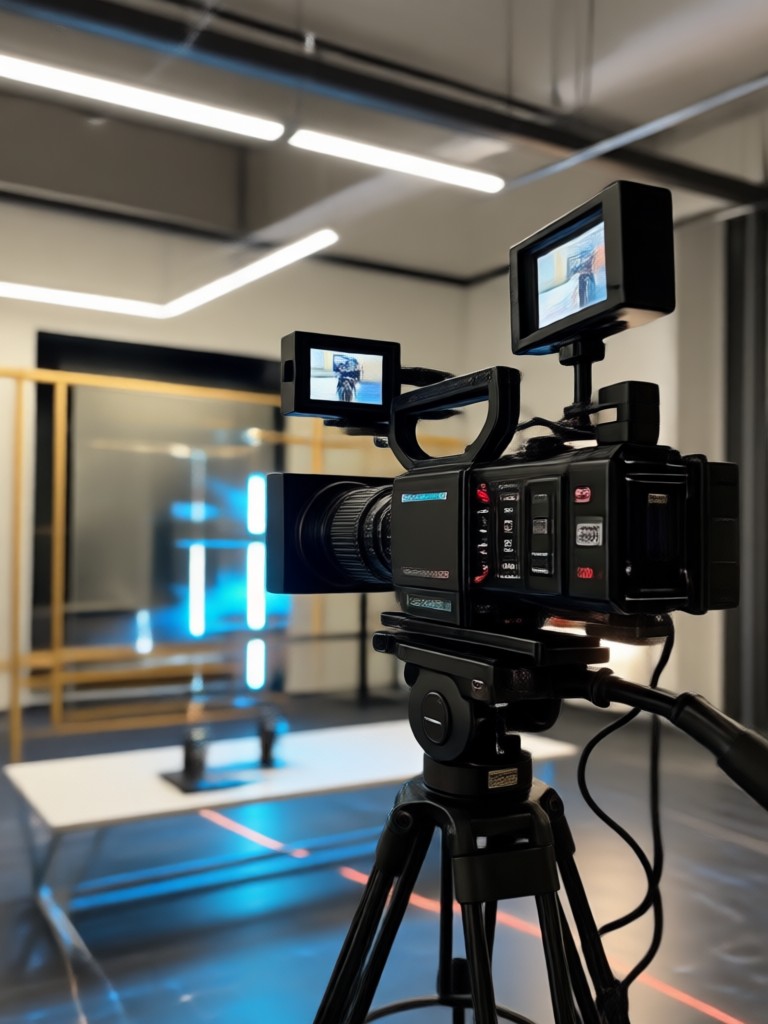
See what's possible with AI video generation. These samples were created using simple text prompts or image inputs, showcasing the diversity and quality you can achieve in seconds.
Why Generate Video Using AI?
Traditional video production requires cameras, actors, sets, and complex editing software. AI video generation democratizes creation, allowing anyone to produce high-quality, original content with just a smartphone and an idea.
Why Generate Video Using AI?
Traditional video production requires cameras, actors, sets, and complex editing software. AI video generation democratizes creation, allowing anyone to produce high-quality, original content with just a smartphone and an idea.
Creators Using AI Video Generation

Chloe T.
I post daily on TikTok and Instagram Reels. This AI tool lets me generate unique, eye-catching background videos for my voiceovers in minutes. It's completely changed my content game.

Marcus R.
As a solo entrepreneur, I can't afford a video production team. Now I generate product demo videos and brand story clips myself. The quality is professional, and the cost is just my time.

Dr. Lena K.
I use it to create animated explanations for complex topics in my online courses. Turning a diagram into a short, engaging video helps my students understand concepts much faster.

Alex J.
I write short stories and finally have a way to visualize them. I generate video scenes for key moments. It's like having a personal animation studio in my pocket.
Chloe T.
I post daily on TikTok and Instagram Reels. This AI tool lets me generate unique, eye-catching background videos for my voiceovers in minutes. It's completely changed my content game.
Marcus R.
As a solo entrepreneur, I can't afford a video production team. Now I generate product demo videos and brand story clips myself. The quality is professional, and the cost is just my time.
Dr. Lena K.
I use it to create animated explanations for complex topics in my online courses. Turning a diagram into a short, engaging video helps my students understand concepts much faster.
Alex J.
I write short stories and finally have a way to visualize them. I generate video scenes for key moments. It's like having a personal animation studio in my pocket.
Chloe T.
I post daily on TikTok and Instagram Reels. This AI tool lets me generate unique, eye-catching background videos for my voiceovers in minutes. It's completely changed my content game.
Marcus R.
As a solo entrepreneur, I can't afford a video production team. Now I generate product demo videos and brand story clips myself. The quality is professional, and the cost is just my time.
Dr. Lena K.
I use it to create animated explanations for complex topics in my online courses. Turning a diagram into a short, engaging video helps my students understand concepts much faster.
Alex J.
I write short stories and finally have a way to visualize them. I generate video scenes for key moments. It's like having a personal animation studio in my pocket.
How to Generate Video Using AI?
Creating your first AI video takes less than three minutes. Follow these simple steps to turn your imagination into watchable content.
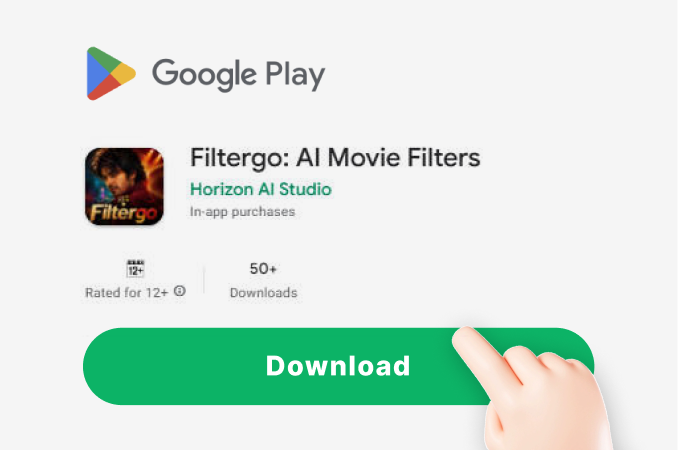
Step 01.
Download the FilterGo app from Google Play. It's your all-in-one mobile studio for AI image and video generation, completely free to start.
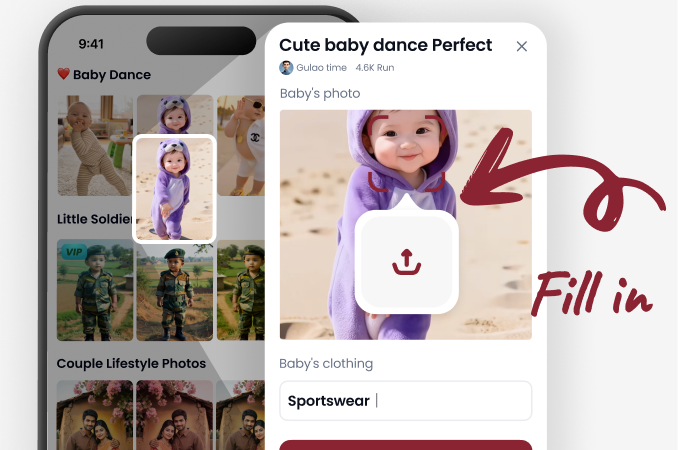
Step 02.
Open the app and select 'Video Generation'. Choose to start from a text prompt or upload an image. Then, browse and select from thousands of style templates.
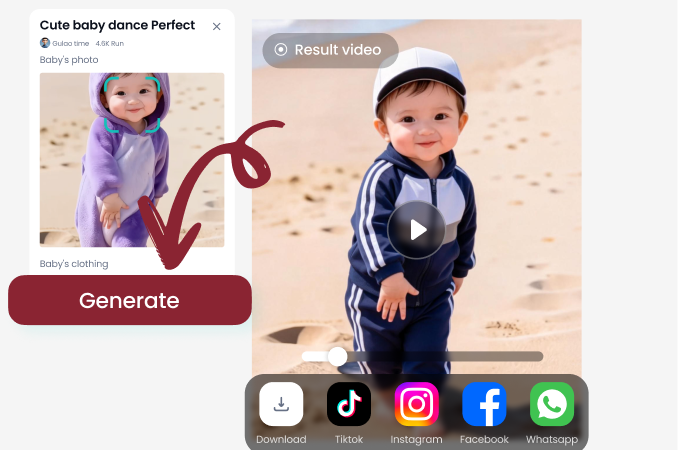
Step 03.
Tap 'Generate' and watch AI create your video in seconds. Preview, download in HD, and share directly to your favorite social platforms.
AI Video Generation FAQs
Get answers to the most common questions about generating video using AI. Understand the process, capabilities, and how to get the best results.
Your AI Video Studio, On Mobile
Why be tied to a desktop? Carry the power to generate video using AI in your pocket. Download FilterGo and create whenever inspiration strikes.

Start Generating Videos with AI Today
Don't just imagine your video ideas—create them. Join millions of users who are transforming text and images into engaging video content in seconds, all from their phones.
Start Generating Videos with AI Today
Don't just imagine your video ideas—create them. Join millions of users who are transforming text and images into engaging video content in seconds, all from their phones.