Studio Smoke Background Generator
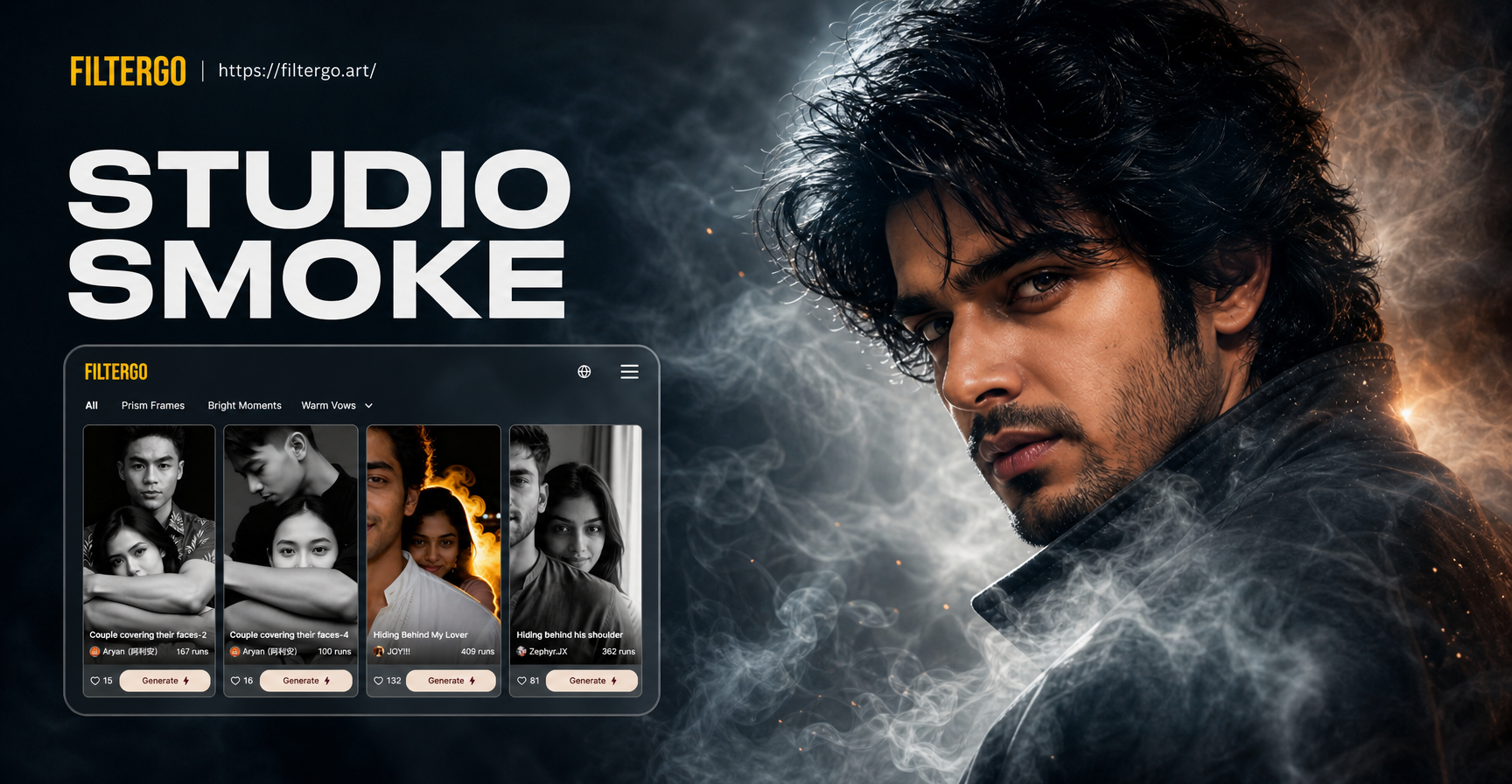
Transform Photos with AI Smoke & Mist
Choose from a variety of smoke styles, from wispy and ethereal to dense and dramatic, to match your creative vision perfectly.
Why Use Our Studio Smoke Background Maker
Our AI tool is designed to give you professional, photorealistic smoke effects that integrate seamlessly with your original portraits, all from your phone.
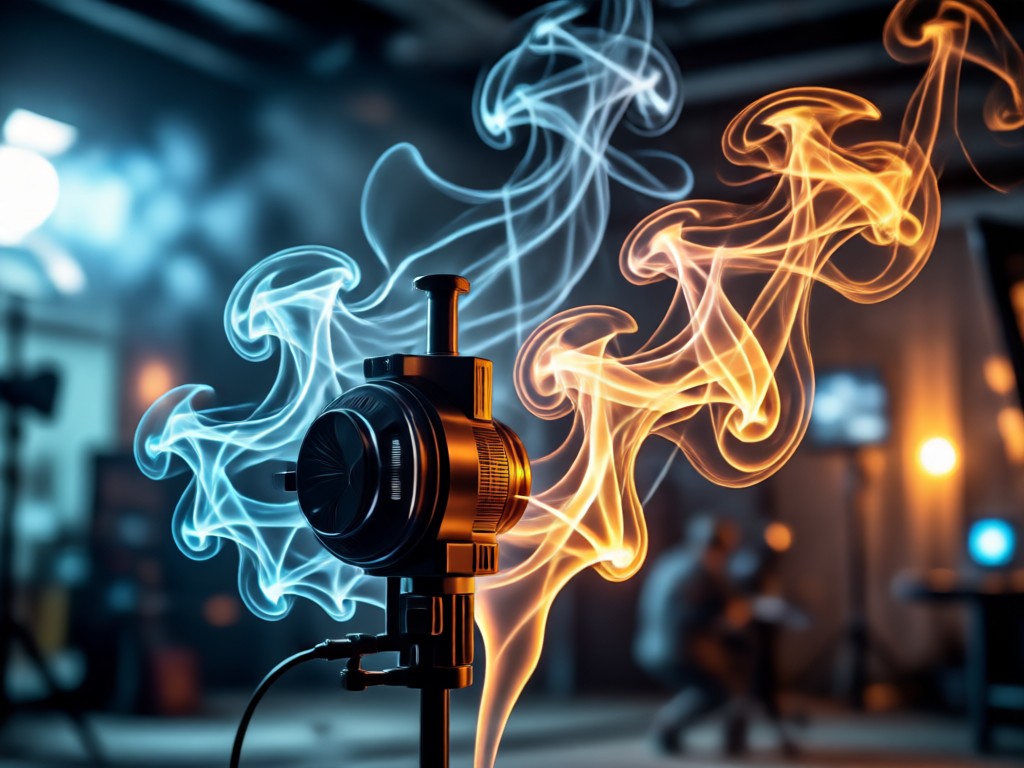
Realistic Smoke Integration
AI doesn't just overlay smoke. It analyzes lighting, depth, and skin tones to blend wisps and plumes realistically around your subject for a natural studio look.
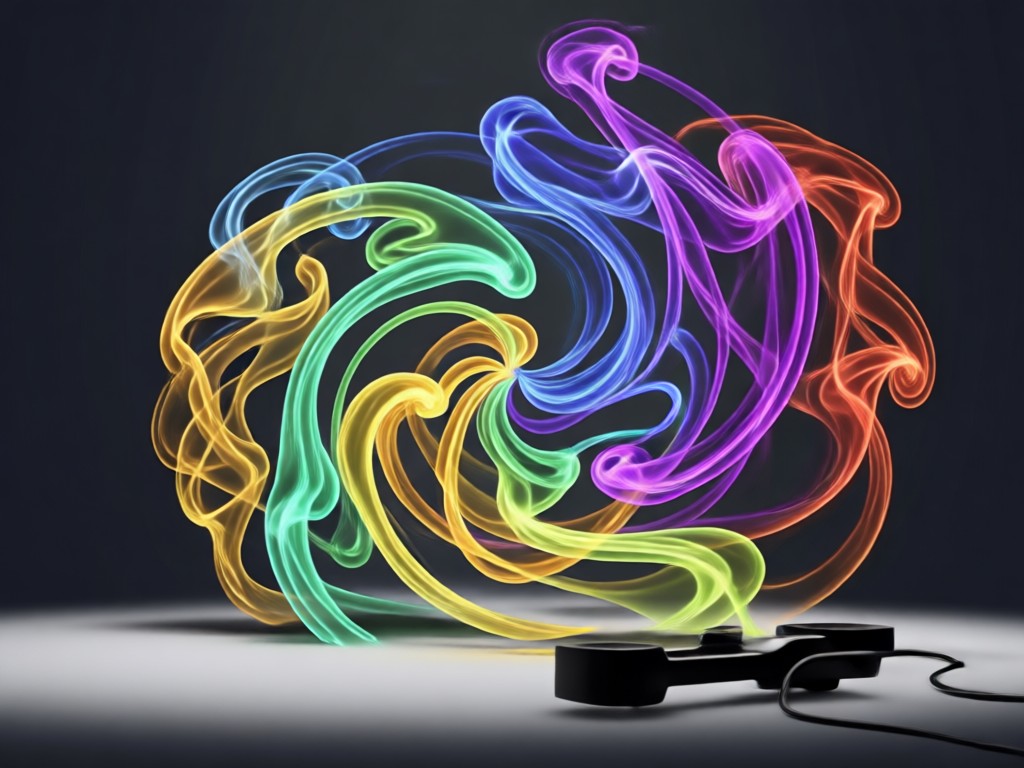
Customizable Density & Color
Control the intensity of the smoke effect. Choose from light mist to heavy fog, and apply classic white smoke, cool blue tones, or warm atmospheric hues.
Instant Portrait Transformation
Turn a simple headshot or full body portrait into a dramatic, high fashion editorial piece in under a minute. Perfect for social media, portfolios, and creative projects.
Studio Smoke Effect Gallery
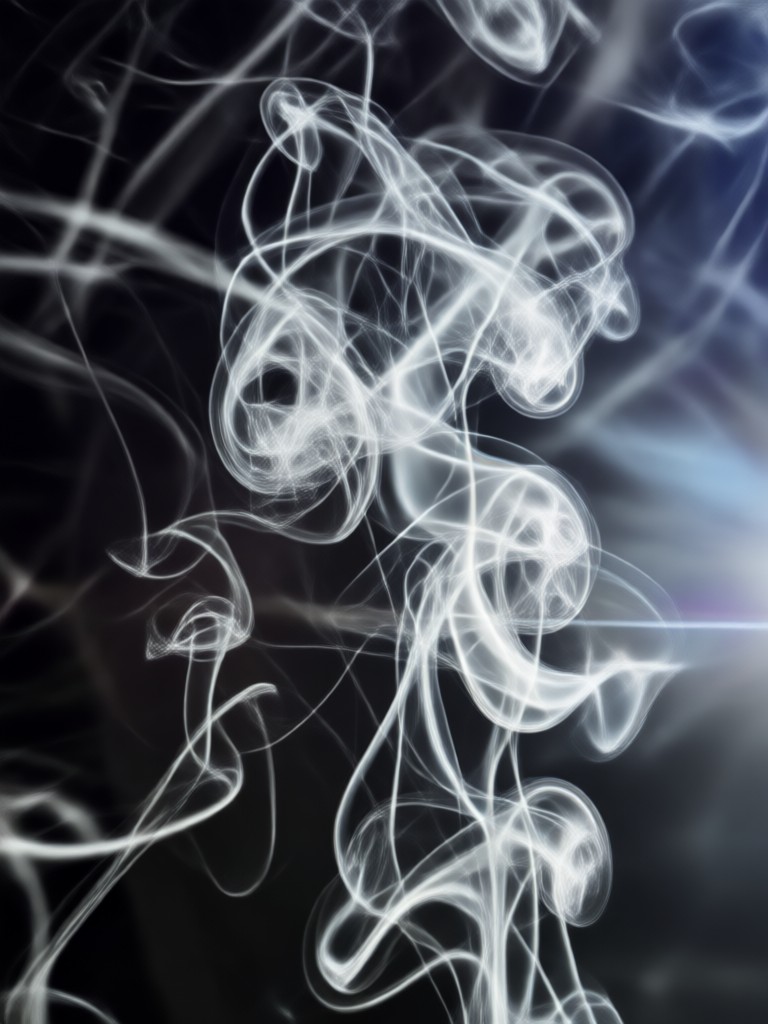
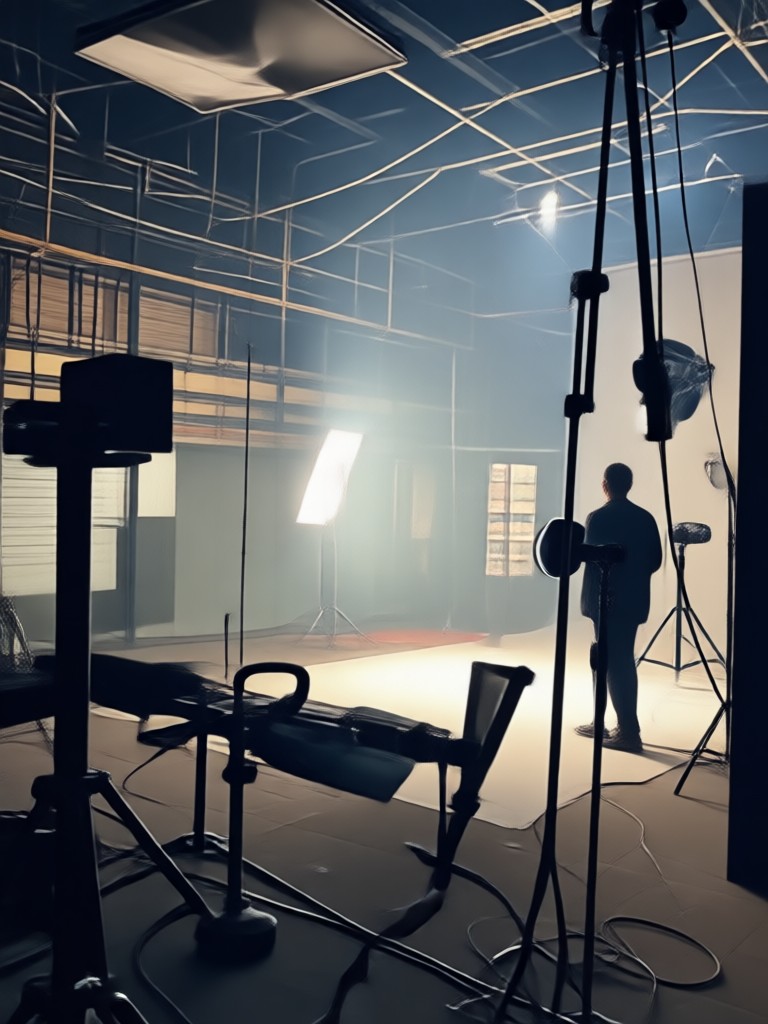
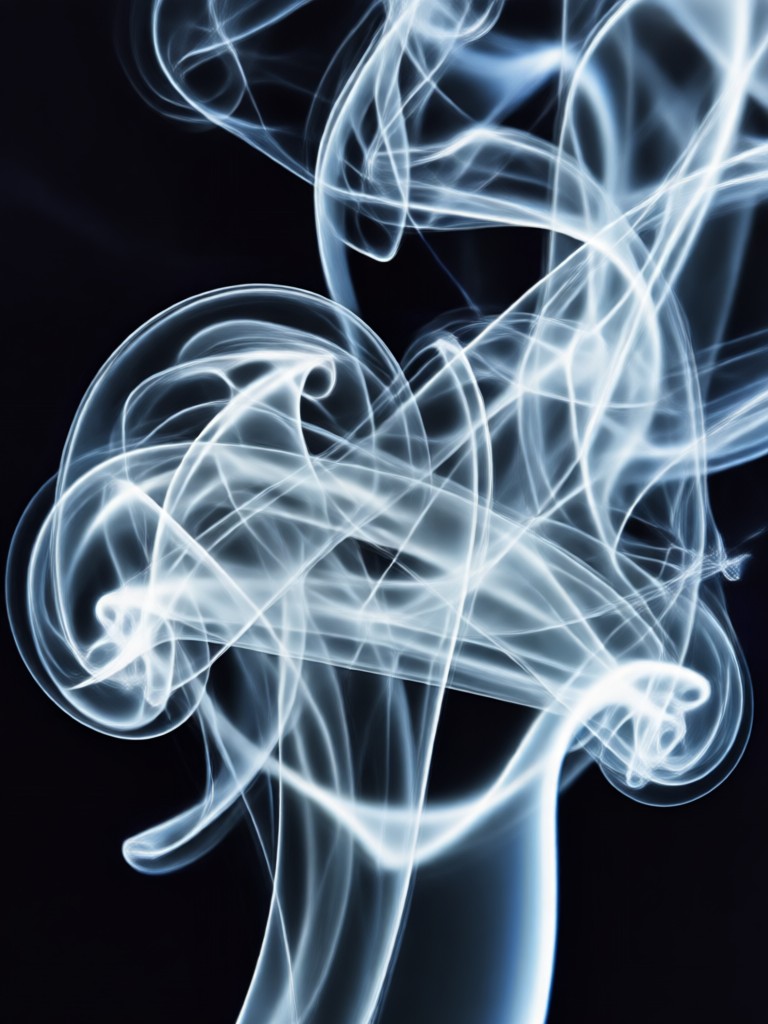
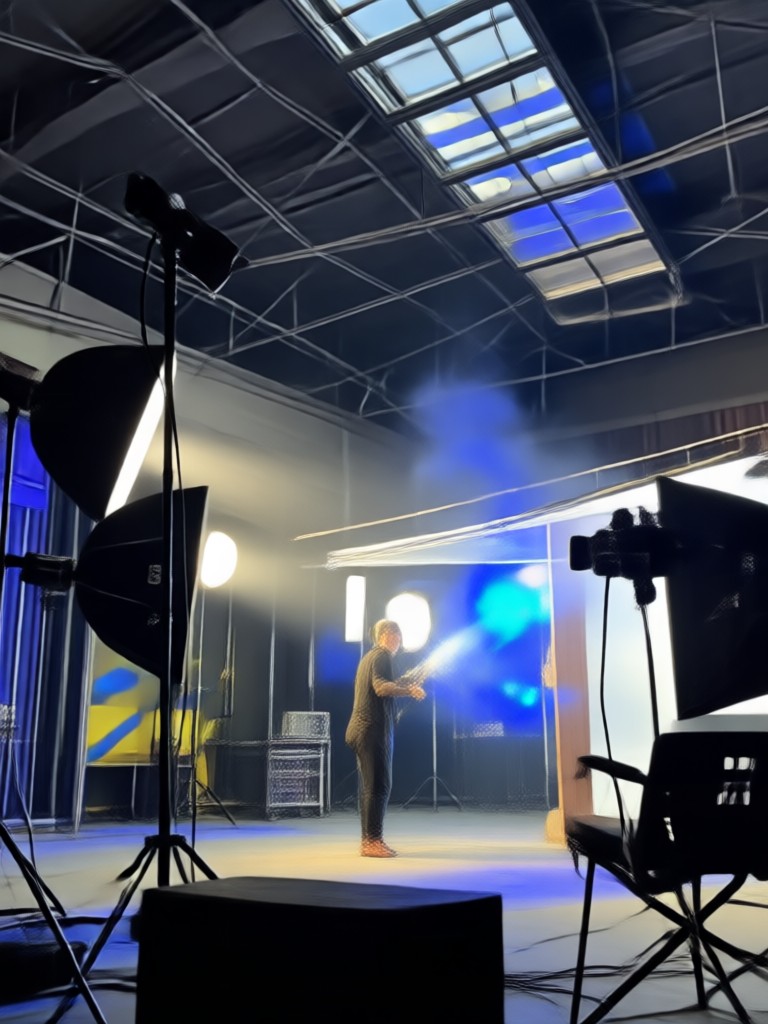
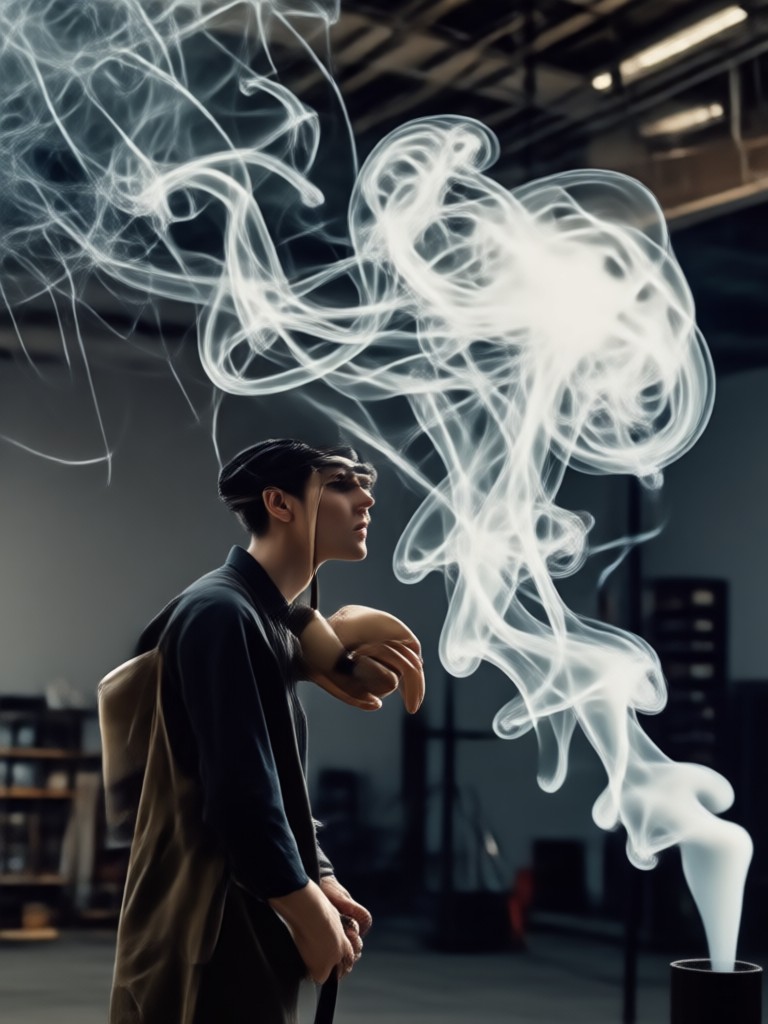
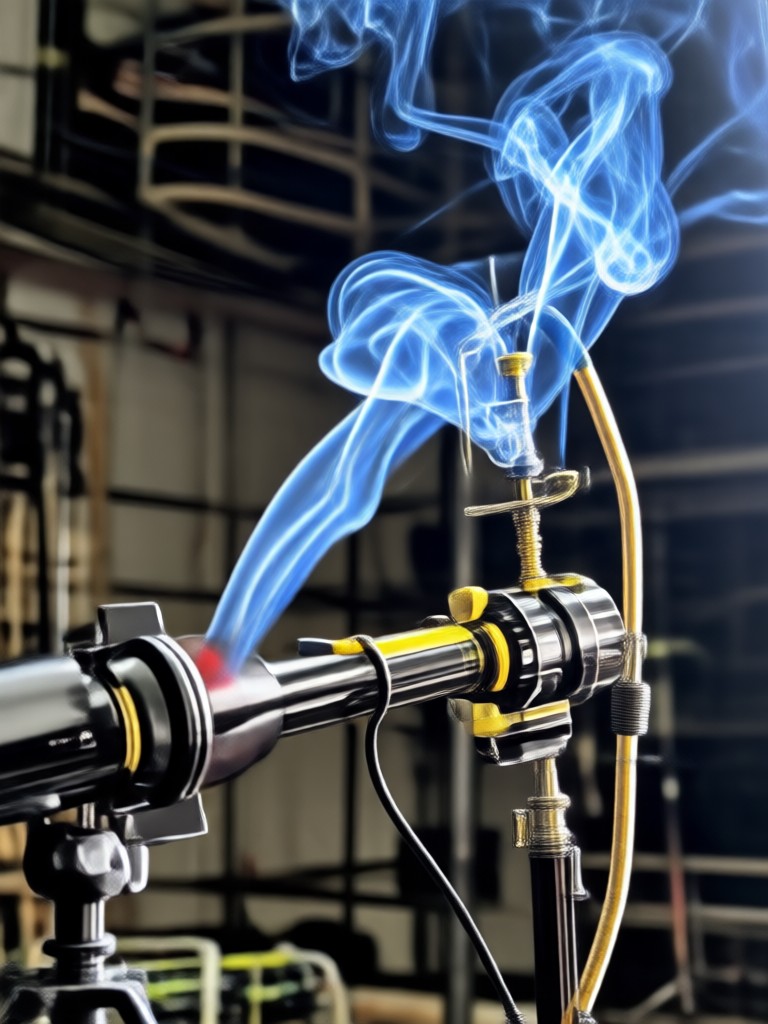
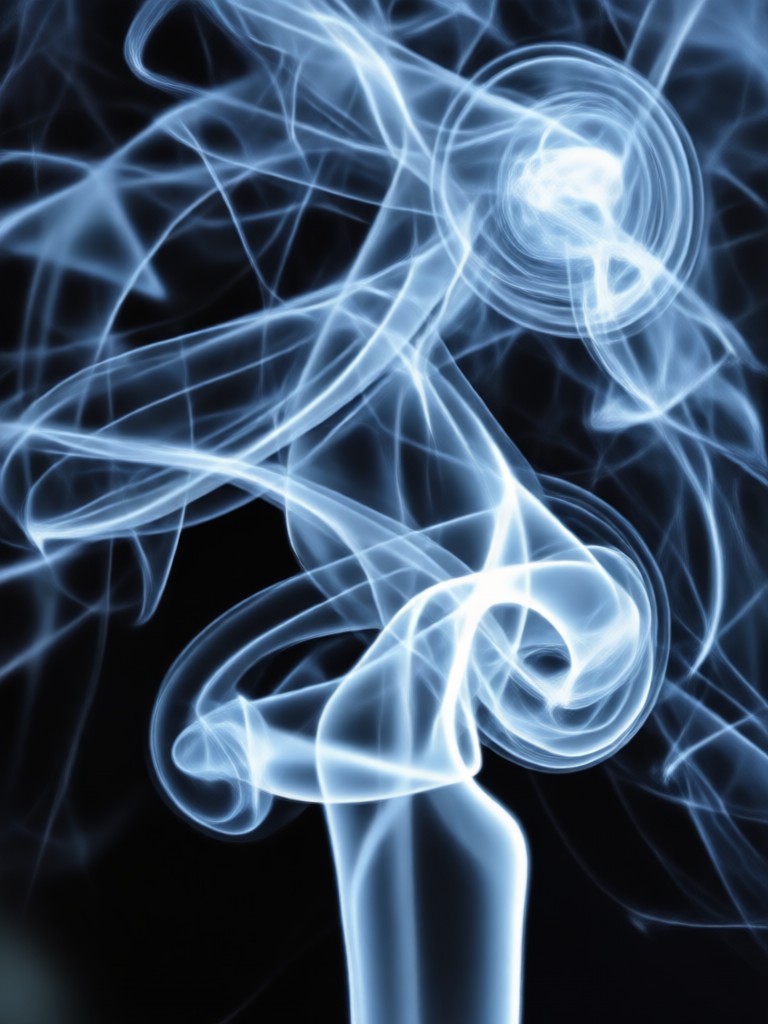
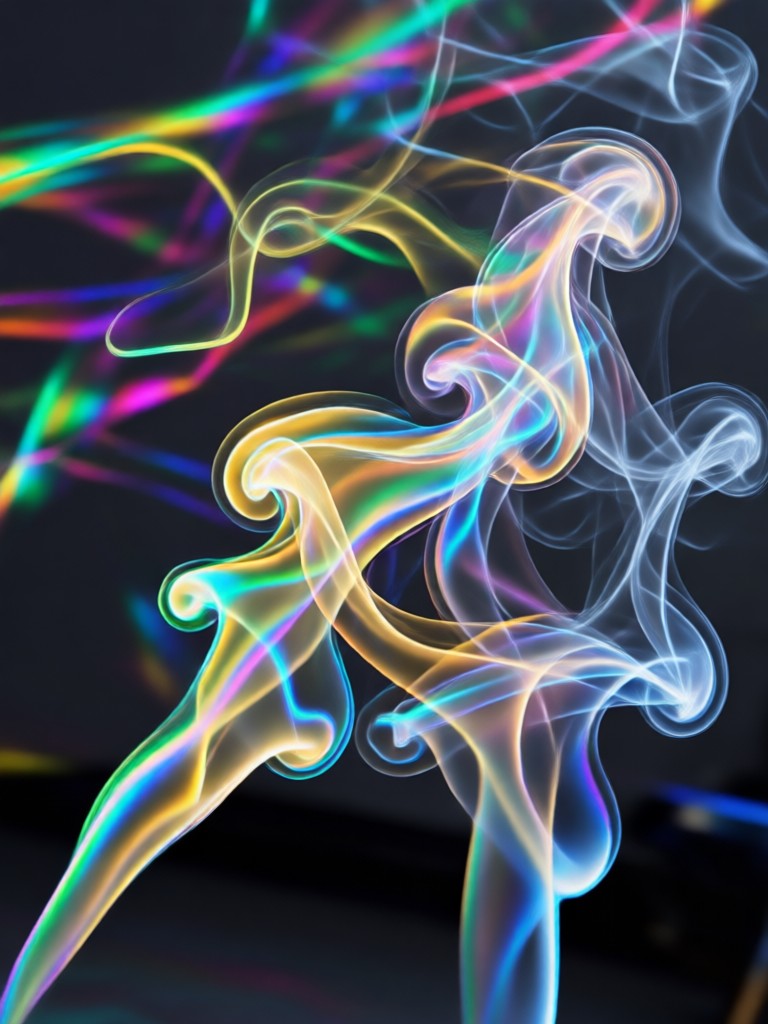
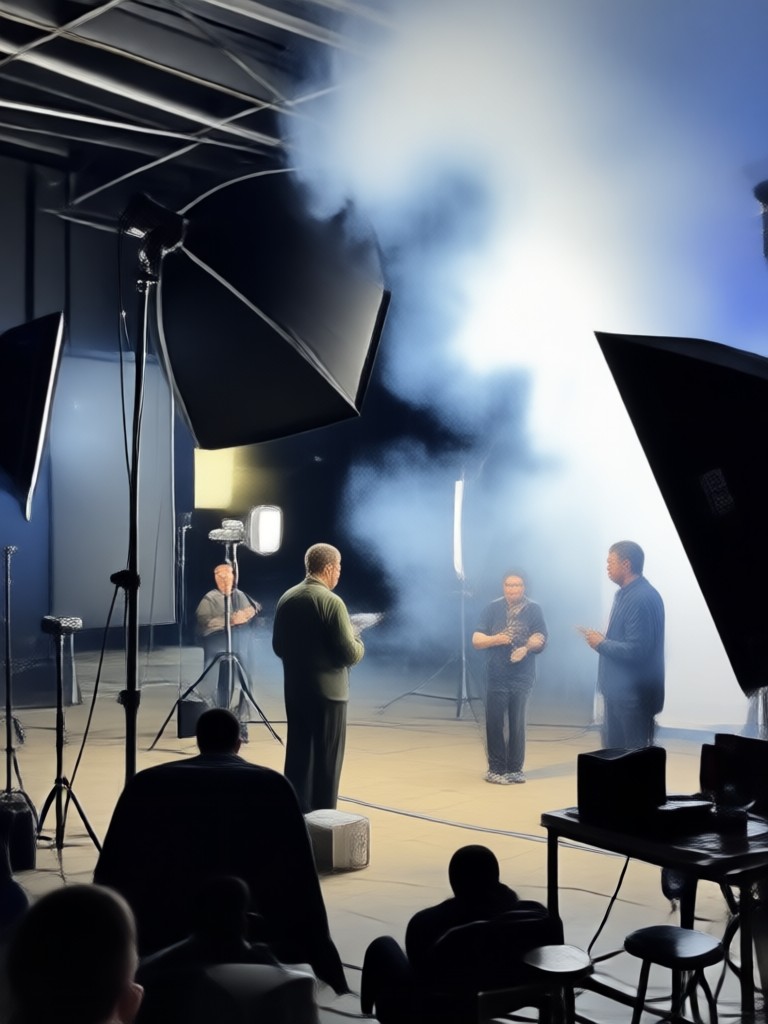
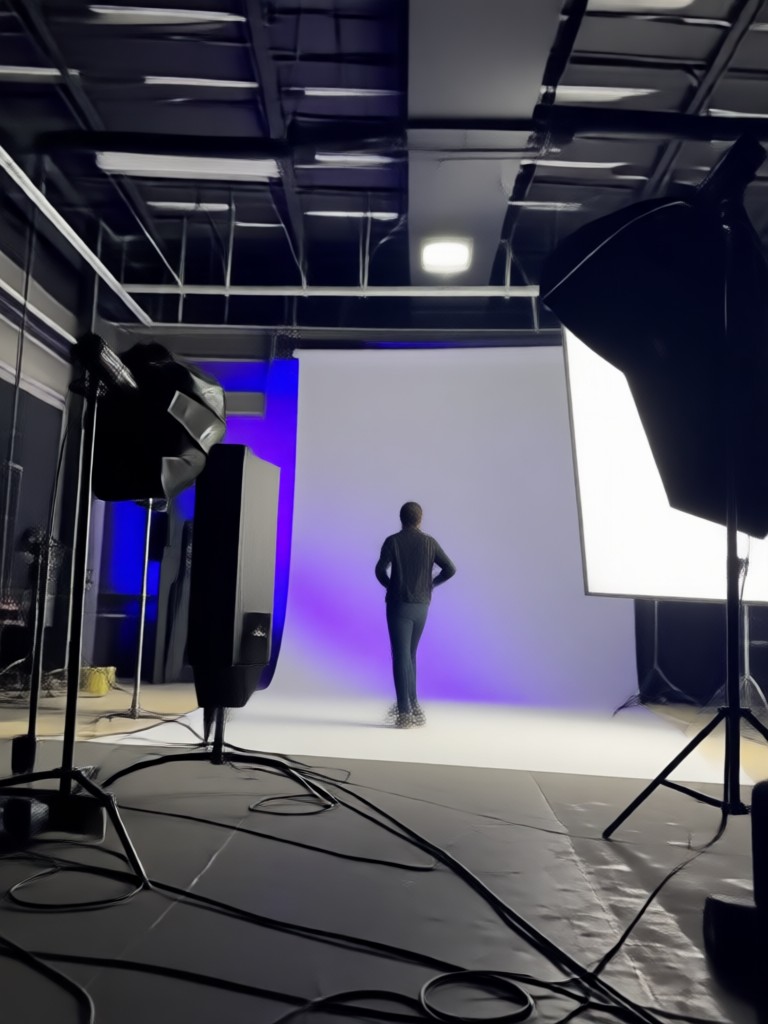
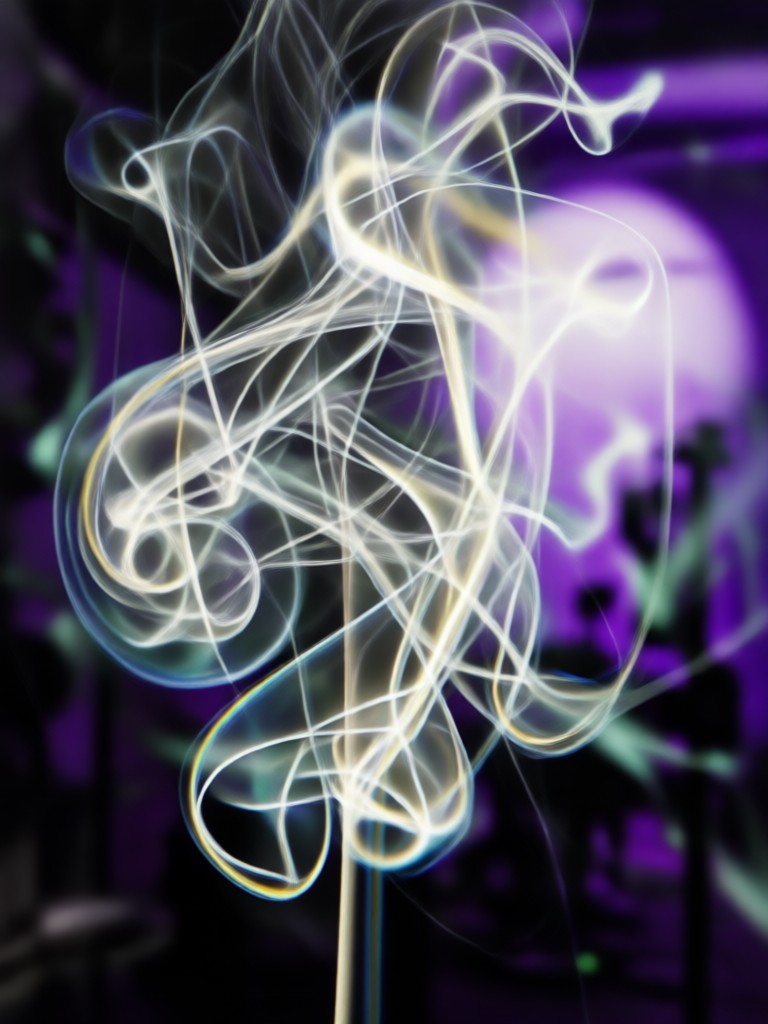
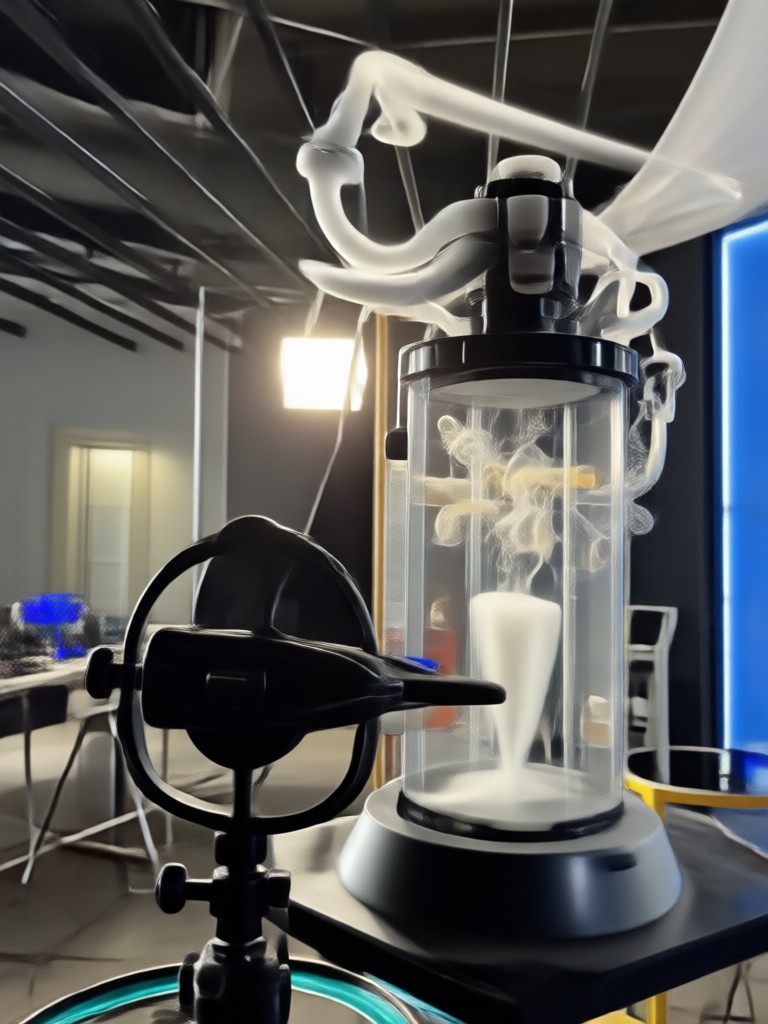
See how ordinary photos are transformed into extraordinary smoky portraits. Browse examples of AI generated studio smoke backgrounds applied to various styles.
How to Create a Studio Smoke Portrait?
Create stunning smoky portrait effects in just three simple steps with our mobile AI generator.

Step 01.
Download the filtergo app from Google Play to access the studio smoke background generator and all AI tools.
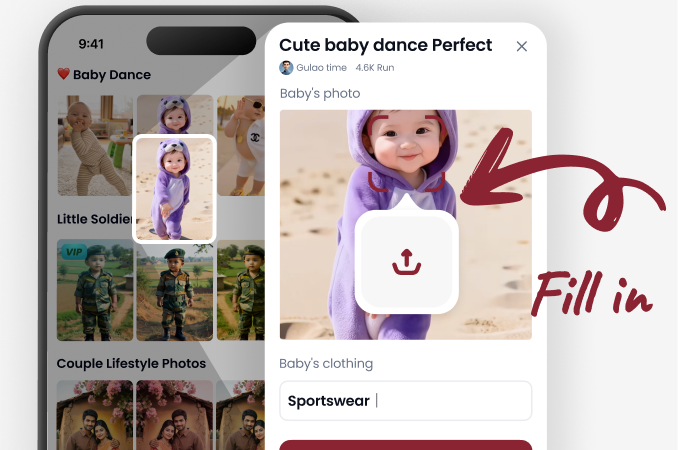
Step 02.
Upload your portrait photo and browse the smoke effect filters. Select the style and density that best suits your image.
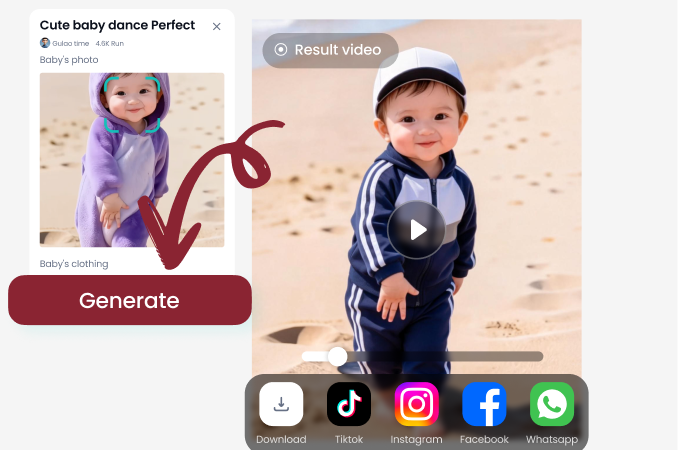
Step 03.
Let the AI apply the realistic smoke overlay. Preview, adjust if needed, then download and share your new smoky masterpiece.
What Creatives Say About Our Smoke Generator
Game Changer for My Portrait Photography
As a photographer, creating smoky studio setups is expensive and time consuming. This app lets me add that professional, atmospheric look to any client shot in seconds. The realism is incredible.
Perfect for Social Media & Album Art
I use it to create unique cover art for my music and dramatic posts for Instagram. The ability to control the smoke color and density makes each creation feel custom and high end.
So Easy, My Followers Think I Have a Studio
I take self portraits at home. With this smoky background maker, my photos look like they were shot by a professional with a fog machine. It's my secret weapon for standing out online.
From Simple Photo to Smoky Masterpiece
Watch as an ordinary portrait is transformed. Our AI studio smoke overlay intelligently wraps around your subject, respecting shadows and highlights to create a believable, integrated effect that looks like it was captured in a real photoshoot.
Studio Smoke Generator FAQs
Get answers to common questions about creating AI studio smoke backgrounds and transforming your portraits with our tool.
More Topics You May Like
Explore more topics you may like and discover fresh ideas tailored to your interests.
Discover the Best AI Photo Generator for Stunning Images
Slow Motion Rain Hug Generator: AI Embrace in Rain
Pixel Photo Editor | Retro Filter Effects & Game Art
Turn Photos into Anime Instantly
Discover the Best AI Photo Generator for Stunning Images
Slow Motion Rain Hug Generator: AI Embrace in Rain
Pixel Photo Editor | Retro Filter Effects & Game Art
Turn Photos into Anime Instantly
Create Your Smoky Studio Portrait Today
Stop wishing for a professional photoshoot. Download the app now and instantly add breathtaking, realistic studio smoke to any portrait. Transform your images in seconds.
Create Your Smoky Studio Portrait Today
Stop wishing for a professional photoshoot. Download the app now and instantly add breathtaking, realistic studio smoke to any portrait. Transform your images in seconds.