Night Flash AI Filter
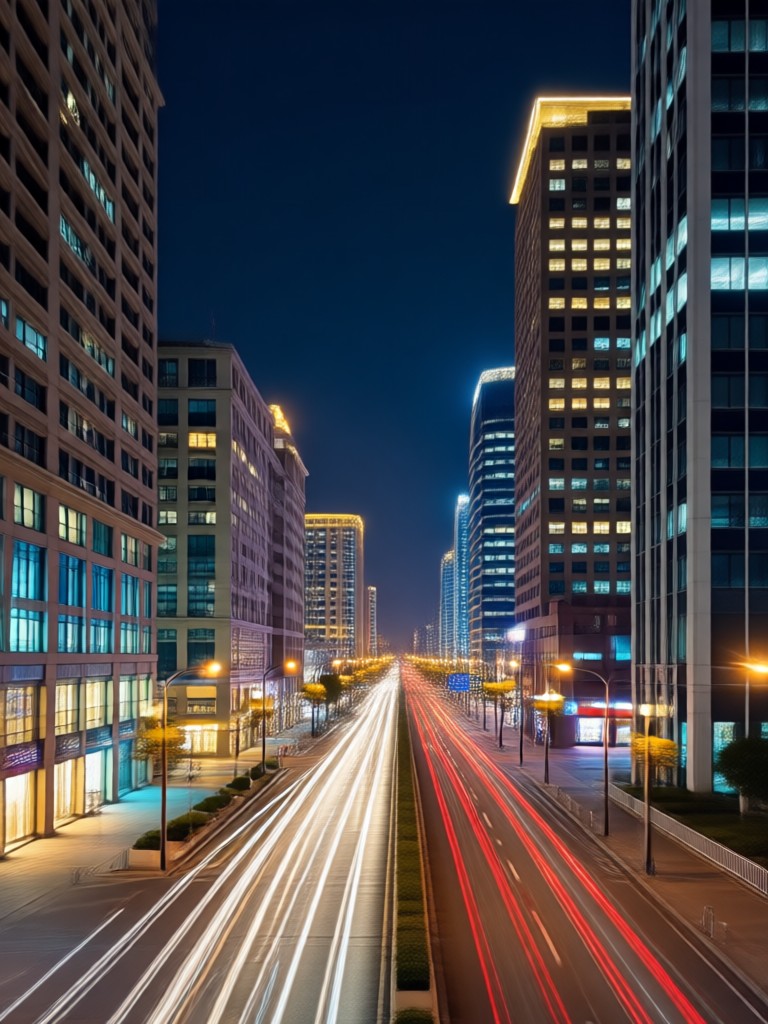
Discover Your Signature Flash Style
From subtle vintage glow to dramatic paparazzi bursts, find the perfect flash photography filter for your photos.
Why Our Night Flash Filter Stands Out
Our AI technology analyzes your photo's lighting and composition to apply a realistic, customizable flash effect that looks authentic, not artificial.
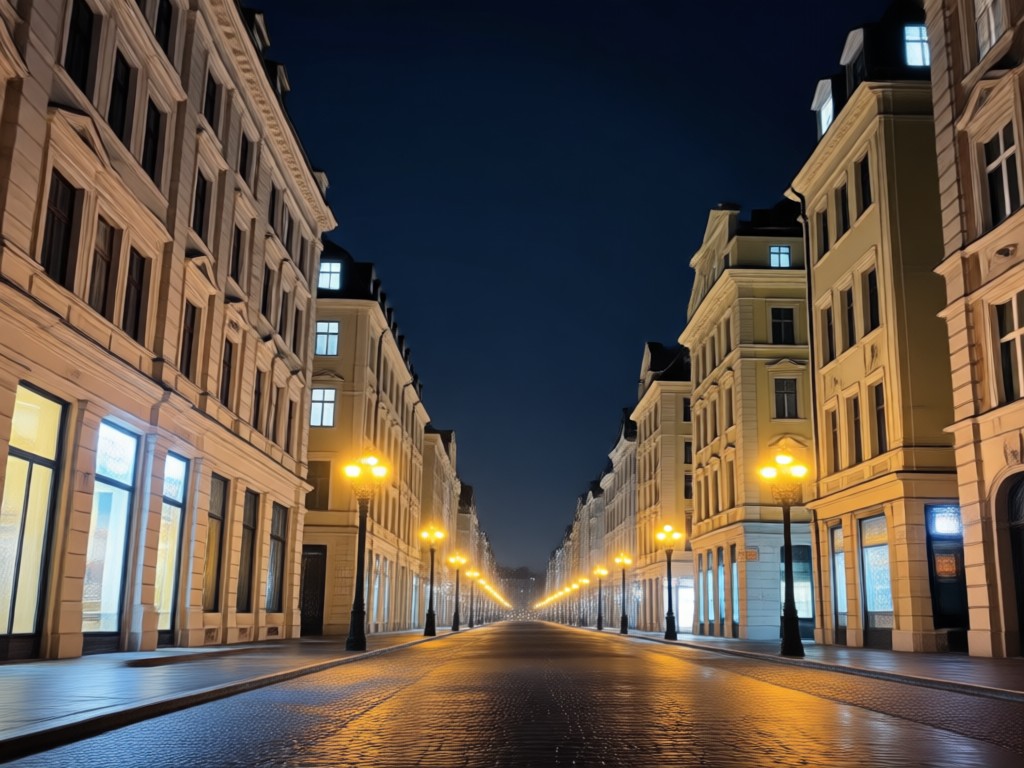
Retro Flash Realism
AI replicates the authentic grain, light falloff, and color tones of vintage film cameras and 90s disposable cameras for a truly nostalgic effect.
Retro Flash Realism
AI replicates the authentic grain, light falloff, and color tones of vintage film cameras and 90s disposable cameras for a truly nostalgic effect.
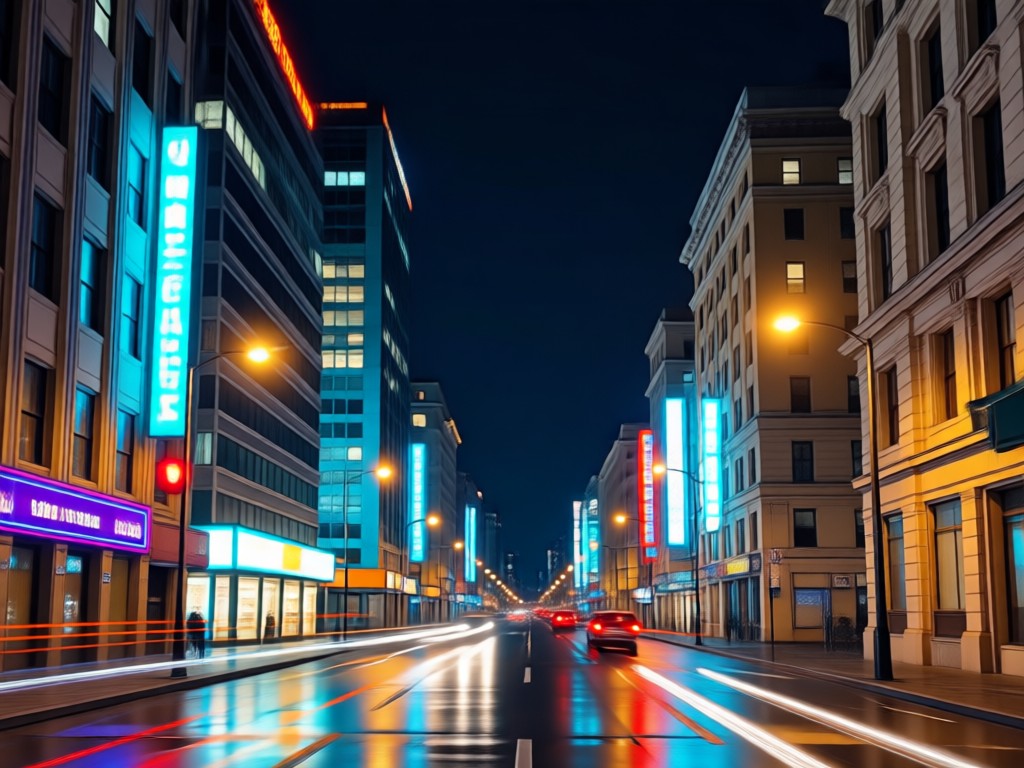
Paparazzi Flash Drama
Generate the high-contrast, harsh burst of light seen in celebrity paparazzi shots, perfect for creating dramatic, attention-grabbing images.
Paparazzi Flash Drama
Generate the high-contrast, harsh burst of light seen in celebrity paparazzi shots, perfect for creating dramatic, attention-grabbing images.
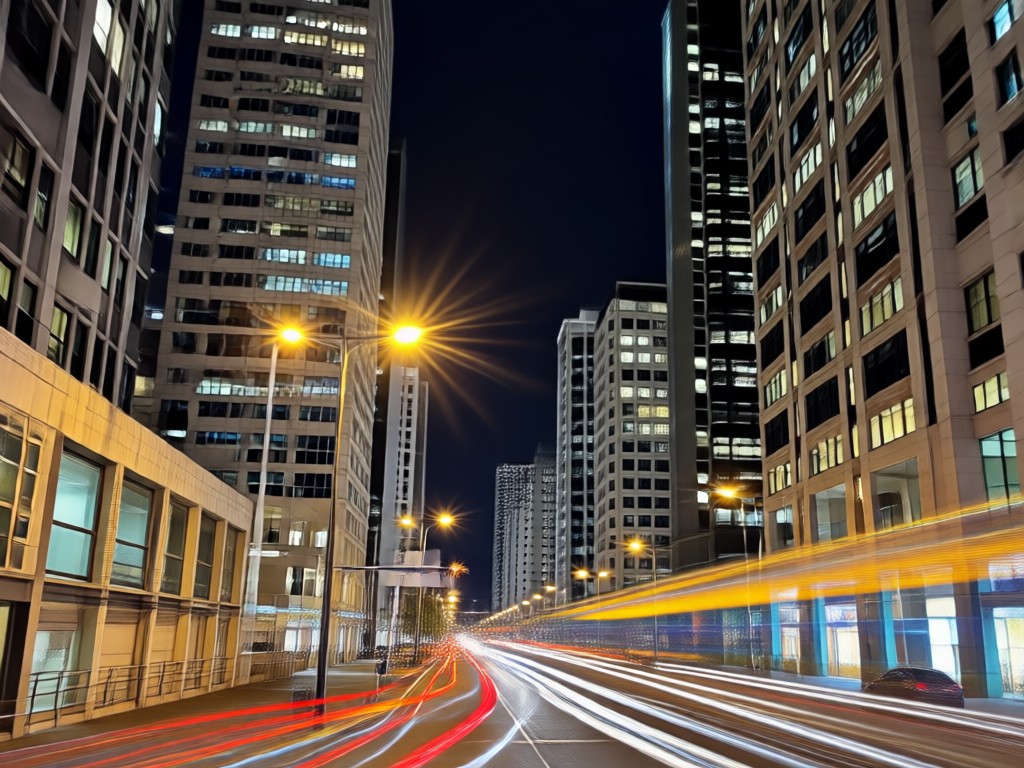
Night Glow & Halation
Add soft, ethereal glows and light halos around bright sources for a dreamy, Instagram-worthy night glow aesthetic.
Night Glow & Halation
Add soft, ethereal glows and light halos around bright sources for a dreamy, Instagram-worthy night glow aesthetic.
Night Flash Filter Inspiration Gallery
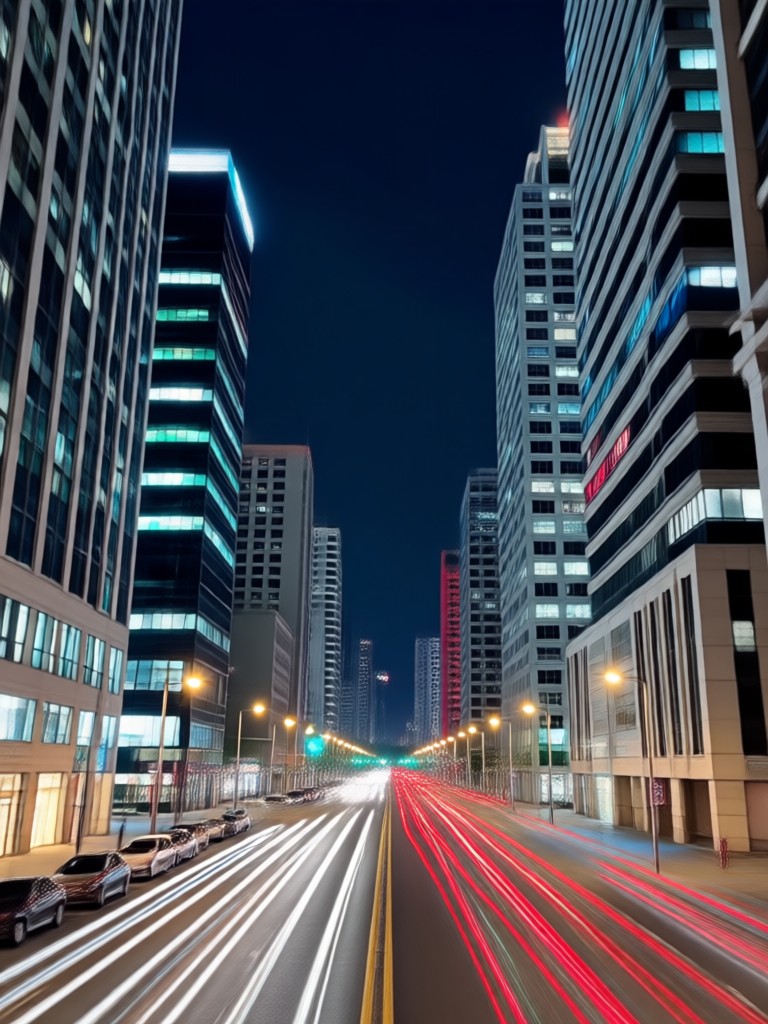
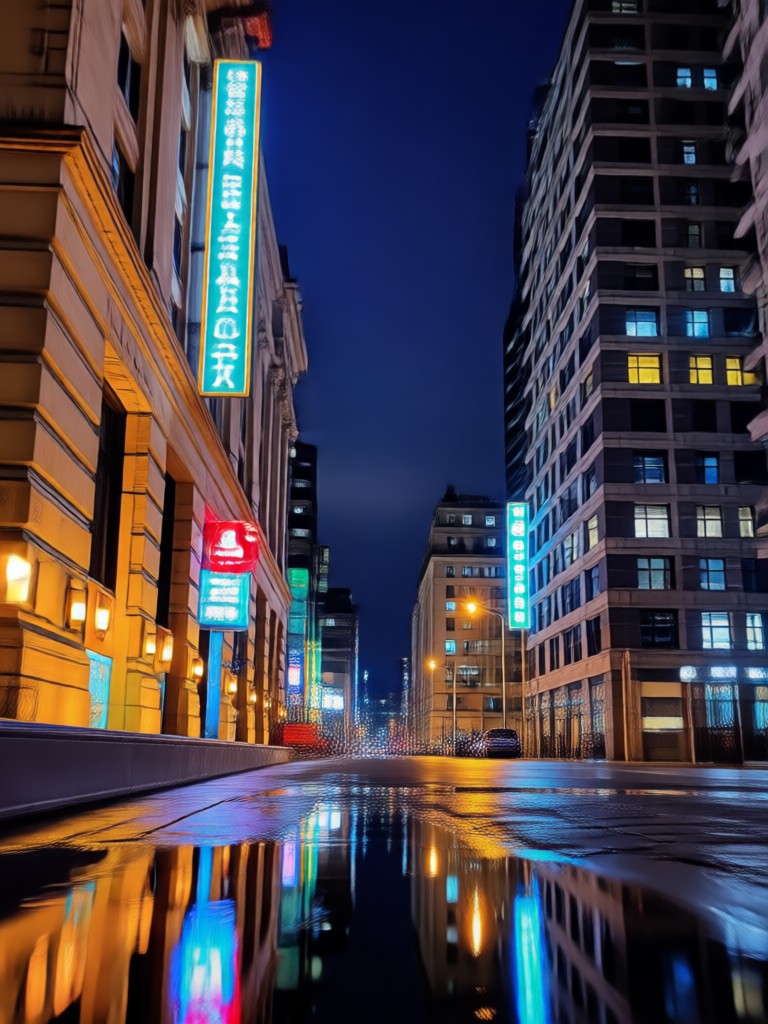
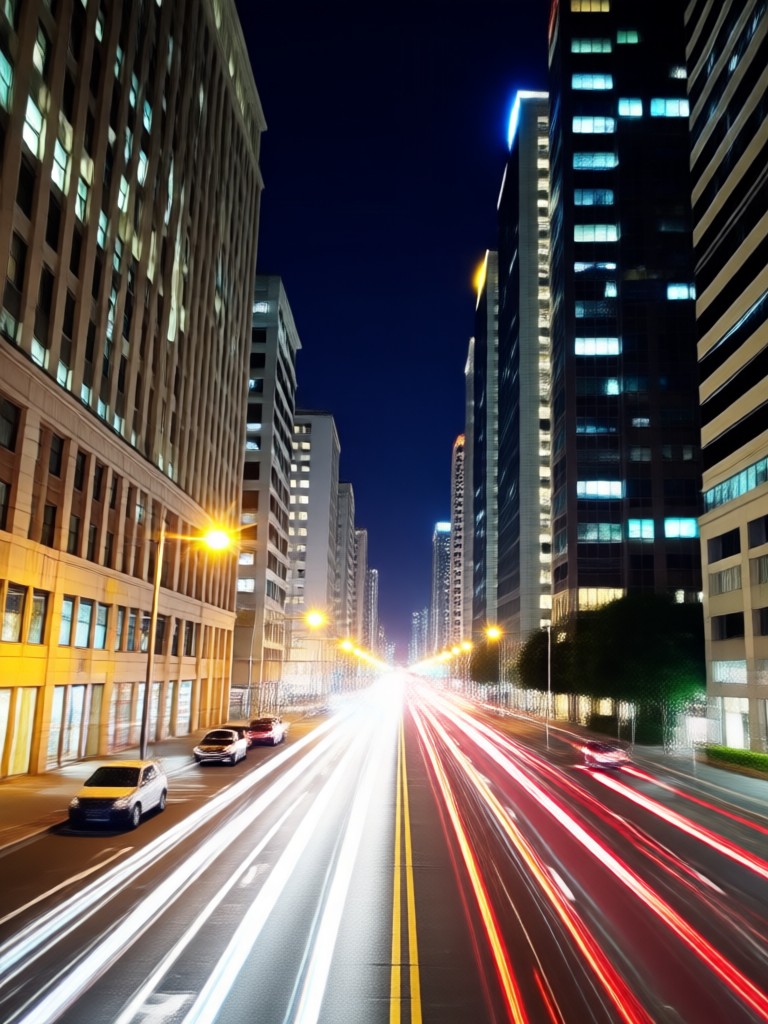
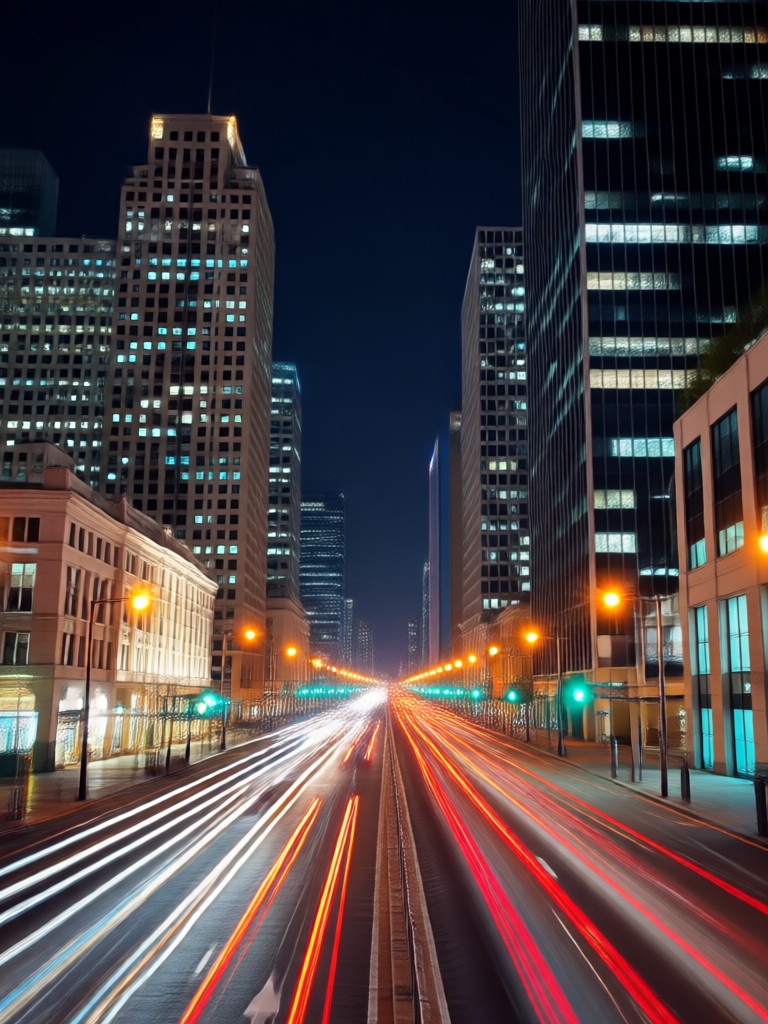
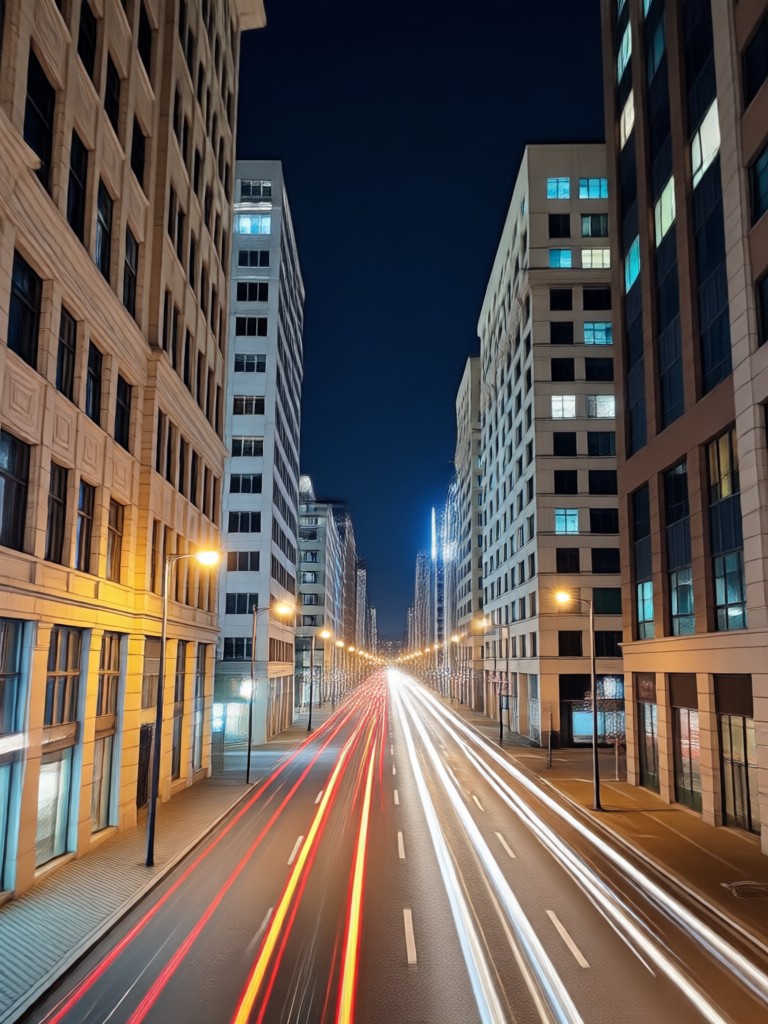
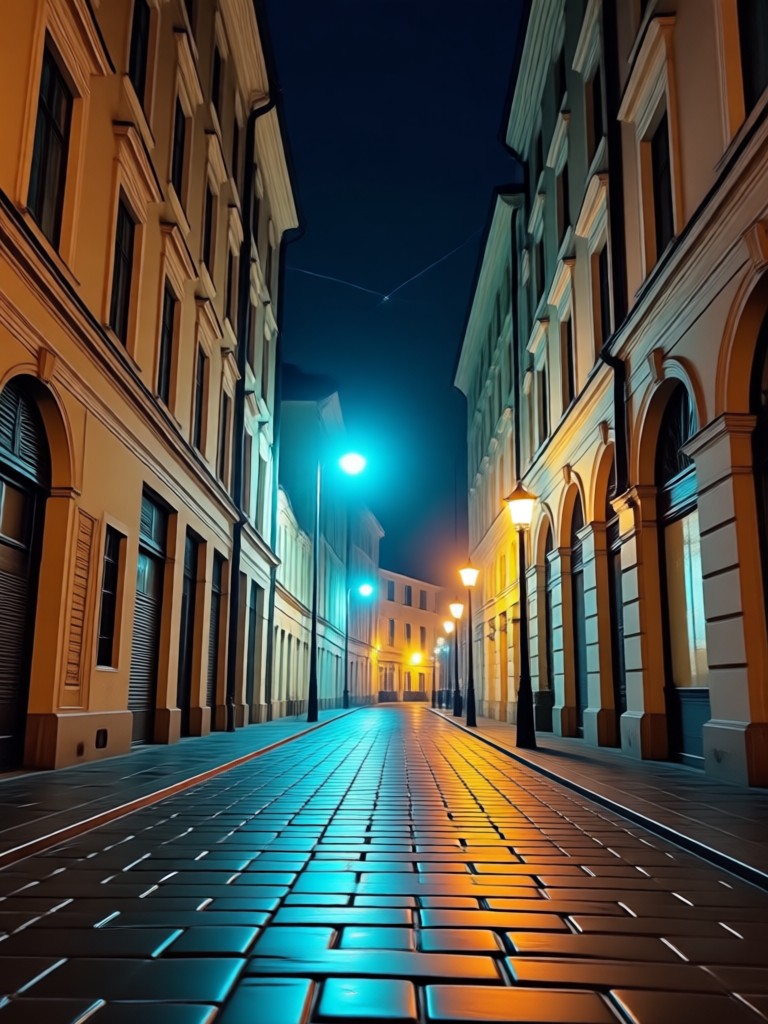
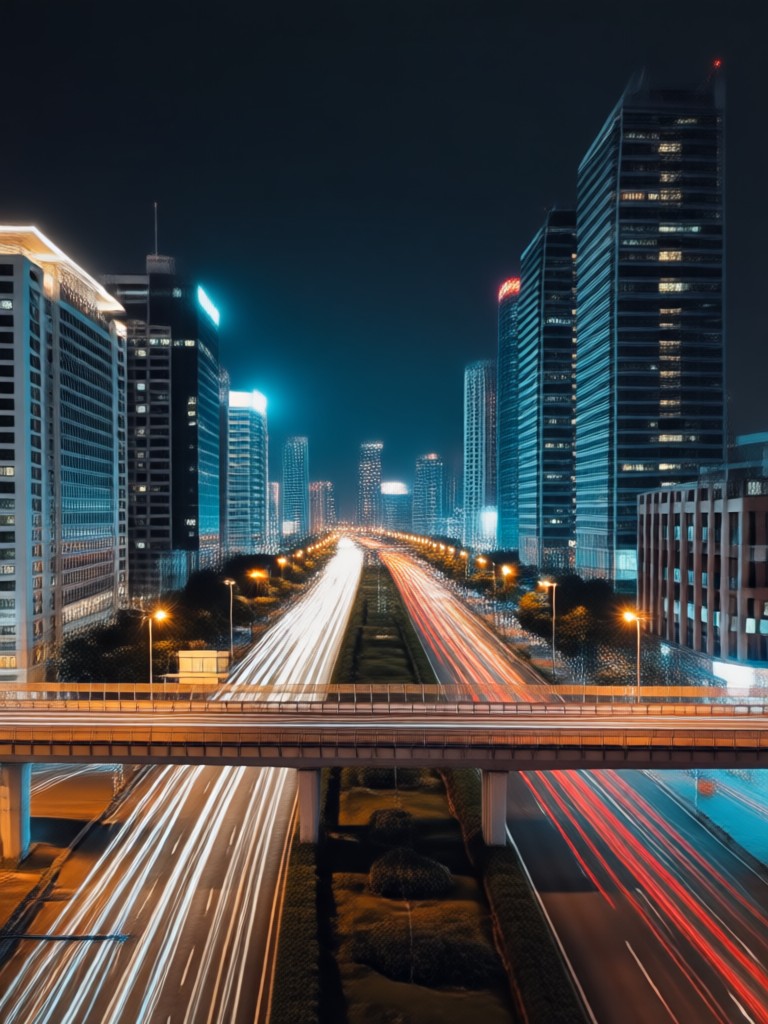
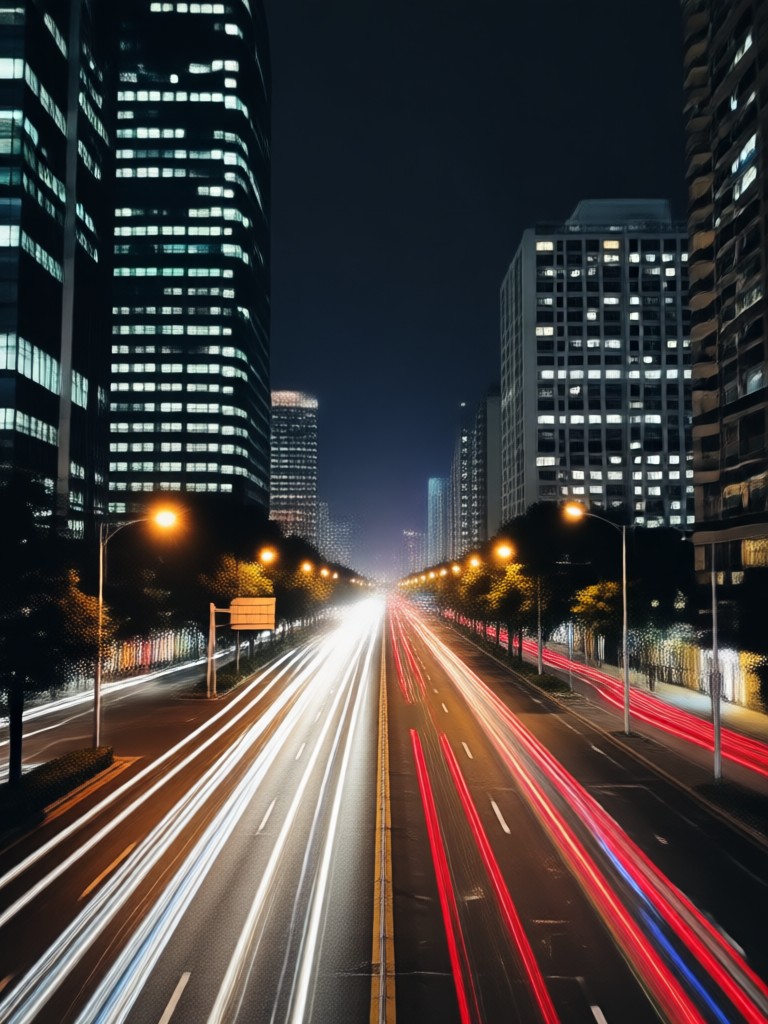
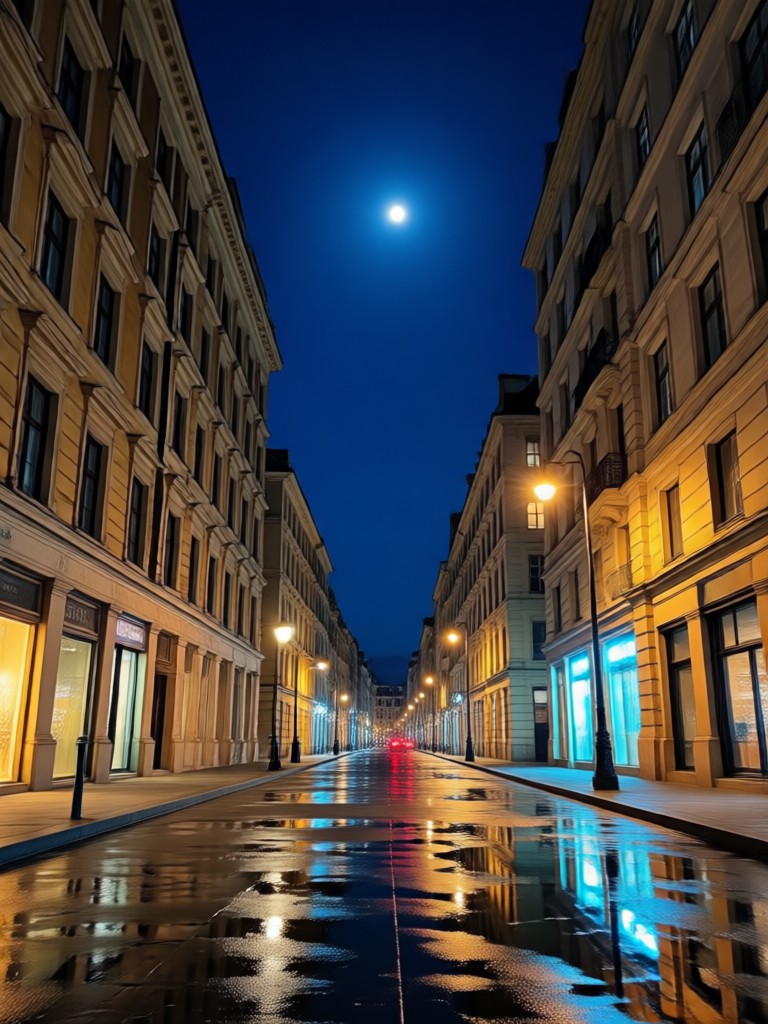
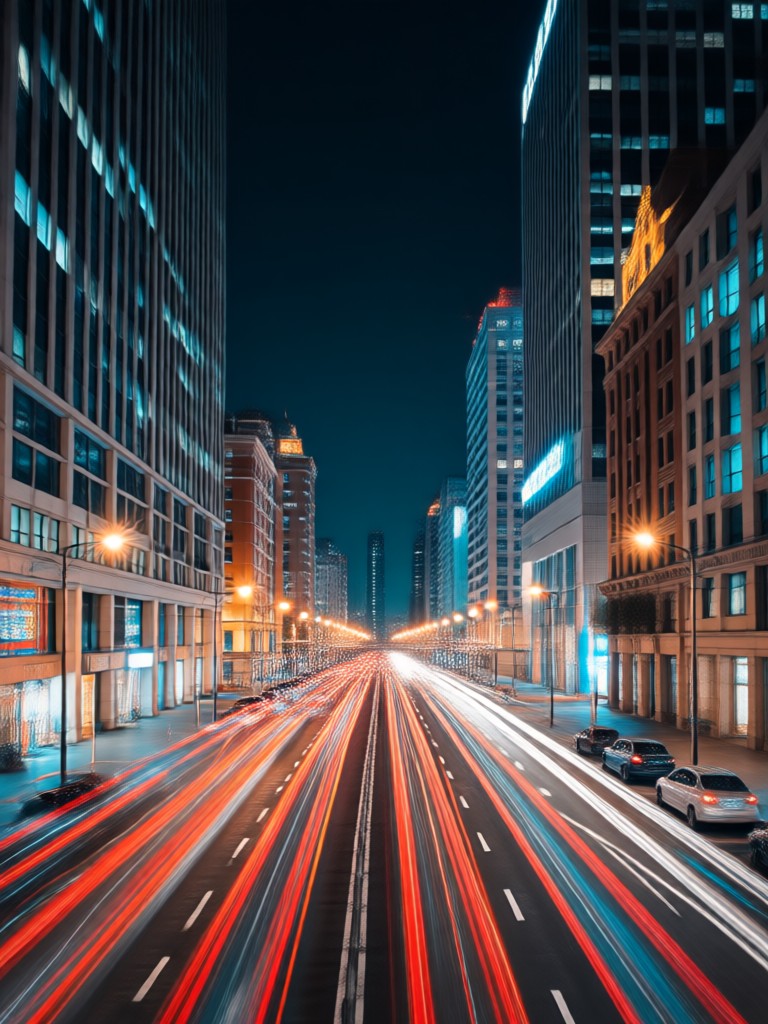
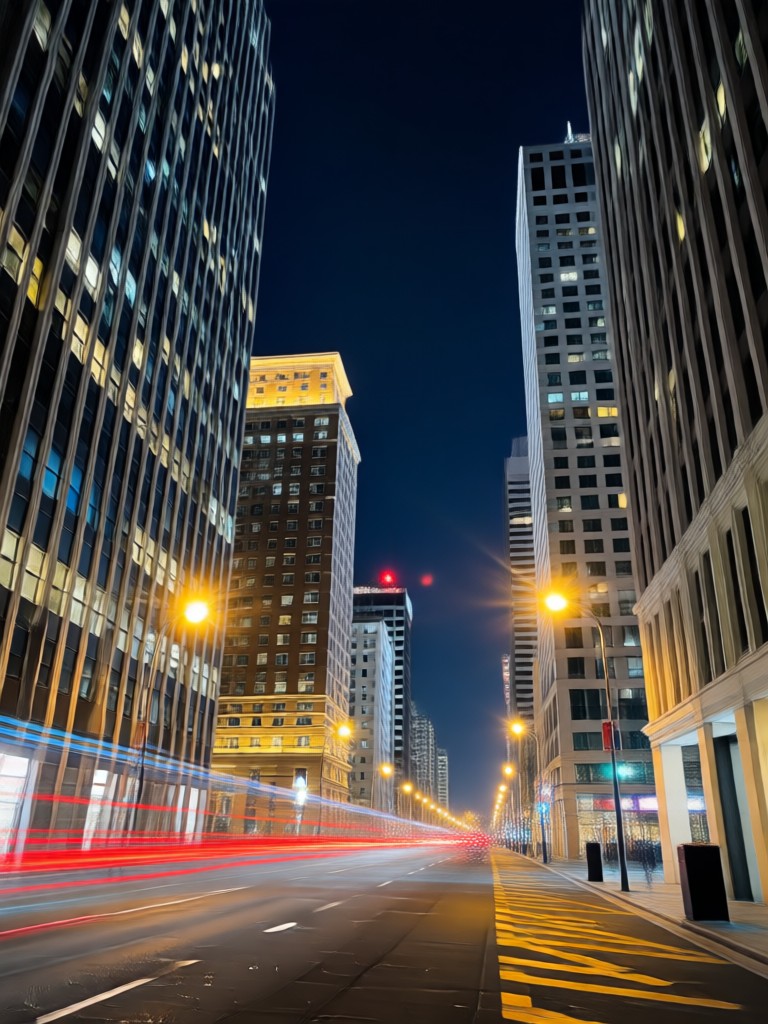
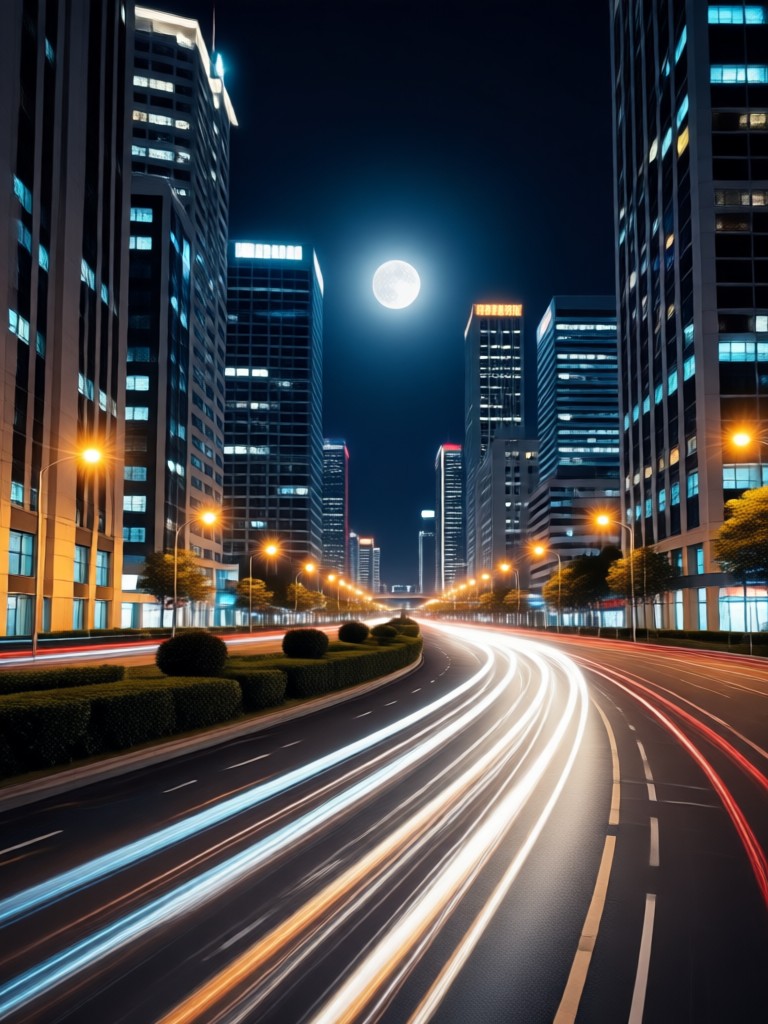
See how ordinary photos are transformed with AI flash effects. Explore different styles from subtle vintage edits to bold paparazzi recreations.
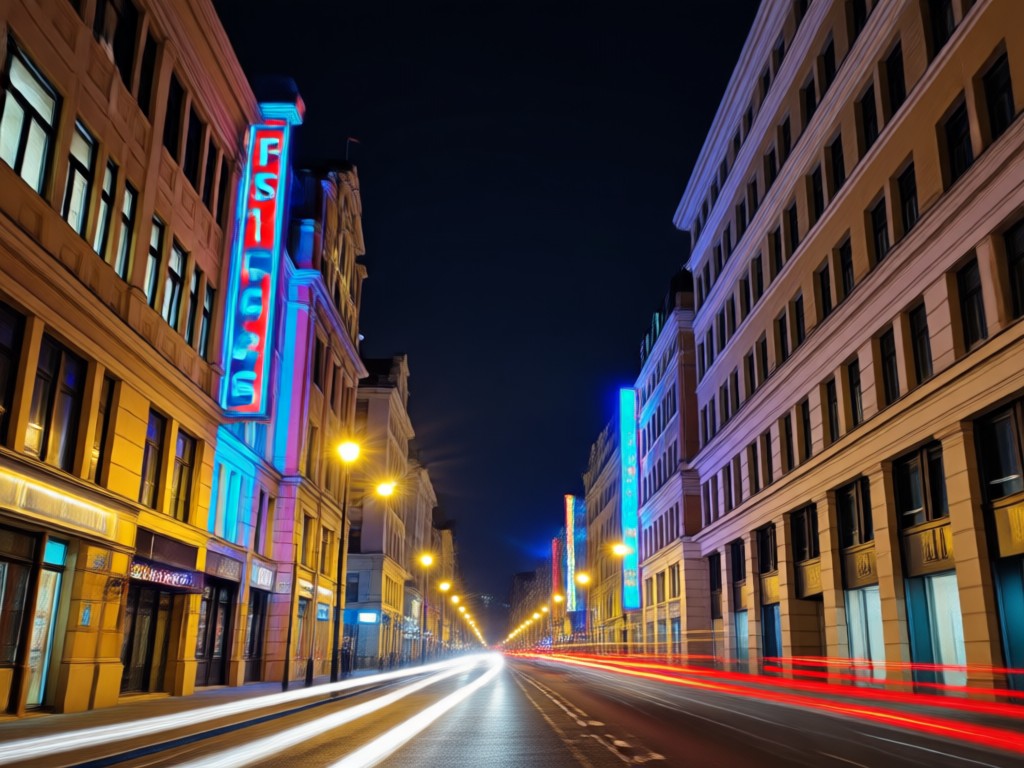
From Dull to Dynamic in One Tap
Trying to recreate a flash effect manually requires complex layers, gradients, and color grading. Our AI does all the heavy lifting, analyzing shadows and highlights to place a realistic light source that matches your scene's perspective.
From Dull to Dynamic in One Tap
Trying to recreate a flash effect manually requires complex layers, gradients, and color grading. Our AI does all the heavy lifting, analyzing shadows and highlights to place a realistic light source that matches your scene's perspective.
How to Create Flash Photography Effects?
Create stunning night flash photos in just three simple steps. No professional equipment or editing experience is required.

Step 01.
Download the filtergo app to access the full library of night flash and retro photography filters on your mobile device.

Step 02.
Upload your photo and browse AI flash filters like Retro Flash, Paparazzi Burst, Night Glow, or Instagram Flash.

Step 03.
Generate your flash photo, adjust intensity if desired, then download or share your viral-ready image directly to social media.
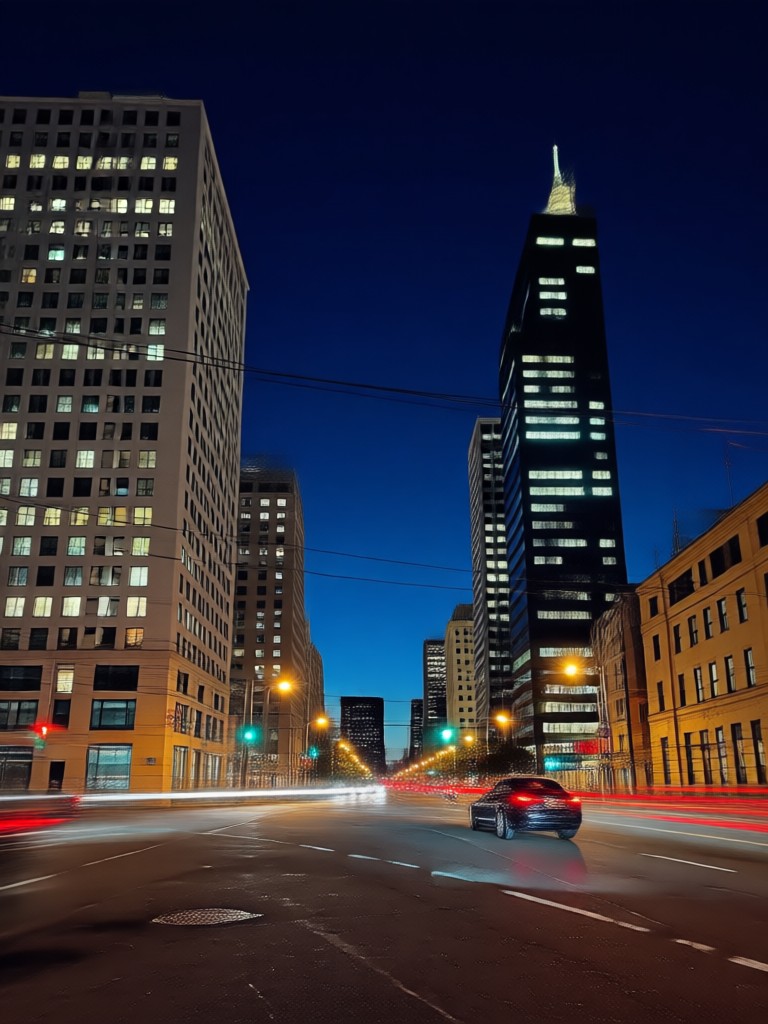
Your On-the-Go Flash Photo Studio
Why hire a photographer or buy expensive lighting? Transform any dimly lit selfie or snapshot into a professional-looking flash photograph right from your phone.

Loved by Photographers and Content Creators
Maya R.
I use the Paparazzi Flash filter to give my portrait clients that edgy, celebrity magazine cover look without the complex lighting setup. It saves hours in post-production.
DJ Kairo
My Instagram Reels blew up after I started using the Night Glow filter. It gives my club and event videos that consistent, professional flash aesthetic that gets saves and shares.
Sofia L.
The Retro Flash filter is perfect for my travel blog. It adds a timeless, nostalgic feel to my photos, making them look like they were taken on an old film camera during my adventures.
Ben T.
As an e-commerce photographer, I use the AI flash to consistently enhance product shots taken in suboptimal lighting. It creates a clean, bright highlight that makes products pop.
Maya R.
I use the Paparazzi Flash filter to give my portrait clients that edgy, celebrity magazine cover look without the complex lighting setup. It saves hours in post-production.
DJ Kairo
My Instagram Reels blew up after I started using the Night Glow filter. It gives my club and event videos that consistent, professional flash aesthetic that gets saves and shares.
Sofia L.
The Retro Flash filter is perfect for my travel blog. It adds a timeless, nostalgic feel to my photos, making them look like they were taken on an old film camera during my adventures.
Ben T.
As an e-commerce photographer, I use the AI flash to consistently enhance product shots taken in suboptimal lighting. It creates a clean, bright highlight that makes products pop.
Maya R.
I use the Paparazzi Flash filter to give my portrait clients that edgy, celebrity magazine cover look without the complex lighting setup. It saves hours in post-production.
DJ Kairo
My Instagram Reels blew up after I started using the Night Glow filter. It gives my club and event videos that consistent, professional flash aesthetic that gets saves and shares.
Sofia L.
The Retro Flash filter is perfect for my travel blog. It adds a timeless, nostalgic feel to my photos, making them look like they were taken on an old film camera during my adventures.
Ben T.
As an e-commerce photographer, I use the AI flash to consistently enhance product shots taken in suboptimal lighting. It creates a clean, bright highlight that makes products pop.
Night Flash AI Filter FAQs
Get answers to the most common questions about using our AI flash photography filters and creating stunning night photos.
More Topics You May Like
Explore more topics you may like and discover fresh ideas tailored to your interests.
Classic AI Portrait Art: Transform Photos to Monochrome
Create AI French Kiss Videos in Seconds | Free Online
AI Beard Generator: Try On Virtual Beards Instantly
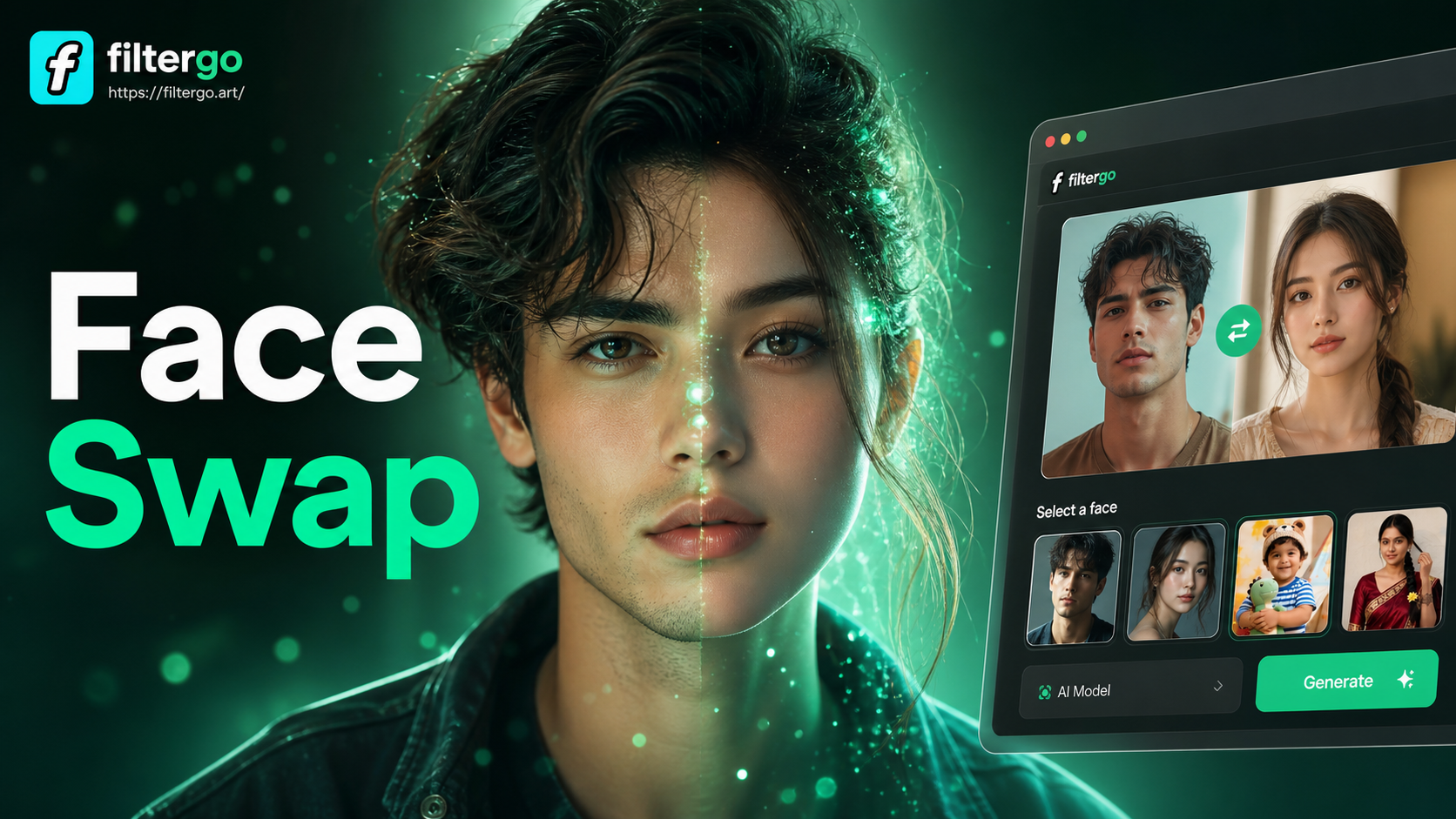
AI Photo Face Swap Tool: Swap Faces in Pictures Instantly
Classic AI Portrait Art: Transform Photos to Monochrome
Create AI French Kiss Videos in Seconds | Free Online
AI Beard Generator: Try On Virtual Beards Instantly
AI Photo Face Swap Tool: Swap Faces in Pictures Instantly
Light Up Your Feed with AI Flash Magic
Stop scrolling through dull photos. Download filtergo now and instantly apply the most viral night flash, retro, and paparazzi AI filters. Your next post will stop followers in their tracks.

Light Up Your Feed with AI Flash Magic
Stop scrolling through dull photos. Download filtergo now and instantly apply the most viral night flash, retro, and paparazzi AI filters. Your next post will stop followers in their tracks.