Cinematic Smoky Portrait
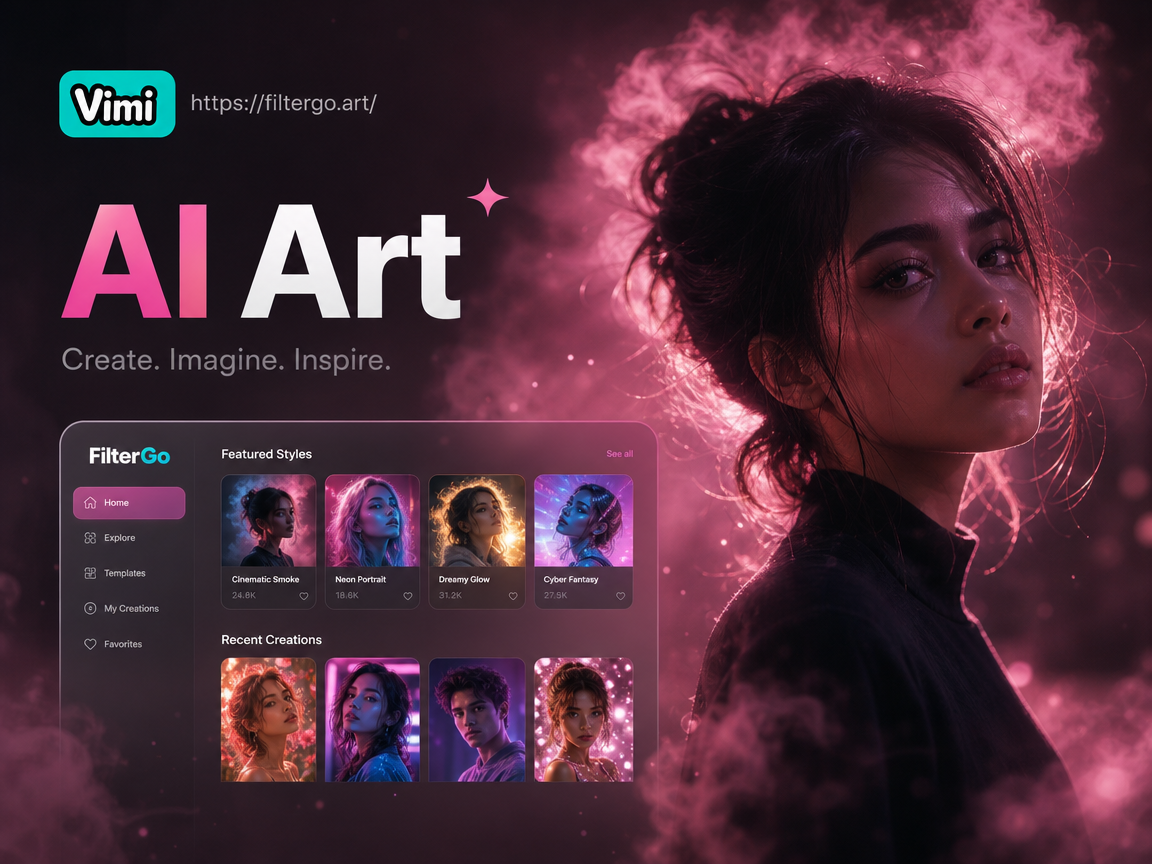
Explore Cinematic Smoky Portrait Styles
Choose from a curated collection of AI filters designed to create specific smoky, dramatic, and atmospheric portrait moods.
Create Professional Cinematic Portraits
Our AI analyzes your photo and applies complex lighting, texture, and atmospheric effects to achieve a true cinematic look instantly.
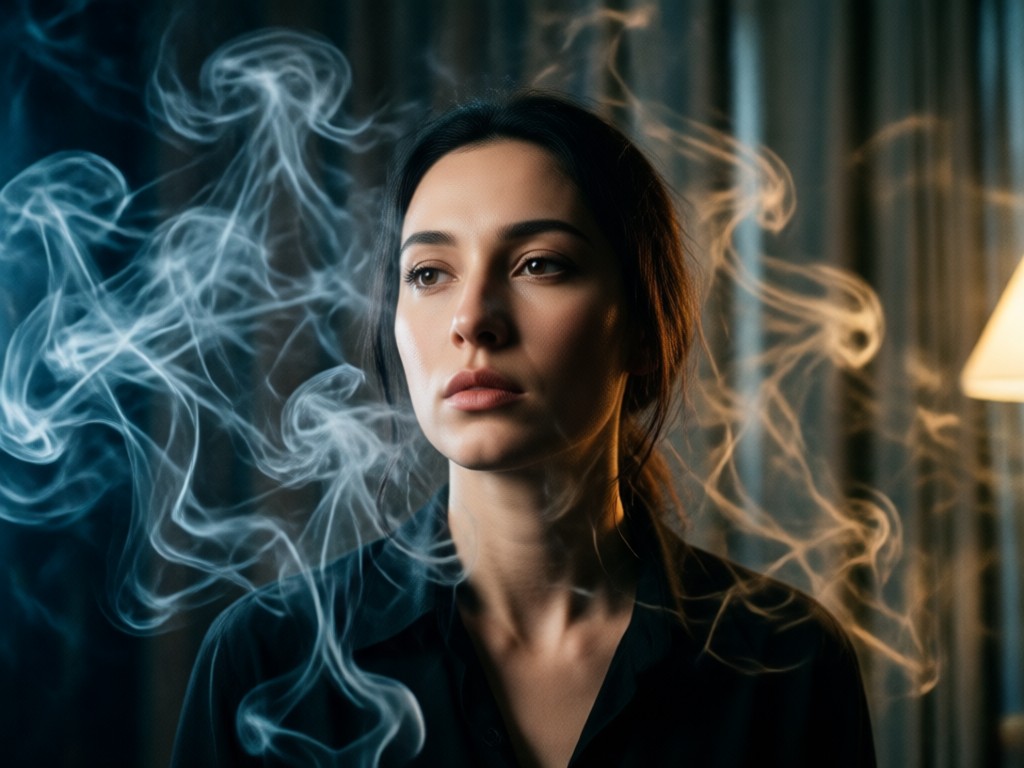
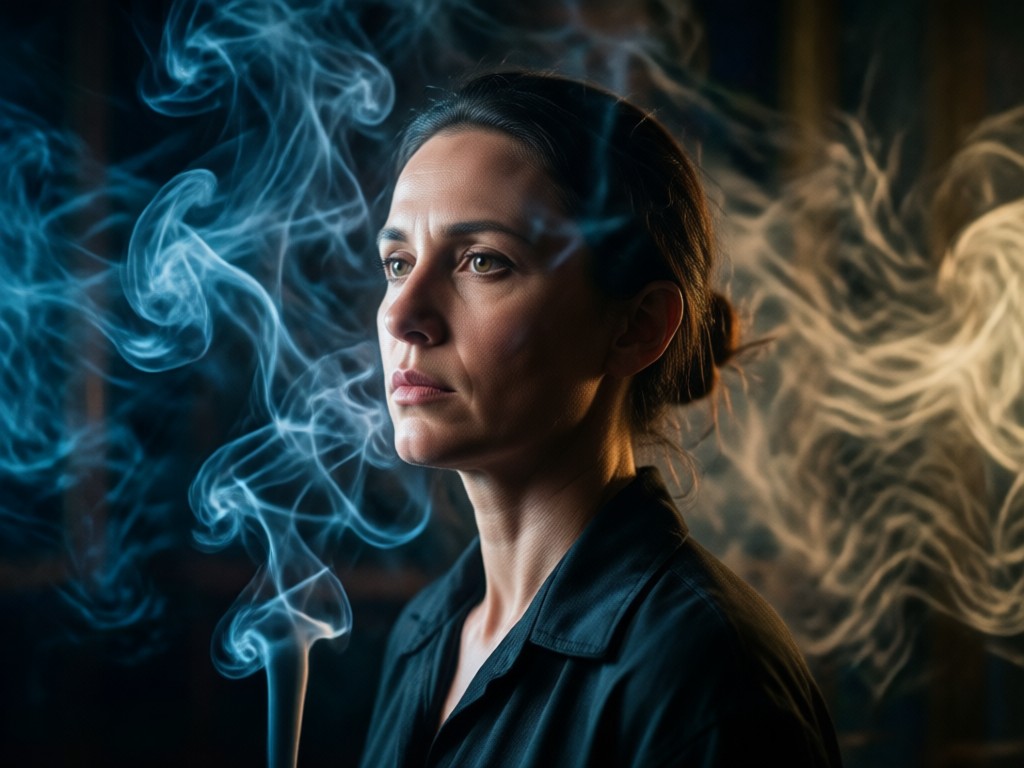
Volumetric Smoke & Haze
Generate realistic, layered smoke that wraps around your subject. Adjust density and flow direction for a natural, ethereal atmosphere that enhances depth.
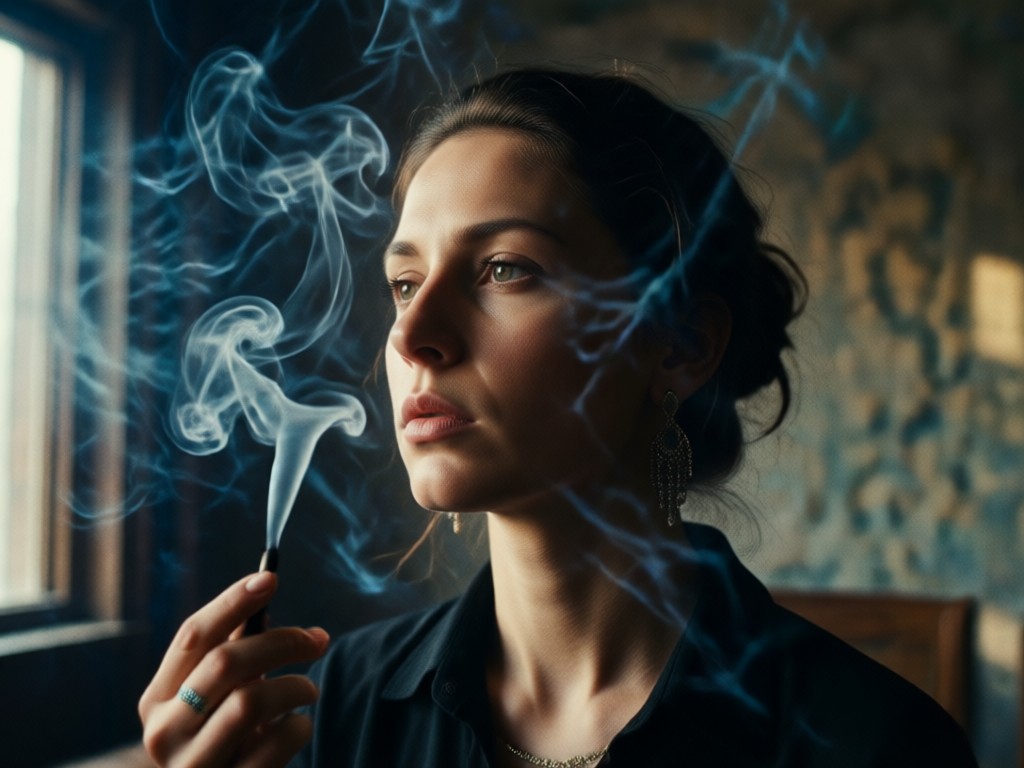
Dramatic Moody Lighting
Apply cinematic lighting techniques like chiaroscuro. AI adds dramatic shadows, highlights, and colored gels to simulate professional studio or film set lighting.
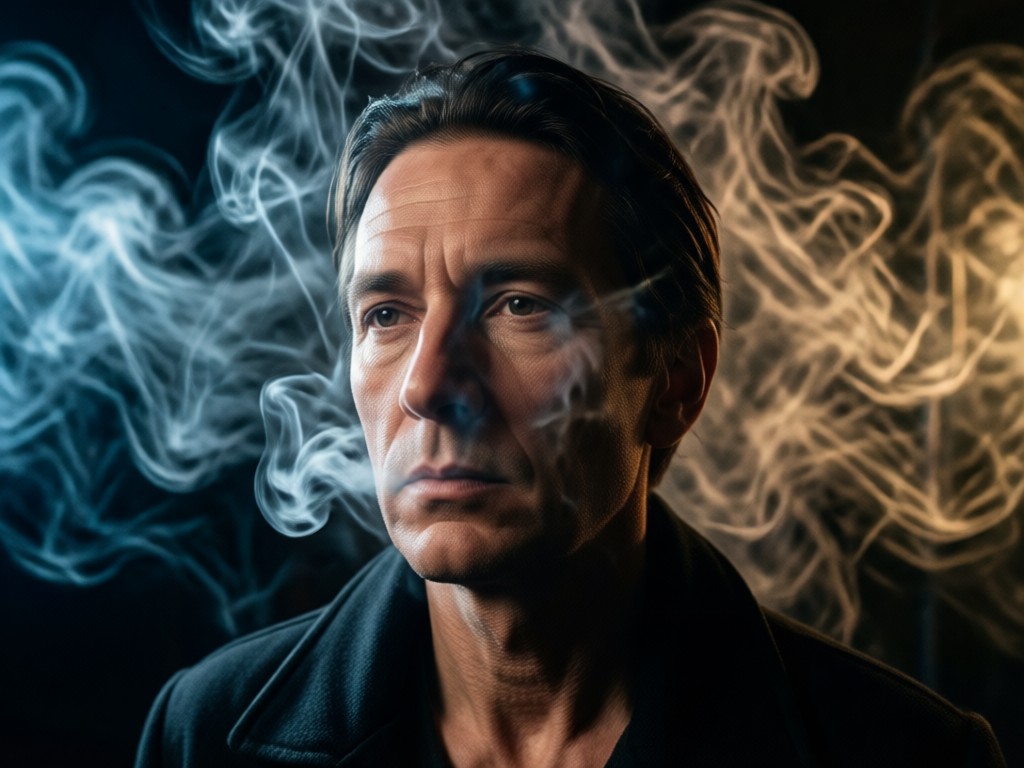
Artistic Texture Overlays
Blend in artistic film grain, subtle haze, and texture overlays that mimic high-end cinematic film stock, adding grit and a timeless quality to your portrait.
Cinematic Smoky Portrait Gallery
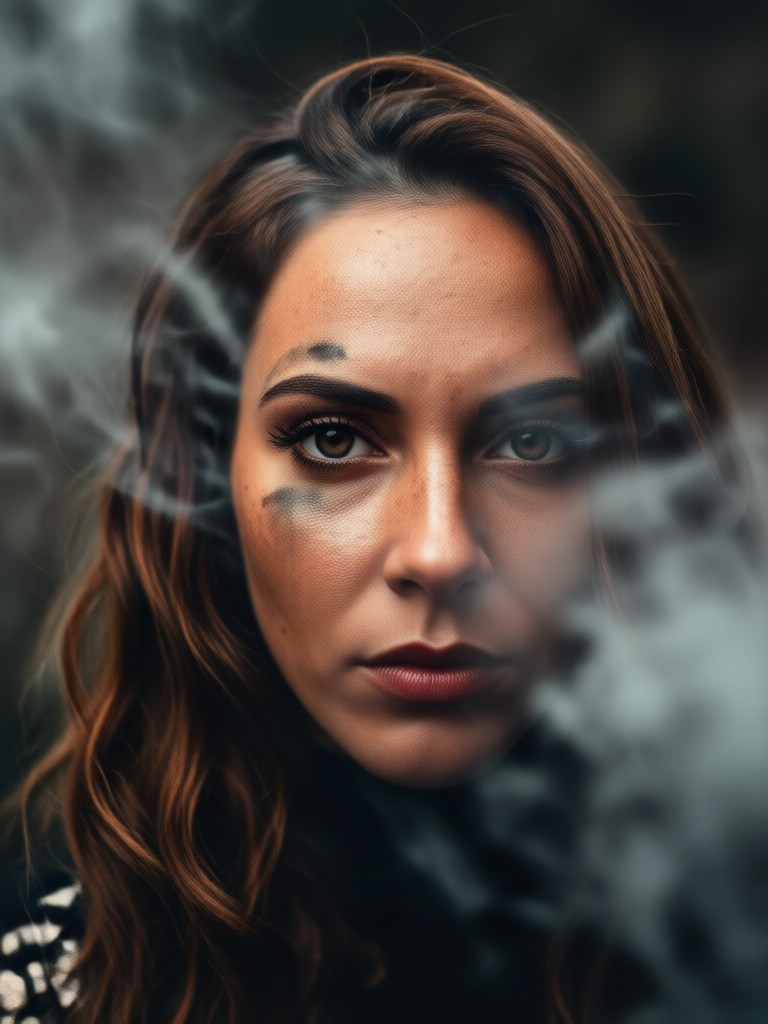
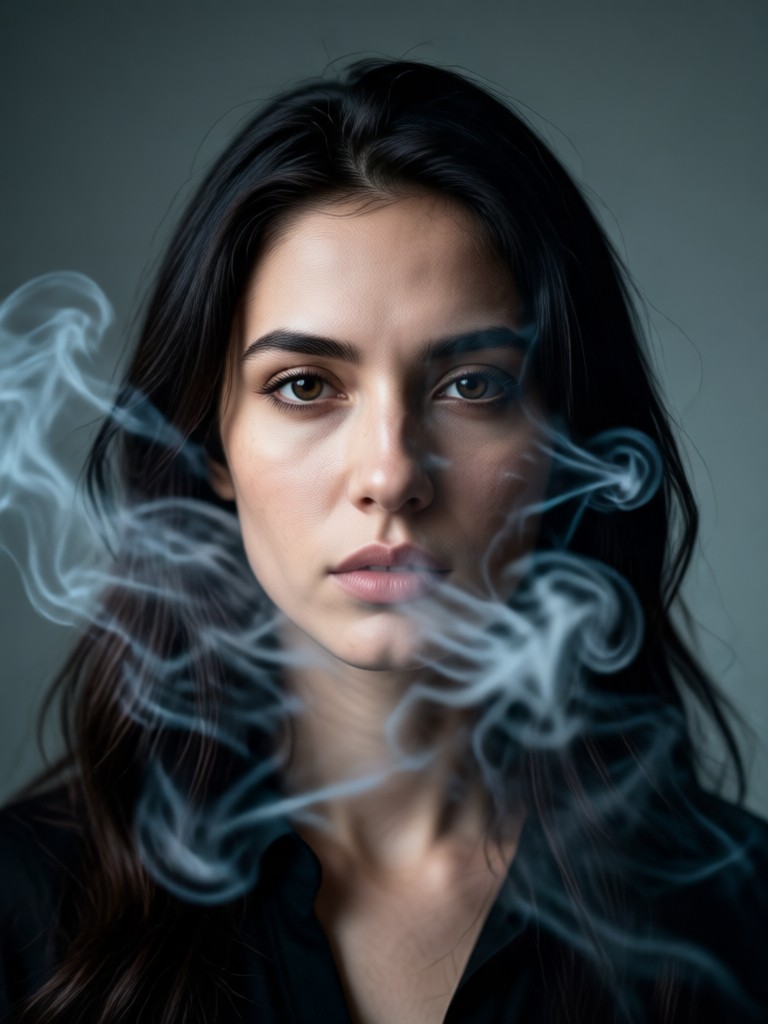
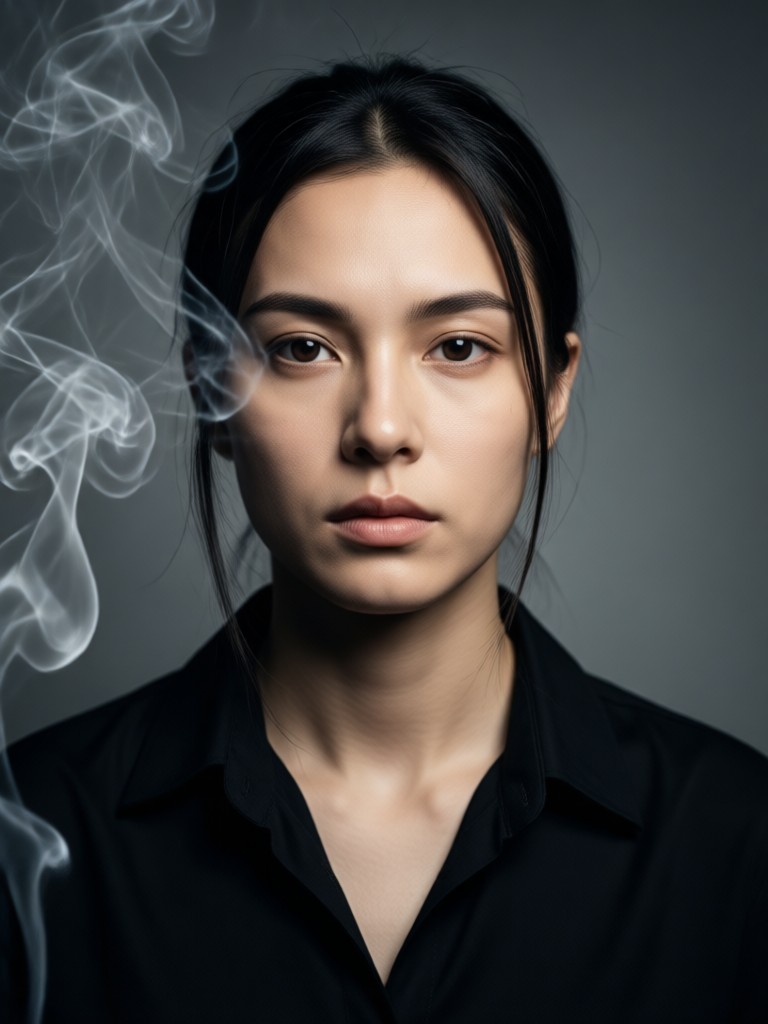
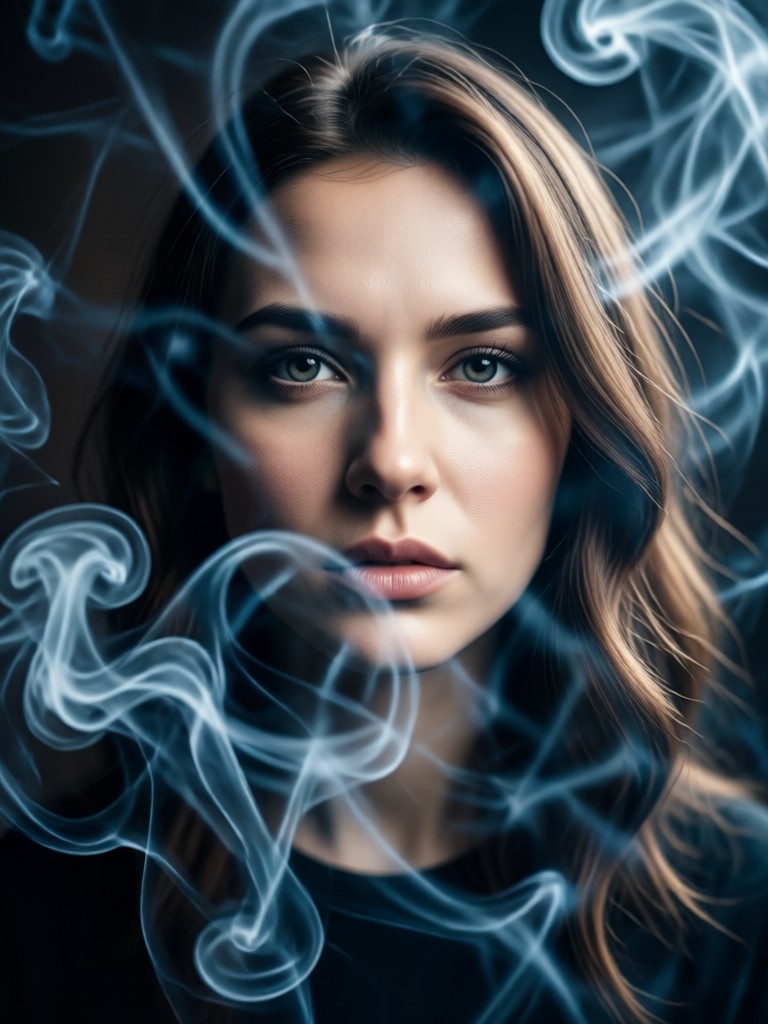
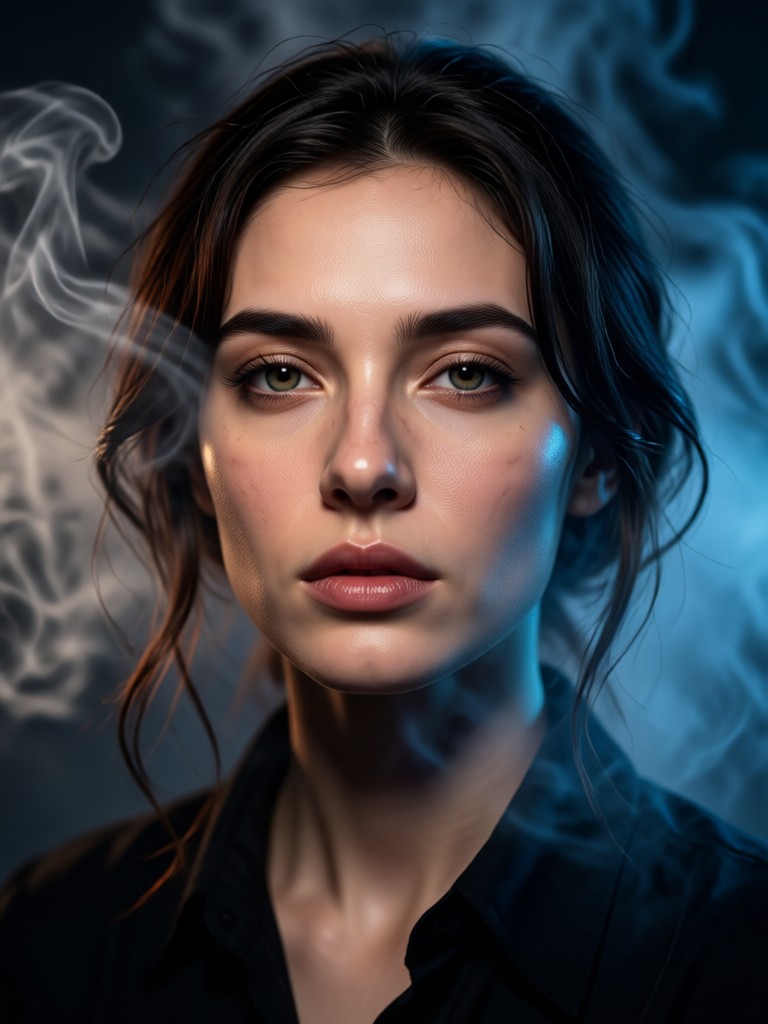
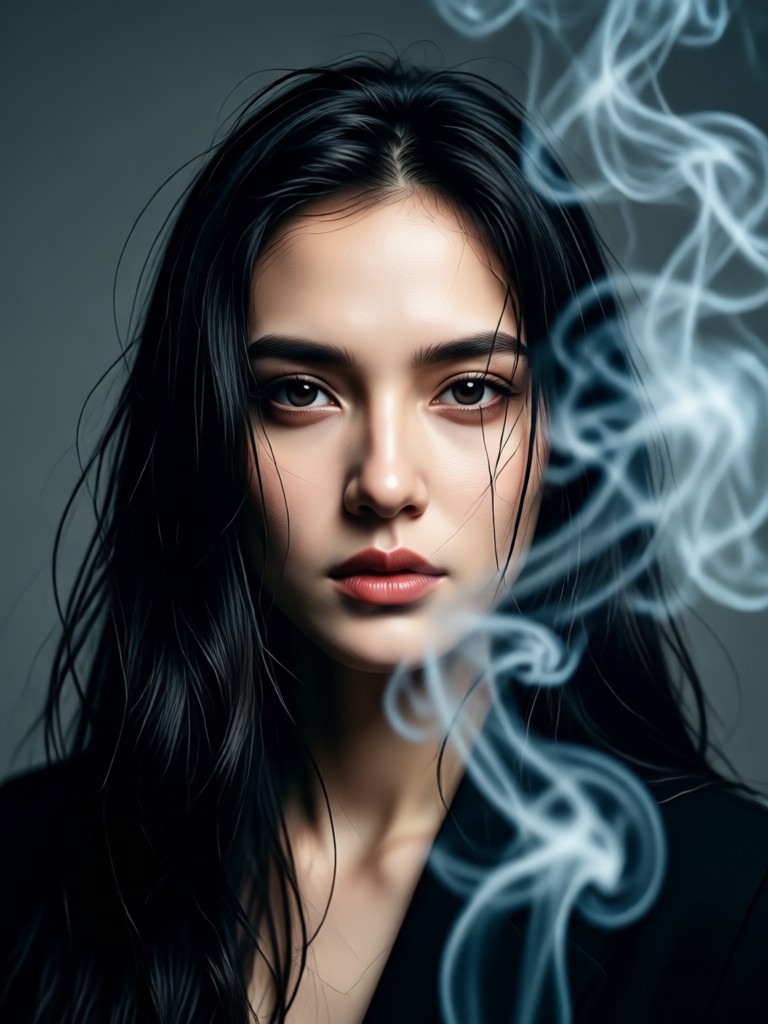
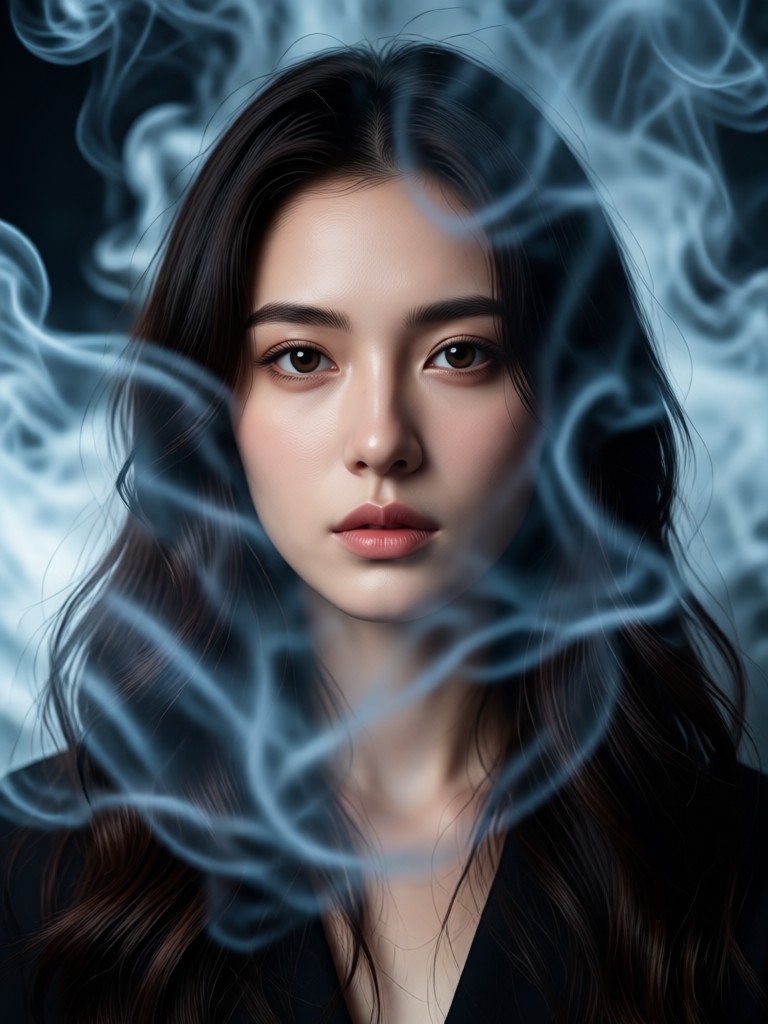
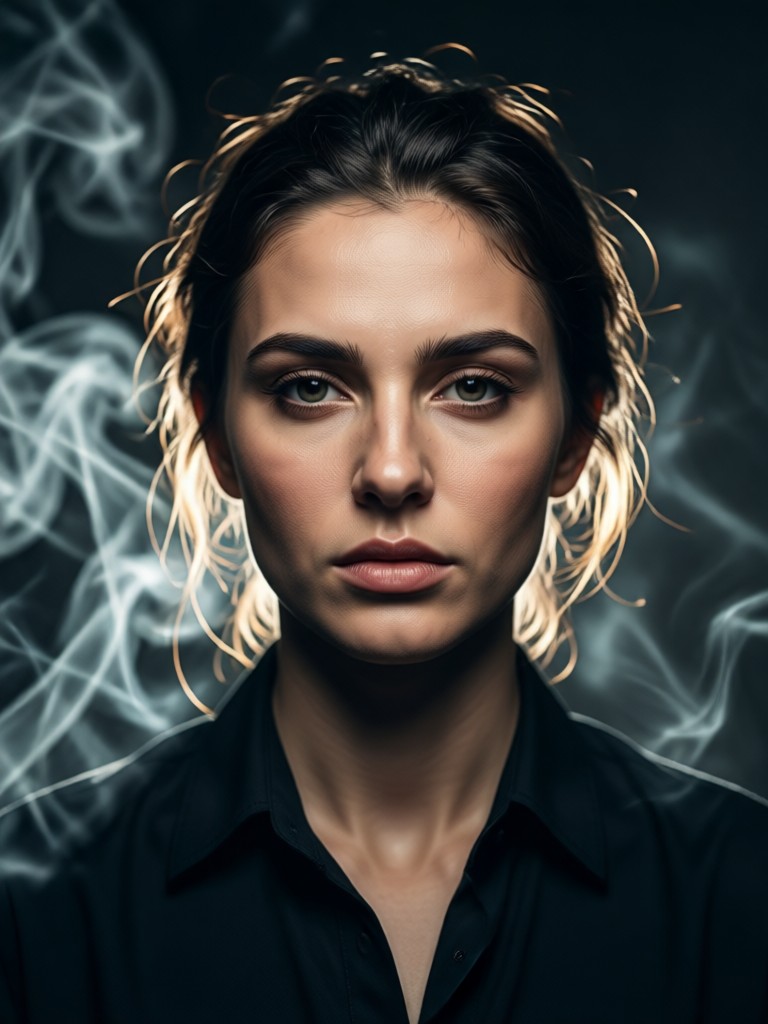
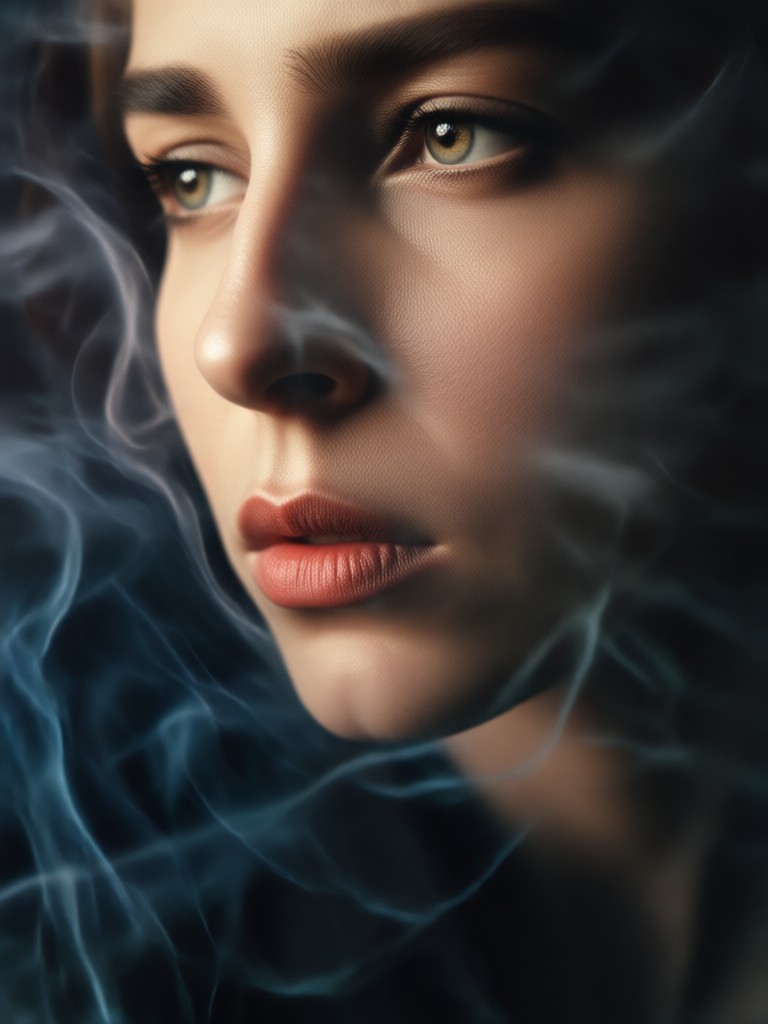
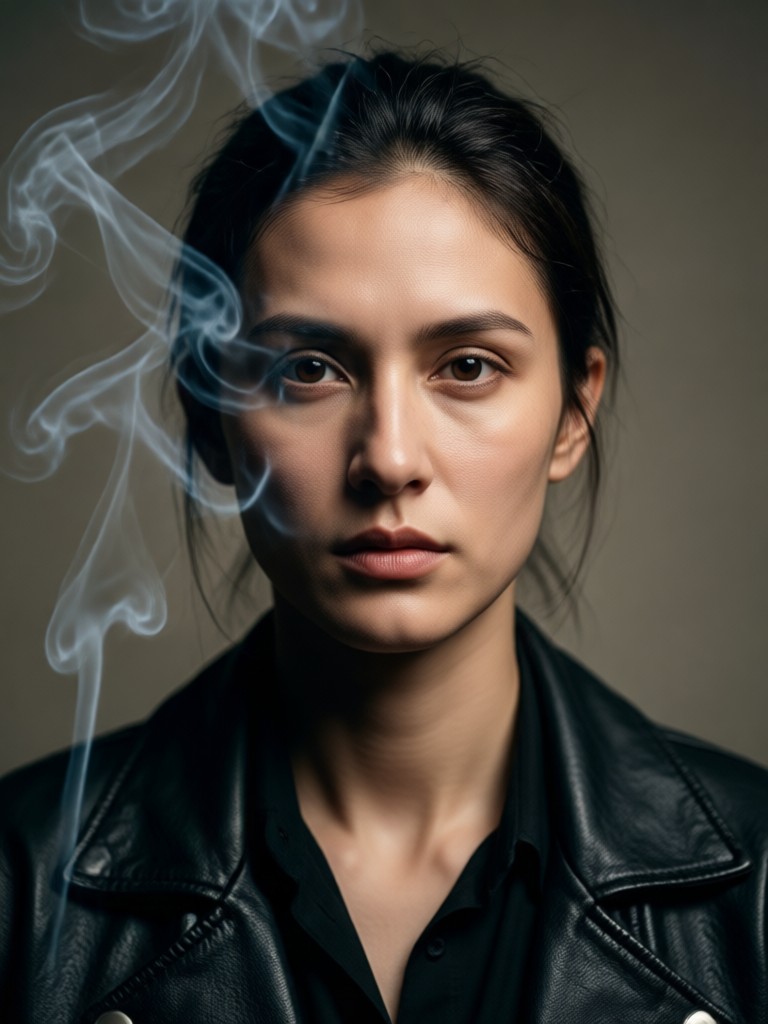
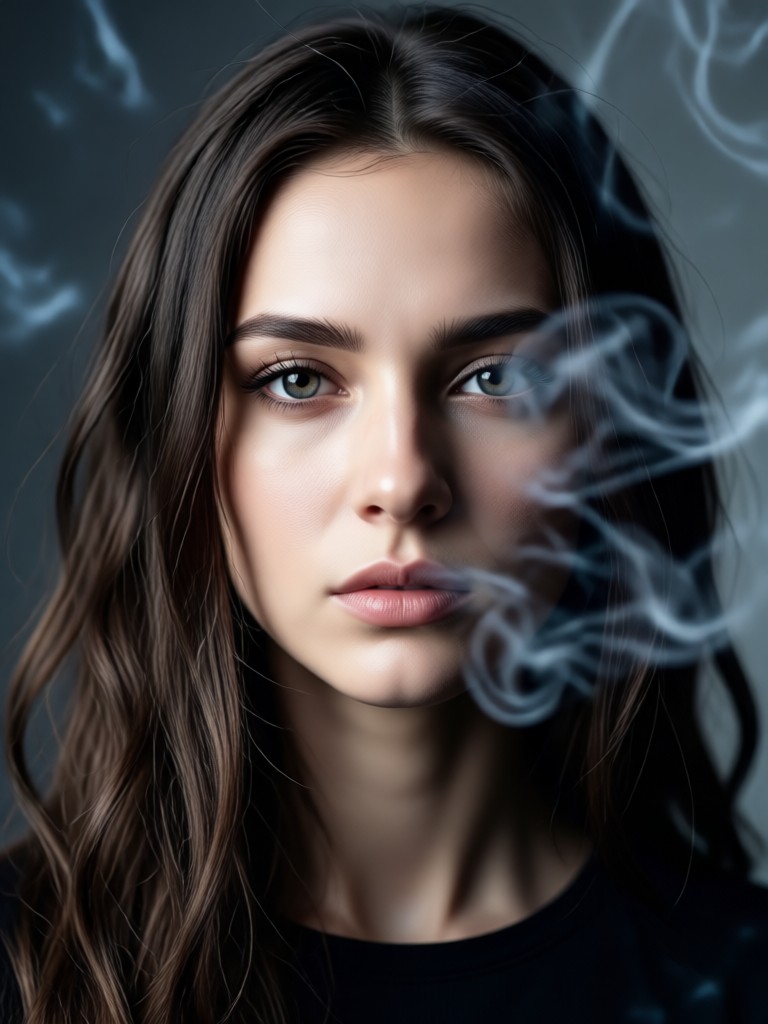
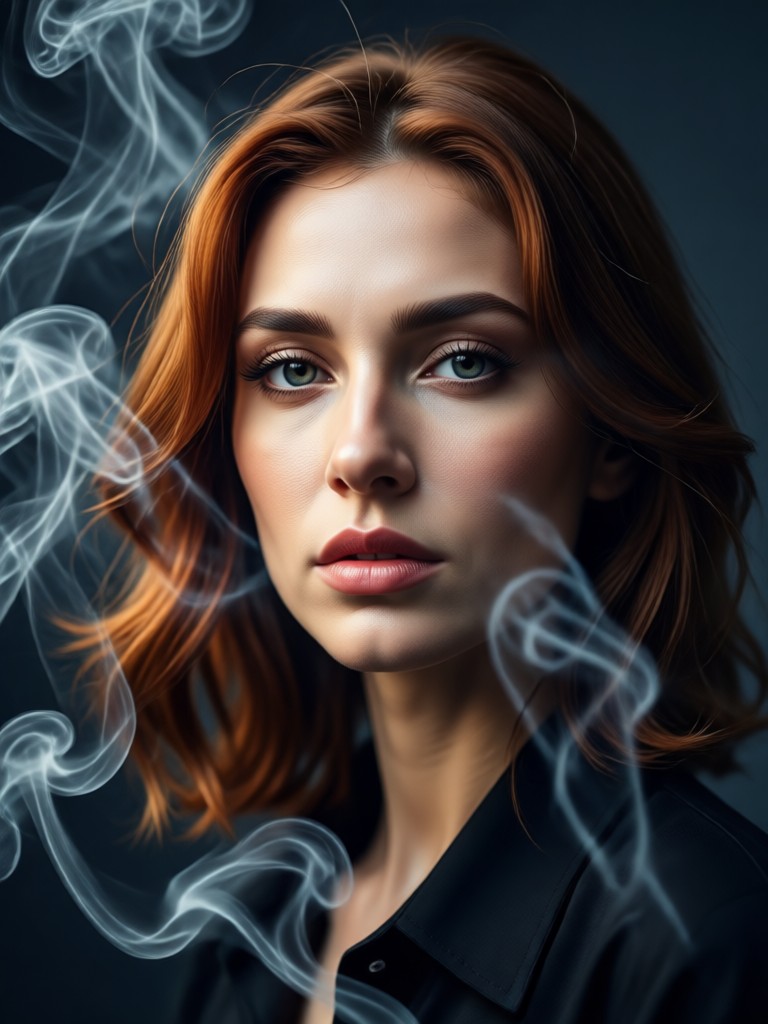
See how ordinary portraits are transformed into dramatic, smoky cinematic art. These examples showcase the range and realism possible with our AI style filters.
Why Choose AI for Cinematic Portraits?
Manually creating realistic smoke and cinematic lighting requires advanced Photoshop skills and hours of work. Our AI delivers professional-grade smoky portrait effects in seconds, making high-end art accessible to everyone.
Why Choose AI for Cinematic Portraits?
Manually creating realistic smoke and cinematic lighting requires advanced Photoshop skills and hours of work. Our AI delivers professional-grade smoky portrait effects in seconds, making high-end art accessible to everyone.
Used by Photographers & Digital Artists
Marcus T.
This tool has revolutionized my portrait previews. I can show clients a cinematic smoky concept before the shoot, saving hours of post-production experimentation.
Chloe R.
My Instagram engagement skyrocketed after I started using these smoky portrait filters. The cinematic look makes my content stand out instantly in crowded feeds.
David L.
As a concept artist, I use it to add quick, believable atmospheric effects to my character portraits. The AI understands light interaction with smoke perfectly.
Jenna K.
Created the perfect smoky, dramatic album cover and promotional photos in minutes. It captured the moody, ethereal vibe I wanted for my music project.
Marcus T.
This tool has revolutionized my portrait previews. I can show clients a cinematic smoky concept before the shoot, saving hours of post-production experimentation.
Chloe R.
My Instagram engagement skyrocketed after I started using these smoky portrait filters. The cinematic look makes my content stand out instantly in crowded feeds.
David L.
As a concept artist, I use it to add quick, believable atmospheric effects to my character portraits. The AI understands light interaction with smoke perfectly.
Jenna K.
Created the perfect smoky, dramatic album cover and promotional photos in minutes. It captured the moody, ethereal vibe I wanted for my music project.
Marcus T.
This tool has revolutionized my portrait previews. I can show clients a cinematic smoky concept before the shoot, saving hours of post-production experimentation.
Chloe R.
My Instagram engagement skyrocketed after I started using these smoky portrait filters. The cinematic look makes my content stand out instantly in crowded feeds.
David L.
As a concept artist, I use it to add quick, believable atmospheric effects to my character portraits. The AI understands light interaction with smoke perfectly.
Jenna K.
Created the perfect smoky, dramatic album cover and promotional photos in minutes. It captured the moody, ethereal vibe I wanted for my music project.
How to Create a Cinematic Smoky Portrait?
Follow three simple steps to transform any portrait into a dramatic, smoky cinematic piece using our mobile AI art studio.

Step 01.
Download the filtergo app from Google Play to access all cinematic portrait filters and AI tools directly on your phone.

Step 02.
Upload your portrait and browse the 'Cinematic' or 'Smoke & Atmosphere' filter category. Select a style like 'Dramatic Smoke', 'Moody Haze', or 'Film Noir'.

Step 03.
Generate your artwork. Preview and adjust intensity if needed, then download your high-resolution cinematic smoky portrait to share or print.
Cinematic Smoky Portrait FAQs
Find answers to common questions about creating AI-powered smoky, dramatic, and cinematic portrait effects.
From Simple Photo to Cinematic Art
See how a standard portrait is reimagined. The AI adds layered smoke, adjusts contrast for drama, applies cinematic color tones, and introduces textured film grain for a complete transformation.
More Topics You May Like
Explore more topics you may like and discover fresh ideas tailored to your interests.
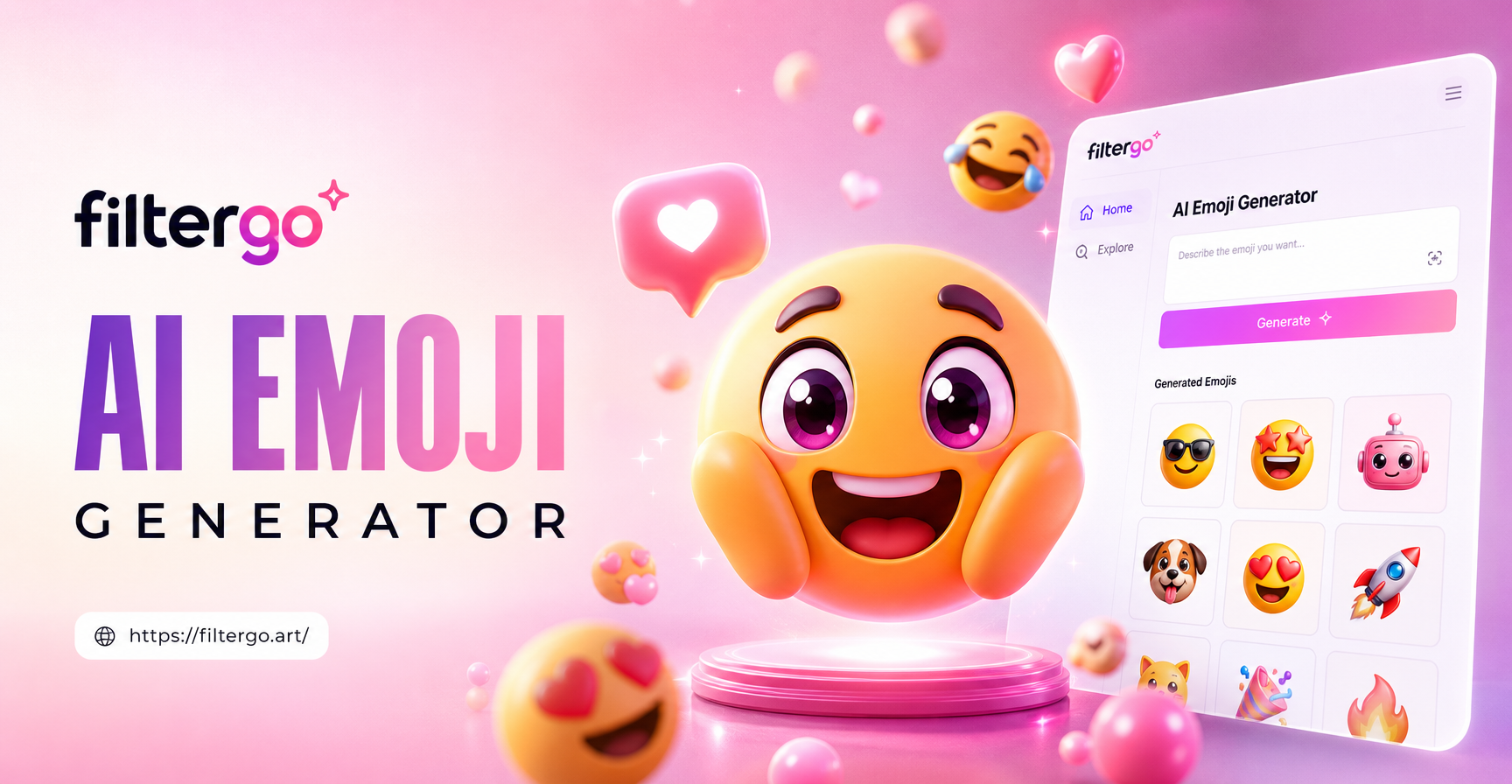
Create Your Own AI Emojis with Custom Expressions & Styles
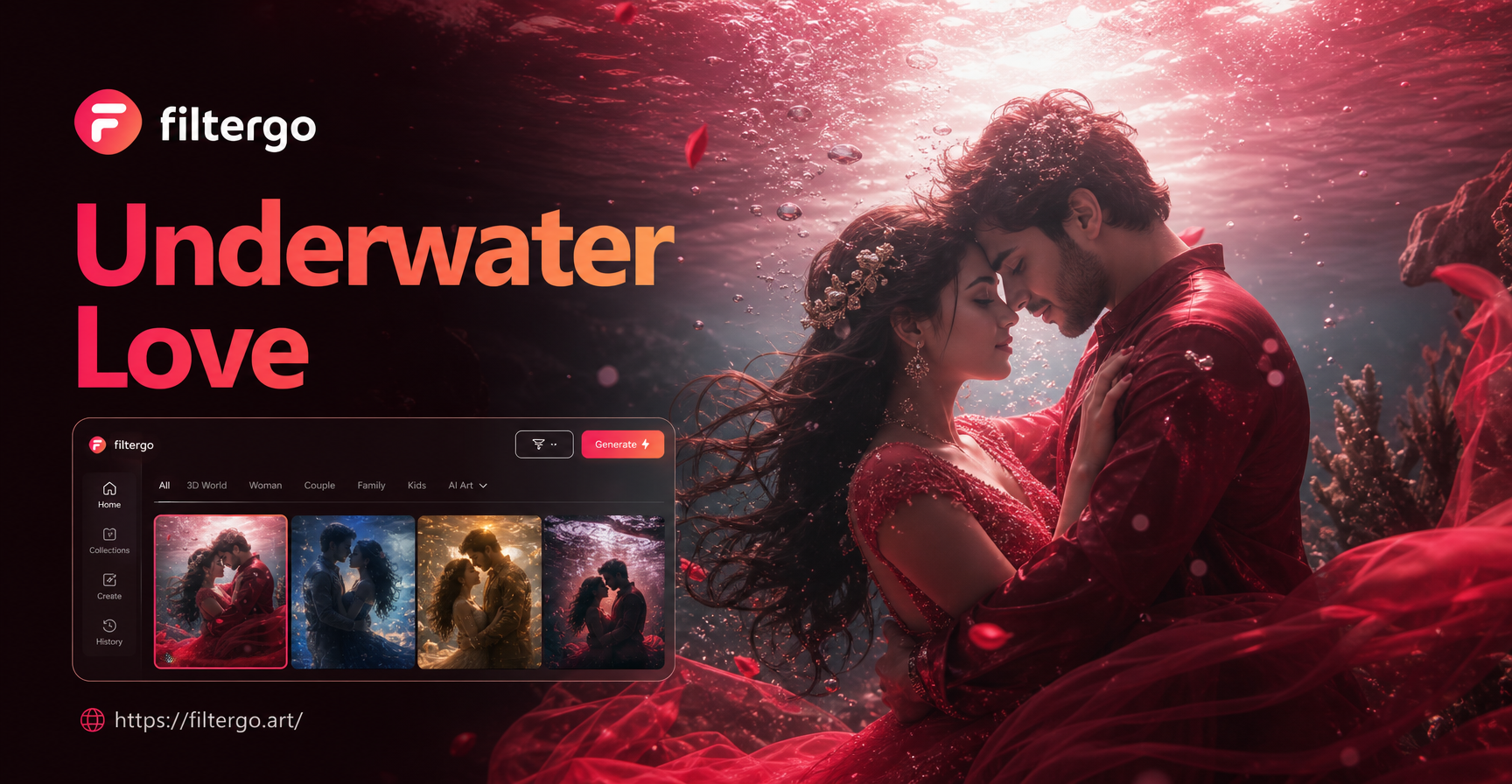
Create Magical Underwater Couple Portraits Instantly
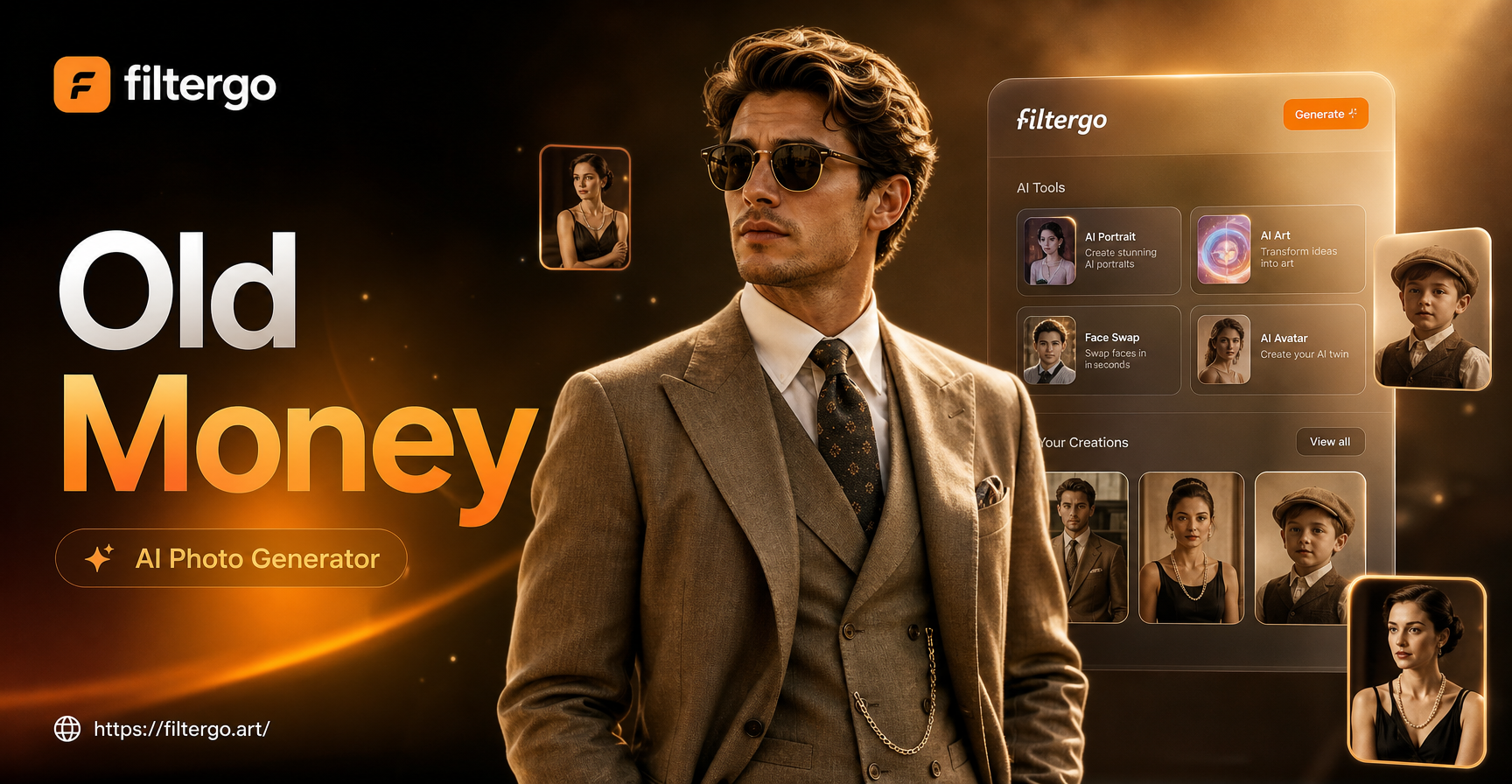
Old Money AI Photo Generator: Vintage Wealth Portraits
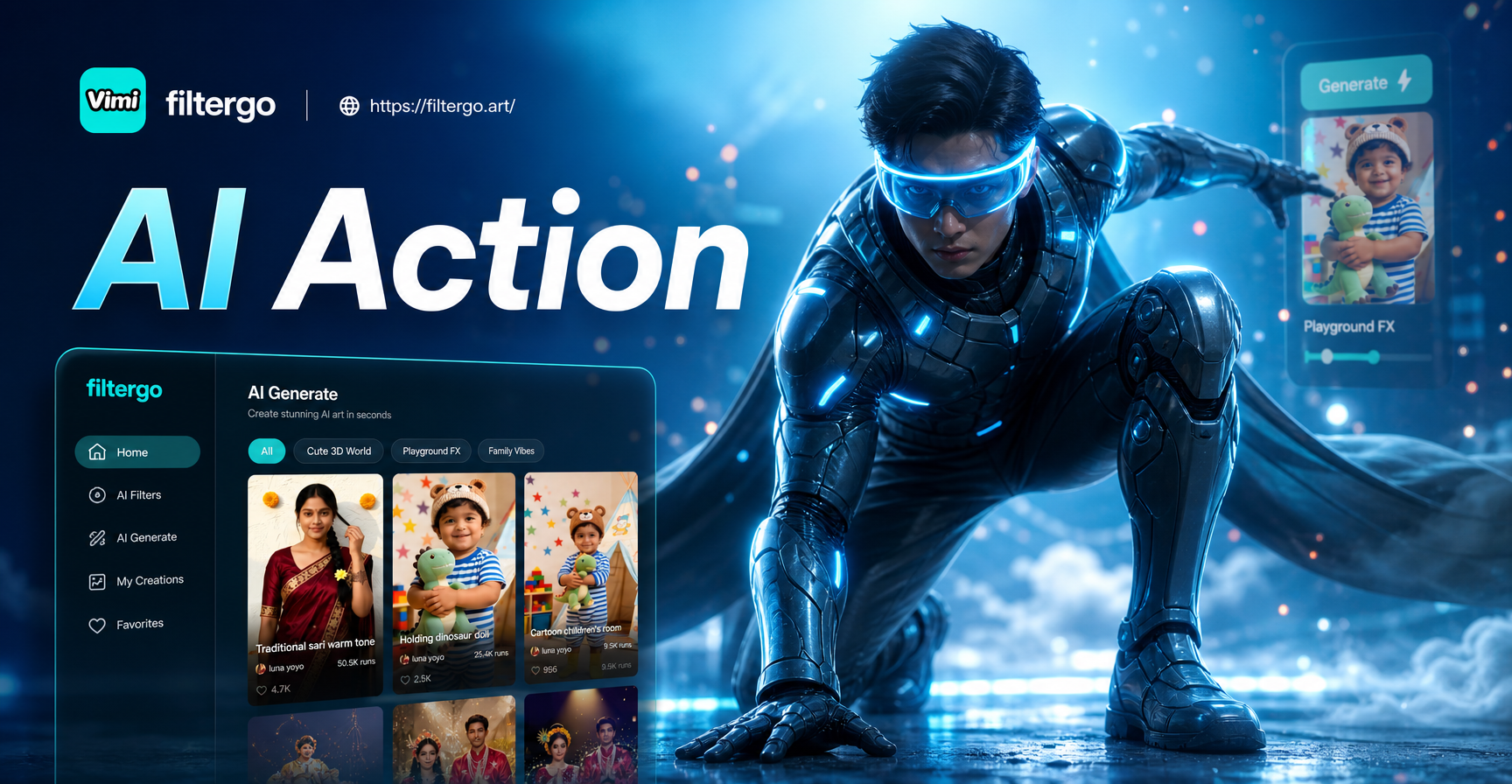
Become a Digital Action Hero with AI
Create Your Own AI Emojis with Custom Expressions & Styles
Create Magical Underwater Couple Portraits Instantly
Old Money AI Photo Generator: Vintage Wealth Portraits
Become a Digital Action Hero with AI
Create Your Signature Cinematic Style
Download the app and instantly access the tools to turn every portrait into a dramatic, smoky work of cinematic art. No waiting, no complexity.

Create Your Signature Cinematic Style
Download the app and instantly access the tools to turn every portrait into a dramatic, smoky work of cinematic art. No waiting, no complexity.