AI Bloom Effect
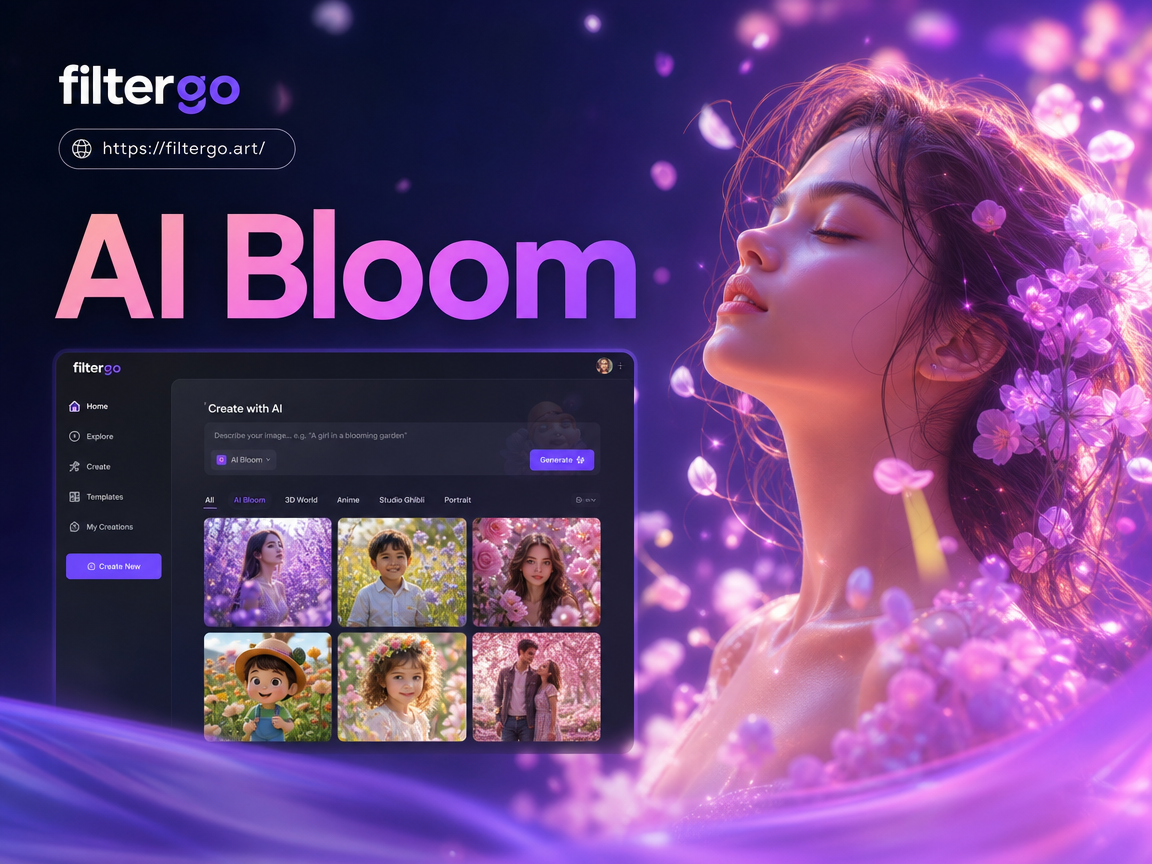
Explore More Dreamy AI Filters
Discover a full suite of artistic filters designed to add magic to your photos. From soft glows to cinematic tones, find your perfect style.
Why the AI Bloom Effect Stands Out
Our Bloom filter uses advanced AI to intelligently apply light, not just a simple overlay. It creates depth, enhances highlights, and delivers a professionally edited look in one tap.
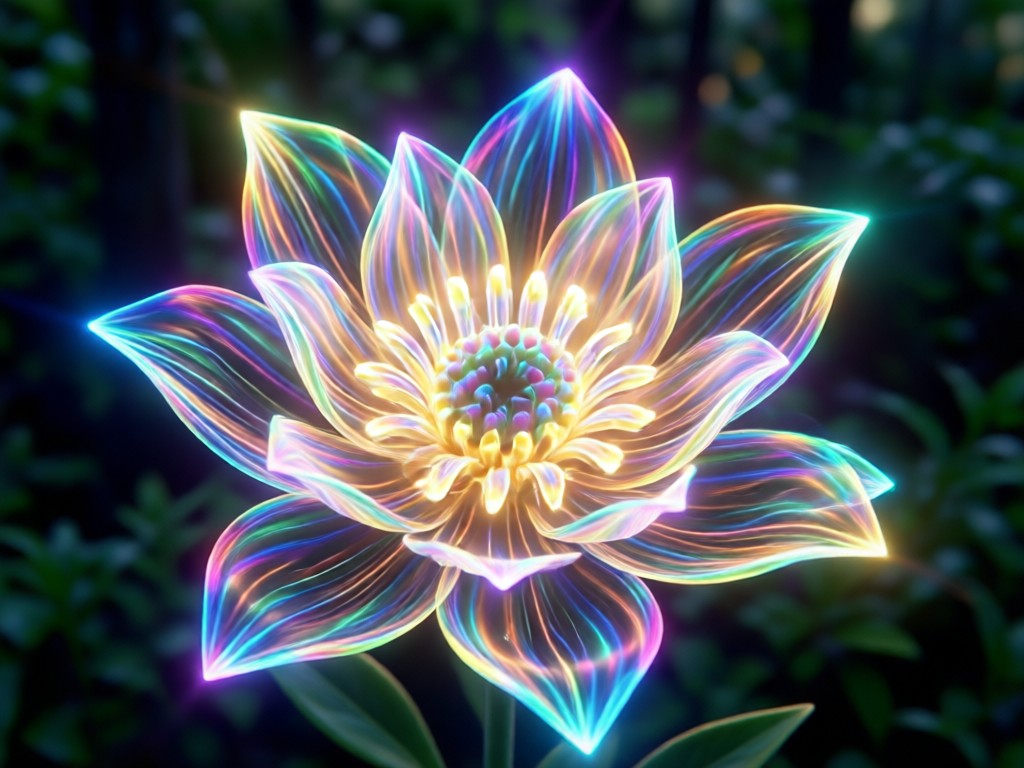
Intelligent Light Diffusion
The AI analyzes light sources in your photo and naturally diffuses highlights, creating a soft, radiant glow that appears organic, not artificial.
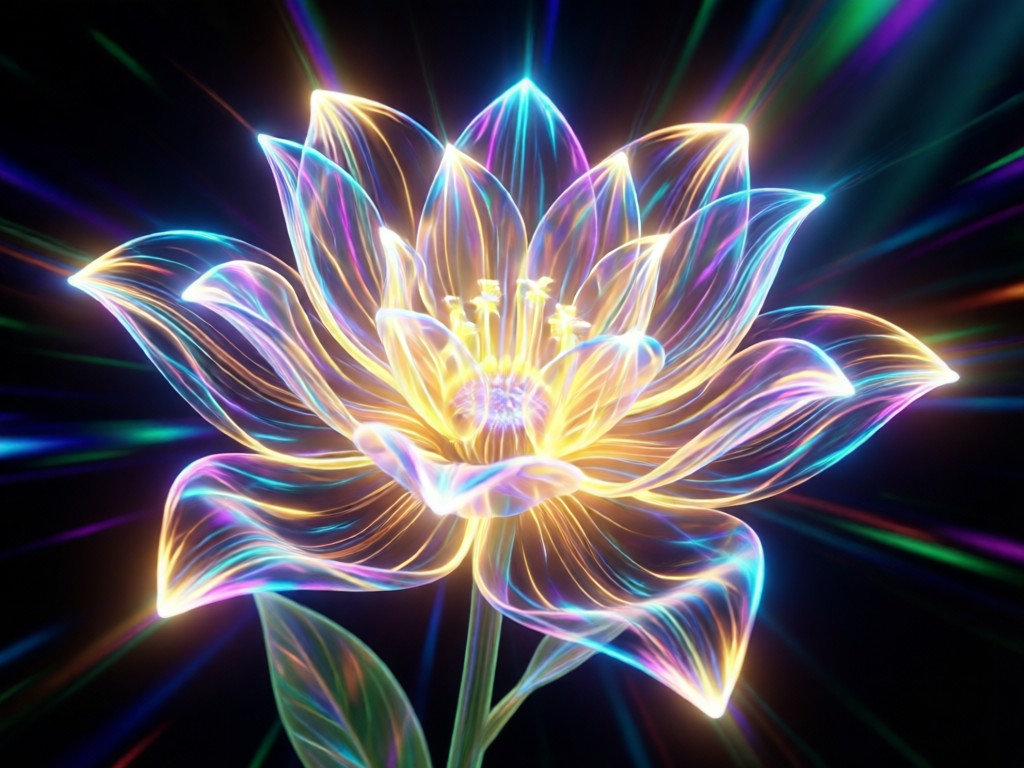
Atmospheric Haze & Glow
Add a dreamy, cinematic atmosphere by simulating atmospheric haze. Perfect for portraits, sunsets, and creating a romantic or fantasy mood in any scene.
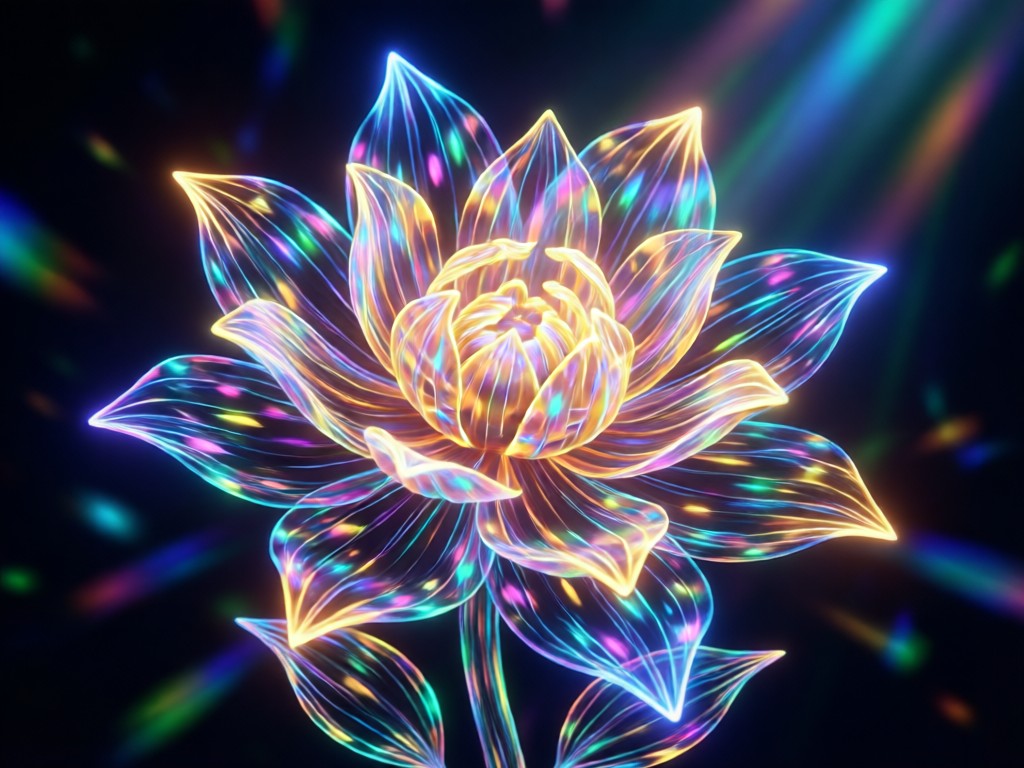
Skin Softening & Highlighting
Automatically smooths skin tones and enhances facial highlights for a flattering, airbrushed effect that complements the overall bloom glow beautifully.
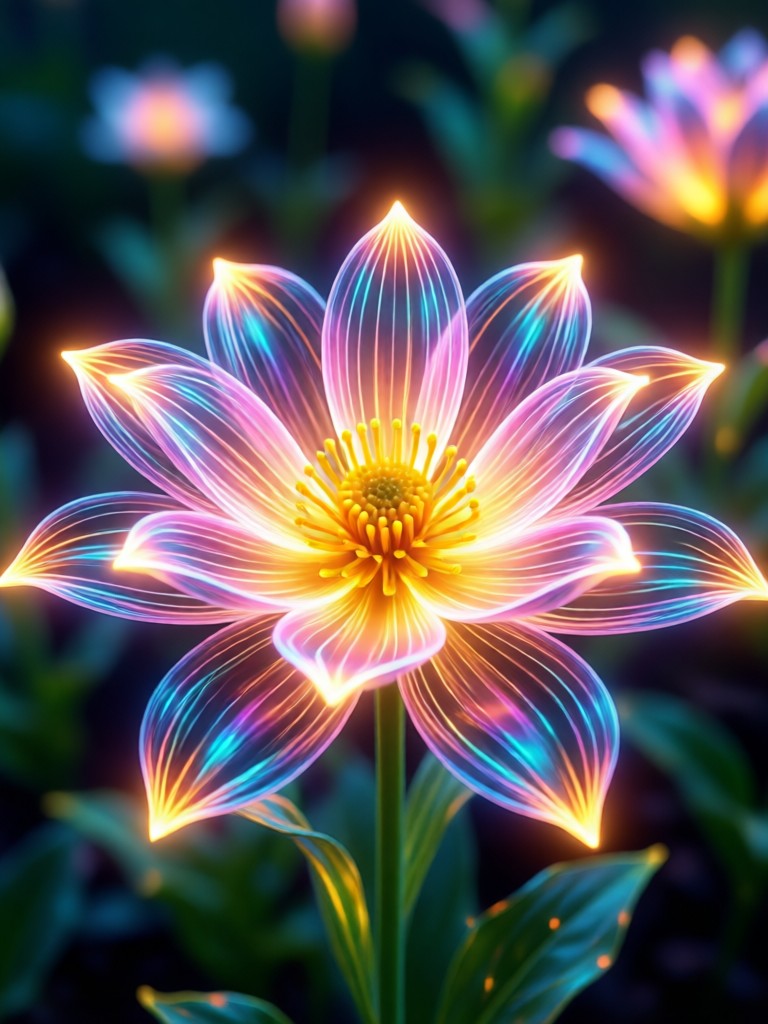
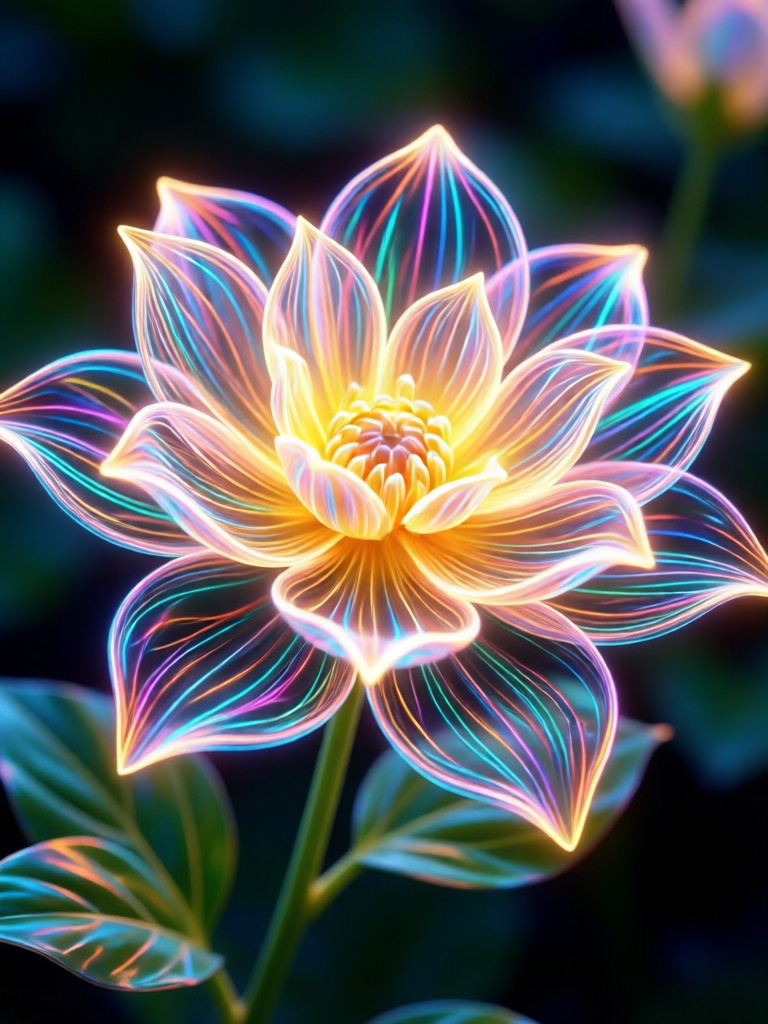
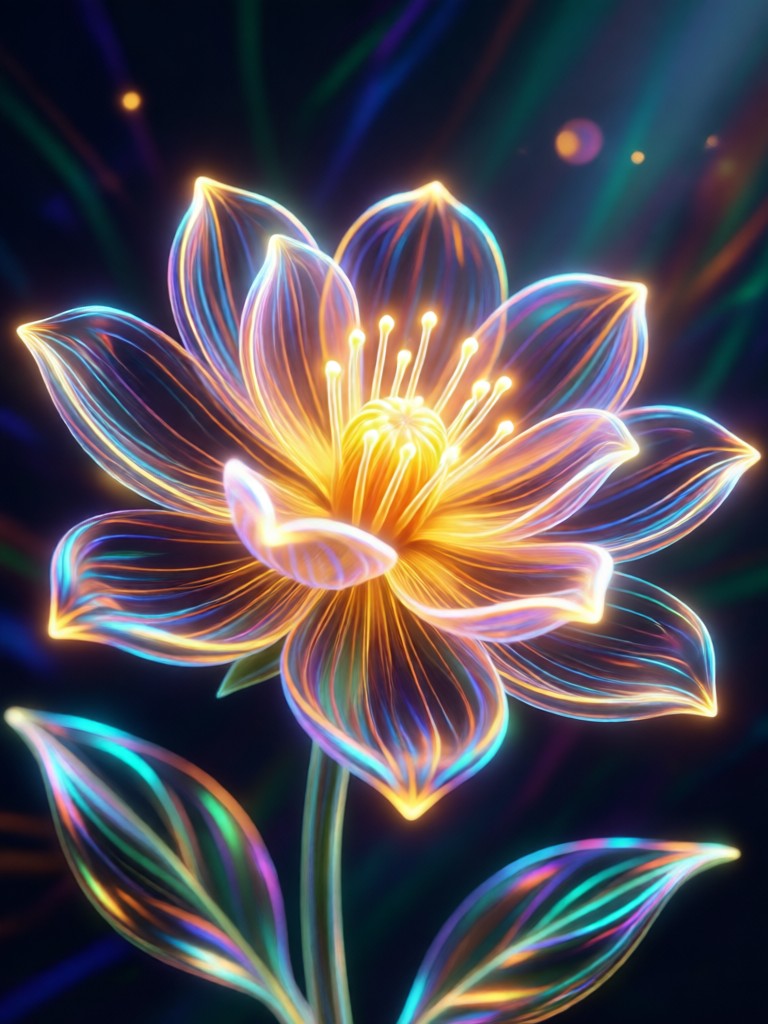
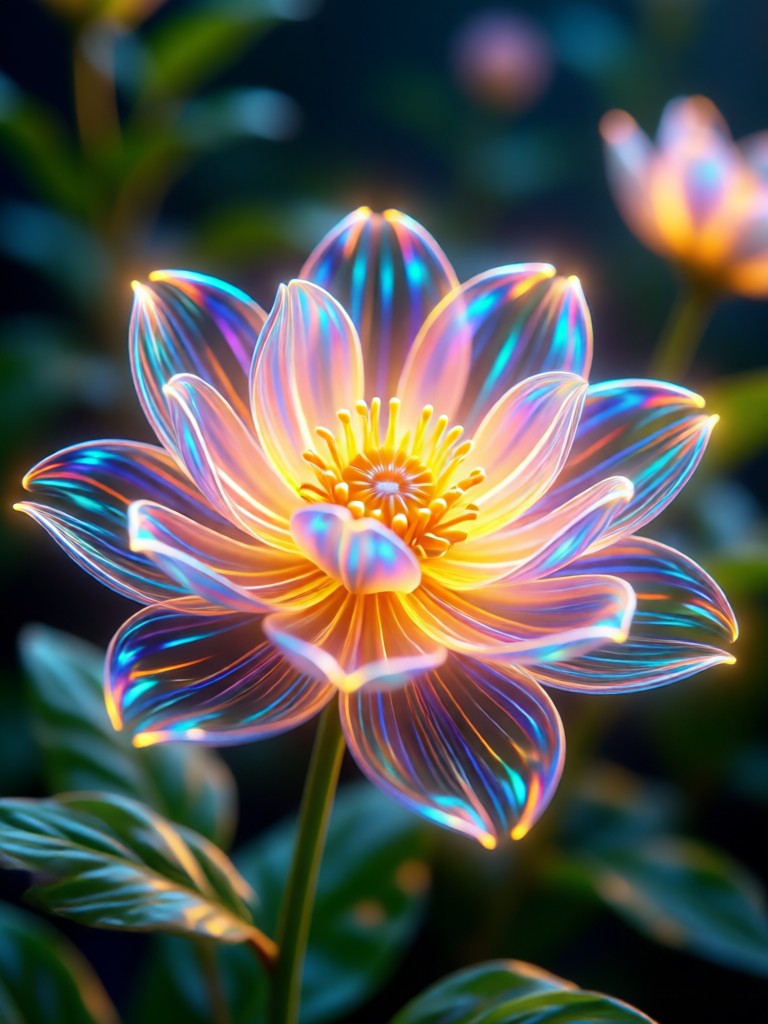
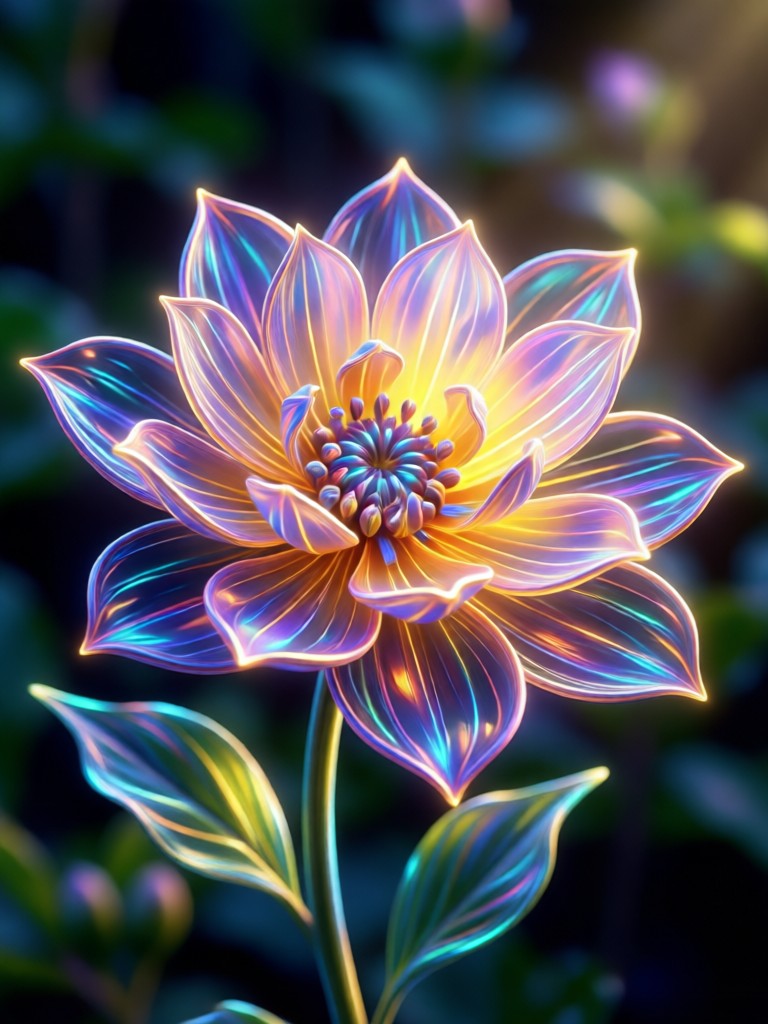
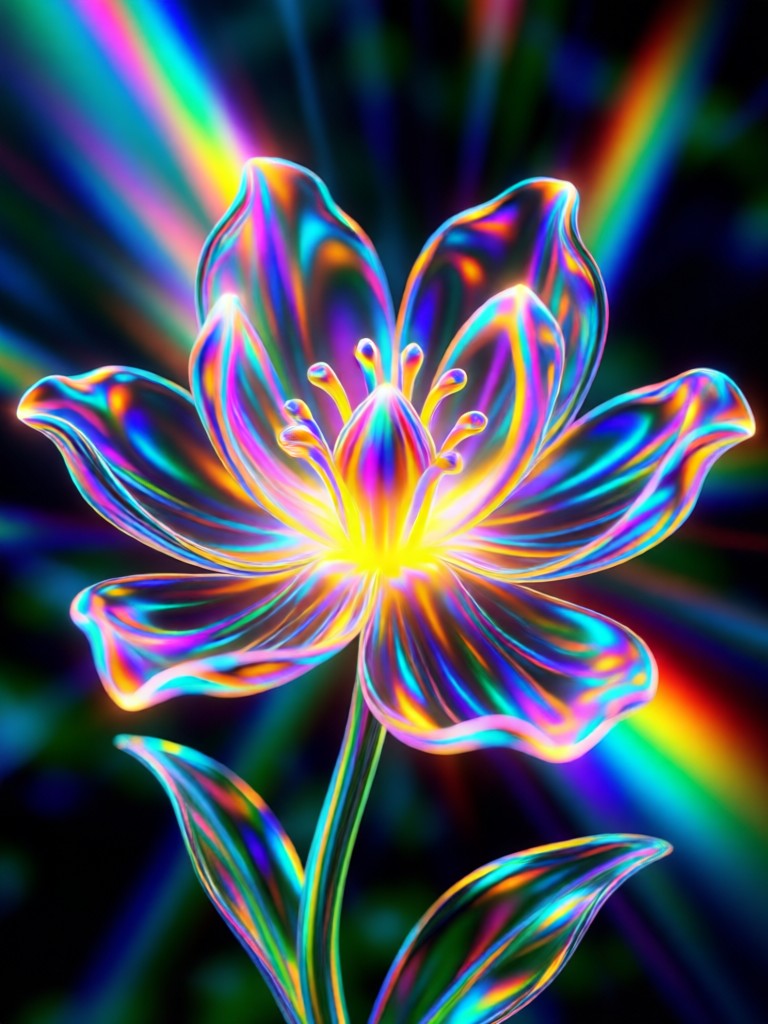
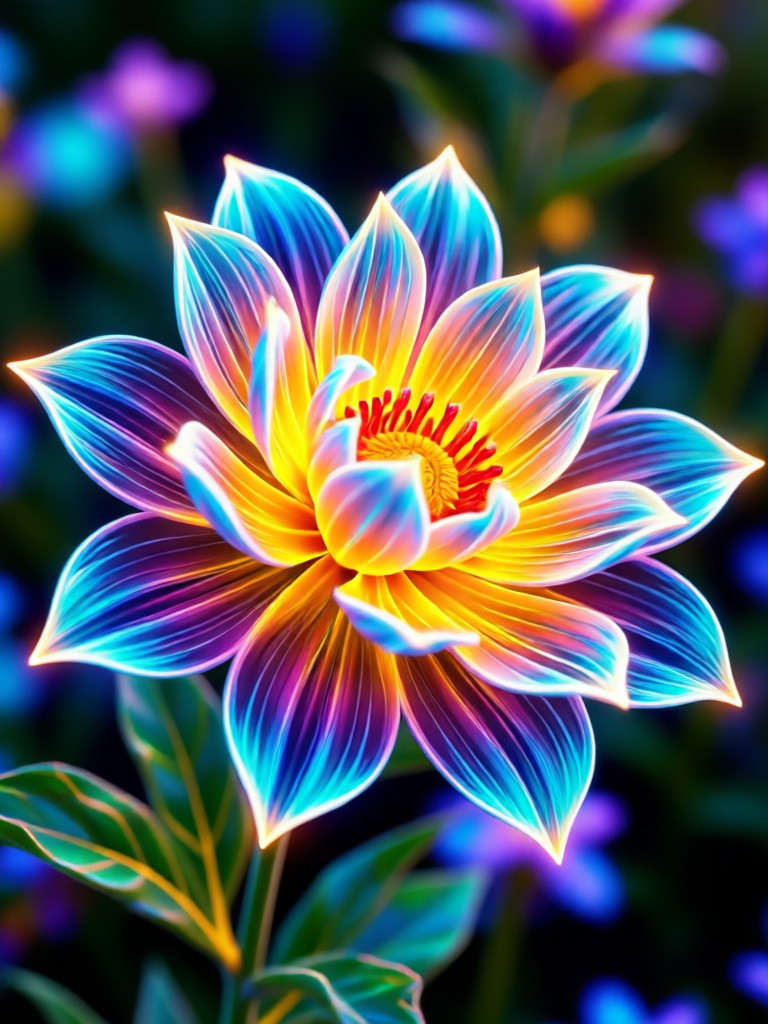
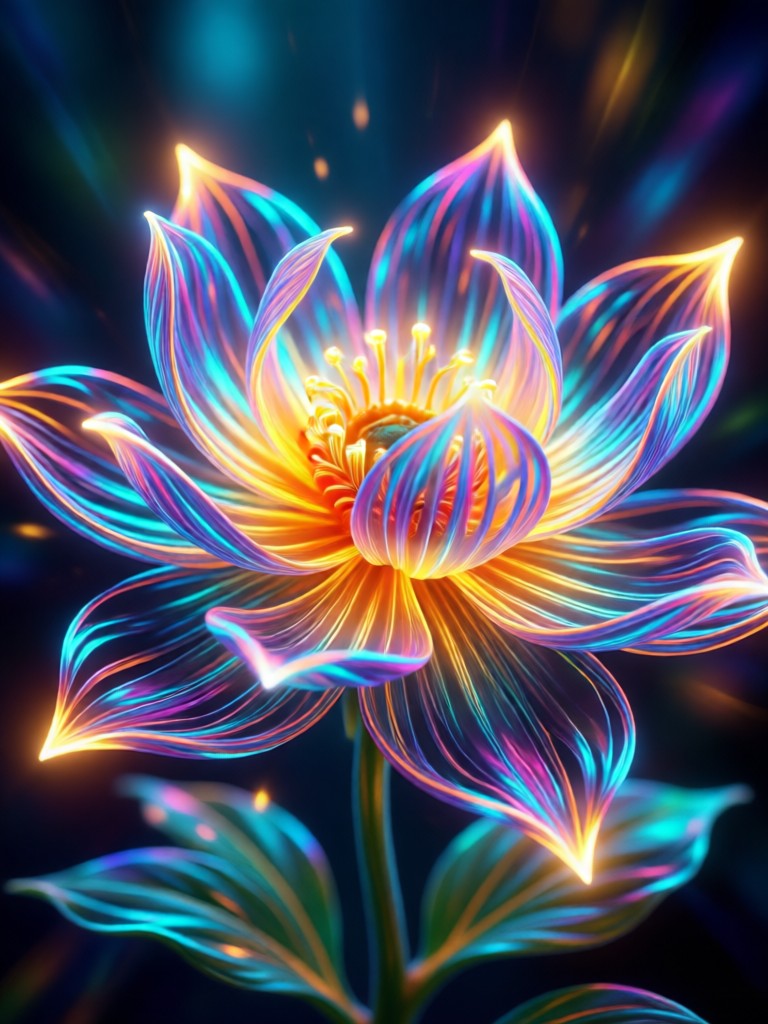
AI Bloom Effect Inspiration Gallery
See how the AI Bloom filter transforms ordinary photos into extraordinary works of art. From portraits to landscapes, explore the possibilities.
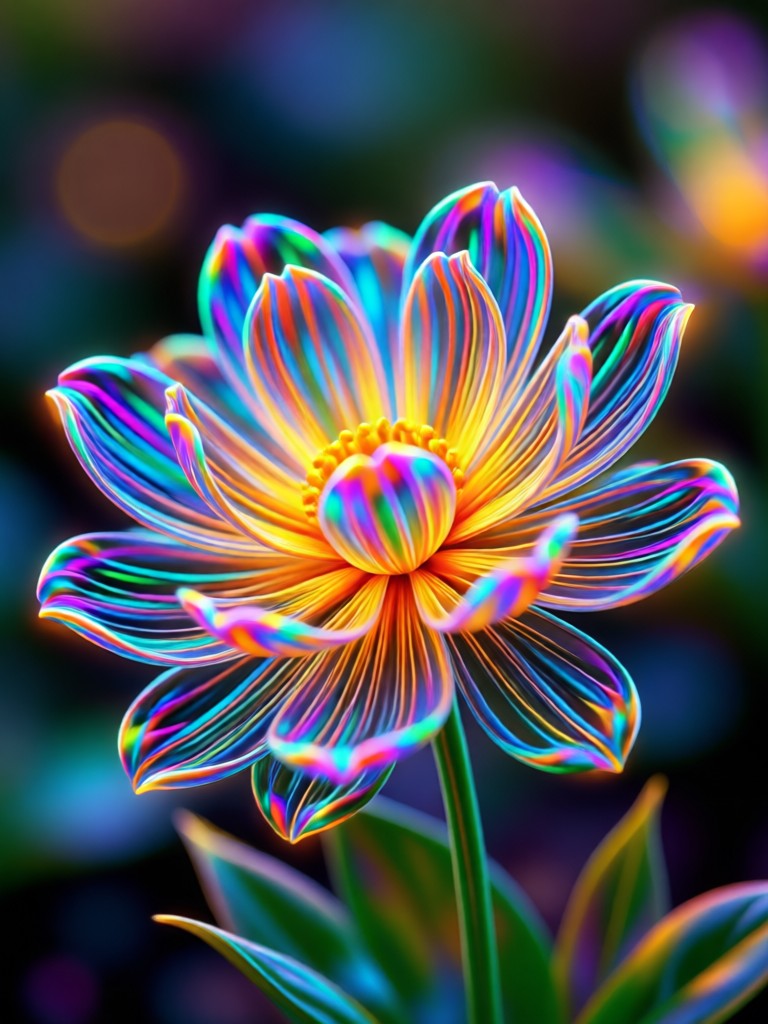
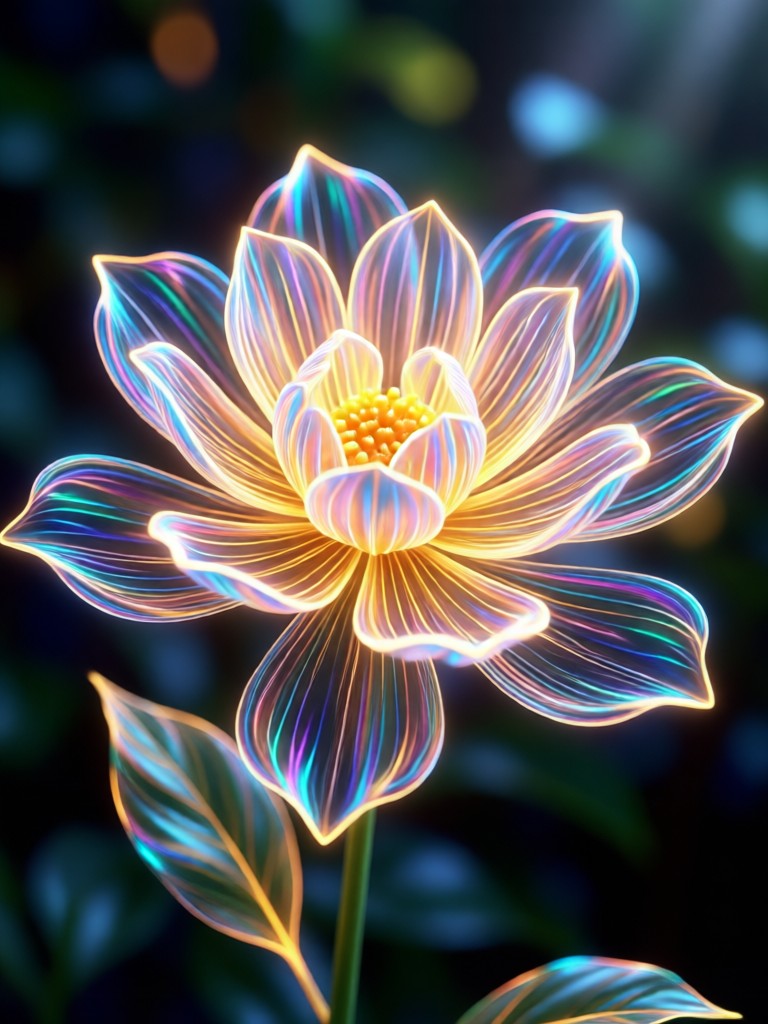
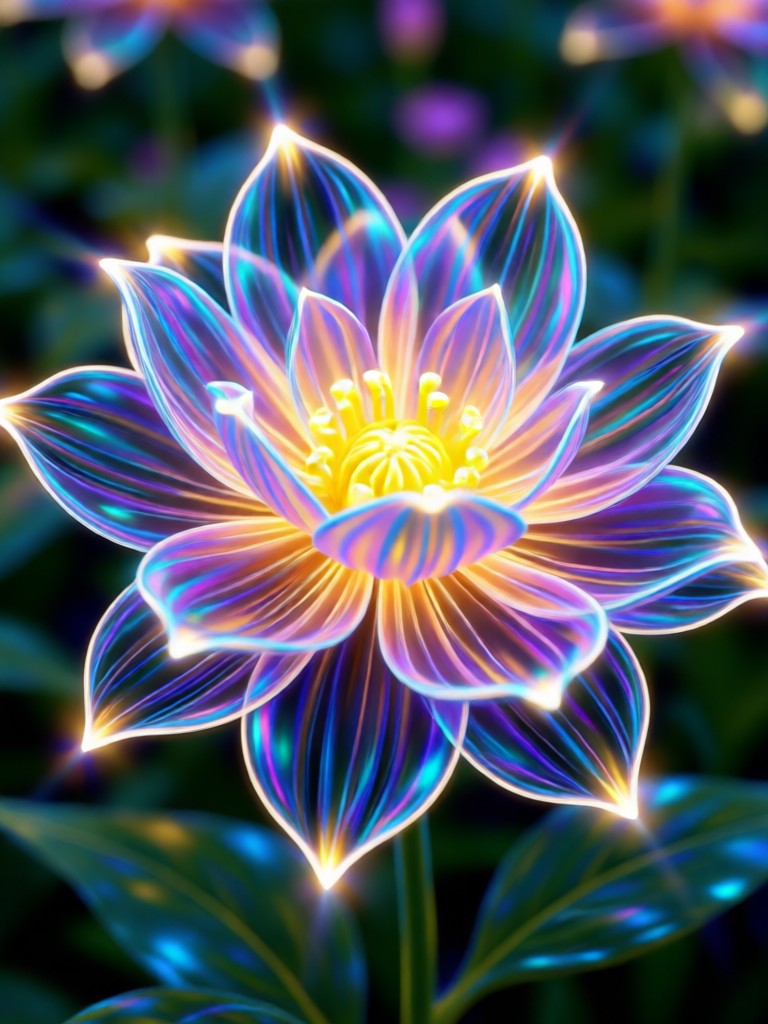
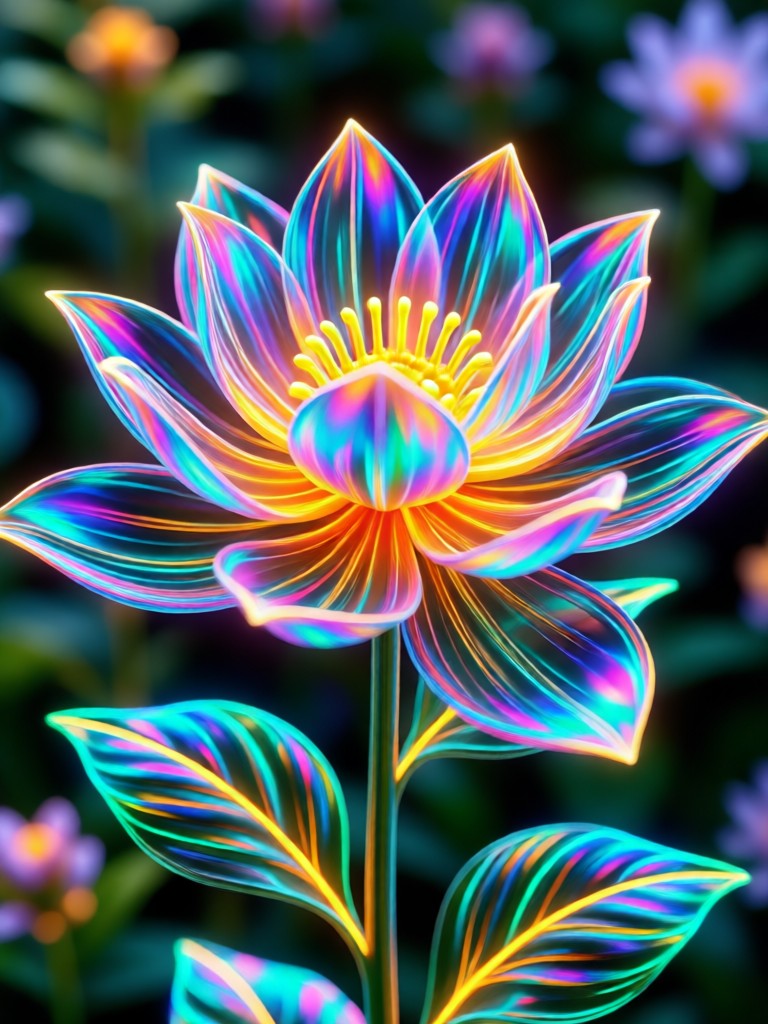
Professional Results, Simple Process
Achieve the level of editing previously reserved for professionals using complex software. Our AI does the heavy lifting for you.
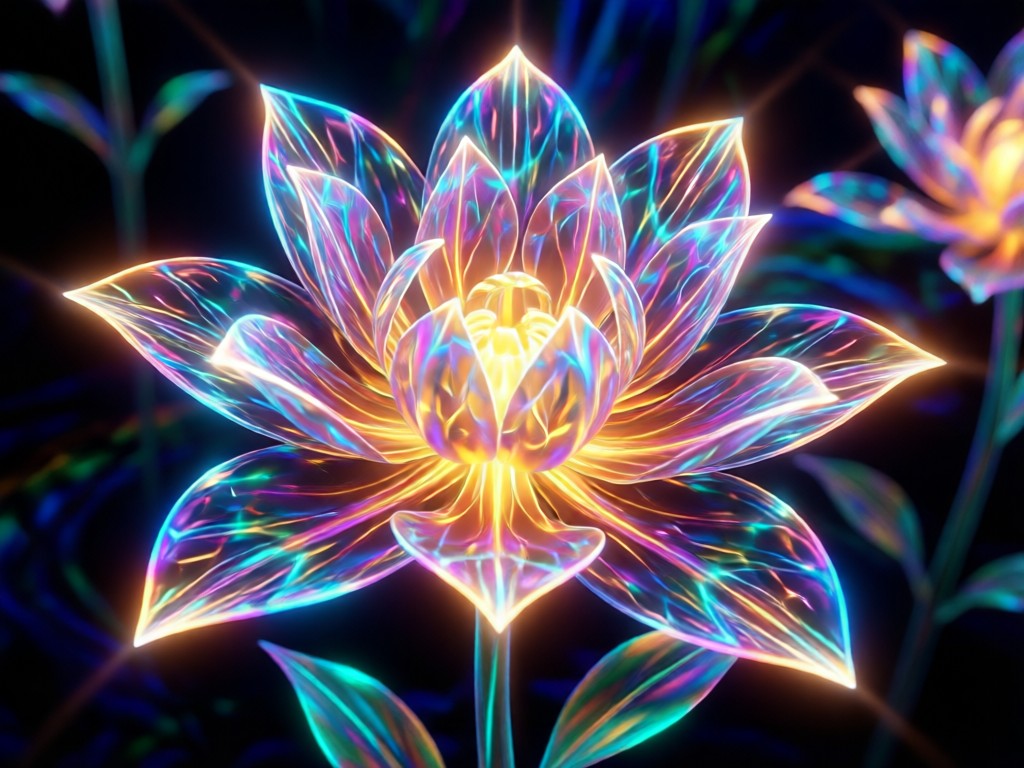
From Snapshot to Masterpiece
Creating a professional bloom or glow effect traditionally requires skill in layers, blending modes, and careful masking. The AI Bloom Effect in filtergo replicates this intricate process automatically. It intelligently identifies highlights, adjusts diffusion based on image content, and balances the glow intensity for a result that looks crafted, not filtered. This saves hours of editing time while delivering consistent, high quality artistic enhancements.
From Snapshot to Masterpiece
Creating a professional bloom or glow effect traditionally requires skill in layers, blending modes, and careful masking. The AI Bloom Effect in filtergo replicates this intricate process automatically. It intelligently identifies highlights, adjusts diffusion based on image content, and balances the glow intensity for a result that looks crafted, not filtered. This saves hours of editing time while delivering consistent, high quality artistic enhancements.
How to Apply the AI Bloom Effect?
Add a dreamy glow to your photos in just three simple steps. The entire process takes less than a minute.

Step 01.
Download the filtergo app from Google Play to access the AI Bloom Effect and all other creative filters on your mobile device.

Step 02.
Open the app, upload your photo, and select the 'AI Bloom Effect' from the vast library of style filters and effects.

Step 03.
Preview the transformation instantly. Adjust intensity if desired, then save your glowing image to your device or share it directly on social media.
What Creators Say About the AI Bloom Effect
My go to for portrait magic
As a portrait photographer, adding a subtle glow in post production used to take me forever. This AI Bloom Effect gets it perfect in one tap. My clients love the dreamy look it gives their photos.
Transforms my travel content
I use it on all my sunset and golden hour shots from my travels. It intensifies the light in a beautiful way and makes my Instagram feed look incredibly cohesive and professional.
Perfect for product photography
I sell handmade jewelry, and the Bloom effect helps me create those soft, high end product shots that make items look luxurious. It highlights the details without harsh shadows.
Where to Use the AI Bloom Effect
This versatile filter enhances a wide range of photos. Apply it to portraits for a flattering glow, landscape shots for a dreamy atmosphere, product photos for a soft highlight, or wedding pictures to add romance. It is the perfect finishing touch for any image that needs a touch of magic and light.
AI Bloom Effect FAQs
Get quick answers to common questions about using the Bloom filter, its capabilities, and how to get the best results.
More Topics You May Like
Explore more topics you may like and discover fresh ideas tailored to your interests.
Unleash Darkness: AI Dark Fantasy Art Generator
Create Divine Nag Panchami AI Photos Instantly
Turn Your Photos Into Magical Disney Posters with AI
AI D&D Character Generator: Design Epic Fantasy Heroes
Unleash Darkness: AI Dark Fantasy Art Generator
Create Divine Nag Panchami AI Photos Instantly
Turn Your Photos Into Magical Disney Posters with AI
AI D&D Character Generator: Design Epic Fantasy Heroes
Download filtergo & Unleash Your Creativity
Access the AI Bloom Effect and millions of other artistic filters instantly. Transform your photos and videos with the power of AI, all from your mobile device.

Download filtergo & Unleash Your Creativity
Access the AI Bloom Effect and millions of other artistic filters instantly. Transform your photos and videos with the power of AI, all from your mobile device.